
Introduction to Dynamic View AZ
Are you looking to give your smartphone a fresh, elegant, and functional makeover? Discover Dynamic View AZ, an innovative app that transforms your device's interface into a dynamic and personalized experience. This powerful customization tool is designed to enhance how you interact with notifications, activities, and your home screen, making your Android device more intuitive and visually appealing.
Experience Dynamic View AZ Features on Android Devices
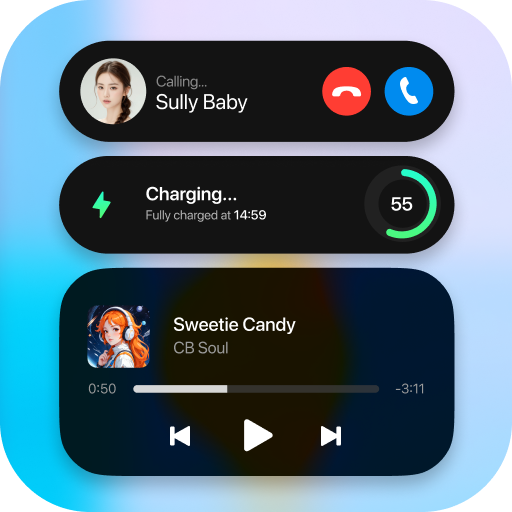
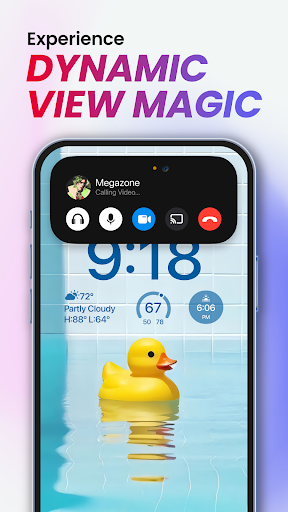
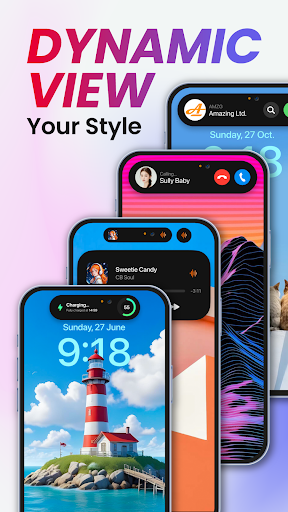
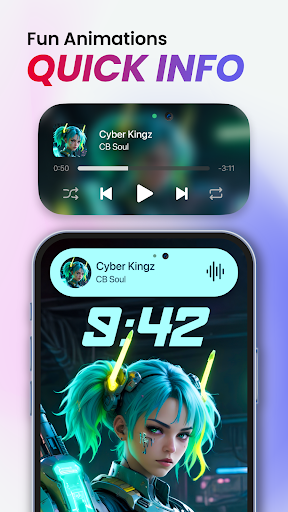
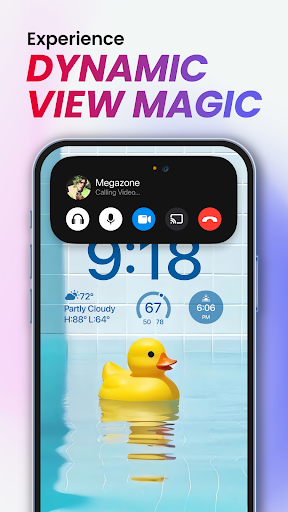
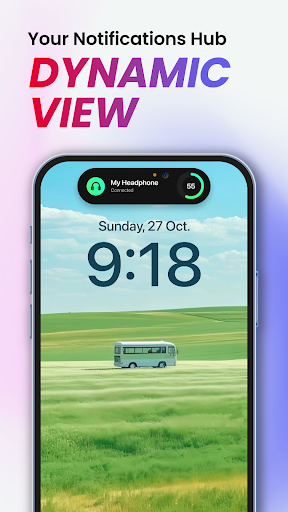
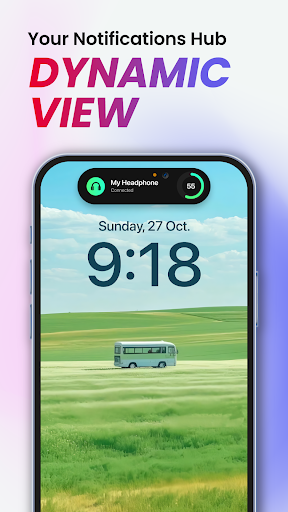
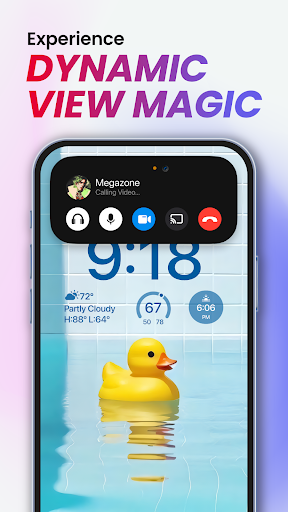
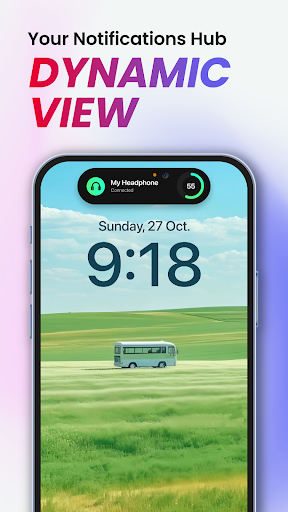
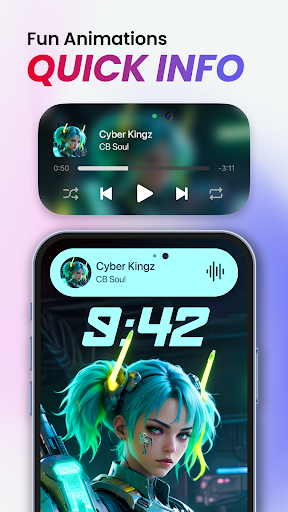
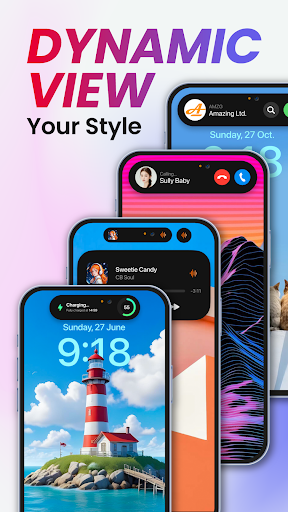
Dynamic View AZ allows users to effortlessly monitor notifications and current activities directly from the home screen or within any app. Whether it's music playback, timers, weather updates, or incoming calls, all information is accessible through a sleek, animated overlay called Dynamic View. The app enhances usability by enabling quick controls with simple gestures, ensuring essential information is always at your fingertips without disrupting your content.
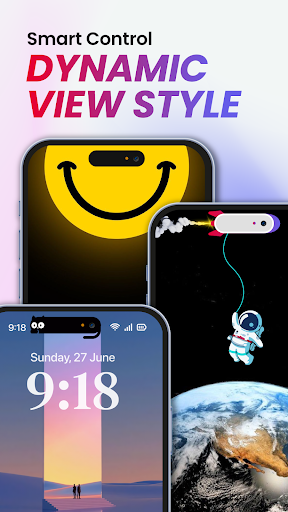
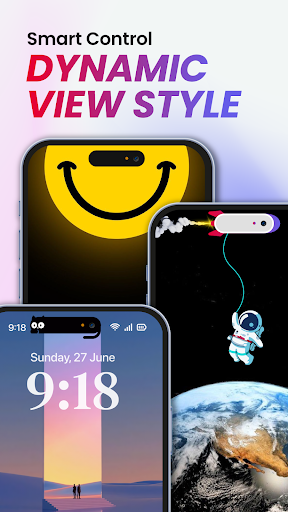
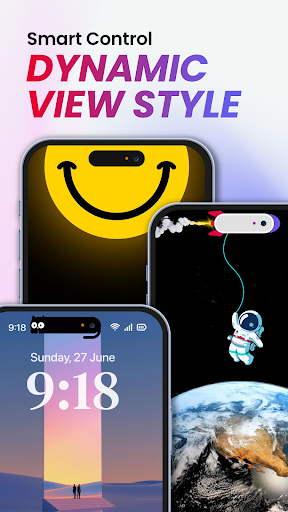
To access more details, just touch and hold the Dynamic View to expand it. Enjoy smooth, engaging animations that make checking notifications and controlling activities both fun and efficient. Plus, you can personalize your experience with various size, position, and visual options—making the Dynamic View truly yours.
Key features include:
- Show incoming calls
- Read and display notifications
- Visualize music waveform and control music playback
- Display timers and alarm clocks
- Show battery charging info
- Keep track of weather conditions
- Access calendar quickly
The app is designed to be fast, smooth, and easy to use, with customization options that allow you to edit the size and position of Dynamic View. Future updates promise even more functionalities to enhance your experience further.
Permissions and Privacy
To function optimally, Dynamic View AZ requires specific permissions including:
- QUERY_ALL_PACKAGED — To check, show, and manage app notifications
- OVERLAY PERMISSION — To display the Dynamic View overlay across all screens
- NOTIFICATION PERMISSION — To show notifications within the overlay
- ACCESSIBILITY PERMISSION — To set up and display additional information like weather, alarms, and music controls. Importantly, the app commits to respecting user privacy and does not collect or share any accessibility data.
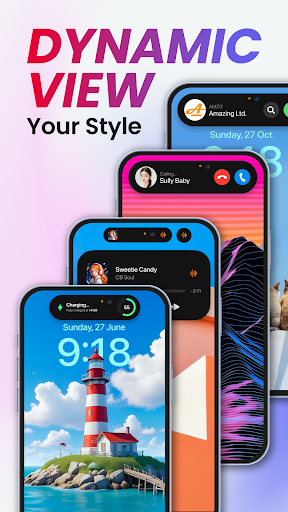
Experience the collection of beautiful Dynamic Bubble animations and explore a host of exciting features designed to elevate your device's interface.
Feedback and Support
If you enjoy Dynamic View AZ and wish to see it improve, your feedback is highly appreciated. The developers are committed to continuously enhancing the app based on user suggestions. For assistance or to share your ideas, you can contact the support team.
Thank you for choosing Dynamic View AZ—your gateway to a more personalized and dynamic smartphone experience.
Why Choose Dynamic View AZ?
In today's world of identical-looking smartphones, Dynamic View AZ stands out by offering a highly customizable, dynamic user interface. It lets you craft a unique home screen that reflects your style and routines. With a vast selection of widgets, themes, and icon packs, you can tailor every aspect of your device—be it a minimalist aesthetic or a vibrant visual setup.
The intuitive drag-and-drop interface makes personalization effortless, even for non-tech-savvy users. The app ensures high performance without draining your battery or slowing down your device, thus providing a seamless experience. Additionally, interactive notifications enhance your productivity by allowing actions directly within notification panels, making your device more responsive and user-friendly.
Whether you're a tech enthusiast eager to explore new customization options or someone seeking a way to make your smartphone more functional and stylish, Dynamic View AZ is an excellent choice. It transforms your device into a reflection of your personality, blending aesthetics with practicality effortlessly.
Ready to give your Android device a new lease on life? Download Dynamic View AZ today and unlock a world of endless personalization possibilities, making your smartphone truly yours.
Pros
- User-friendly interface suitable for beginners.
- Customizable options for experienced users.
- Provides real-time data synchronization.
- Works seamlessly on both Android and iOS devices.
- Regular updates improve app functionality.
Cons
- May experience occasional lag on older devices.
- Depends on a stable internet connection.
- Offline features are limited.
- Some features require payment to access.
- In-app advertisements can be disruptive.











