
Downloader - Video Downloader: Effortless and Fast Video Saving
In today’s digital world, the ability to download videos from social media platforms and websites has become increasingly important. Downloader - Video Downloader is a versatile app designed to offer users a seamless experience in saving all types of videos at lightning-fast speeds. Whether you’re looking to capture memorable clips from social media or gather content for offline viewing, this powerful tool has you covered with its extensive feature set and user-friendly interface.
Key Features of Downloader - Video Downloader
All Formats Supported
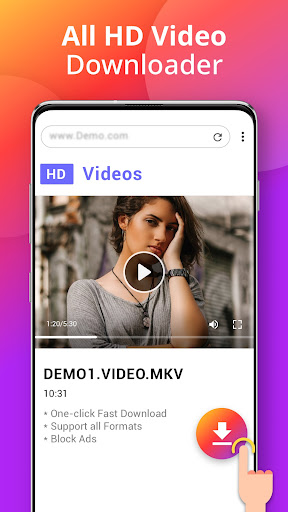
Supporting all formats, from common video types like MP4, MOV, AVI, WMV, to audio files such as MP3 and M4A, Downloader - Video Downloader makes it simple to save your favorite content in the format you prefer. Download videos in high definition (HD) quality directly to your device and enjoy crisp, clear playback anytime, anywhere.
Lightning-Fast Download Speeds
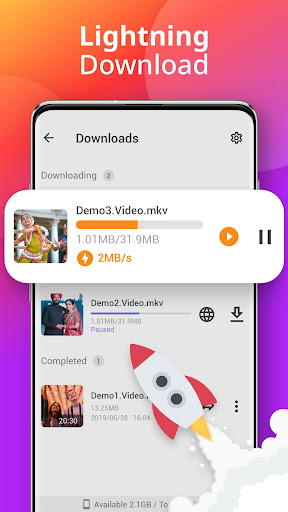
Experience ultrafast download speeds that enable you to grab videos quickly without long waiting times. The integrated smart auto-detect feature makes browsing easier—just browse videos using the in-app browser or paste a link, and the app will automatically identify the video for quick download with a single tap.
Built-In Browser and Download Manager
The built-in browser allows you to browse the internet smoothly without leaving the app, maintaining privacy and convenience. Additionally, the robust download manager supports multiple concurrent downloads, background downloading, pausing/resuming downloads, and even resuming failed downloads—giving you complete control over your downloads.
Offline Video Player
Once videos are downloaded, take advantage of the built-in video player to watch your content offline without needing external apps. This feature ensures quick access and a seamless viewing experience.
Download Quality and Customization
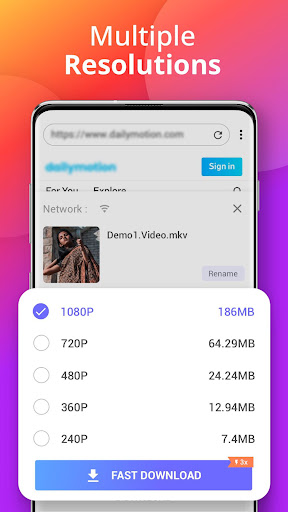
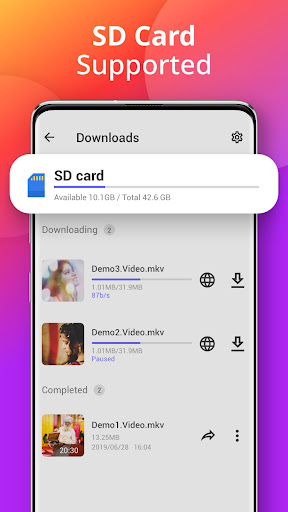
You can choose the resolution and quality before downloading to ensure the best viewing experience. The app also supports saving videos directly to your SD card, helping you manage storage efficiently. Bookmark your favorite websites for quick access on future downloads.
Additional Utilities
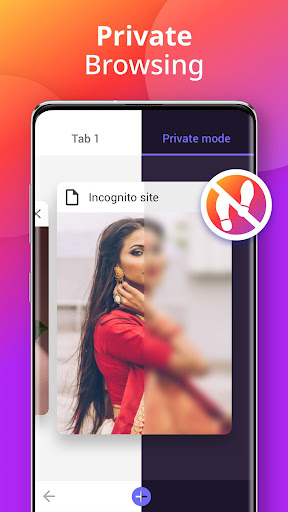
Beyond video downloading, this app functions as a file manager for organizing your downloads, an image/photo downloader for saving multimedia content from various sources, and a private browsing experience that leaves no trace of your activity. Its versatility makes it an all-in-one media management solution.
Why Choose Downloader - Video Downloader?
If you’ve ever encountered a viral video or a captivating clip on social media and wished to save it for offline viewing, Downloader - Video Downloader is your ideal solution. Its intuitive interface allows even non-tech-savvy users to effortlessly download videos—simply copy the URL, paste it into the app, and tap download.
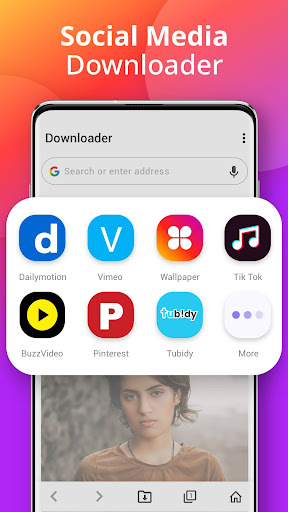
The app’s compatibility with a wide range of platforms including Instagram, Facebook, TikTok, and Twitter ensures comprehensive coverage for all your video-saving needs. Plus, the quick download speed means you won’t have to wait long before enjoying your videos offline.
Moreover, the ability to download multiple videos simultaneously, select different resolutions, and manage downloads efficiently makes Downloader - Video Downloader a must-have app for content creators, students, or anyone who enjoys saving media for later. Its support for private browsing, no download restrictions, and ability to download from various websites strengthen its position as a top choice among video downloading tools.
In summary, Downloader - Video Downloader provides a reliable, fast, and convenient way to save videos in HD quality. Whether for offline entertainment, content collection, or offline sharing, this app simplifies the process and enriches your digital media experience. Give it a try and unlock a new level of media accessibility today!
Pros
- Supports multiple formats for downloads
- Fast download speeds
- User-friendly interface
- Allows batch downloading
- No registration required
Cons
- Ads can be intrusive
- Limited features in free version
- Not available on iOS
- Requires Android 5.0 or higher
- Some videos might be undownloadable











