



Introducing the Download Video & Player App
Are you tired of missing out on your favorite videos when you're offline? The Download Video & Player app is a powerful tool designed to make downloading and watching videos effortless and enjoyable. Whether you're capturing videos from social media, streaming platforms, or websites, this app provides a seamless experience to save videos quickly and play them anytime, anywhere. With its user-friendly interface and versatile features, it has become a must-have app for video enthusiasts who want to keep their favorite content at their fingertips.
Key Features of the Download Video & Player App
Easy and Fast Video Downloads
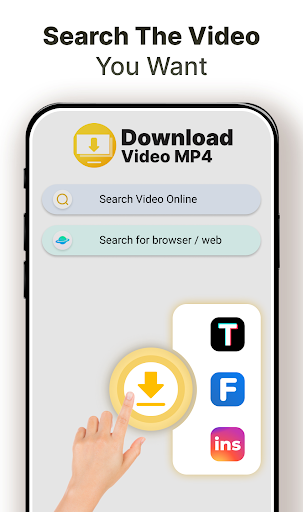
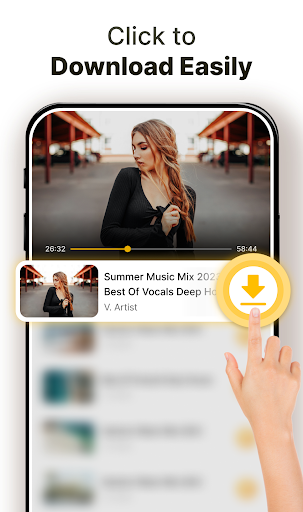
This app allows you to download videos with just one click. Simply search for your desired video, tap the "Download" button, and the app takes care of the rest. You can save videos from a wide range of sources, and the process is designed to be quick and straightforward, so you can start watching in no time.
Support for Multiple Download Formats and Large Files
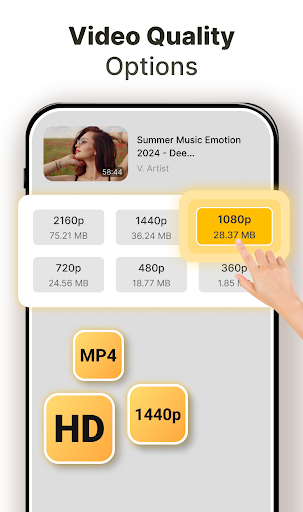
Whether you want a high-definition video or a smaller file size, the app offers a variety of download options to suit your needs. It supports all popular video formats, including those necessary for large files, ensuring you never have to compromise on quality or storage capacity.
Advanced Download Management
The full-featured download manager enables you to pause, resume, or remove downloads at any time. Download multiple videos simultaneously or let downloads run in the background while you do other tasks. You can even download over Wi-Fi or cellular networks such as 3G, 4G, or 5G for maximum flexibility.
Built-In Video Player and Editing Tools
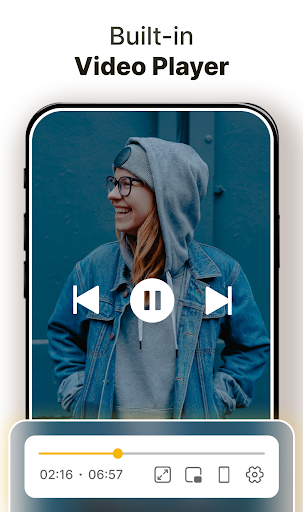
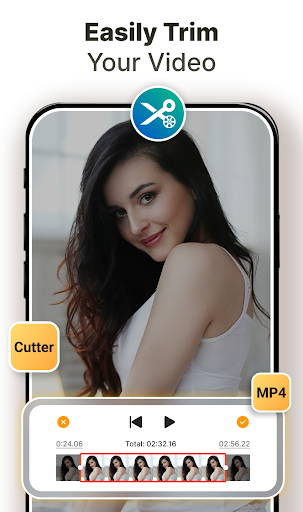
Watch your downloaded videos instantly with the built-in video player supporting various formats. The app also includes a video cutter and video to MP3 converter, allowing you to customize your media content according to your preferences.
Additional Features
Enjoy features like background downloading, SDCard support, and fast download speeds. These features make the app a comprehensive solution for all your video downloading needs.
How to Use the Download Video & Player App
To start downloading videos, simply search for the video you wish to save, tap the "Download" button, and the app will handle the rest. You can select your preferred quality and format beforehand for a customized experience. The download manager will keep you informed about progress, and you can pause or resume downloads as needed. Once downloaded, your videos are available offline, ready to be played through the built-in media player without any internet buffering.
Additional Information and Notes
The app fetches videos from https://archive.org, ensuring free and legal access to a vast library of content. All videos available for download are free to use, making this app an ethical choice for offline viewing.
Conclusion
Whether you're looking to save videos for offline entertainment, educational purposes, or sharing with friends, the Download Video & Player app offers an efficient, versatile, and user-friendly solution. Its combination of fast downloads, format support, intuitive interface, and multimedia tools makes it the ideal app for anyone who loves to watch videos on the go. Download it today and transform the way you enjoy your favorite videos—anytime, anywhere.
Pros
- Supports a variety of video formats.
- User-friendly interface.
- High-speed downloads.
- Allows downloads in the background.
- Includes a built-in media player.
Cons
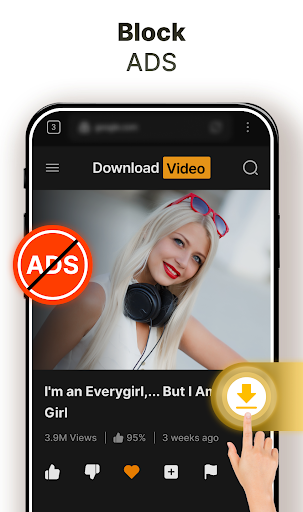
- Contains advertisements.
- Limited features in the free version.
- Does not support playlists.
- Requires internet connection for downloading.
- Occasional app crashes.











