

Download Hub, Video Downloader - Your Ultimate Video Downloading Solution
Have you ever come across a video on social media or while browsing the web that you wish could be saved for offline viewing? Introducing Download Hub, Video Downloader, a versatile and user-friendly app designed to make saving videos to your device effortless. Whether you want to keep a funny clip, a tutorial, or favorite social media content, Download Hub provides a seamless experience to download videos from a multitude of websites with just a few taps.
What is Download Hub, Video Downloader?
Download Hub, Video Downloader is your all-in-one tool for downloading videos directly to your device. Compatible with both Android and iOS platforms, it allows users to save videos from various online sources easily. Whether it’s capturing a viral clip from Instagram or an educational video from a website, this app supports a wide range of content. Its intuitive design ensures that even beginners can navigate and use the app efficiently, making video saving a quick and hassle-free process.
Easy Installation and User-Friendly Interface
Getting started with Download Hub is straightforward. Simply visit your device’s app store, search for the app, and tap download. The installation process is swift and smooth, so you’ll be ready to start downloading in no time.
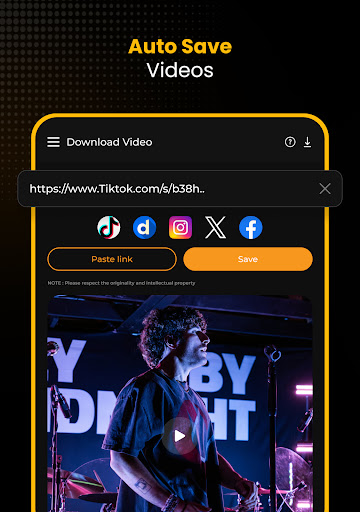
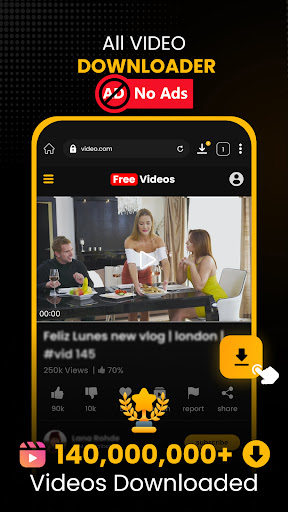
Once launched, the app greets you with a clean and intuitive interface designed with user experience in mind. The main screen features a simple search bar and supported platform icons, allowing you to quickly find and download videos without clutter or confusion. Its accessible layout makes it perfect for users of all skill levels.
Key Features That Make Download Hub Stand Out
Supported Platforms and Compatibility
• Multiple websites supported: Over 1000+ popular sites are supported, with new ones added daily, expanding your download options.
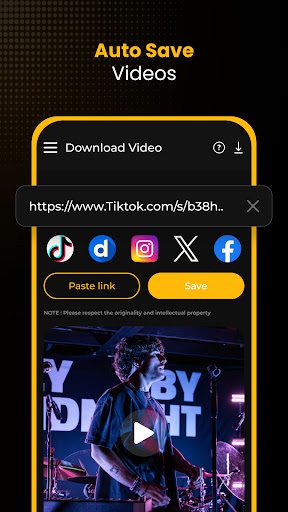
• Supports social media videos: Download content from TikTok, Instagram, Twitter (X), Facebook, Pinterest, CapCut, and more – all without watermarks!
• Formats supported: Download videos in formats such as MP4, WEBM, OGG, M4S, and TS, in high qualities like HD, 2K, and 4K.
Download Management and Performance
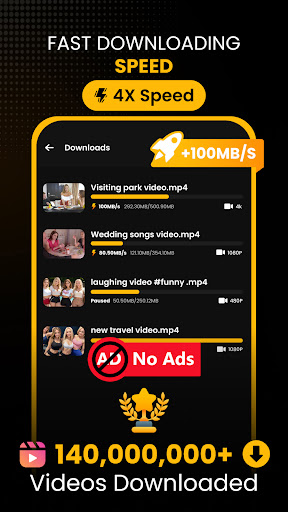
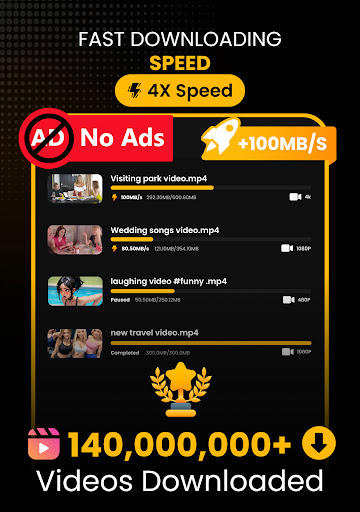
• Multi-threaded downloads enable multiple video captures simultaneously with fast speeds.
• Ability to pause, resume, or cancel ongoing downloads ensures control over your bandwidth and storage.
• Auto-export videos directly to your gallery streamlines content organization.
• Supports playing videos while downloading, saving both time and data.
Video Resolution and Quality Options
• Auto-detection of available video resolutions allows you to choose the quality before downloading.
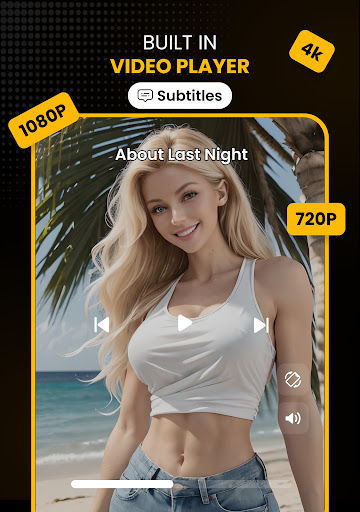
• Supports HD, 2K, and 4K video downloads for crystal-clear viewing experiences.
Additional Features
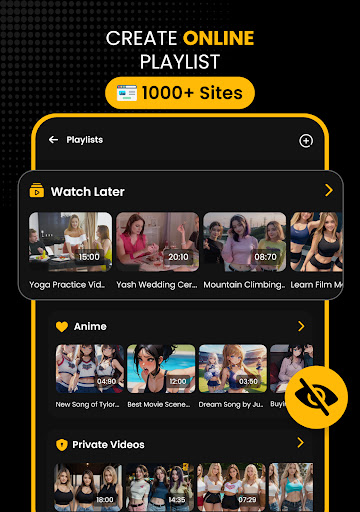
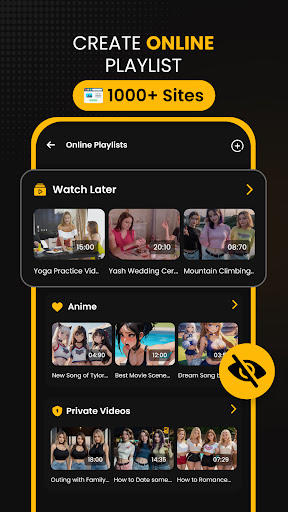
• Create playlists across over 1000+ supported websites, similar to YouTube or Spotify playlists, to organize favorite videos easily.
• Built-in browser with multiple tabs and features like bookmark management, private browsing, and a desktop site toggle for a full browsing experience.
• Support for managing website shortcuts on the home page for quick access.
• Download videos from social media platforms without watermarks, making reposting and sharing convenient and clean.
• • Exclusive audio saver feature to extract and save soundtracks from videos.
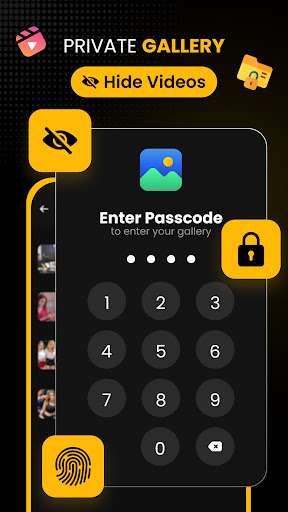
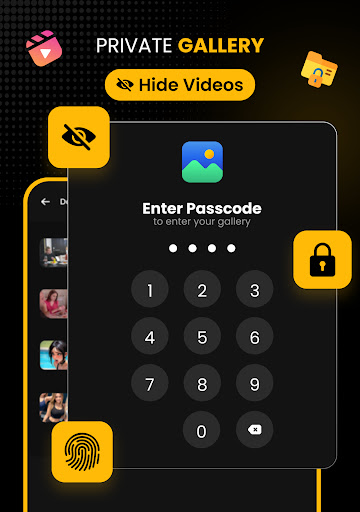
• Privacy features like App Lock keep your downloaded content and browsing history safe.
How to Download Videos with Download Hub
Here’s a simple step-by-step guide to download videos:
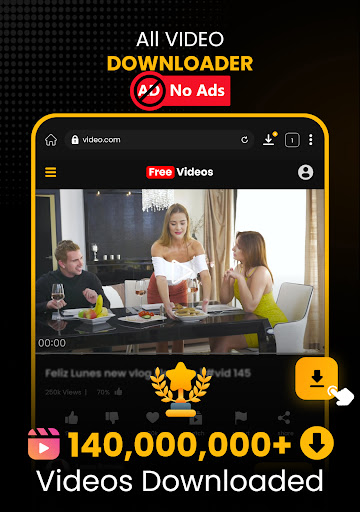
- Open the built-in browser within the app and navigate to your preferred website.
- Play the video you wish to save.
- Tap the download button.
- Choose your desired video resolution.
- The download will start automatically, and upon completion, the video will be saved to your gallery.
Managing Downloads and Playlists
Engage with your downloaded content effortlessly through the app’s management features:
- Pause, resume, or cancel downloads at any time.
- Check the download progress via the in-app progress bar.
- Create and organize playlists for quick access to your favorite videos, similar to mainstream streaming platforms.
- Support for bulk downloads and unlimited video saves make content collection easy and efficient.
Privacy and Safety
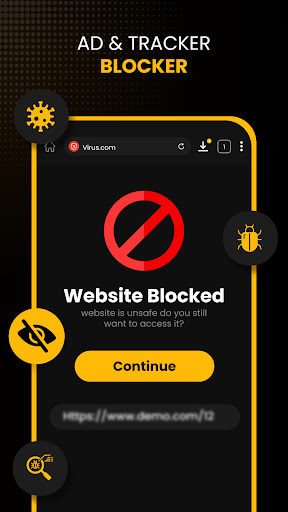
Browsing privately is also simplified with Download Hub. The private browser mode ensures that your browsing history, cookies, and cache are not stored, keeping your activities discreet. Additionally, the app’s App Lock feature provides an extra layer of security, protecting your downloaded videos and browsing data from unauthorized access.
Final Thoughts
If you’re looking for a reliable, fast, and comprehensive video downloader app that supports a wide array of sites, video formats, and resolutions, Download Hub, Video Downloader is your best choice. With features like multi-platform support, fast downloads, playlist creation, privacy protection, and watermark-free social media video downloads, it caters to all your video saving needs. Whether for offline entertainment, content curation, or reposting, this app simplifies the process with an intuitive interface and powerful tools. Give it a try and unlock the full potential of online video downloads today!
Pros
- Fast download speeds.
- Supports multiple formats.
- User-friendly interface.
- No registration required.
- High-quality downloads.
Cons
- Contains ads.
- No playlist download feature.
- Limited free version.
- In-app purchases are required.
- Not available on iOS.











