
Discover the Power of DNA Launcher: The Ultimate Customizable Home Screen Replacement
In today’s fast-paced digital world, personalizing your smartphone to reflect your unique style and needs has become more important than ever. Enter DNA Launcher, a flexible and innovative home screen replacement that transforms your device into a personalized masterpiece. This app is not just about aesthetics; it’s about creating a seamless, efficient, and one-of-a-kind user experience tailored to you.
Unleash Limitless Customization Options
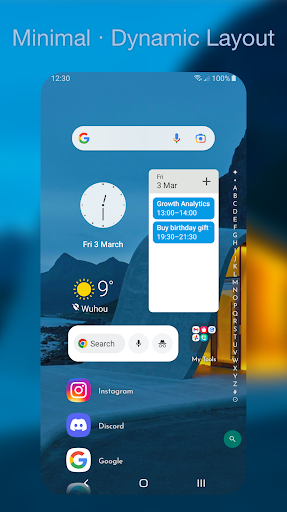
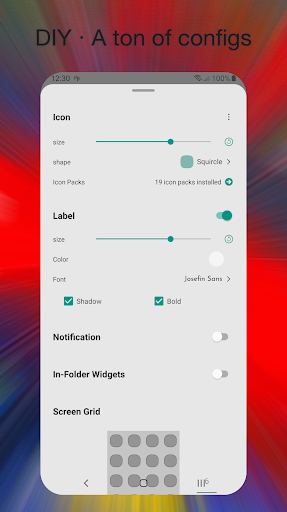
From the moment you install DNA Launcher, you are greeted with an intuitive interface designed to empower maximum personalization. Whether you're aiming for a minimalistic look or a vibrant, holographic display, this launcher has you covered. The Classic style layout with horizontal scrolling allows for smooth navigation across multiple pages, all easily customizable with your preferred icon packs, shapes, sizes, fonts, and wallpapers. Its minimalism approach makes your device friendly for one-handed use, while the holographic mode features a stunning 3D spin that perfectly fits your watch or wrist device, adding a futuristic touch to your interface.
Smart Search and Privacy Protections
Efficiency is key with built-in smart search suggestions that anticipate your needs, along with a powerful voice assistant. Quickly find your apps or contacts, and customize your internet search engines such as Google, DuckDuckGo, Bing, or Baidu. Your privacy is protected effortlessly: you can hide or lock apps, lock folders, and even secure sensitive data without hassle. The app's privacy features ensure your secrets stay safe, giving you peace of mind.
Efficient App Navigation & Gesture Controls
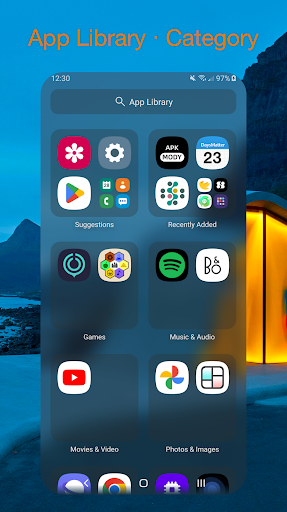
Navigating through your phone becomes intuitive with DNA Launcher. The app offers a traditional App Drawer and a smart App Library, organizing your apps by category or activity frequency. Not in the mood for conventional navigation? Create custom gestures such as double-taps, swipes, and more to quickly access your App Drawer, App Library, or specific apps. These customizable gestures streamline your workflow and enhance user experience, making your device truly adaptive to your habits.
Visual Effects and Dynamic Animations
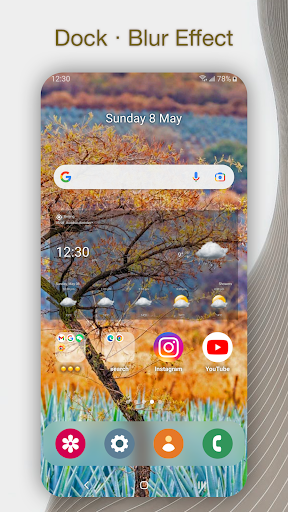
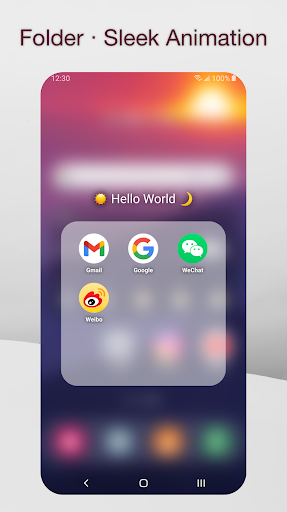
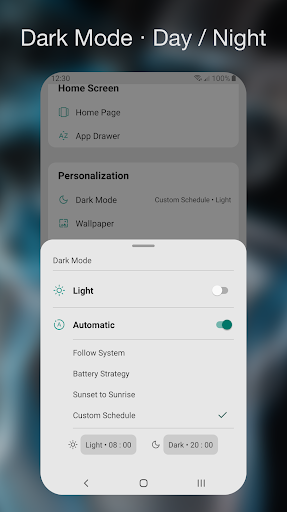
Enhance your home screen with vibrant effects and animations. Enjoy real-time blurring effects on your dock, sleek folder opening sequences, and captivating app start/close animations. With Day/Night Mode, your interface adjusts automatically, reducing eye strain and preserving battery life. These visual touches make your device not only functional but also visually stunning.
Helpful Tips to Maximize Your Experience
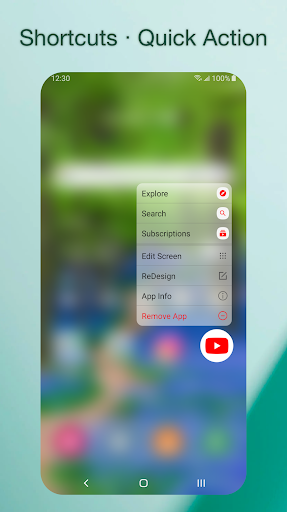
Getting started is simple: long-press to modify your home screen, drag icons, and organize widgets easily. Want to hide certain pages? Just long-press the scrollbar and hide the unwanted pages, perfect for keeping private or clutter-free screens. Switching styles is straightforward—simply select your favorite look in the launcher settings. For added security, double-tap or use your preferred gestures to lock your device instantly. Lock apps, folders, or even nested folders to safeguard personal information effortlessly. With these features, DNA Launcher makes personalization both flexible and secure.
User Feedback and Support
Your experience matters to us! If you love DNA Launcher, support us with a 5-star rating. If not, let us know how we can improve. Connect with us via social media or email and share your feedback—we are committed to making this launcher the best it can be.
Why Choose DNA Launcher?
Whether you're a tech-savvy user or someone wanting a fresh, personalized look for your phone, DNA Launcher is designed to cater to all. Its combination of powerful customization options, sleek effects, and privacy protections makes it a standout choice in the crowded launcher market. Embrace your digital DNA—tailor your device to reflect your lifestyle and preferences, and experience a smarter, more personalized mobile experience.
Pros
- User-friendly interface with intuitive navigation
- Customizable themes and icon packs
- Fast performance with minimal lag
- Seamless integration with widgets
- Battery-efficient design
Cons
- Limited support for older Android versions
- Occasional crashes on some devices
- Ads in free version can be intrusive
- Lacks advanced gesture controls
- Limited options for folder customization











