
Introduction to the Digital Iwasa Watch Face
The Digital Iwasa Watch Face is a highly customizable and stylish option designed exclusively for Wear OS devices. This innovative watch face app transforms your smartwatch experience by blending functionality with sleek design. Whether you're looking to keep track of essential health metrics or simply want to change your watch's appearance, this app offers a comprehensive set of features that help you personalize your device effortlessly. It’s perfect for users who want a combination of modern aesthetics and practical tools at their fingertips.
Key Features of the Digital Iwasa Watch Face
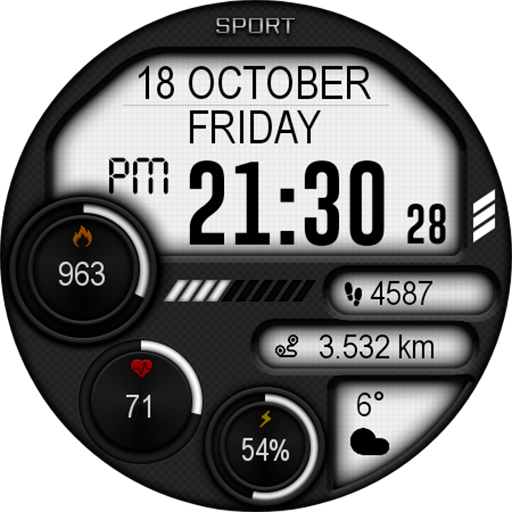
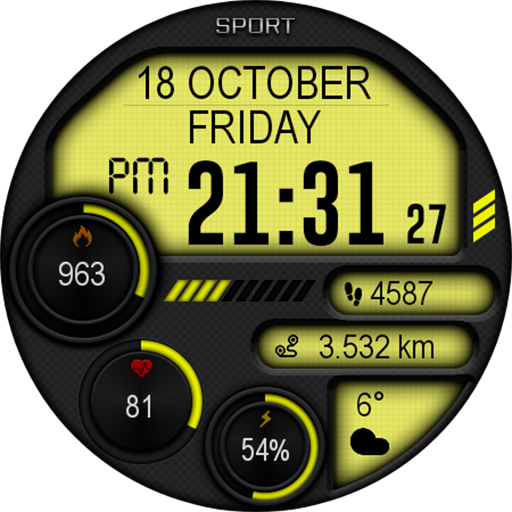
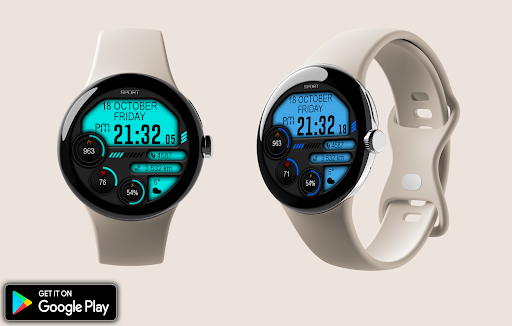
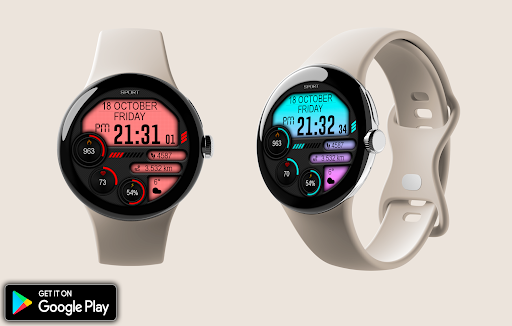
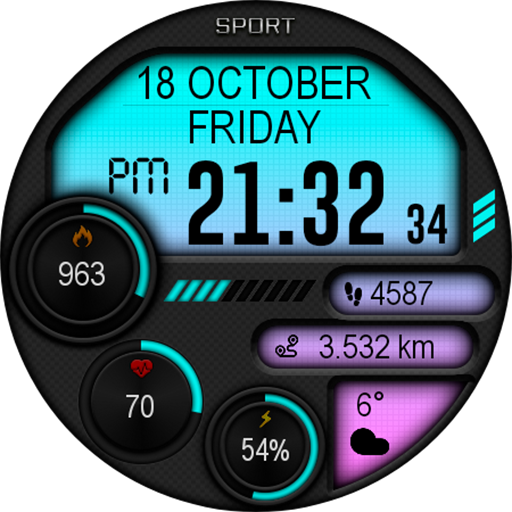
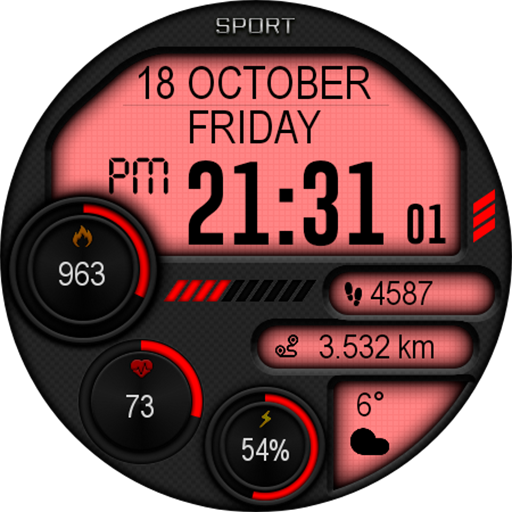
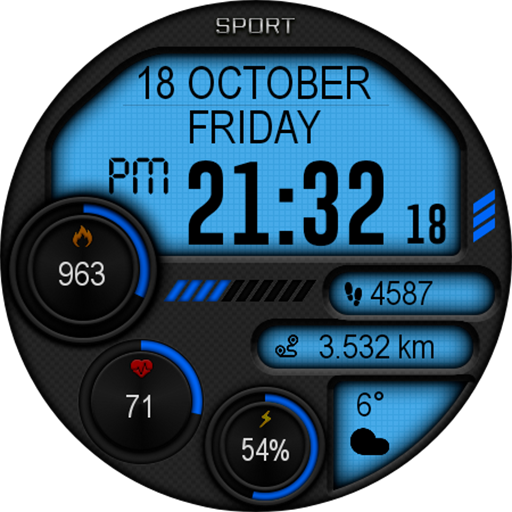
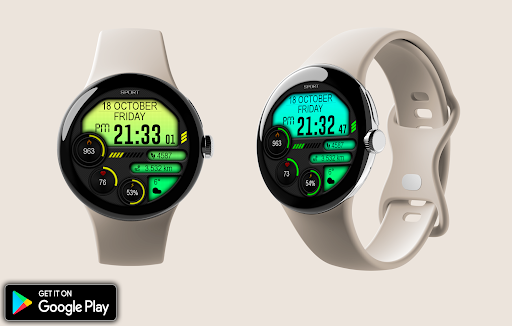
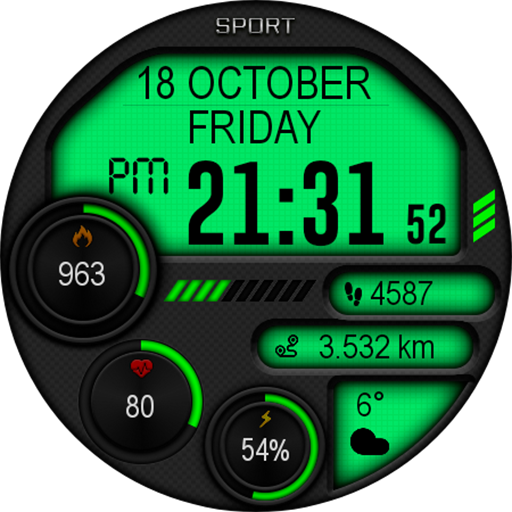
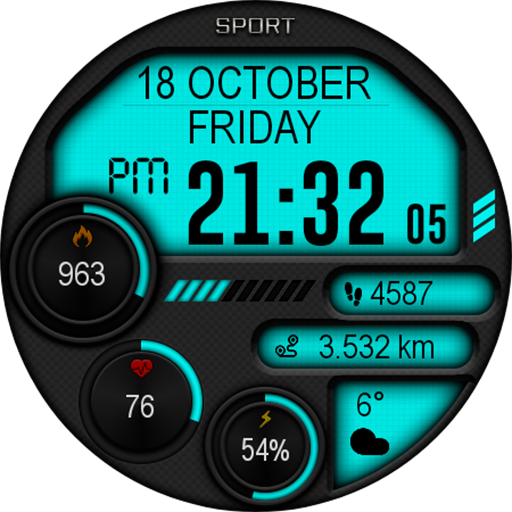
This watch face supports a wide array of functionalities including digital time display, date, and many health and fitness features. Users can conveniently view their battery charge, steps taken, calories burned, and heart rate.
Customization Options
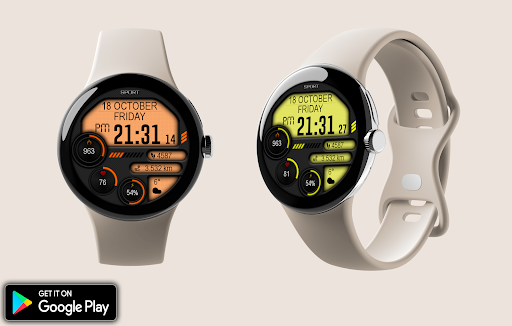
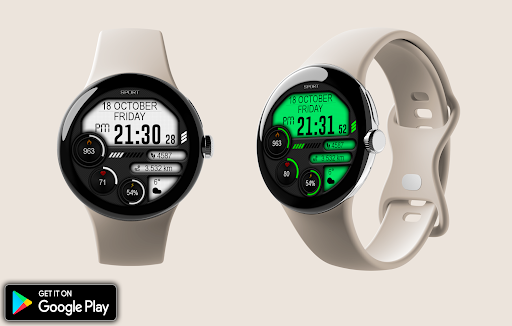
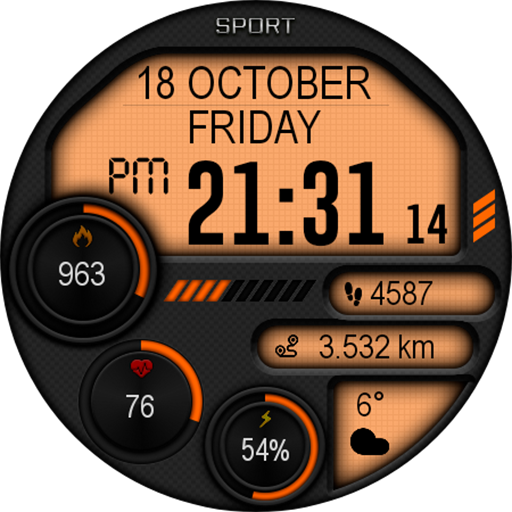
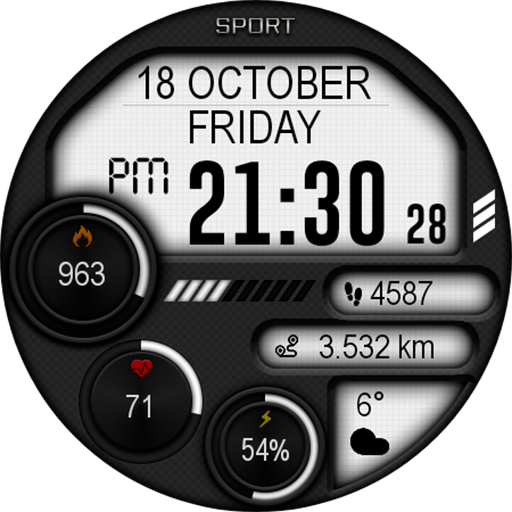
One of the highlights of this app is its extensive customization capabilities. You can easily change the look of your watch face through the settings menu, where options include:
- Change color: Adjust the color scheme to match your style or mood.
- Switch 12h/24h time format automatically based on your preference.
- Set up weather information to display directly on the watch face.
- Activate AOD (Always On Display) mode for continuous visibility without draining your battery.
Multi-language Support
The Digital Iwasa Watch Face supports multiple languages, ensuring that users worldwide can enjoy its interface and features comfortably.
Design and User Experience
When it comes to personalizing your Android smartwatch, the Digital Iwasa Watch Face app is akin to discovering that perfect pair of jeans — it just fits right. From the moment you launch the app, you're greeted with a sleek and intuitive interface. Navigating through various customization options is a seamless experience, making it accessible even for users who aren’t tech-savvy. You can modify color schemes, change layouts, and toggle features with just a few taps, creating a truly personalized watch face that reflects your style.
Performance and Efficiency
Performance-wise, the Digital Iwasa Watch Face is remarkably smooth, with no noticeable lag or stuttering during operation. The developers have optimized this app for efficient use of resources, which translates to better battery life and a consistent user experience. You can enjoy full feature access without worrying about rapid battery drain, making it an excellent choice for everyday wear.
Final Thoughts
Overall, the Digital Iwasa Watch Face offers a compelling balance of style, functionality, and simplicity. It's an excellent tool for those looking to enhance their smartwatch with a customizable, feature-rich face. Whether you want to keep an eye on your health metrics, display weather updates, or simply give your watch a new look, this app has you covered. Easy to use and reliable, it’s definitely worth exploring to elevate your Wear OS experience and showcase your personal style on your wrist.
Pros
- Highly customizable watch face.
- Clear and easy-to-read design.
- Battery-efficient performance.
- Compatible with most Android devices.
- Receives regular updates and support.
Cons
- Limited free features.
- Occasional synchronization issues.
- Contains advertisements in the free version.
- Some settings are difficult to locate.
- Requires Android version 6.0 or higher.











