

Device Tree: The Ultimate Tool for Device Management and Diagnostics
Key Features of Device Tree
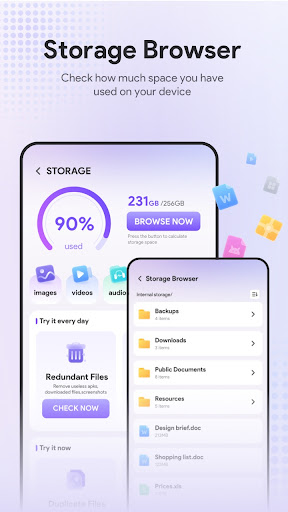
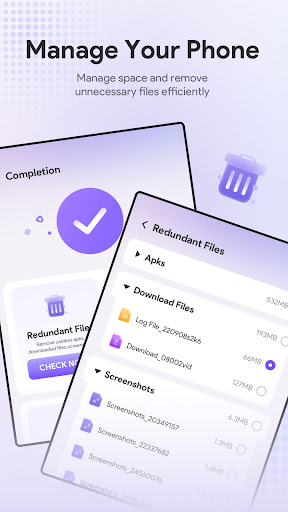
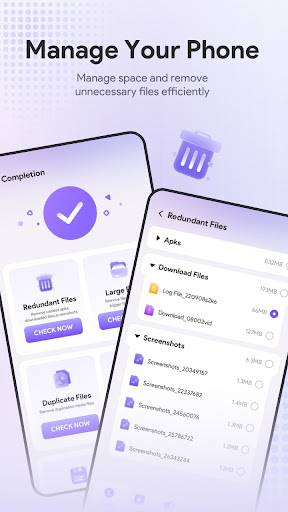
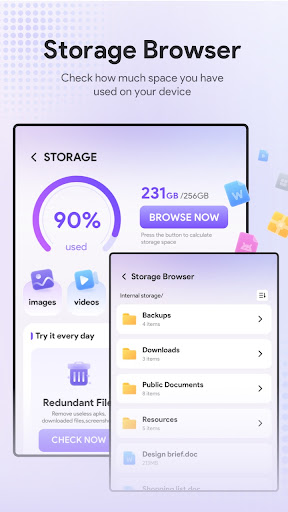
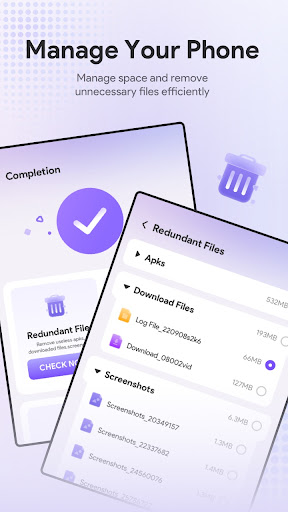
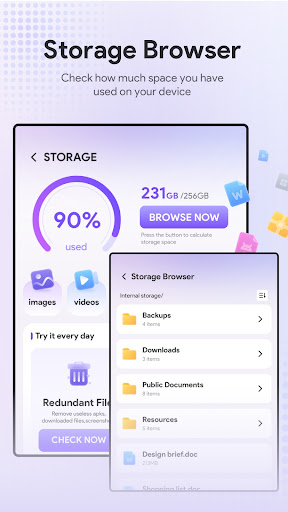
• Storage Management: Effortlessly browse and manage your device storage. Identify and remove unnecessary files to optimize performance and free up space. With Device Tree, keeping your device clutter-free becomes a simple task.
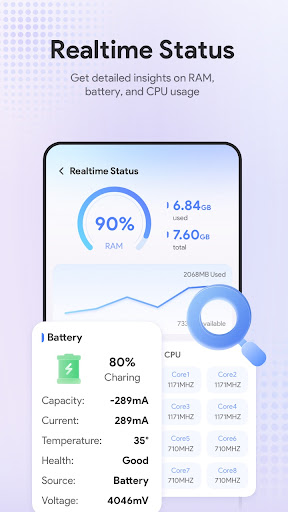
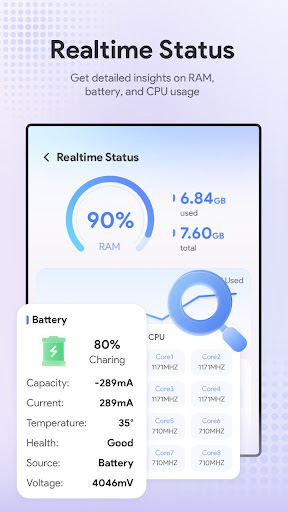
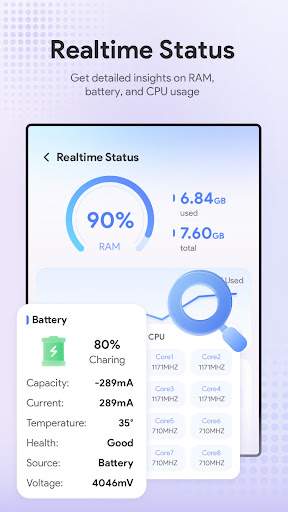
• Device Monitoring: Keep a close eye on your device's performance metrics in real time. This feature allows you to detect potential issues early, ensuring your device runs smoothly and efficiently.
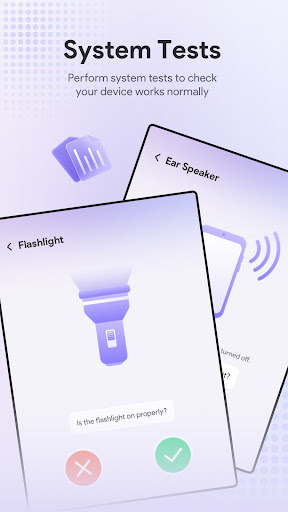
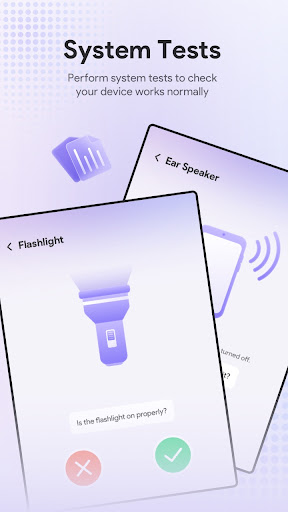
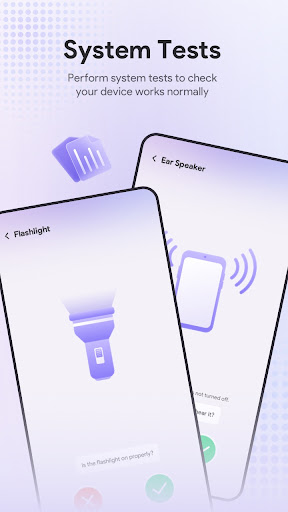
• System Diagnostics and Testing: Run detailed tests and diagnostics to identify underlying problems. Whether it's hardware issues or software inconsistencies, Device Tree helps you troubleshoot effectively and resolve problems swiftly.
Why Choose Device Tree?
Designed for anyone looking to maintain their smartphones, tablets, laptops, and peripherals like keyboards and mice, Device Tree simplifies the complexity of device management. Its intuitive interface makes setup and daily usage hassle-free, even for those with limited technical expertise.
Beyond basic management, Device Tree also offers vital features like automatic firmware updates notifications, ensuring your devices stay up-to-date with the latest security patches and features. Ever been unsure whether your device's firmware is current? Device Tree keeps you informed with timely alerts, acting like a personal assistant for your tech setup.
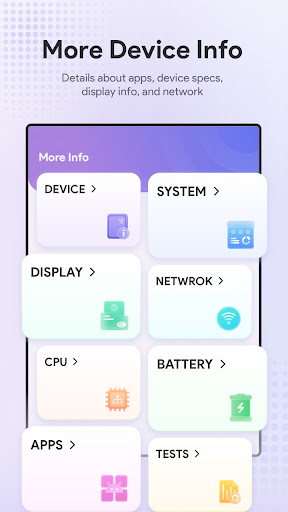
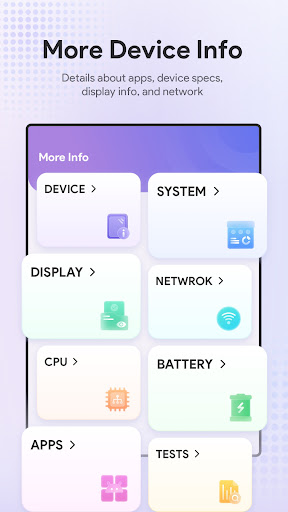
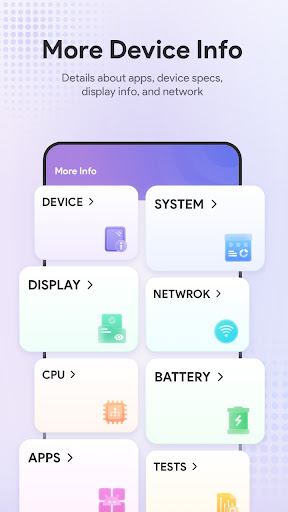
The app also provides a comprehensive overview of your device's hardware specifications. Need to quickly answer questions about processor type, RAM size, or storage capacity? With Device Tree, you have all that information at your fingertips, ready to impress or troubleshoot on the fly.
Platform Compatibility and Synchronization
Supporting multiple platforms including Android and iOS, Device Tree ensures you can manage all your devices within a single app. The cloud synchronization feature further enhances user experience by backing up your data and providing access across different devices, giving you peace of mind and seamless device management wherever you go.
Getting Started with Device Tree
Getting started is straightforward. Once installed, you're greeted with a clean, user-friendly interface designed to help you quickly add and identify your devices. The app intelligently populates detailed specifications and system information for each device you add—be it a smartphone, tablet, or peripheral—saving you time and effort.
Benefits for Tech Enthusiasts and Everyday Users
What sets Device Tree apart is its balance of simplicity and powerful features. You don't need to navigate complex menus or adjust complicated settings. The layout is intuitive, making device information and management accessible even for those unfamiliar with technical jargon.
Additionally, the app's ability to monitor firmware updates, manage storage intelligently, and run system diagnostics makes it a versatile tool for anyone aiming to keep their device in top shape. It acts as a comprehensive tech diary, logging specifications, firmware versions, and performance metrics, thus helping you stay organized and informed about your gadgets.
Conclusion
If you're searching for an all-in-one device management app that combines the essential features of storage optimization, device monitoring, diagnostics, and firmware tracking, Device Tree is a highly recommended choice. Its user-centric design, coupled with robust features and cross-platform support, makes it an invaluable tool for maintaining optimal device performance. Keep your gadgets running smoothly, stay informed with the latest updates, and effortlessly manage your device ecosystem with Device Tree.
Pros
- Provides detailed hardware specifications
- Supports a wide range of Android devices
- User-friendly interface
- Facilitates custom ROM development
- Receives regular updates and improvements
Cons
- Requires root access for full functionality
- May void device warranty if misused
- Limited compatibility with some devices
- May be challenging for non-technical users
- Potential risk of device instability if misconfigured











