
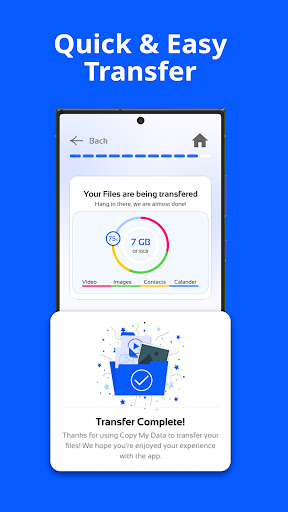
Copy My Data: Transfer Content
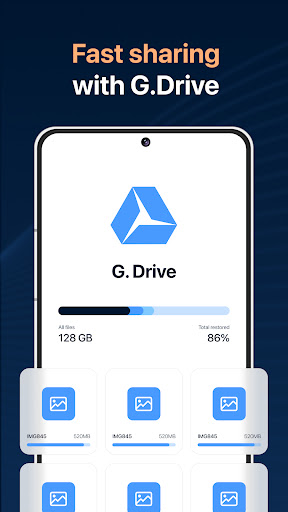
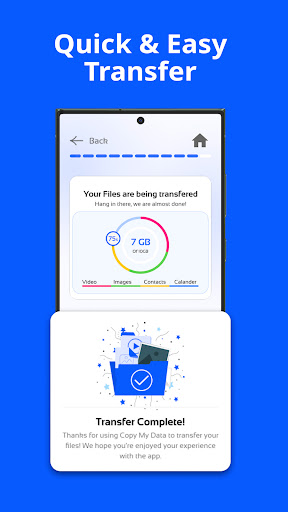
The Copy My Data app is a powerful tool designed to simplify the process of transferring data between smartphones. With the rise of multiple devices and the need for quick, secure data sharing, this application provides an efficient solution that works seamlessly over a WiFi network. Whether you're upgrading to a new device or just want to back up essential information, Copy My Data ensures that your content – from contacts and calendars to photos, videos, and music – is transferred effortlessly without the need for a computer.
Key Features of Copy My Data
Wireless Data Transfer Without a Computer
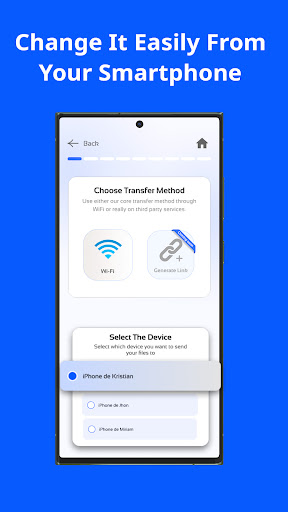
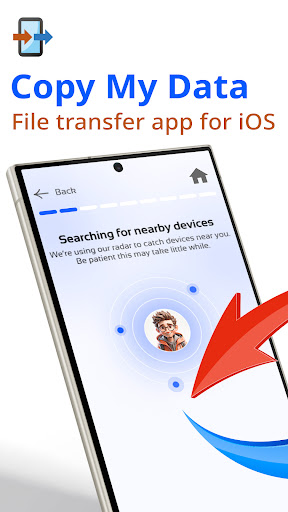
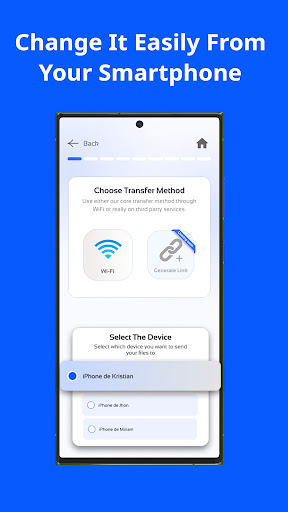
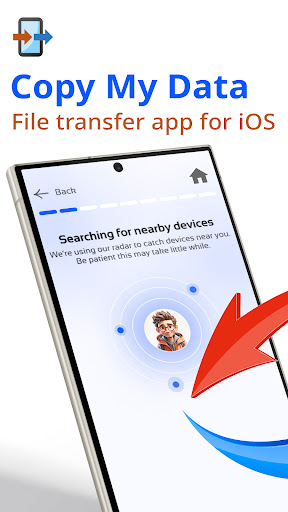
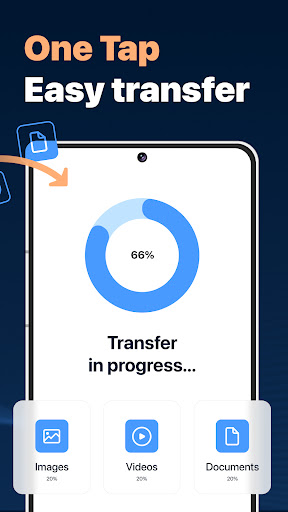
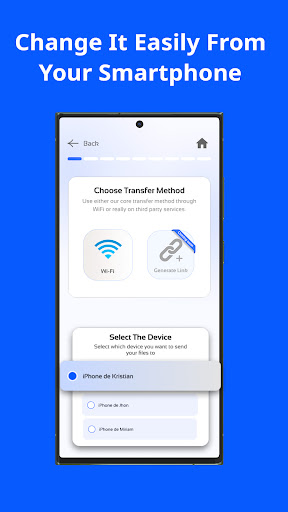
One of the standout features of Copy My Data is its ability to transfer data via WiFi. Simply connect both devices to the same wireless network, run the app on each phone, and follow the guided steps. This eliminates the need for cables or a desktop, making the process quick and accessible even for users who aren’t tech-savvy.
Easy Connectivity via QR Code
The app uses QR code scanning to establish a secure connection between two smartphones. This feature streamlines the pairing process and minimizes setup time, allowing users to start transferring their data almost immediately. With just a quick scan, your devices connect wirelessly, and the transfer begins – hassle-free and secure.
Comprehensive Data Backup and Transfer
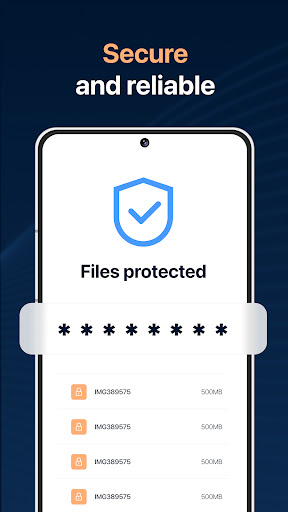
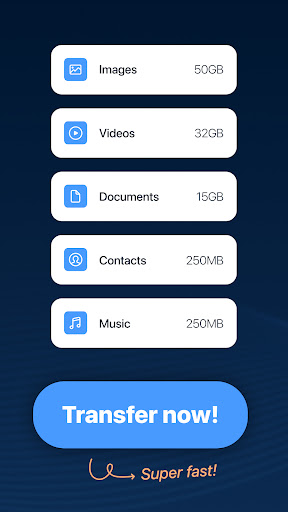
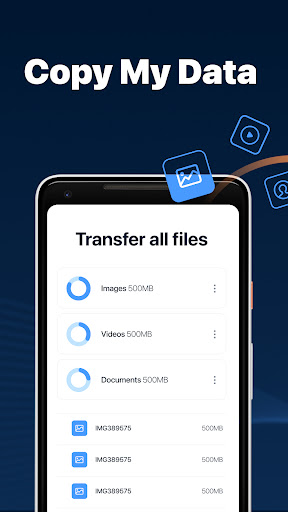
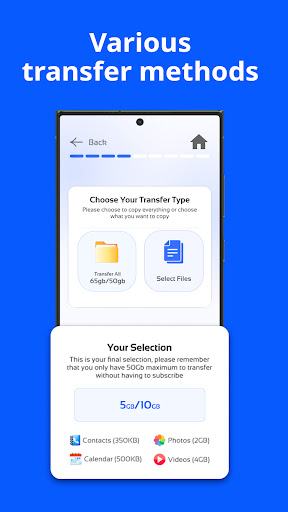
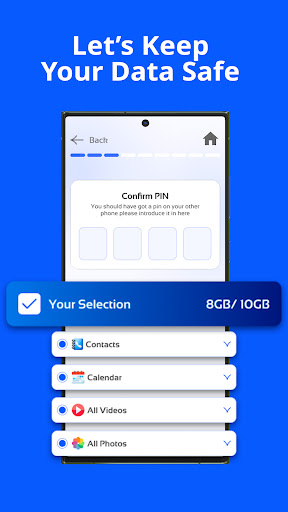
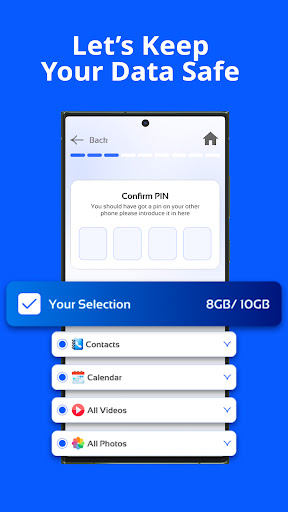
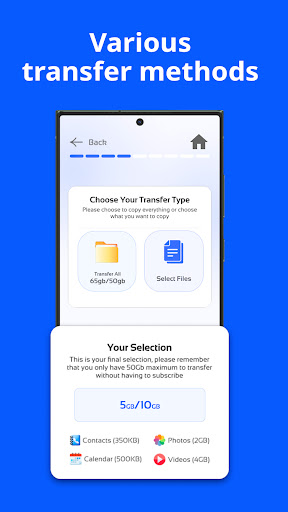
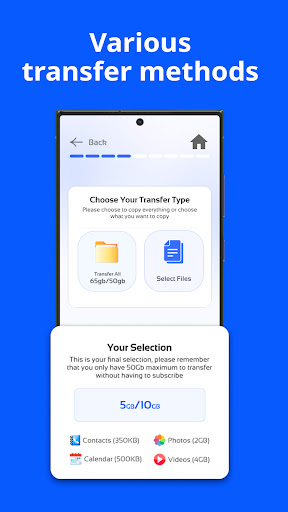
Copy My Data supports the transfer of a wide range of content including • Contacts, • Calendar dates, • Photos, • Videos, and • Music. It guarantees that no important file is left behind during the migration process. Additionally, the app helps safeguard your data by providing secure sharing options, ensuring that your personal information remains protected during the transfer.
Guided User Experience
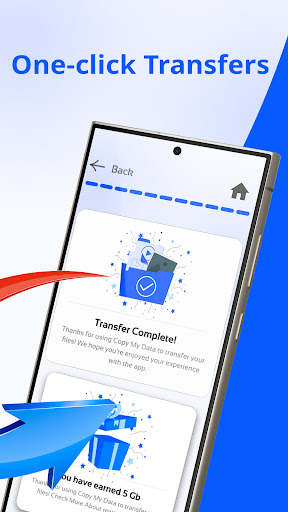
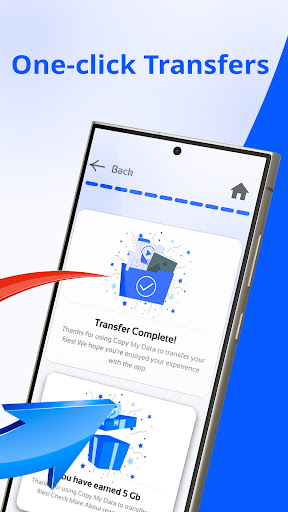
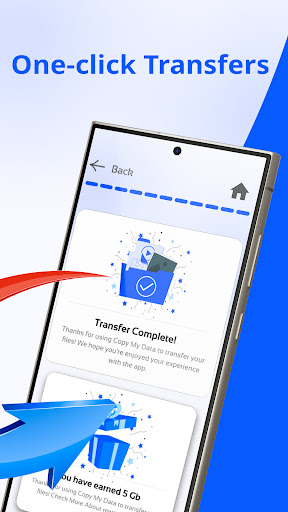
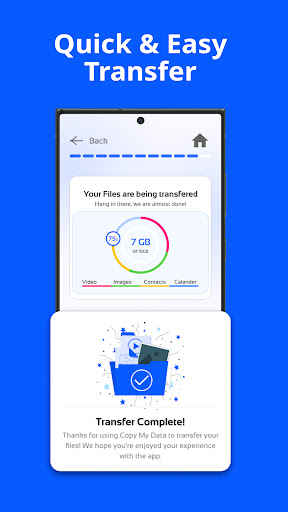
The app walks you through each step of the transfer process with clear instructions. In just a few easy steps, users can clone their device, copying everything from contacts to multimedia content. This simplicity makes it an excellent choice for anyone looking to upgrade their device quickly without losing vital information.
Why Choose Copy My Data?
In today’s digital age, switching smartphones can be a daunting task, especially when it involves migrating essential data. Copy My Data serves as the perfect companion for this purpose, ensuring that your transition between devices is smooth and stress-free. Its intuitive interface, swift transfer speeds, and versatile functionality make it a top choice for users who want to avoid the complexity of traditional data migration methods.
Whether you're transferring from one Android device to another, or moving from iOS to Android, this app is designed to handle various scenarios. It is especially beneficial for those who prefer wireless solutions and wish to skip complicated cable setups or cloud backups. The minimalistic design also means no clutter or intrusive ads, keeping the focus solely on what matters: a reliable and straightforward data transfer experience.
In a world where constant upgrading is common, being able to effortlessly clone your device's content saves time and reduces frustration. Copy My Data empowers users to maintain continuity, retain their favorite photos, videos, and contacts, and start using their new device without delay. Its security features ensure that your personal information remains protected throughout the process.
Start Transferring Today
Don’t let data transfer worries hold you back from enjoying your new smartphone. Download Copy My Data: Transfer Content now and experience a seamless, wireless migration process. With just a few taps, you can ensure that your important content is safely copied over, so you never lose valuable files or contacts during device upgrades. Make your smartphone transition simple, secure, and swift with this innovative app.
Pros
- Intuitive interface for simple navigation
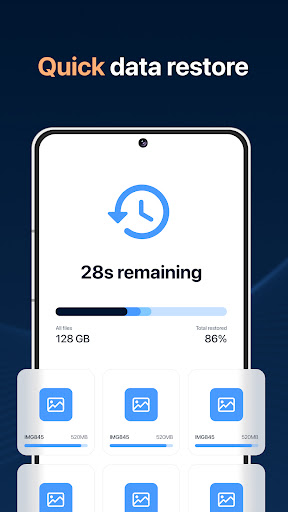
- Fast data transfer between devices
- Supports various content formats
- No cables or complicated setup required
- Compatible with both Android and iOS devices
Cons
- Requires internet connection for initial setup
- Limited advanced features
- Advertisements may disrupt the user experience
- Not ideal for transferring large files
- Occasional connectivity problems











