
Center Control - Stable & Easy: The Ultimate Management Tool for Your Android Device
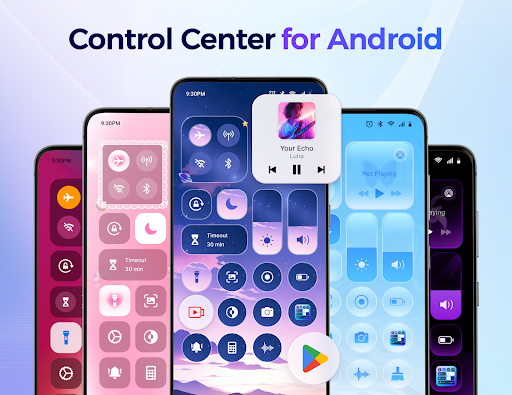
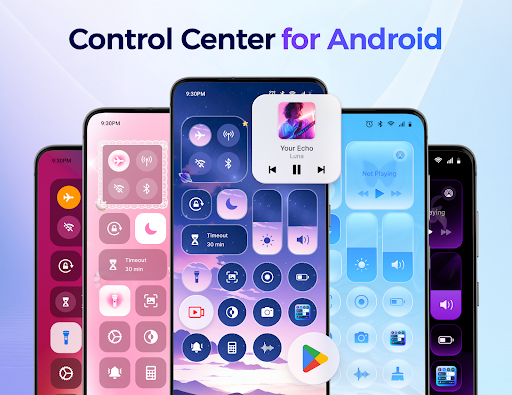
Center Control - Stable & Easy is an essential app designed to streamline your Android device management. Its sleek and intuitive interface offers users quick access to a customizable control panel, enabling instant control over various device settings and apps. Whether you want to adjust volume and brightness, control music playback, or activate utilities like the flashlight and screen recording, this app consolidates all these features into one easy-to-access interface.
This app is perfect for users seeking a stable and easy-to-use control solution that enhances productivity while maintaining a clutter-free experience. With features that allow you to personalize the panel based on your preferences, Center Control helps you customize your Android device’s interface to suit your lifestyle — making it a must-have tool for both casual users and tech enthusiasts.
Key Features of Center Control - Stable & Easy
Easy Control for Android
This app offers a suite of tools to simplify managing your device. You can easily adjust audio levels, such as ringtone, media, and alarms, using straightforward sliders. Brightness controls help you customize your screen to your comfort, whether you're in bright sunlight or low-light conditions.
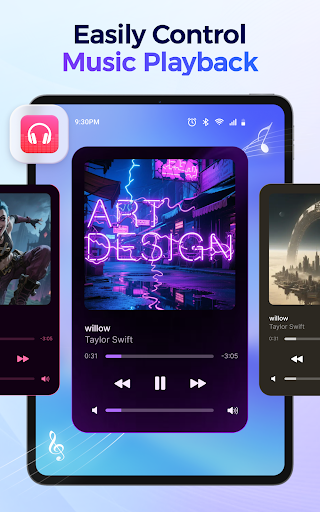
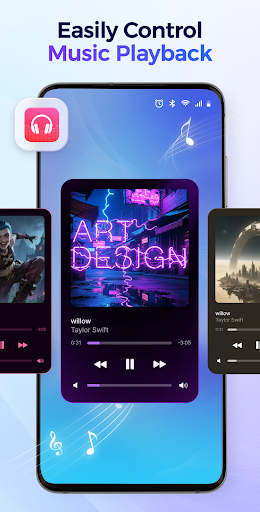
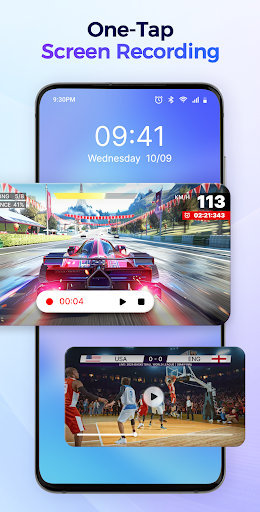
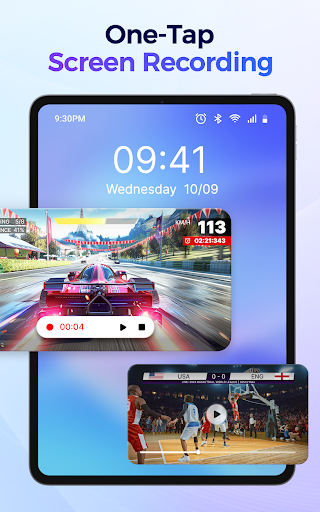
Music playback is handled seamlessly, allowing you to play, pause, skip tracks, and view detailed song information without opening your music app. Capture your screen or record your activity—perfect for creating tutorials or saving memorable moments—saving directly to your gallery. You can even record internal audio, microphone audio, or both, with the flexibility to pause or stop recordings anytime.
Connectivity options are just a tap away, letting you toggle Wi-Fi, Mobile Data, Bluetooth, and Airplane Mode instantly. The Do Not Disturb feature allows you to silence notifications, ensuring uninterrupted focus, with the ability to mark important contacts or apps for alerts. Screen orientation can be locked to prevent accidental rotation, and you can set a custom screen timeout duration to boost security and conserve battery.
Need extra illumination? Activate the flashlight with one tap, and when nighttime reading or extended screen time is needed, switch easily between light and dark modes to reduce eye strain.
Instant Access to All Apps
The app enables quick launching of your favorite utilities and apps including Camera, Voice Recorder, Alarm, Notes, and Calculator. You can also set up shortcuts to your most-used apps for one-tap access, saving valuable time and simplifying your device interactions.
Why Choose Center Control - Stable & Easy?
Customizable Control Panel
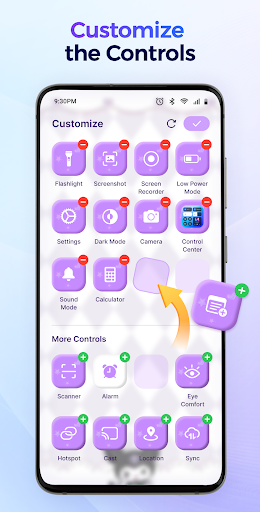
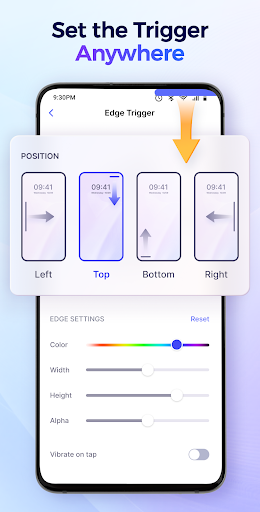
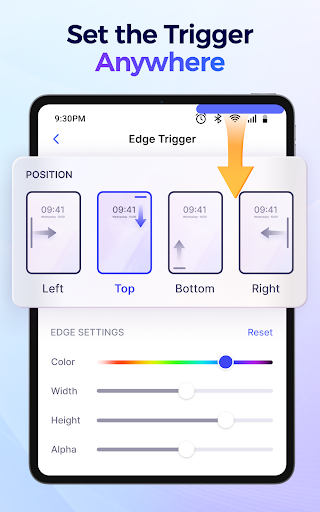
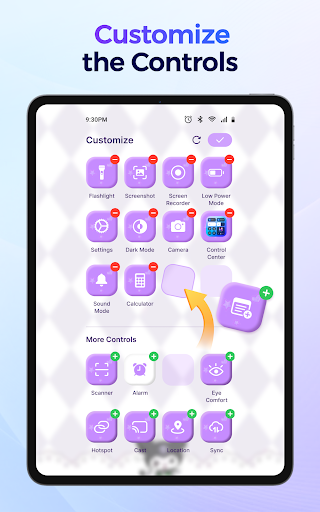
You can add or remove controls and app shortcuts, freely position the Edge Trigger, and rearrange app order to match your workflow. The background mode can be tailored to your style preferences, whether you favor a sleek dark theme or a bright, vibrant design.
Efficient & Responsive Experience
The layout is designed for simplicity and swift operation. The app responds promptly, works offline, and occupies minimal system resources, ensuring your device remains fast and responsive. It is also lightweight and available for free, making it accessible to all users seeking a stable control center solution.
Security & Privacy
This app requires AccessibilityService API permission to display the control panel and perform device-wide actions. Rest assured, Center Control respects your privacy and does not request unauthorized permissions nor share your personal data with third parties.
Our Commitment to User Satisfaction
We value your feedback. If you have questions, suggestions, or need support, please reach out to us at controlcenterapp@gmail.com. We are committed to helping you optimize your Android experience with a control app that is stable, easy to personalize, and highly efficient.
Pros
- User-friendly interface.
- Seamless device integration.
- Efficient performance.
- Customizable settings.
- Quick installation process.
Cons
- Limited device compatibility.
- Occasional app crashes.
- Requires frequent updates.
- No offline mode.
- Limited customer support.











