

Compress Video Size Compressor: Your Ultimate Solution for Managing Large Video Files
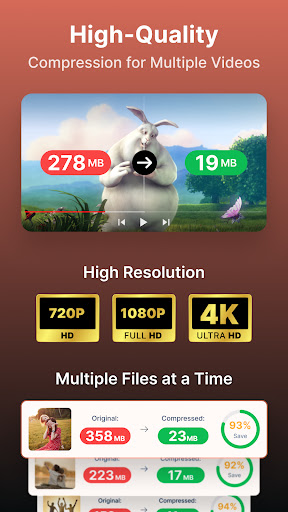
Are you tired of dealing with hefty video files that are difficult to send, store, or share? Compress Video Size Compressor is a powerful, user-friendly tool designed to significantly reduce video file sizes without compromising quality. Whether you're aiming to free up storage space on your device, prepare videos for upload, or simply manage your media library more efficiently, this app has you covered.
Supported Video Formats
This versatile application supports a wide array of popular video formats, ensuring maximum compatibility with your media collection. Supported formats include MP4, MKV, AVI, 3GP, FLV, MTS, MPEG, MPG, WMV, M4V, MOV, and VOB. No matter what format your videos are in, you can compress or convert them effortlessly with this all-in-one tool.
Key Features of Compress Video Size Compressor
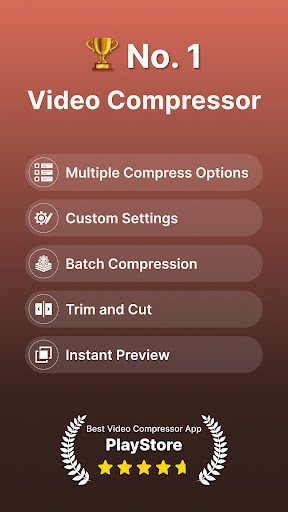
This app is packed with features designed to give you maximum control over your video compression process:
- Maintain Original Quality: Compress uncompressed videos while preserving their original quality, ensuring your videos look great after compression.
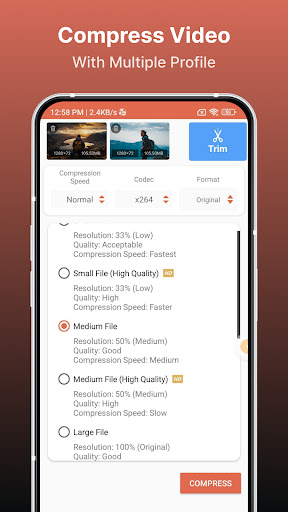
- Predefined Compression Profiles: Choose from multiple preset profiles with different quality and size settings to quickly optimize your videos.
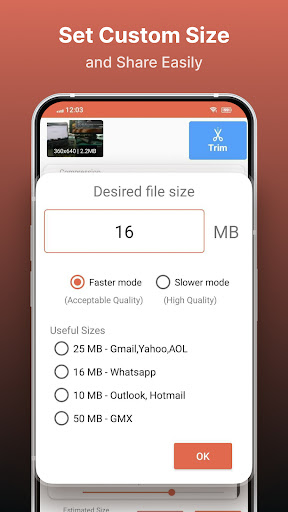
- Manual Size Input: Input your desired final size for the compressed video, letting the app automatically adjust quality parameters accordingly.
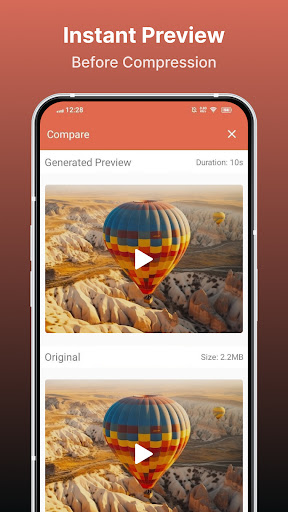
- Preview Compression: View a quick preview for a short duration before starting the full compression, so you can assess the quality beforehand.
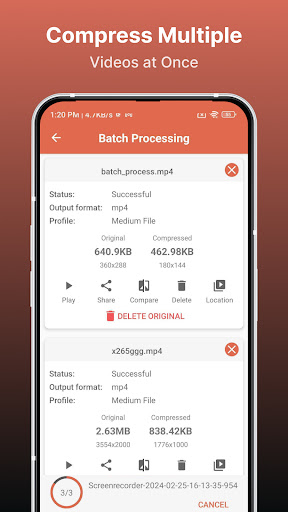
- Batch Processing: Queue multiple videos to compress files simultaneously in batch mode, saving time and effort.
- Codec Options: Select between X264 and X265 (HEVC) codecs for compression. Note that HEVC offers higher compression ratios, while X264 provides faster processing speeds.
- Speed and Quality Control: Adjust the compression speed—higher speeds result in larger output files, whereas slower speeds produce smaller, more compressed files.
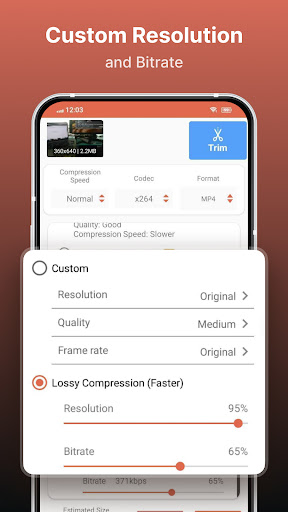
- Custom Resolution: Decrease resolution and bitrate with an estimated size preview, allowing for tailored compression that balances quality and size.
- Compare and Play: Simultaneously compare original and compressed videos by playing them side-by-side to evaluate quality.
- File Management: Optionally delete original or compressed files after processing to maintain your storage efficiently.
- Format Conversion (PRO Feature): Convert videos between formats such as MP4, MKV, AVI, 3GP, FLV, MTS, M4V, MOV, and VOB.
- Video Playback and Sharing: Play compressed videos directly within the app and share them easily through various channels.
Why Choose Compress Video Size Compressor?
If you've ever faced the frustrating scenario of a large video file that’s too bulky to upload or store, Compress Video Size Compressor is your ideal solution. Its intuitive, clean interface makes the compression process straightforward, even for users with minimal technical knowledge. You can effortlessly customize compression settings to fit your needs, whether you want a slight reduction or a significant size decrease.
Enhanced User Experience
Upon launching the app, you're welcomed with a simple layout that guides you step-by-step through compressing your videos. Select your video, choose your desired compression profile or input custom settings, preview the results, and start processing—all within a few taps. The app's fast processing ensures your large files are compressed swiftly, enabling you to free up space and share videos in no time.
Versatility and Flexibility
Supporting a broad spectrum of formats, paired with advanced features like bitrate adjustment, custom resolution, and format conversion, makes this app a comprehensive tool for all your video management needs. The batch processing feature is particularly helpful for users who have a library of videos to compress at once, saving them hours of manual work.
Final Thoughts
Overall, Compress Video Size Compressor is an essential app for anyone looking to optimize their videos for storage, sharing, or quick uploads. Its combination of powerful features, high-quality compression options, and simple interface makes it stand out in the market. With this app, you can confidently shrink large video files without sacrificing quality, helping you manage your digital space more effectively. Whether you need to compress a single video or process a batch of files, this tool offers the flexibility and performance you need. Embrace smarter video management and keep your device clutter-free—try Compress Video Size Compressor today!
Pros
- Effectively reduces the size of video files.
- Supports a variety of video formats.
- Easy-to-use interface.
- Processes videos quickly.
- Retains good video quality.
Cons
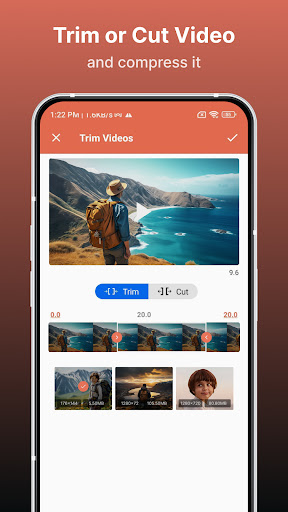
- Limited editing capabilities.
- Advertisements may be disruptive.
- Premium features require payment.
- The app occasionally crashes.
- Does not support some formats.











