
Discover the Power of the Compass App: Navigate with Confidence and Style
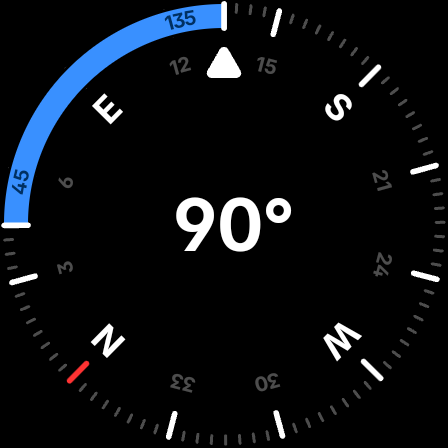
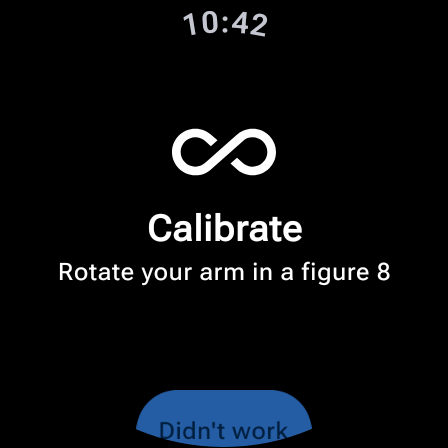
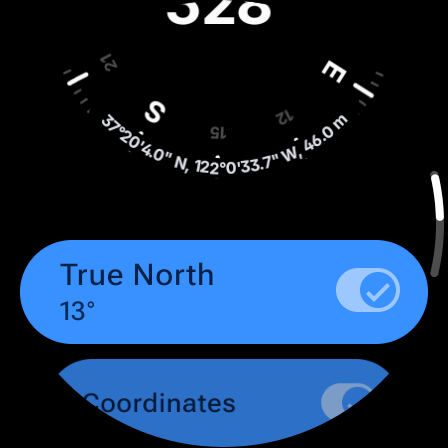
Are you tired of getting lost, whether exploring the great outdoors, navigating urban landscapes, or simply trying to find your way in unfamiliar environments? The Compass app is designed to be your trusted personal guide, combining sleek aesthetics, robust features, and privacy-focused design to enhance your navigation experience. Available on Android devices and select Wear OS smartwatches, this app seamlessly integrates functionality and elegance to cater to explorers, travelers, hikers, DIY enthusiasts, and professionals alike.
Intuitive Interface and Precise Navigation
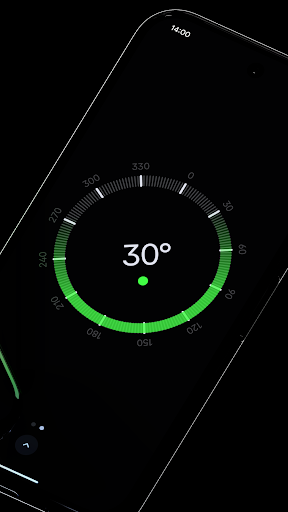
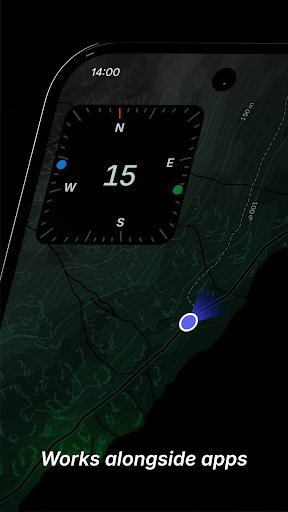
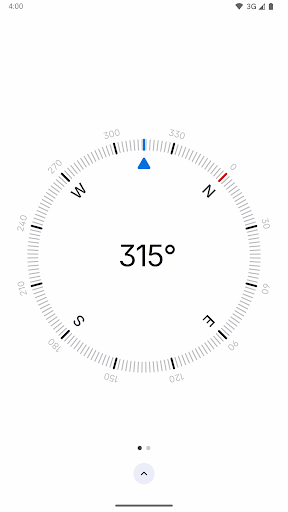
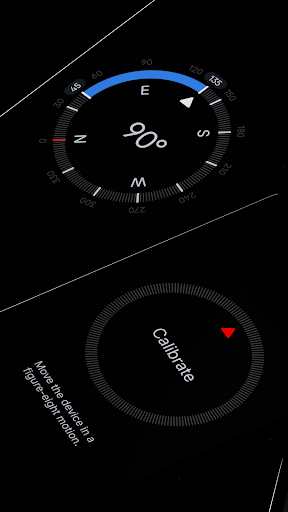
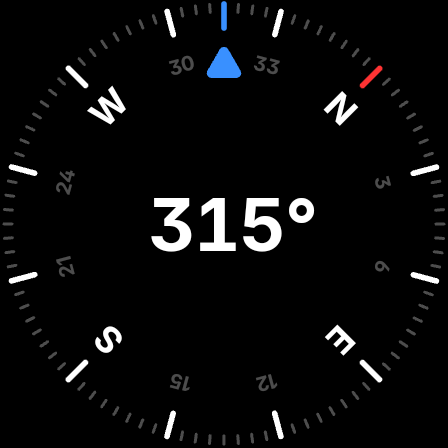
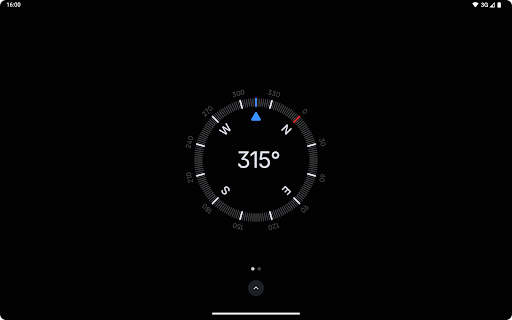
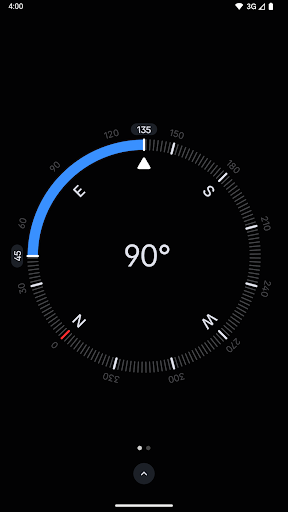
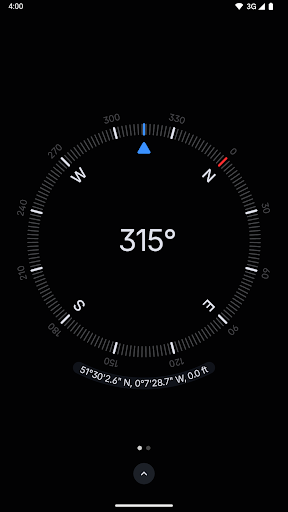
The Compass app boasts a modern, dark-themed interface that offers clarity and ease of use. Upon opening, users are greeted with a minimalistic design where the compass needle gracefully swings into alignment with Earth’s magnetic field, pointing towards true north. Its clean layout ensures that even novice users can operate confidently, making navigation a straightforward task rather than a complex challenge.
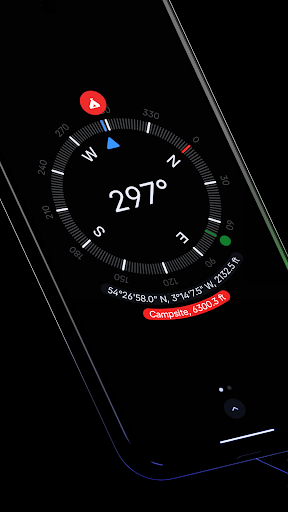
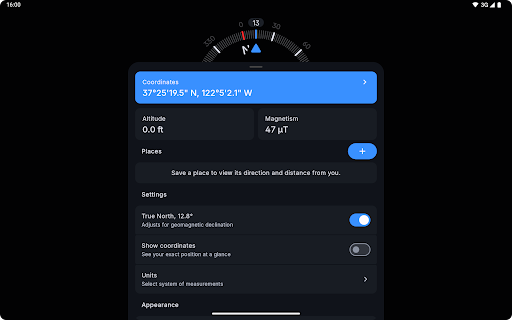
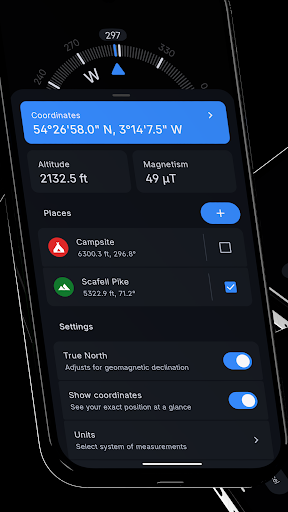
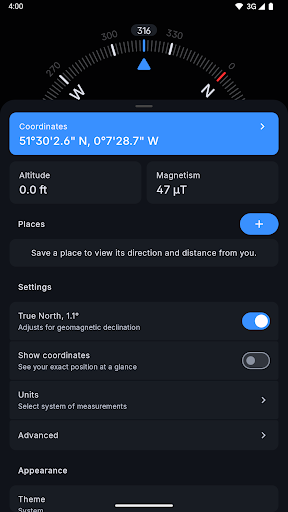
Beyond basic compass functions, the app supports a variety of coordinate formats such as DMS, DDM, DD, UTM, MGRS, and OLC (Plus Codes), providing versatility for different navigation needs. Additionally, it offers real-time display of your exact location's coordinates and altitude, empowering users with precise geographic information for planning and sharing their position effortlessly.
Advanced Features for Enhanced Navigation and Exploration
The Compass app is packed with features that elevate your navigation experience:
- Save places: Mark locations to quickly see their direction and distance from your current position.
- Geomagnetic declination adjustment: Aligns with true north, ensuring more accurate readings regardless of magnetic variations.
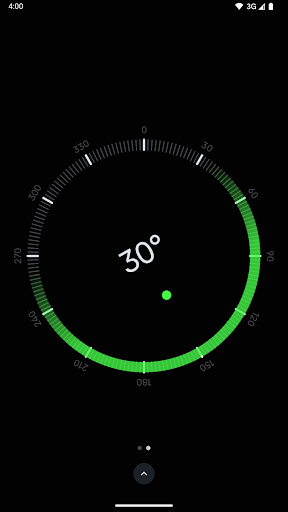
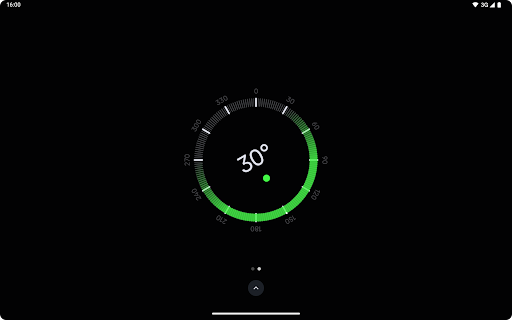
- Bubble level: Instantly check the levelness of any surface, perfect for carpentry or outdoor setup tasks.
- Angle measurement: Measure the angle difference between two orientations, useful for design or alignment tasks.
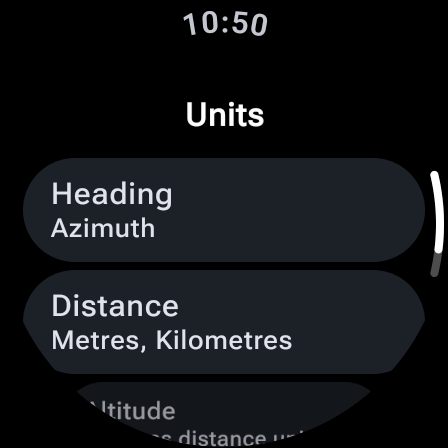
- Unit customization: Change units for angles, distances, and coordinates to suit personal preferences.
- Themes and display options: Switch between dark and light modes, or use Android 12’s dynamic colors feature for personalized aesthetics. The red screen filter helps reduce light pollution for night-time use, requiring Android 10+.
- Haptic feedback: Feel every turn with tactile responses, enhancing navigation confidence.
- High contrast mode: Ensures visibility in various lighting conditions.
- Magnetic field monitoring: View magnetic field strength in micro-Tesla and detect anomalies that could interfere with compass accuracy.
Privacy-Driven and Offline Ready
One of the most appealing aspects of the Compass app is its commitment to privacy. It operates without trackers or analytics, ensuring your location data remains strictly yours. Plus, it works offline, so you don’t need an internet connection to access its full suite of features—perfect for remote adventures or situations with limited connectivity.
Experience the Ultimate Navigation Tool Today
Whether you’re an explorer, hiker, traveler, or someone who simply wants a reliable compass for daily use, the Compass app is your ideal partner. Its sleek design, powerful features, and privacy focus make it stand out among other navigation tools. With no ads and no cost, it’s an accessible and trustworthy companion that transforms how you navigate the world.
Download the Compass app now and unlock a new level of confidence and freedom in your journeys. Discover how effortless and enjoyable navigation can be with the right tool in your pocket!
Pros
- Accurate direction tracking
- User-friendly interface
- Offline functionality
- Minimal battery consumption
- Customizable settings
Cons
- Ads may be intrusive
- Lacks advanced features
- Limited iOS support
- Occasional bugs after updates
- Requires location permission











