

Clone Master - Multi Dual Space
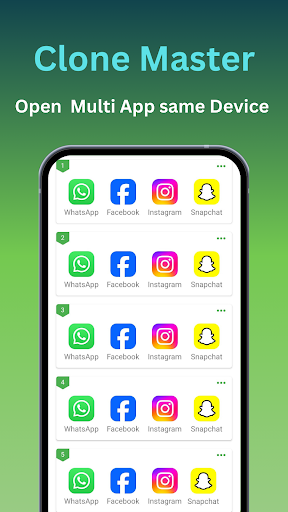
Unlock the full potential of your Android device with Cloner Master. This is the premier app cloning tool designed specifically for the latest Android 15 ecosystem. With Cloner Master, users can easily create and manage multiple copies of their existing applications, transforming their device into a versatile workspace.
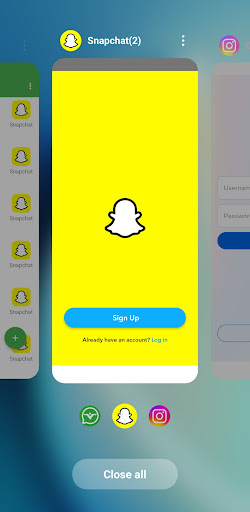
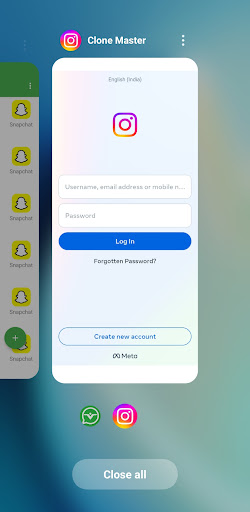
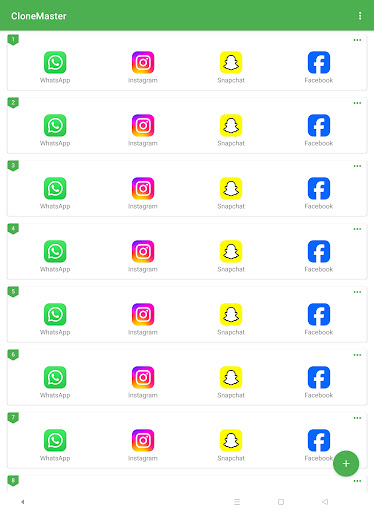
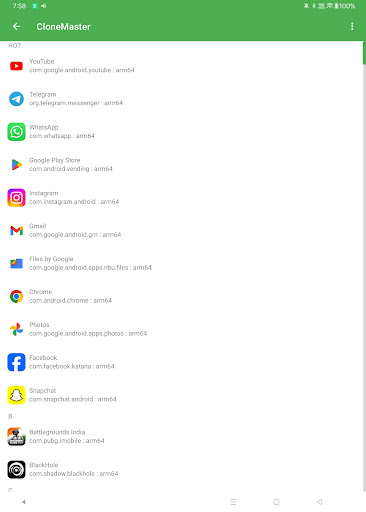
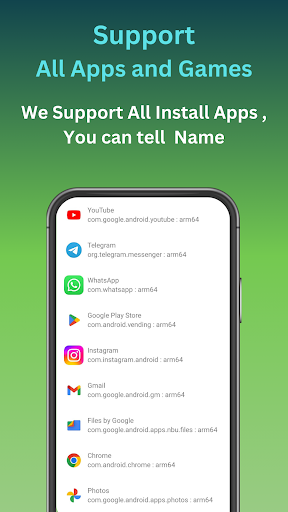
The app allows for simultaneous cloning of all applications, enabling users to operate multiple accounts within the same device. Whether you want to use multiple messaging apps like WhatsApp, Facebook, Instagram, Line, Signal, Telegram, Imo, or Snapchat, Cloner Master makes it effortless. Additionally, it supports running various streaming platforms such as Hotstar, Netflix, Tango, Mika, and Elo Elo.
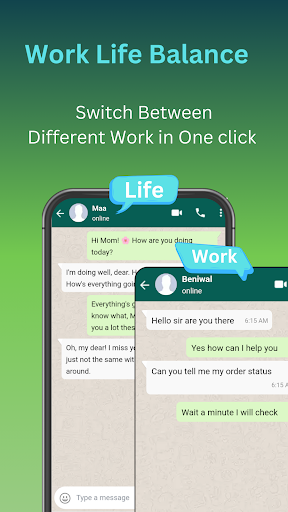
Beyond social media and entertainment, Cloner Master enables users to run multiple Google services like the Google Play Store, Google Workspace accounts, Google Sheets, and Google Meet. It’s ideal for creating personal and professional workspaces on a single device, making multitasking more efficient and organized.
Why Choose Cloner Master?
Android 15 Compatibility
Designed to leverage the advanced features of Android 15, Cloner Master ensures smooth operation, optimized battery usage, and enhanced app performance across all cloned applications. It is tailored to maximize compatibility with the latest Android updates for a seamless experience.
Seamless App Cloning
Whether you need to duplicate social media, gaming, or productivity apps, Cloner Master effortlessly creates clones of your favorite applications. This allows for the simultaneous usage of multiple accounts, enriching your mobile experience.
Customized User Experience
Personalize each cloned app according to your preferences. Customize app names, icons, and permissions to create a truly personalized smartphone environment.
Enhanced Privacy Features
Protect your data with features like incognito login for cloned apps and the ability to separate personal and work data. These tools help ensure your sensitive information remains secure and private.
User-Friendly Interface
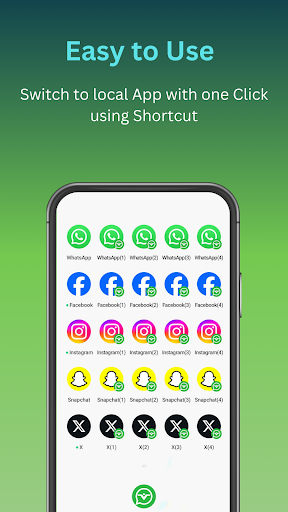
The app boasts an intuitive design that makes app cloning accessible even for beginners. Managing, switching, and controlling your cloned applications takes just a few simple taps.
Regular Updates
Stay ahead with continuous updates that introduce new features, improve compatibility, and enhance security. These updates ensure your cloned apps remain optimized for the latest Android OS.
Key Features of Cloner Master
Multiple Account Management
Easily clone apps to handle multiple accounts on a single device. Ideal for social media, messaging platforms, and gaming enthusiasts.
Customizable Clones
Personalize your cloned applications with distinct icons and names for quick identification and better organization.
Data Separation
.ensure that each cloned account's data remains independent from the original app, safeguarding your privacy and improving management.
Privacy Protection
The built-in privacy features, such as incognito login, help keep your personal and professional data separate and secure within each application.
Update Support
Regularly maintained to support new app versions and provide stability improvements for optimal performance.
No Root Required
This powerful cloning technology does not require rooting your device, making it accessible to all users without technical hassle.
Stay Connected
We value user feedback and are committed to providing excellent support. For questions, suggestions, or assistance, you can contact us through the provided support channels.
Pros
- Offers a user-friendly interface that simplifies navigation and usage.
- Provides comprehensive features that meet diverse user needs.
- Ensures reliable performance with minimal bugs or crashes.
- Regular updates improve functionality and add new capabilities.
- Good customer support and responsive assistance.
Cons
- Some features may be limited in the free version, requiring payment for full access.
- Performance may lag on lower-end devices.
- Occasional bugs or glitches can affect user experience.
- Interface may be overwhelming for new users due to complexity.
- Certain functionalities could be more intuitive to use.











