

Introducing the Clean Planner App: Your Ultimate Mobile Organizer
The Clean Planner app is a user-friendly mobile application designed to help you maintain your device's optimal performance and organize your daily tasks efficiently. Whether you're looking to clear unnecessary files, monitor battery health, or streamline your schedule, Clean Planner offers a suite of features tailored to make your life easier.
Main Features of Clean Planner
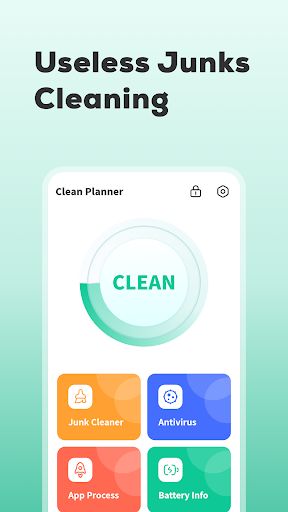
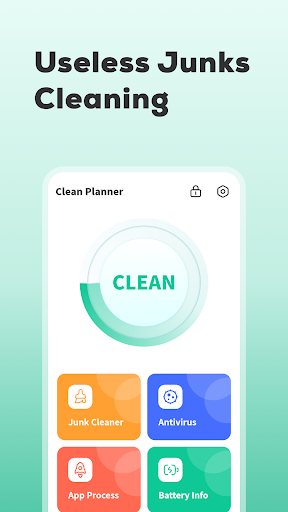
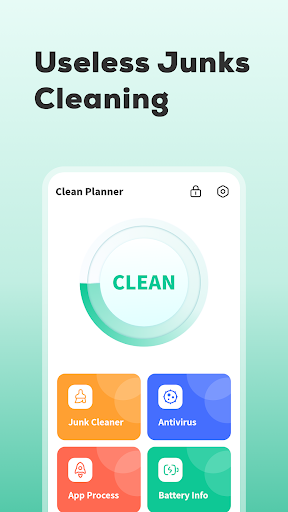
Junk Cleaner
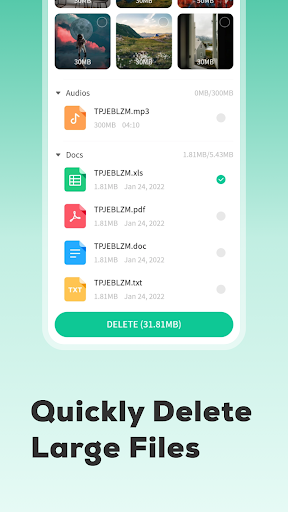
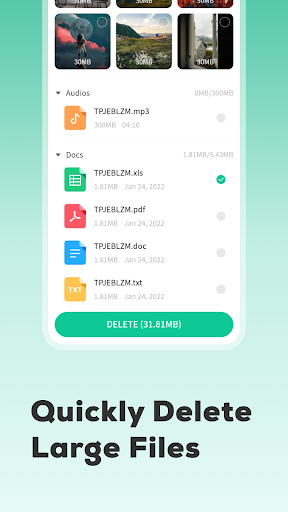
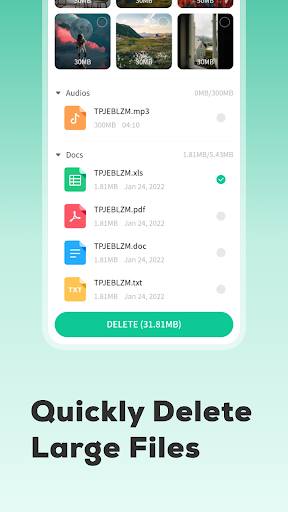
The Junk Cleaner function enables you to effortlessly clean temporary files and residual data cluttering your smartphone. This not only frees up storage space but also helps improve overall device speed. Regularly using this feature ensures your phone remains responsive and clutter-free.
Background Processes Management
With the Background Processes feature, you can view and manage apps that run silently in the background. Stopping unnecessary background processes can significantly conserve battery life and enhance device performance, giving you more control over your phone’s resource usage.
App Uninstallation
The Uninstall Apps tool allows you to select and remove applications you no longer need. This helps in decluttering your device and optimizing storage, all while simplifying the app management process with just a few taps.
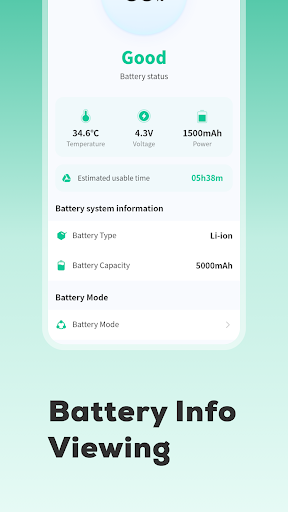
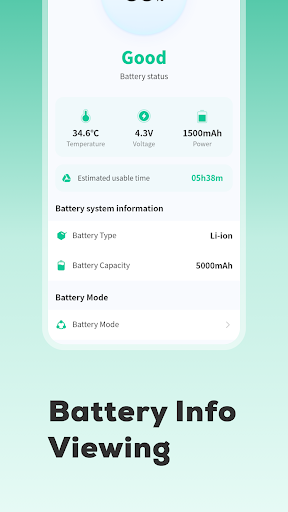
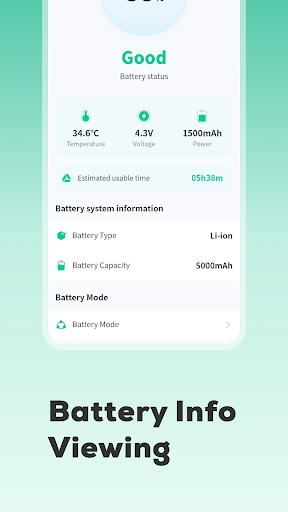
Battery Information
Get a quick overview of your device’s battery health and performance with the built-in Battery Information feature. It provides insights into battery status, usage patterns, and helps you understand how different apps impact your battery longevity.
User Experience and Personal Insights
Downloading Clean Planner is straightforward, compatible with both Android and iOS devices, making it accessible to a broad user base. Upon launching the app, users are greeted with a clean, intuitive interface that focuses on simplicity and usability. Unlike many productivity apps that can feel overwhelming, Clean Planner strikes a perfect balance between functionality and ease of use.
One standout aspect is the app’s responsiveness and seamless navigation. Transitioning between cleaning, management, and monitoring features is fluid, allowing users to operate the app smoothly, even during busy moments. The subtle notification system also ensures you stay on top of your tasks without feeling nagged or stressed, making it an ideal tool for busy professionals and students alike.
Why Choose Clean Planner?
If you're seeking a reliable, efficient, and easy-to-use mobile cleaning and organization application, Clean Planner is a perfect choice. Its robust set of features supports managing device health with the Junk Cleaner and Battery Information, while helping enhance productivity with task management and app control. The app’s sleek design emphasizes user-friendliness, making it suitable for both tech-savvy users and those new to digital organization.
By integrating key functionalities such as content cleanup, app management, and device monitoring into one platform, Clean Planner aims to be your all-in-one solution for maintaining optimal device performance and keeping your daily schedule organized. Downloading Clean Planner today can lead to a more efficient digital life, freeing up space, saving battery, and helping you stay on top of your daily responsibilities with less stress.
Pros
- Intuitive interface enables easy navigation
- Tasks can be customized with categories and priority levels
- Seamless integration with calendar applications
- Provides reminders for all scheduled activities
- Supports collaborative work through shared tasks
Cons
- Free version offers limited features
- No offline access mode available
- Occasional synchronization issues with other applications
- Advertisements appear in the free version
- Reminders have limited customization options











