
Introduction to the Clap to Find My Phone, Whistle App
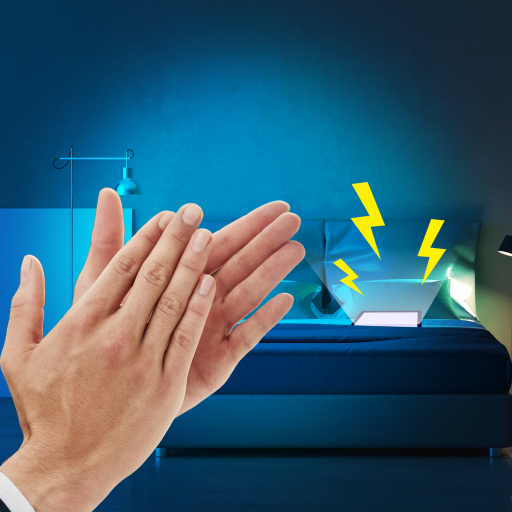
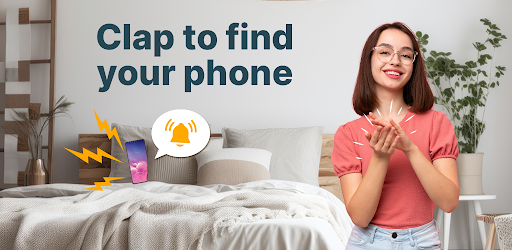
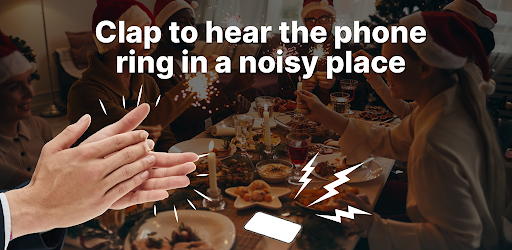
Are you someone who often misplaces your phone and struggles to locate it quickly? Do you wish there was an easy way to find your device without frantically searching or bothering others? The Clap to Find My Phone, Whistle app is here to revolutionize the way you retrieve your lost phone. Designed with convenience in mind, this innovative phone finder leverages simple sounds like claps or whistling to help you locate your device effortlessly. Whether you’re in a crowded room, in the dark, or simply in a rush, this application ensures that your misplaced phone is always within reach — all with just a few sounds! Simply turn on the feature, clap or whistle, and watch as your phone responds by ringing, flashing, or vibrating, guiding you straight to it. This app is perfect for the elderly, the absent-minded, or anyone prone to losing their device. Say goodbye to frantic searches and hello to quick, easy phone retrieval!
How Does the Clap to Find My Phone, Whistle Work?
The core functionality of the Clap to Find My Phone, Whistle app is straightforward and user-friendly. To get started, you need to:
- Download and launch the app
- Tap the Activate button
- The app will then continuously detect sounds like claps or whistles
Outstanding Features of the App
The Clap to Find My Phone, Whistle app boasts several notable features:
User-Friendly Interface
Designed with simplicity in mind, the app is intuitive, even for first-time users. No complex setup is needed—just a few taps, and you're ready to go.
Responsive in Silent or Do Not Disturb Modes
Unlike traditional find my phone features, this app responds effectively to sounds like claps or whistles even when your phone is in silent mode, making it incredibly flexible.
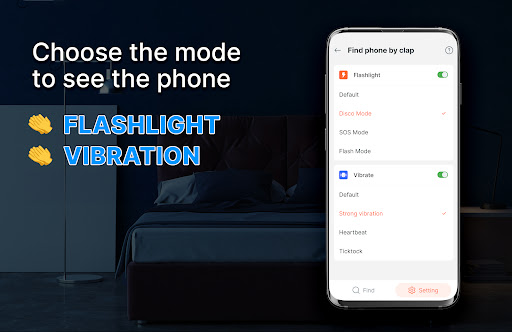
Multiple Alert Options
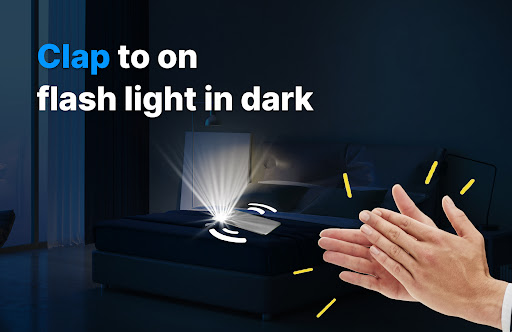
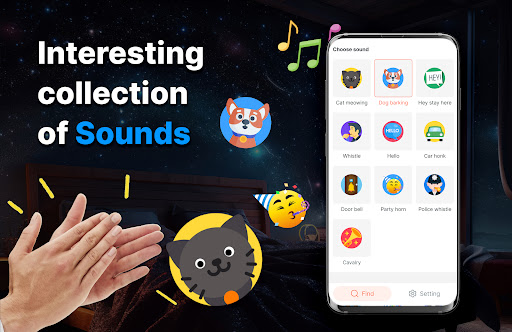
You can choose how your phone reacts—via sound, flashlight, or vibration—to help you locate it in different scenarios. For example, turn on the flashlight blink to spot your device in a dark environment.
Energy Efficient
Despite constantly monitoring sounds, the app consumes minimal battery power, ensuring it doesn't drain your device quickly.
Customizable Settings
Adjust sensitivity levels to match your environment and preferences, ensuring reliable detection whether you're indoors or outdoors.
Why Choose the Clap to Find My Phone, Whistle App?
If you are someone who frequently misplaces their phone, this app offers a convenient and effective solution. Its ability to respond to natural sounds like claps or whistles makes it a handy gadget that adds both fun and functionality to your daily routine. Plus, it’s particularly helpful for the elderly or individuals with memory challenges, providing a simple method to find their device without complicated steps. The app’s reliable performance in different environments, combined with its low energy consumption, makes it an ideal addition to your smartphone toolkit. Whether you’re at home, in a busy crowd, or in a dark room, just clap or whistle and let the app do the rest.
Conclusion
In summary, the Clap to Find My Phone, Whistle app is an innovative, user-friendly tool that transforms how you locate your lost device. Its ability to respond to claps or whistles even in silent mode makes it a versatile and practical solution, especially for those prone to forgetfulness. Easy to set up and customize, it ensures your phone is always within reach with minimal effort. So, if you're tired of the frantic search every time your phone goes missing, give this app a try. With just a simple clap or whistle, you'll be reunited with your device in no time. Trust this clever app to keep your phone just a sound away!
Pros
- User-friendly interface.
- Highly precise sound detection.
- Responds quickly.
- Operates with low battery consumption.
- Allows customization of sensitivity settings.
Cons
- Limited features in the free version.
- May not perform well in noisy environments.
- Needs microphone permission.
- Occasional false alarms.
- Contains ads in the free version.











