

Overview of CCleaner – Phone Cleaner
CCleaner – Phone Cleaner is a highly effective Android application designed to optimize and maintain your mobile device's performance. Developed by the same team behind the renowned PC and Mac cleaning software, CCleaner for Android offers a comprehensive suite of tools to clean junk files, reclaim storage space, analyze app impact, and monitor system health—all wrapped in an easy-to-use interface. Whether you want to free up precious storage, boost speed, or enhance battery life, this app acts like a personal janitor, diligently tidying up your device for optimal operation.
Main Features of CCleaner – Phone Cleaner
Clean, Remove, and Master
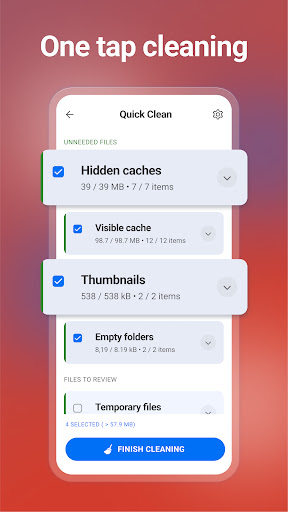
• Clean up your phone storage with safe removal of unnecessary files — from residual data to browser history, cache, clipboard content, and download folders. This ensures your device stays clutter-free and performs efficiently. • Remove obsolete files and residual data effortlessly to reclaim valuable space, making room for new apps, photos, or other data.• Master your device by monitoring system health, including CPU and RAM usage, as well as internal storage and battery temperature.
Reclaim Storage Space
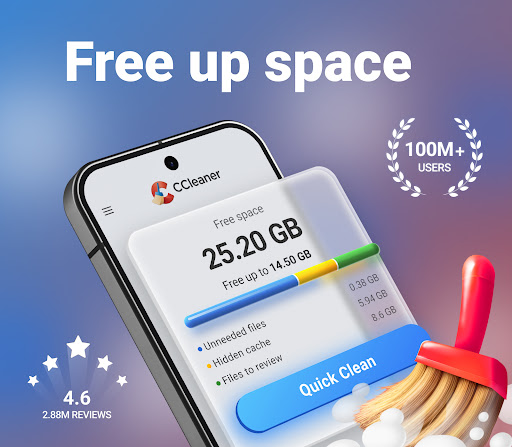
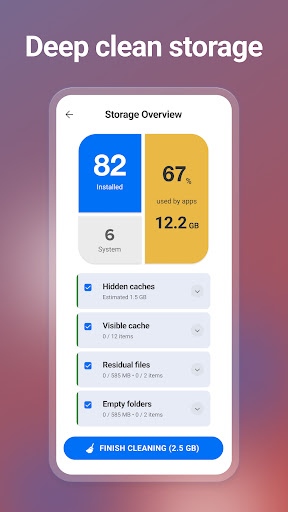
• Analyze your storage to identify large or unnecessary files taking up space. Quickly locate and delete unwanted applications in bulk, freeing up valuable storage with just a few taps. • Clear junk such as obsolete, residual, and residual files to keep your device lean and fast.
Analyze Applications’ Impact
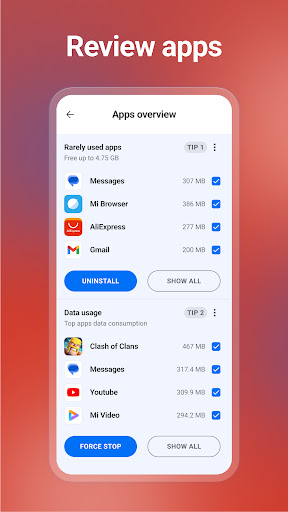
• Determine which apps consume most of your data, draining your battery or impacting your device performance. • Identify unused or seldom-used apps with the App Manager feature and uninstall them to optimize system resources. • Monitor app impact to maintain a seamless user experience.
Photo Library Management
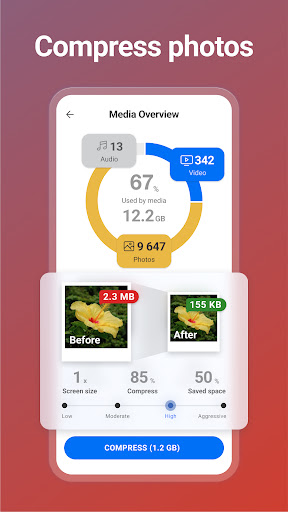
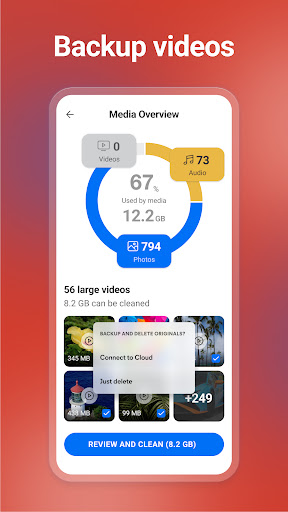
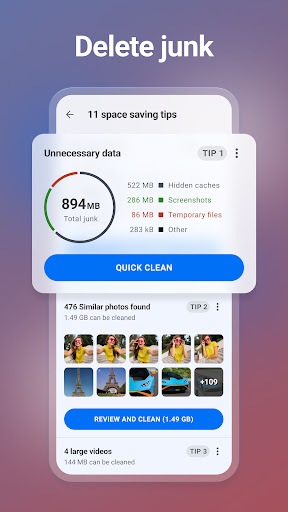
• Find and remove similar, old, or poor-quality photos—such as overly bright, dark, or unfocused images—to tidy up your gallery. • Reduce file sizes with optional compression levels — Low, Moderate, High, or Aggressive — and seamlessly move original photos to cloud storage for backup. • Delete private chat photos easily, keeping your gallery personal and organized.
System Monitoring
• Check your device’s CPU usage and analyze RAM and internal storage space. • Keep track of your battery levels and temperature, ensuring your device runs smoothly and efficiently.
User-Friendly Design
• Easily clean your Android device with just a few clicks using an interface that’s intuitive and straightforward. • Customize your experience by selecting your preferred color theme, making navigation enjoyable. • The app uses Accessibility permissions to assist users with disabilities, enabling you to stop all background apps conveniently with a single tap.
Why Choose CCleaner – Phone Cleaner?
Ever felt your smartphone is acting sluggish or running out of space too quickly? CCleaner – Phone Cleaner is designed to tackle these common issues head-on. It’s like having a personal cleaning crew for your device, tidying up clutter, optimizing performance, and extending battery life. The app’s smart features allow you to analyze which apps are draining your resources, uninstall unwanted apps swiftly, and clear unnecessary files—all through an easy, user-friendly interface. Its lightweight design and powerful cleaning engine mean you'll notice a tangible difference in speed and responsiveness after each use. Plus, with customizable options and comprehensive system monitoring tools, this app caters to both casual users and tech enthusiasts eager to maximize their device’s potential.
Pros
- Efficiently removes unnecessary files.
- Enhances device speed and responsiveness.
- Intuitive and easy-to-use interface.
- Provides updates regularly.
- Includes features to protect user privacy.
Cons
- Displays advertisements in the free version.
- Offers limited features without a paid subscription.
- Scan process can sometimes be slow.
- Requires several permissions to function properly.
- May not support all types of files.











