
Introducing TV Cast for Chromecast - TVCST
Main Features of TV Cast for Chromecast - TVCST
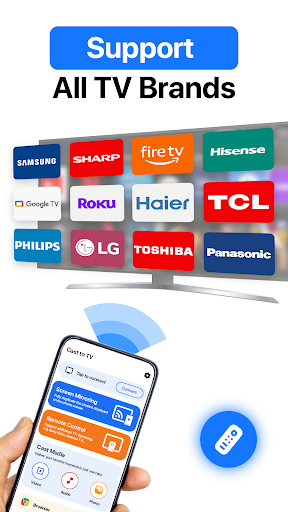
Screen Mirroring and Casting
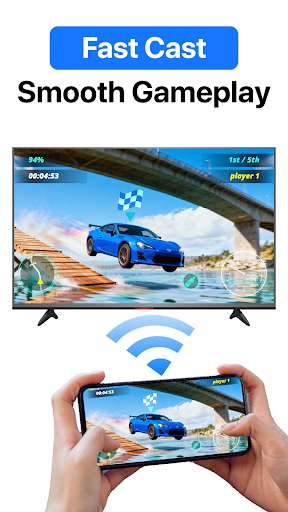
•Screen Mirroring: Easily share your device's screen in full quality, supporting HD display. Enjoy smooth mirroring with minimal lag, making it perfect for sharing photos, videos, or presentations.
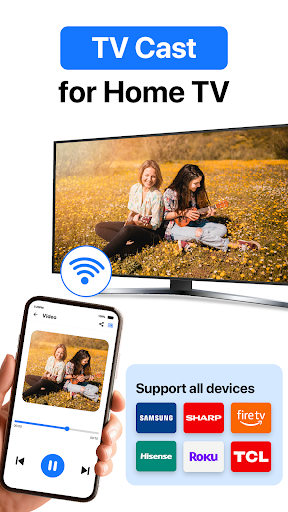
•Media Casting: Cast videos in HD quality directly from your Android device to your TV. Whether it’s movies, series, or personal videos, experience crisp visuals and immersive sound.
•Audio Streaming: Cast audio to your TV for an immersive listening experience. Ideal for parties or workout sessions, it offers clear sound and deep bass as you control tracks and volume directly from your device.
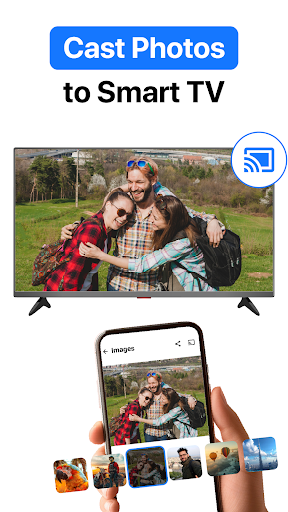
•Photo Sharing: Display high-resolution photos on the big screen. Easily create slideshows with customizable transitions, select albums, and manage slideshows conveniently from your phone.
•YouTube Video Casting: Watch YouTube videos on your TV with simple controls for pause, rewind, and volume, enhancing your viewing pleasure with seamless streaming of playlists and live streams.
Remote Control Functionality
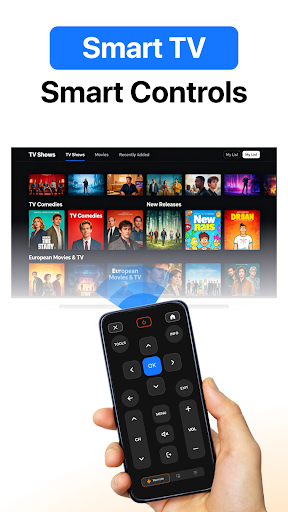
Transform your smartphone into a remote control for your TV casting sessions. Pause, play, skip, and adjust volume effortlessly, making media management more convenient than ever. Compatible with all Chromecast devices, this feature ensures smooth and responsive control, enriching your streaming experience.
Easy Setup and Usage
Getting started is simple. Connect your device and TV to the same Wi-Fi network, tap the connect button, and select your Chromecast device. Choose the media or content you'd like to cast—whether it's a photo, video, or music—and enjoy instantly. The app's intuitive design ensures a hassle-free experience for users of all skill levels.
Why Choose TV Cast for Chromecast - TVCST?
- Stream with clear and smooth quality.
- Supports a wide range of media formats.
- Easy-to-use interface designed for everyone.
- Consistent updates and improvements for better performance.
User Experience and Personal Reflection
Many users find TV Cast for Chromecast - TVCST to be a game-changer for streaming entertainment at home. The installation process is quick, and the straightforward interface makes it accessible even for those new to casting technology. Browsing and casting videos, live streams, or even browsing the web directly to your TV transforms your mobile device into a powerful media hub. The remote control feature eliminates the need for multiple remotes, streamlining your entertainment setup further.
Performance-wise, the app delivers reliable streaming with minimal buffering, although like any wireless casting tool, a stable Wi-Fi connection is crucial for optimal performance. Its compatibility with various Chromecast devices and media formats makes it versatile for different setups and content types.
In summary, TV Cast for Chromecast - TVCST offers a robust set of features, combining ease of use with powerful streaming capabilities. Whether you're casting videos, music, or photos, this app enhances your viewing experience, making it easier to enjoy content on your big screen. If you're seeking a reliable, user-friendly casting solution, TVCST is definitely worth exploring.
Pros
- Easy setup and intuitive interface.
- Supports various video formats.
- Delivers high-quality streaming without lag.
- Works seamlessly with all Chromecast devices.
- Receives regular updates with additional features.
Cons
- Requires a stable Wi-Fi connection.
- Ads in the free version may be disruptive.
- Limited features unless upgraded to premium.
- Occasional connectivity problems reported.
- Not all applications support casting.











