

Overview of the Cast to TV, Chromecast & Roku App
If you love streaming movies, TV shows, music, or photos on your big screen, the Cast to TV, Chromecast & Roku app is an essential tool for effortless casting. Designed to work seamlessly with a wide range of devices, this versatile app allows users to cast both online and local media files directly to smart TVs, Chromecast, Roku, Fire TV, Xbox, Apple TV, and other DLNA-compatible devices. Whether you're looking for a simple way to enjoy your favorite video content or a comprehensive media casting solution, this app offers an intuitive, user-friendly interface combined with powerful features to enhance your streaming experience.
Main Features of Cast to TV, Chromecast & Roku
User-Friendly Control and Casting
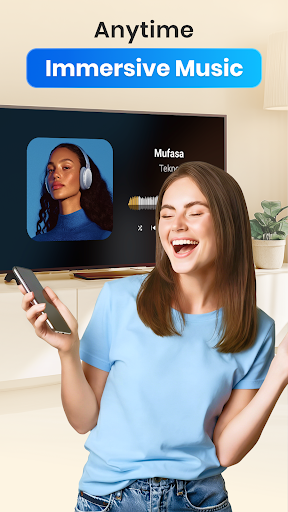
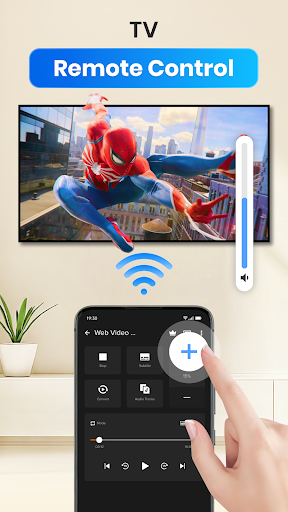
The app enables easy control over your TV with your phone, allowing you to pause, adjust volume, fast forward or rewind, and skip to previous or next media with just a tap. It supports casting videos, music, and photos to your TV or streaming device, making it perfect for family movie nights or casual browsing.
Automatic Device Detection and Content Recognition
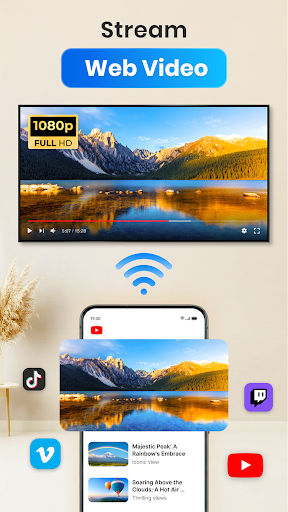
Cast to TV automatically searches for available cast or streaming devices in your Wi-Fi network, simplifying the connection process. It can identify various media files stored on your device or SD card, including videos, audio, and photos, in addition to offering an inbuilt browser for web video casting.
Advanced Playback Options
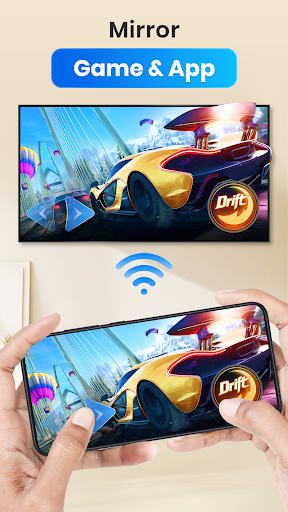
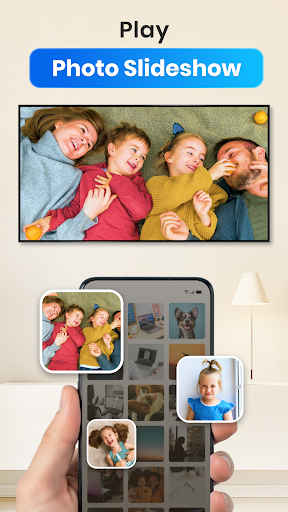
Enjoy features like adding local media to a play queue, shuffling, looping, and repeating media files. The app is specifically designed for casting videos, music, and presenting photo slideshows, providing a rich multimedia experience on your TV.
Support for Multiple Devices and Platforms
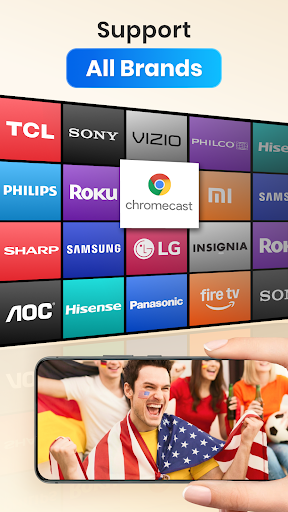
This all-in-one media casting app supports a broad range of devices including Chromecast, Samsung, LG, Sony, Hisense, Xiaomi, Panasonic Smart TVs, Xbox One and Xbox 360, Amazon Fire TV, Apple TV with AirPlay, Roku devices, and other DLNA receivers. Future updates are also expected to support Kodi, IPTV, and more, ensuring ongoing compatibility and versatility.
How to Use and Benefits
Simple Connection Process
Connecting your device is straightforward. After launching the app, it automatically detects available casting devices within your Wi-Fi network. Once connected, you can cast local or online videos, music, photos, and web videos with minimal effort, making it ideal for both tech-savvy users and beginners.
Excellent Streaming Quality
The app supports high-resolution streaming, providing a smooth and high-quality viewing experience comparable to direct connection. Whether casting a 4K documentary or a casual photo slideshow, the app maintains excellent video and audio quality, ensuring your media looks and sounds great.
Broad Media Support and Flexibility
Support for various media formats and sources allows you to enjoy your media collection effortlessly. Plus, subtitle support makes it perfect for foreign films, and the ability to cast from web browsers adds to its flexibility.
Reliable and Troubleshooting
While the app generally offers a stable connection, internet issues or router glitches can sometimes cause lagging or disconnections. Simple steps like restarting your Wi-Fi router or reconnecting your device usually resolve these issues.
Why Choose Cast to TV, Chromecast & Roku?
In today's streaming world, having a reliable and versatile casting app is a game-changer. Cast to TV, Chromecast & Roku stands out because of its broad device support, easy operation, and comprehensive features. It's perfect for anyone wanting to enhance their viewing experience by effortlessly casting videos, photos, and music to their smart TVs or streaming devices. Whether you want to stream from popular online services or play local media files, this app provides a seamless solution tailored to meet your needs.
Pros
- Compatible with a wide range of TV brands
- Supports various media formats
- Intuitive and easy-to-use interface
- Streams quickly with minimal buffering
- No advertisements in the premium version
Cons
- Frequent ads in the free version
- Limited features without a subscription
- Occasional connectivity problems
- Some formats may not stream correctly
- Needs a stable Wi-Fi connection for optimal use











