

Introducing Captions Lite: Your Ultimate AI-Powered Video Captioning and Editing Solution
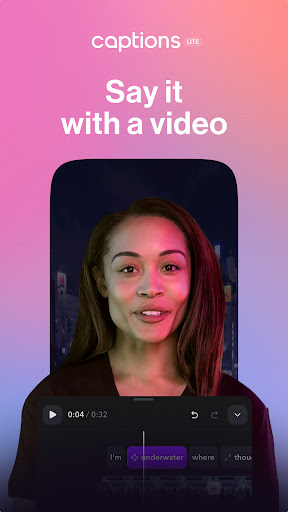
Are you looking for an efficient way to elevate your video content? Captions Lite is a state-of-the-art application designed to simplify the process of creating and editing engaging videos using advanced AI technology. Whether you’re a content creator, marketer, small business owner, or media agency, this app provides all the essential tools to craft high-quality videos directly from your phone. With its user-friendly interface and powerful features, Captions Lite makes professional video editing accessible to everyone.
Key Features of Captions Lite
Accurate and Automatic Subtitles
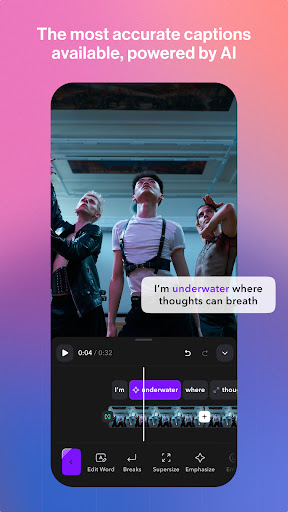
One of the standout features is the automatic captions powered by cutting-edge speech recognition technology. Instantly generate accurate subtitles, ensuring your videos are accessible and engaging even in silent environments. This is especially useful for reaching broader audiences across different regions and demographics.
Customizable Text and Caption Templates
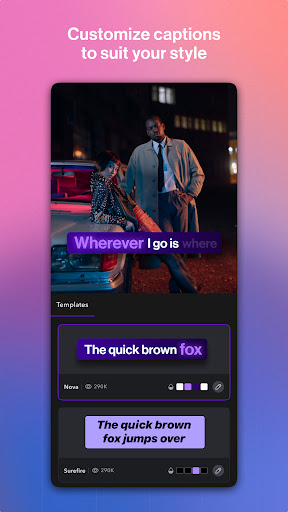
Elevate your content by adding static text overlays, choosing from a wide array of caption templates including viral and classic styles. Tailor your captions with customizable colors, emojis, fonts, and other styles to maintain your brand consistency and make your videos stand out.
Comprehensive Video Editing Tools
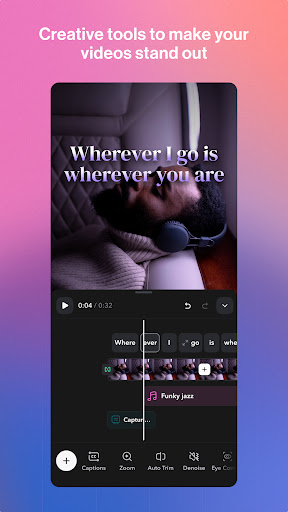
Utilize a complete suite of editing features suitable for platforms like X, Reels, IG Stories, and Threads. Adjust clip timing, crop, add effects, and more—all from within the app for a seamless editing experience.
Expand Your Reach with AI-Driven Translation and Dubbing
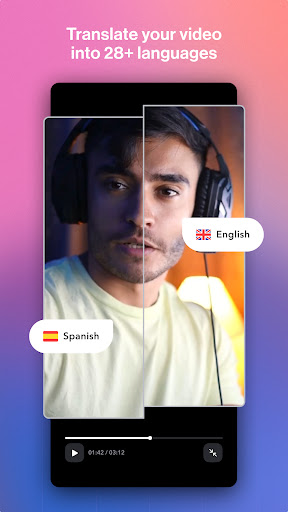
Grow your global audience by leveraging multilingual dubbing into 29+ languages and translate subtitles to reach viewers worldwide. Transcriptions convert spoken content into text, making it easier to edit and translate your videos efficiently.
Enhance Video Quality with AI Effects
Transform your videos with innovative AI effects, including:
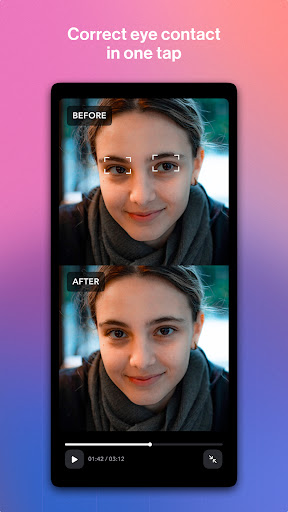
- AI Eye Contact: Corrects gaze for more natural interactions during recording.
- AI Zoom: Adds dynamic zoom effects to keep viewers engaged.
- AI Sounds: Auto-generates relevant sound effects.
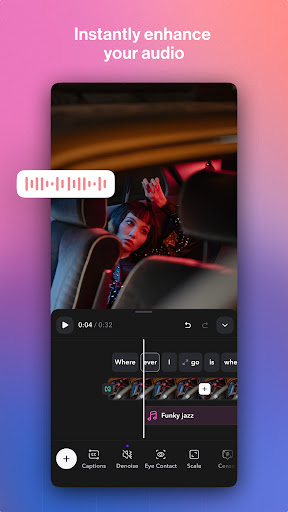
- AI Denoise: Removes background noise for clearer audio.
Choose from an extensive template library featuring trending caption styles for every occasion.
Inclusive Content Creation for Everyone
With over 6% of the global population experiencing hearing loss, adding captions makes your videos more inclusive and accessible. Support for noisy environments with dynamic closed captions (cc) also ensures your content resonates in any setting. Plus, automatic dubbing into multiple languages allows your message to reach international audiences effortlessly.
Why Choose Captions Lite?
Trusted by over 10 million users worldwide, Captions Lite offers the easiest way to create captivating talking videos powered by AI. Its intuitive interface requires no technical skills, allowing anyone to produce professional-quality videos in minutes. The app not only enhances your content’s accessibility but also boosts engagement across social media platforms, making it a must-have tool for every content creator.
Whether you're sharing clips on TikTok, Instagram, or YouTube, Captions Lite helps you communicate more effectively, ensuring your voice reaches everyone. With features like real-time editing, translation, dubbing, AI effects, and customization, the possibilities are endless. Plus, it’s free to download with optional in-app purchases, making it a versatile addition to your creative toolkit.
Embrace the future of video editing and captioning with Captions Lite: the all-in-one app that transforms your videos into engaging, accessible content. Try it today and enjoy high-quality, AI-powered video editing made simple and faster than ever.
Pros
- Intuitive interface for fast video editing.
- Provides a range of fonts and styles for captions.
- Compatible with various video formats.
- Enhances video accessibility through captions.
- Fast export options available.
Cons
- Limited options for customization for advanced users.
- Reports of occasional app crashes.
- Requires in-app purchases for premium features.
- Limited free functionalities.
- Advertisements can be disruptive.











