

Introducing CapCut - The All-in-One Video Editing App
Are you looking for a quick and easy-to-use video editing solution that doesn’t require professional experience? Look no further than CapCut - Video Editor. This versatile app offers a comprehensive set of features designed to transform your videos into stunning content with minimal effort, right from your smartphone. Whether you're an amateur content creator or an experienced editor, CapCut provides everything you need in one intuitive platform.
Main Features of CapCut
Basic Video Editing
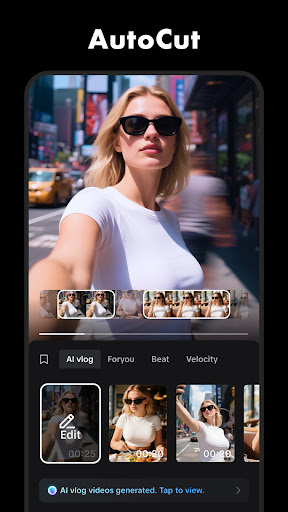
CapCut allows you to perform essential editing tasks like trimming, shortening clips, and splitting or merging videos. You can easily adjust the video speed from 0.1x to 100x and add speed curves for more dynamic effects. Animate your clips with smooth zoom in/out effects and highlight your best moments using the freeze feature. Transition effects enable seamless scene changes, making your video flow naturally and professionally.
Advanced Video Editing
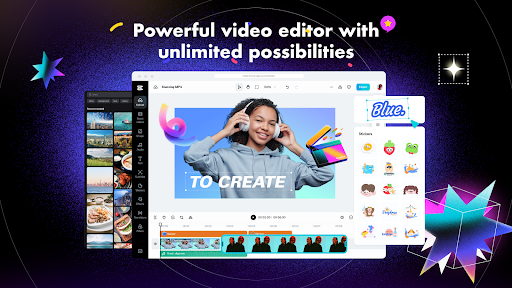
For those seeking more control, CapCut offers keyframe animation across all settings, allowing precise motion control. Create stunning slow-motion effects with the optical flow feature and fine-tune your clips using the speed curve tool. The chroma key functionality makes it simple to remove backgrounds, giving your videos a professional touch. Managing your clips on a multi-track timeline and utilizing the stabilization feature ensures smooth, steady footage, even if your original recording was shaky.
Smart & Creative Features
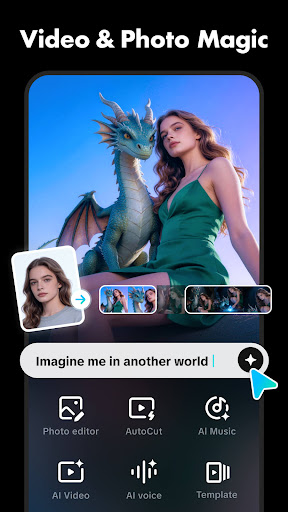
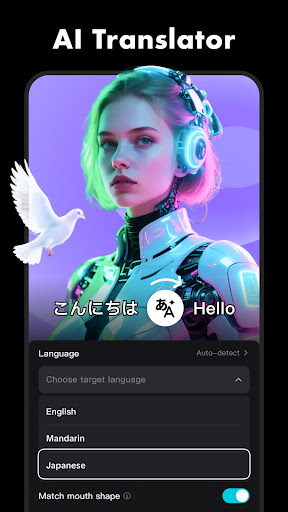
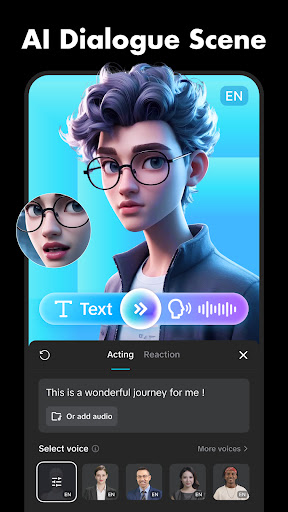
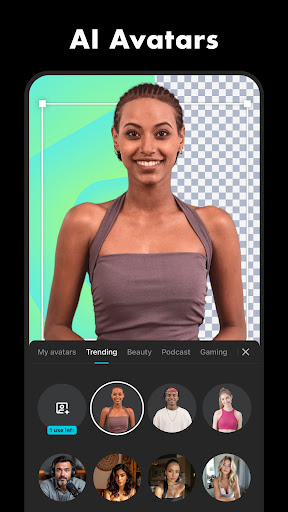
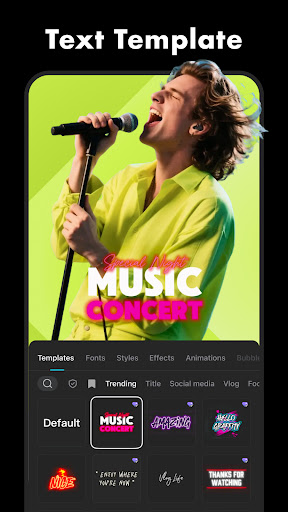
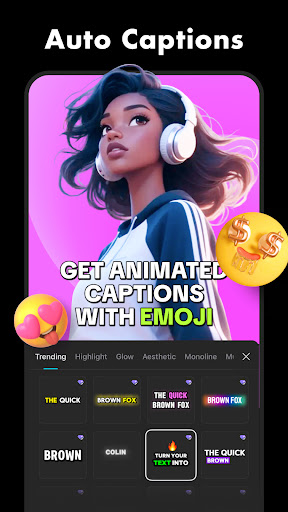
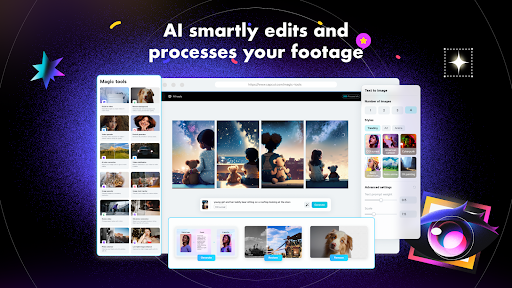
CapCut incorporates intelligent tools like auto captions for speech recognition, automatically generating subtitles for your videos. The text-to-speech feature supports multiple languages and voices, perfect for adding narration effortlessly. Additionally, the background removal feature lets you erase backgrounds automatically, opening up endless creative possibilities. Enhance your videos with a variety of text styles, fonts, and stickers to express your personality. You can import custom fonts to personalize your videos further.
Trending Effects & Filters
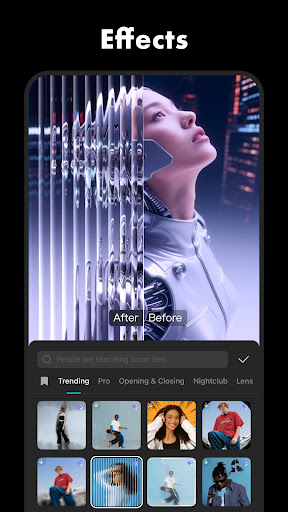
Stay ahead with a constantly updated library of filters and effects that match latest trends. Apply hundreds of visual effects like Glitch, Blur, and 3D effects to give your videos a modern and eye-catching look. Furthermore, you can enhance your footage with movie-style filters and make adjustments to brightness, contrast, and other parameters to perfect your visuals.
Music & Sound Effects
The app boasts a large music library with millions of tracks and sound effects to choose from. Easily extract audio clips or recordings from your videos, or import your own music to customize your project. Adding background music or sound effects is straightforward, enabling you to craft engaging audiovisual stories.
Effortless Sharing & Export
CapCut supports HD exports up to 4K 60fps with smart HDR. Adjust your export settings and share your finished videos directly to popular social media platforms like TikTok, YouTube, Instagram, Facebook, and WhatsApp. The intuitive interface makes sharing quick and seamless, helping your content reach a broader audience.
Why Choose CapCut?
Designed for both beginners and advanced users, CapCut - Video Editor combines a user-friendly interface with powerful editing tools. From simple trimming to complex motion graphics, it covers all your editing needs in a free package. Its reliable performance ensures smooth operation regardless of your device, making it an ideal choice for creating high-quality videos quickly and effortlessly.
Get Started with CapCut Today
If you're ready to elevate your video content, download CapCut now and unlock your creative potential. Whether you're producing casually for social media or crafting polished videos for a professional project, CapCut provides the tools and features you need to stand out. Create, edit, and share stunning videos that reflect your personality and style—no professional experience required.
For more information, you can visit the Terms of Service or the Privacy Policy. If you have any questions, support is available at capcut.support@bytedance.com.
Pros
- User-friendly interface suitable for beginners
- A wide selection of editing tools available
- Supports exporting videos in HD quality
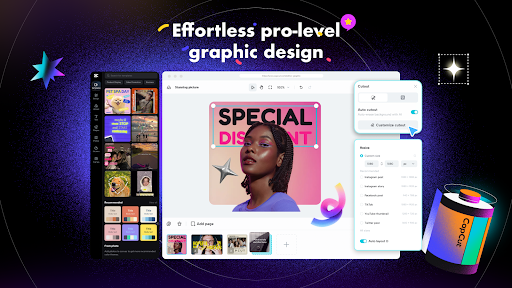
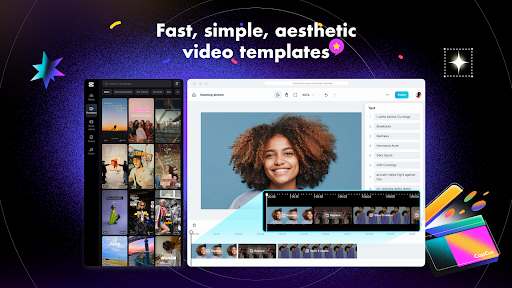
- Includes various templates for quick editing
- Free to use with optional in-app purchases
Cons
- Requires internet connection for cloud features
- Contains occasional advertisements within the app
- Lacks some advanced functionality
- Has a large installation file size
- Potentially consumes significant battery power











