

Introducing the Calculator - Photo Vault: Your Discreet Private Storage App
Have you ever needed a secure way to hide sensitive photos, videos, or files on your smartphone? The Calculator - photo vault app offers a clever and discreet solution. Designed to look like a regular calculator, this app acts as your personal vault, keeping your private content hidden from prying eyes. Its intuitive interface and powerful security features make it an ideal choice for anyone seeking to protect their personal data with ease and confidence.
What Makes Calculator - Photo Vault Stand Out?
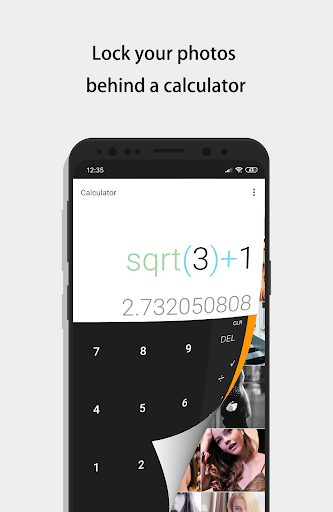
From the moment you install the app, its disguise as a calculator immediately masks its true purpose. To access your secret storage, simply open the calculator app, enter your secret code, and press the '=' button. Instantly, you gain entry into a secure vault where you can store photos, videos, and other files without fear of exposure. This sneaky design ensures that even curious onlookers or accidental visitors won’t realize there's a hidden treasure inside your device. The app combines a familiar calculator interface with robust privacy protection, making it a versatile and trustworthy privacy tool.
Key Features of Calculator - Photo Vault
The app packs a suite of impressive features aimed at maximizing security and user convenience. Here are some of its top capabilities:
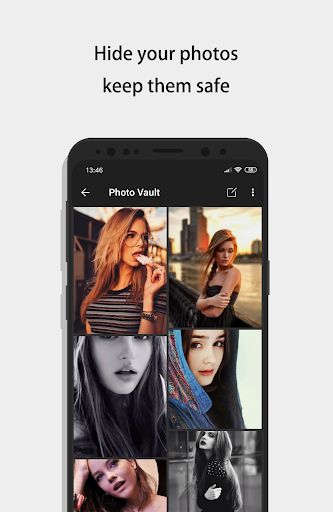
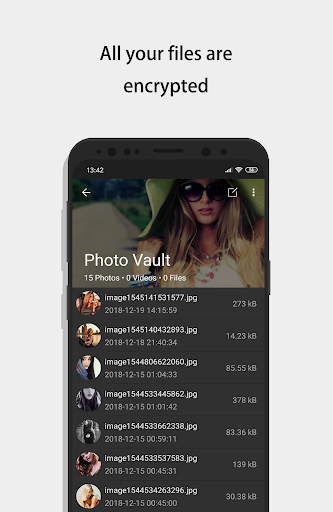
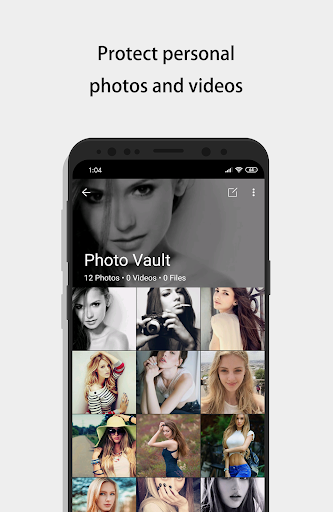
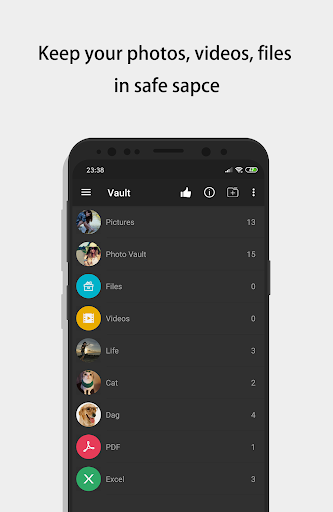
- Vault: Using AES encryption, your files are securely protected against unauthorized access, with no restrictions on file format or size. You can also take photos directly into the vault or record videos without them appearing in your device’s default gallery.
- Browser: An inbuilt private browser allows you to surf the web and download photos securely, leaving no traces after the downloads are stored inside your vault.
- Shake Close: Instantly lock your vault by shaking your phone, giving you quick control over your private data.
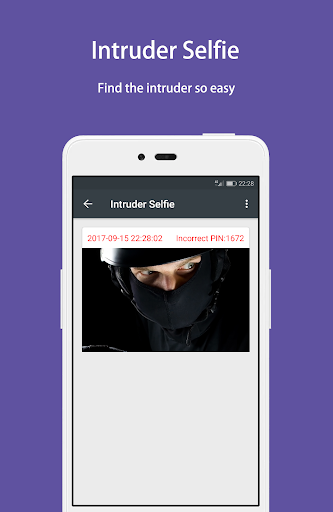
- Intruder Selfie: The app can automatically capture a selfie of anyone trying to access your vault with the wrong password, adding an extra layer of security.
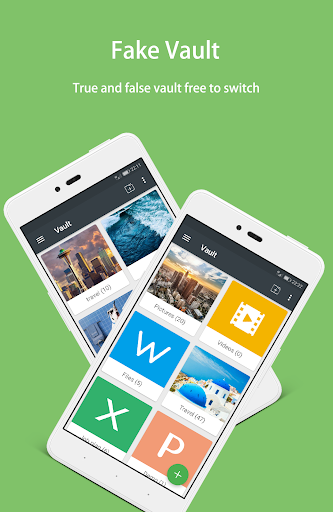
- Fake Vault: Create a secondary, fake vault with a different password, perfect for storing fake photos and videos to distract intruders.
- Fingerprint Unlock: For a faster and more secure authentication method, use your fingerprint to unlock the vault.
- Colorful Themes: Customize the app's appearance with multiple trendy themes, making your experience more personalized.
- Calculator Functionality: Not just a vault, the app also offers a fully functional calculator with basic and scientific modes, seamlessly blending the security feature with everyday usability.
How to Use and Secure Your Private Files
Getting started is straightforward: open the app, enter your secret PIN on the calculator interface, and press '=' to access your secure vault. If you forget your password, no worries—simply input the code 11223344 and follow the prompts to recover your credentials using security questions. To back up or restore encrypted files, long-press on any protected item and select restore from the options menu. Remember, your hidden files are stored solely on your device, so make sure to back them up regularly before transferring to a new device or performing a factory reset.
Customizing and Managing Your Vault
You can change your vault's password by navigating to Settings > Safe > Lock Type. The app also allows you to create fake vaults and set different passwords for each, providing an extra layer of deception if needed. For enhanced security, enable features like intruder selfies and lock your vault quickly with a shake. These features ensure your private information remains safe from unauthorized access and accidental discovery.
Privacy and Security Considerations
Your data privacy is a top priority. The app encrypts all stored files with advanced AES encryption, ensuring that your private content remains confidential and protected against hacking attempts. Since files are stored only on your device, it’s essential to back up important data externally. The app also provides security alerts if someone attempts to access your vault with an incorrect password, and the intruder selfie feature helps identify potential trespassers. Overall, Calculator - photo vault delivers a reliable and discreet solution for safeguarding personal content in an increasingly privacy-conscious world.
Final Thoughts: Protect Your Privacy with Confidence
In today’s digital age, privacy tools like the Calculator - photo vault app are indispensable for safeguarding sensitive information. Its disguise as a calculator combined with features such as AES encryption, intruder alerts, fake vaults, and fingerprint unlocking make it a comprehensive, easy-to-use privacy solution. Whether you want to hide personal photos, confidential videos, or documents, this app provides a seamless and secure environment. Discreet, efficient, and versatile, it’s your ultimate privacy protector, giving you peace of mind knowing your private data is safe behind a simple calculator interface.
Pros
- Securely hides private photos
- User-friendly interface
- Supports multiple file formats
- Strong password protection
- Offers cloud backup
Cons
- Limited free storage space
- Ads in free version
- No video support
- Limited editing features
- Requires internet for backup











