


Discover the All-in-one Calculator Launcher: Your Ultimate Productivity Companion
Are you tired of juggling multiple apps to handle everyday calculations and tasks on your smartphone? The All-in-one Calculator Launcher is designed to streamline your digital experience by combining powerful calculator functions with a user-friendly launcher interface. Whether you need quick math solutions, unit conversions, or bill splitting, this versatile app has you covered, making daily computations easier and more efficient than ever before.
What Makes the All-in-one Calculator Launcher Stand Out?
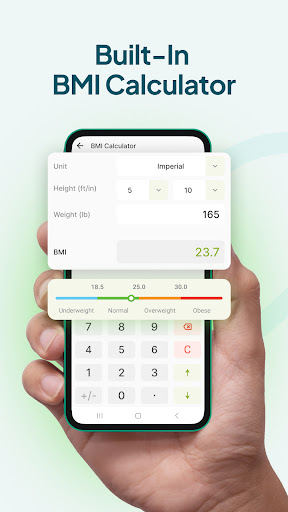
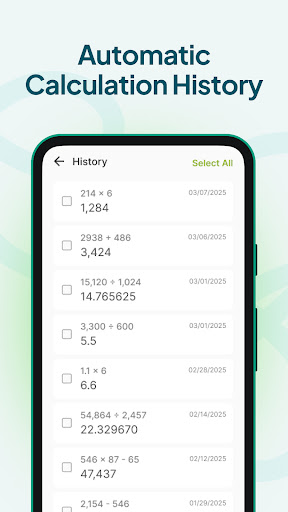
At its core, the Calculator Launcher is more than just a simple calculator. It integrates seamlessly into your home screen, transforming it into a hub for all your essential calculations and quick access tools. The app offers an extensive array of features designed to cater to a variety of everyday needs—from basic arithmetic to complex scientific calculations involving trigonometry and calculus. Imagine having a portable math tutor right in your pocket that you can access with just a swipe!
Intuitive Design and Seamless Navigation
One of the first aspects users appreciate is the sleek and intuitive user interface. The minimalist layout ensures that navigation feels effortless, with large, easy-to-press buttons that accommodate users of all skill levels. Personalize your experience by choosing from various themes, allowing you to set the mood or style that suits you best. Additionally, the built-in widget allows you to perform quick calculations directly from your home screen—no need to open the app each time, saving you precious time.
Powerful Features for Everyday Use
The key functionalities of this app include:
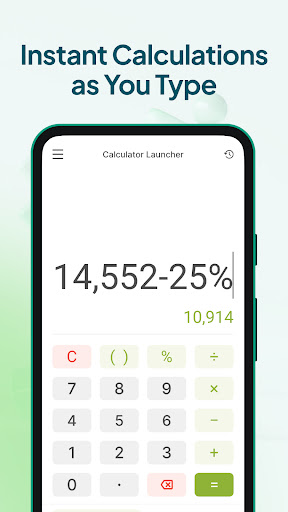
- Basic calculator: Perform simple calculations swiftly, whether you're managing your finances, budgeting, or helping kids with homework. Expect accurate and instant results.
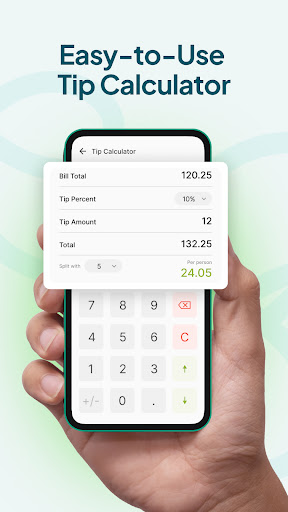
- Tip calculator: When dining out, effortlessly calculate tips and split bills among friends. Customize tip percentages and thank state-of-the-art rounding options to ensure fairness and convenience.
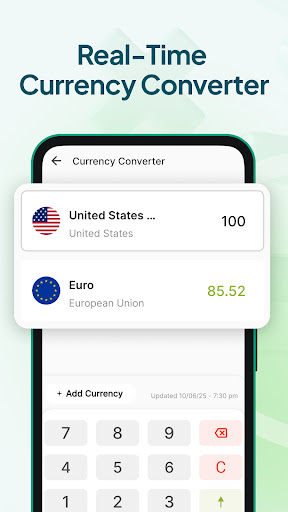
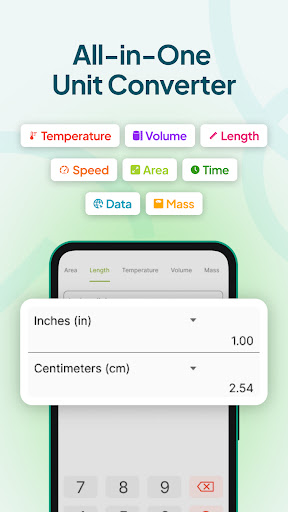
- Unit converter: Switch between units seamlessly. Convert length (mile to kilometer), volume (gallon to liter), temperature (Fahrenheit to Celsius), and more—eliminating guesswork and manual calculations.
Additional Benefits of Using Calculator Launcher
Beyond its core functions, the app provides several additional features that enhance your overall experience:
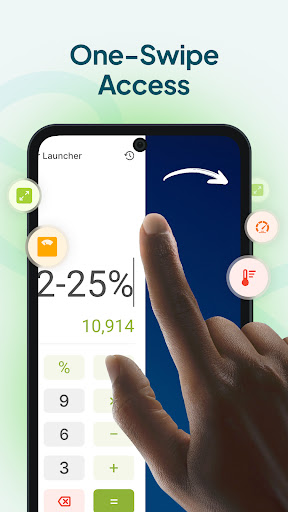
- One-swipe access: Quickly perform calculations or access tools by swiping right from your home screen, ensuring instant accessibility.
- Home screen widget: View the time, weather, and other personalized information at a glance without opening any app.
- Wallpaper personalization: Customize your device with a wide selection of beautiful themed wallpapers for your home or lock screen.
- Home screen shortcut: Add shortcuts to various calculators or tools for even faster access, boosting your productivity.
Performance, Reliability, and Compatibility
Designed for smooth and reliable performance, the Calculator Launcher runs without lag and is optimized to minimize battery consumption. Whether you're on Android or iOS, its compatibility ensures everyone can enjoy its benefits, making it a versatile tool for students, professionals, and everyday users alike. Regular updates guarantee bug fixes and introduce new features to keep your experience fresh and engaging.
Final Thoughts: Is It Worth Downloading?
If you're seeking a multi-functional calculator app that doesn't just handle calculations but also enhances your smartphone's productivity, the All-in-one Calculator Launcher is a smart choice. Its combination of practical tools, sleek design, and quick access features can revolutionize your daily routine, whether you're managing finances, assisting with homework, or just trying to stay organized. Give it a try and discover how effortless everyday math and multitasking can be!
Pros
- User-friendly interface with intuitive navigation.
- Provides a wide selection of calculators to meet various needs.
- Offers customizable themes for a personalized user experience.
- Allows offline access without requiring an internet connection.
- Features a minimalistic design for quick and efficient calculations.
Cons
- Advertisements may interrupt during usage.
- Lacks advanced scientific features for more complex calculations.
- Does not support cloud synchronization for saving calculations.
- May experience occasional lag on older devices.
- No introductory tutorial available for new users.











