

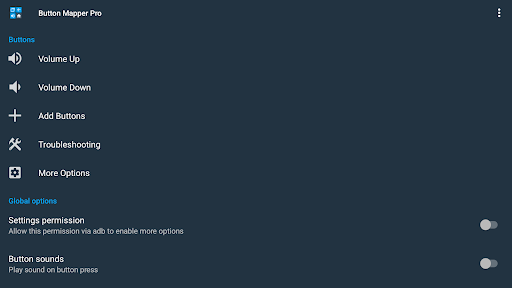
Discover the Power of Button Mapper: Remap your keys
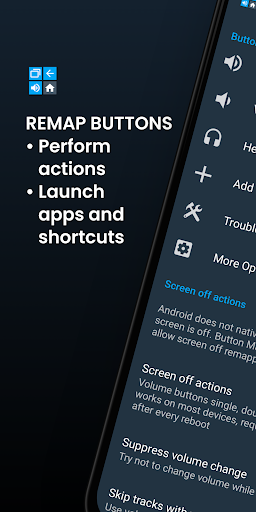
Are you tired of the limited functionality of your smartphone's hardware buttons? Do you wish your device could do more with a simple press of a button? Button Mapper: Remap your keys is the perfect solution that transforms your phone into a highly customizable device. This innovative app allows you to remap various hardware buttons—such as volume keys, assist buttons, or capacitive navigation keys—so they can perform a wide array of actions based on your preferences. Whether it’s launching apps, toggling features, or executing complex scripts, Button Mapper makes it achievable with ease, enhancing both usability and convenience.
Unlock Endless Customization Options
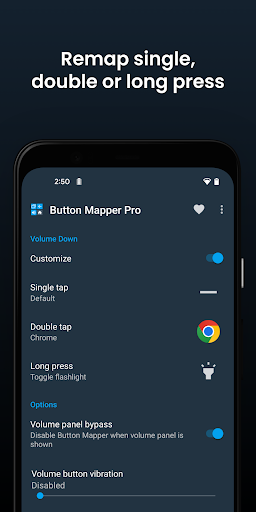
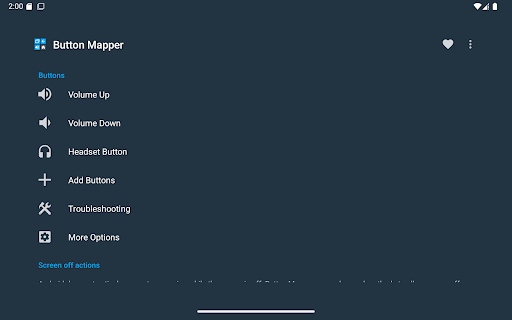
The core strength of Button Mapper lies in its ability to unlock new potential for your device’s physical buttons. Imagine pressing your volume up button to toggle your flashlight or double-tapping a button to quickly open your favorite app. With this app, the possibilities are virtually limitless. You can assign different actions to long presses, double taps, or even configure individual buttons to perform unique functions. For example, set a long press of the home button to open the camera, or remap your TV remote buttons to control your media center effortlessly. It supports remapping most physical and capacitive keys, including support for gamepads, remotes, and other peripherals, turning your device into a versatile remote or productivity tool.
Simple and Intuitive Setup
Getting started with Button Mapper is uncomplicated. No advanced technical skills are required—just install the app and follow the straightforward onboarding steps. The interface is designed with user-friendliness in mind, guiding you through assigning new functions to each button with a few taps. Whether you want to remap volume keys, assist keys, or capacitive navigation buttons, setup is quick and hassle-free. This simplicity ensures that anyone can customize their device without dealing with complex configurations, making Button Mapper an accessible tool for all users.
Advanced Features for Power Users
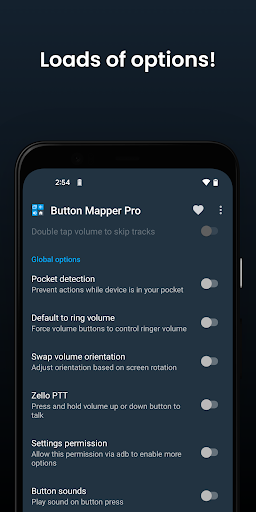
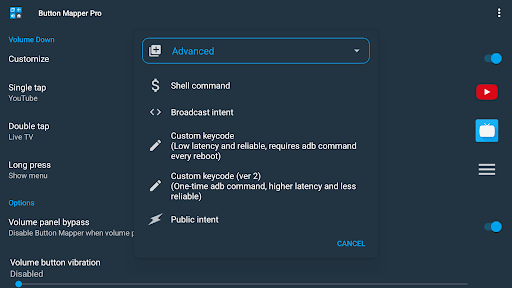
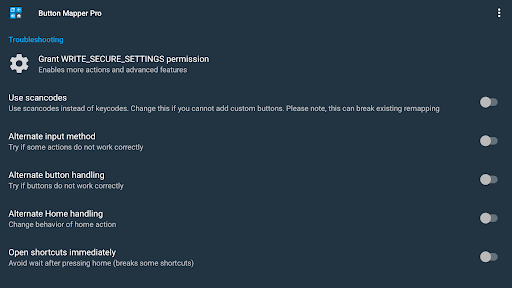
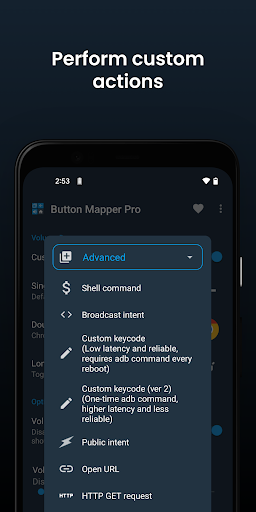
While basic remapping covers most needs, Button Mapper also offers advanced options, especially in its pro version. Users can simulate keycodes, swap volume keys based on device orientation, and perform actions like toggling WiFi, Bluetooth, rotation, or entering split-screen mode. Notable features include pocket detection, customizable haptic feedback, and changing the appearance of back and recents buttons. These features allow for a deeply personalized experience, enabling optimal control and efficiency tailored to your daily routines.
Extensive Action Support
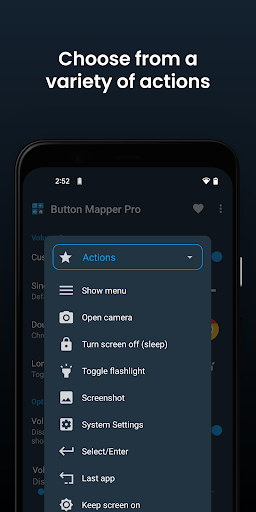
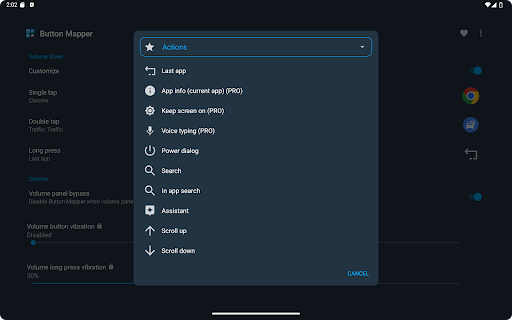
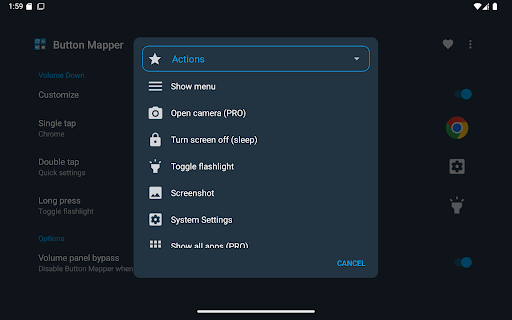
The app can map a wide range of actions to your buttons, such as:
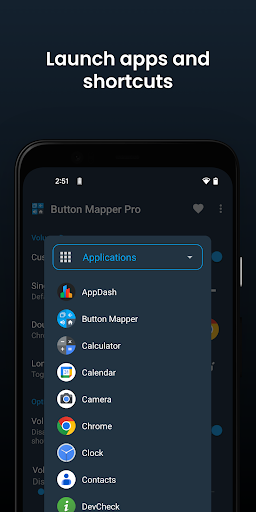
- Launch any app or shortcut
- Disable the button
- Broadcast intents (PRO)
- Run scripts (PRO)
- Take a screenshot
- Toggle flashlight
- Adjust volume or mute
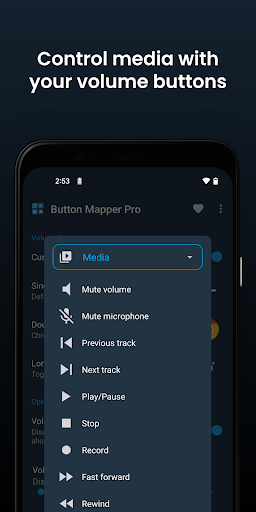
- Control media playback
- Show notifications
- Enable or disable Do Not Disturb mode
- Adjust brightness
- Toggle WiFi, Bluetooth, or Rotation
- And many more...
Support for a Wide Range of Buttons
Button Mapper supports a broad spectrum of hardware buttons, including:
- Physical home, back, and recent apps/menu buttons
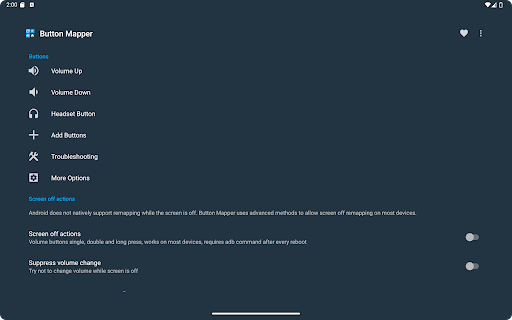
- Volume up and down buttons
- Most camera buttons
- Many headset buttons
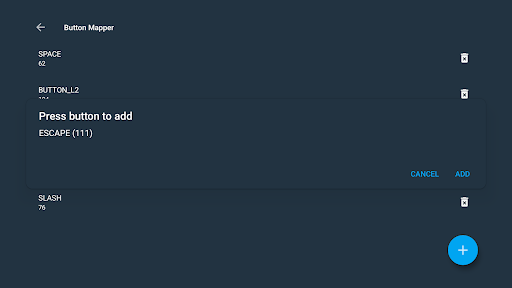
- Custom buttons such as mute, active, etc., on your phone, headphones, gamepads, or remote controls
Additional Customization and Settings
Enhance your personalization further by adjusting settings like:
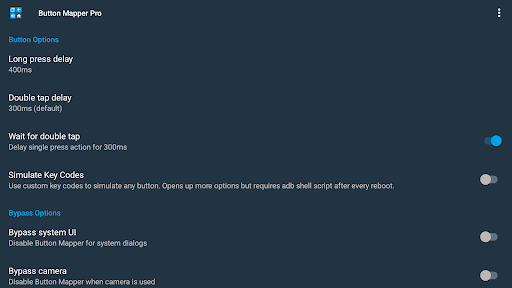
- Changing the duration of long press or double-tap
- Adding a delay to initial button presses for more precise double-tap recognition
- Disabling Button Mapper in specific apps to prevent conflicts
Important Compatibility and Privacy Notes
Please note that Button Mapper requires enabling its Accessibility service to detect button presses accurately. It does not work with on-screen soft keys or the power button. The app respects user privacy, does not collect personal information, and uses permissions solely for functionality, such as Device Administrator permission to turn off your screen when needed.
Why Button Mapper Is a Must-Have App
For anyone seeking to improve their device usability, Button Mapper offers an intuitive and powerful way to redefine how hardware buttons function. It’s perfect for custom workflows, accessibility enhancements, or simply adding a layer of convenience to everyday tasks. The app’s versatility, combined with its user-friendly design and extensive action support, makes it an essential tool for tech enthusiasts and casual users alike. Whether you want to remap a single button or configure complex multi-action setups, Button Mapper transforms your smartphone into a personalized powerhouse—giving your device a new level of control and efficiency.
Pros
- User-friendly device button customization.
- Supports a variety of button functions.
- Operates without requiring root access.
- Enhances device accessibility.
- Increases user productivity.
Cons
- May lead to faster battery drain.
- Features may be limited on certain devices.
- Advertisements can sometimes be disruptive.
- Not all buttons are customizable.
- Some features are available only through in-app purchases.











