

Blur Video and Photo Editor: The Ultimate Tool for Creative Privacy and Artistic Enhancement
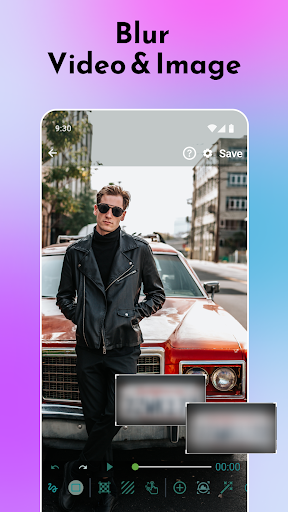
Are you looking for a versatile and powerful app that lets you add professional-grade blurry effects to your videos and photos? Blur Video and Photo Editor is your perfect companion. Whether you want to pixelate faces to protect privacy, create stunning background blur effects, or add artistic flair to your media, this app offers an extensive set of features designed to make editing simple, intuitive, and fun.
Key Features of Blur Video and Photo Editor
This app is more than just a basic blur tool; it's a comprehensive media editing solution packed with advanced features that cater to both amateurs and professionals. Here are some of the standout capabilities:
Precise Blur and Pixelation
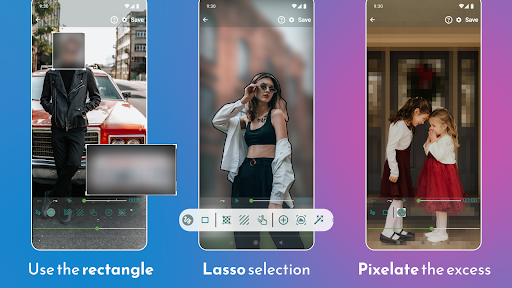
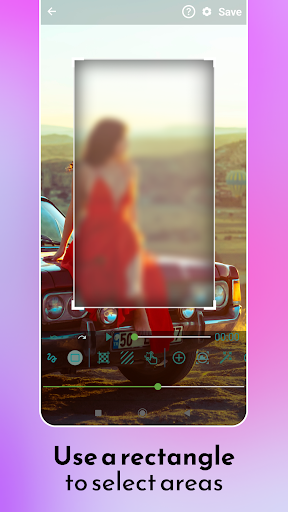
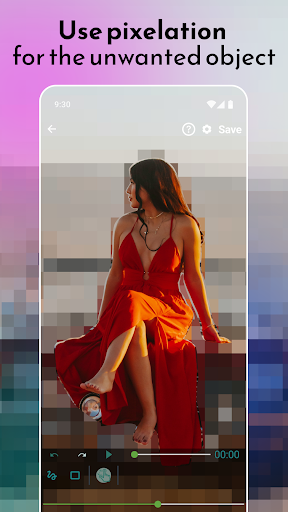
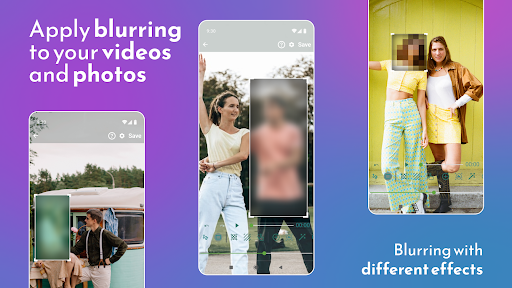
Use rectangles or custom shapes to precisely define areas to blur or pixelate, ensuring unwanted objects, faces, or backgrounds are effectively obscured. You can blur multiple areas within a single photo or video, and define the duration and intensity of each blur or pixelation effect to suit your needs.
Object and Face Tracking
One of the app’s premier features is object tracking. Simply select an object or face, and the app will automatically follow it throughout the video, applying a blurry effect seamlessly, perfect for privacy protection or artistic focus.
Background Blur and Artistic Effects
Create beautiful blur backgrounds that emphasize your subject, mimicking professional DSLR camera effects. The app supports various blur modes, including Gaussian and motion blur, with adjustable intensity, making your photos and videos look more professional than ever.
Color and Artistic Effects
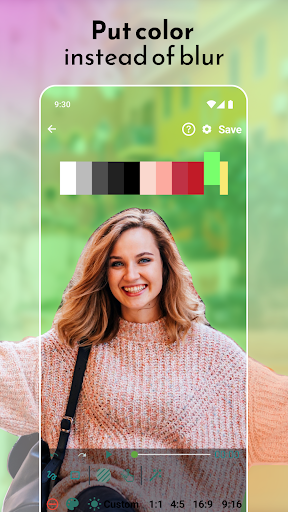
Beyond blurring, the app allows you to add colored overlays or other artistic effects to hide parts of your media, giving you creative control to craft unique visuals.
User-Friendly Interface
Designed with simplicity in mind, the app's clean and intuitive UI makes it easy for anyone to start editing right away. No complicated tutorials are needed—just select your media, define the areas to blur, and enjoy a straightforward editing process.
How to Use Blur Video and Photo Editor
Getting started is quick and easy:
- Open the app and select either a photo or a video from your gallery or directly capture a new one.
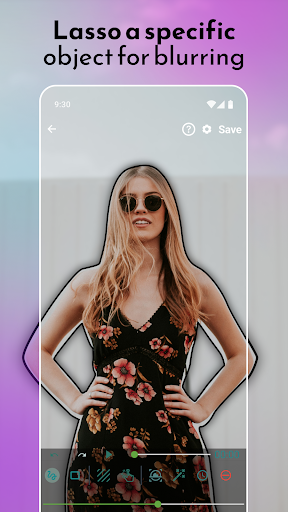
- Define the area you want to blur using simple tools like adjustable rectangles or freehand lasso selection.
- Utilize advanced options such as object tracking to automatically follow moving objects.
- Adjust the blur intensity, duration, and effects with intuitive sliders to achieve your desired look.
- Apply the effects and save your edited media in high resolution, ready to share or keep private.
Why Choose Blur Video and Photo Editor?
Based on user feedback and feature analysis, Blur Video and Photo Editor stands out as one of the best tools for media blurring and editing. The app not only provides essential privacy features, like face blurring and pixelation, but also offers professional tools for creative edits, such as background blurring and colorful overlays. Its effortless usability combined with powerful capabilities makes it suitable for social media enthusiasts, content creators, or anyone wanting to add privacy or artistic flair to their media.
Enhance Your Media effortlessly with a User-Friendly and Reliable App
Whether you aim to protect personal information, create eye-catching videos, or simply explore artistic effects, Blur Video and Photo Editor equips you with all the necessary tools. Its responsive performance ensures quick processing without sacrificing resolution, making it ideal for everyday editing needs. The app’s versatility means you can blur faces, remove unwanted objects, or craft professional-quality backgrounds in just a few taps. Download it today and unlock endless possibilities to transform your videos and photos into captivating visual stories.
Pros
- User-friendly interface
- High-quality blur effects
- Supports various formats
- Fast processing speed
- Outputs with no watermark
Cons
- Limited free features
- In-app advertisements can be intrusive
- Requires internet connection for premium features
- Lacks advanced editing tools
- Occasional application crashes











