

Overview of the Blue Iris App
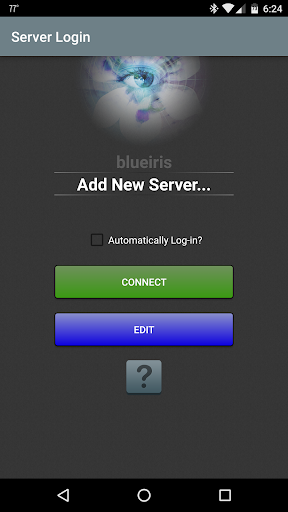
The Blue Iris app is a dedicated CLIENT designed to work seamlessly with the Blue Iris Windows PC software. To utilize this app effectively, users need to have Blue Iris version 5.x installed and actively running on a Windows PC. Connecting the mobile app to your desktop software is straightforward—detailed instructions are available in the Networking section of its Help documentation. The primary purpose of this app is to serve as a single point of contact with your home camera network, providing a secure and efficient way to monitor and manage surveillance devices without exposing each camera directly to the Internet. This is achieved through a session-based protocol, ensuring that no passwords are transmitted in plain text, thereby maintaining your security and privacy.
Key Features of Blue Iris App
Management and Control
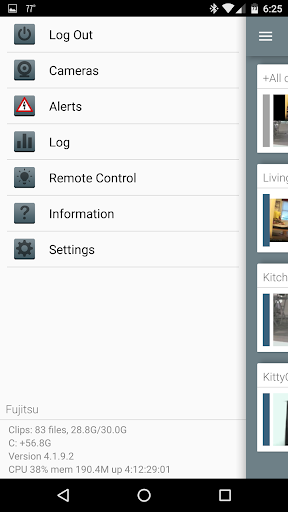
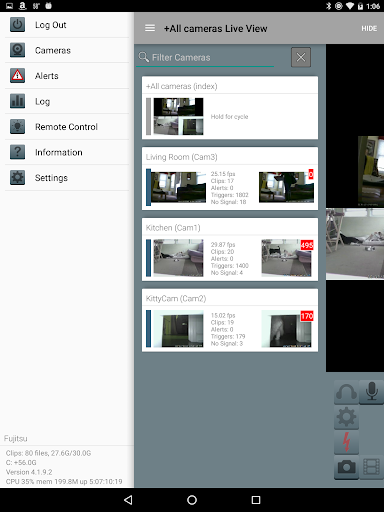
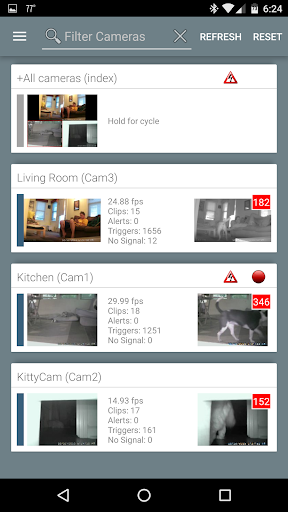
The app allows users to manage multiple Blue Iris installations, making it ideal for homes or small businesses with various surveillance setups. You can control the traffic signal icon to quickly assess system status, schedule camera operation times, and select different profiles based on your security needs. For instance, you can set specific profiles for work hours versus nighttime surveillance.
Real-time Alerts and Streaming
One of the most valuable features is the ability to receive Android push alerts whenever a camera detects motion or a critical system message occurs. This instant notification system keeps you informed in real-time, enhancing your security responsiveness. The app supports fast H.264 streaming, ensuring smooth live views without lag, even on limited bandwidth connections.
Camera Control and Interaction
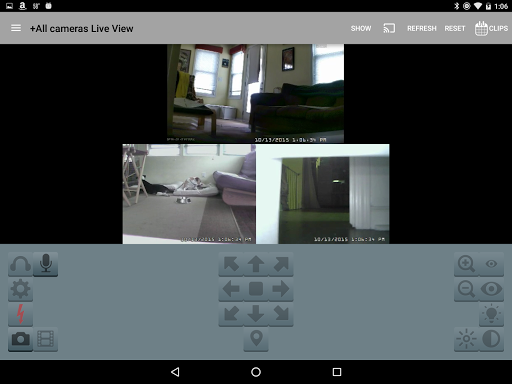
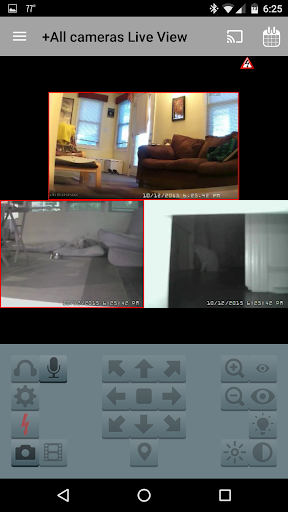
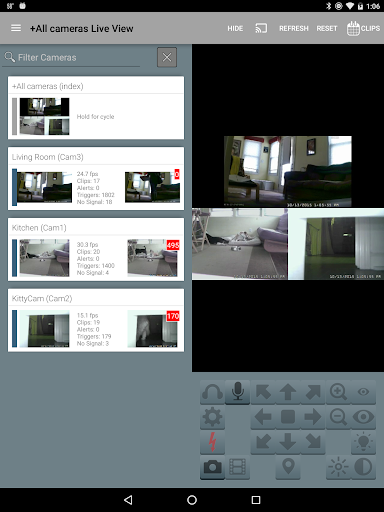
Complete control over cameras is provided, including PTZ (Pan-Tilt-Zoom) functions, IR controls, and more for compatible devices. Additionally, you can listen to audio and talk to cameras supporting two-way communication. The interface facilitates navigation through your camera feeds by tapping or swiping, making surveillance effortless on your mobile device.
Recording and Playback
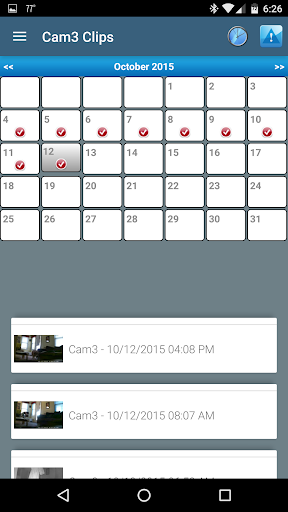
Review your stored footage directly from the Blue Iris PC. The app allows you to review recordings at speeds up to 64x, enabling quick incident assessments. You can also selectively delete recordings to manage storage efficiently, and even review recordings remotely, giving you peace of mind whether on vacation or at your workspace.
Additional Control Features
The app even supports remote control DIO output signals on compatible devices. This means you can trigger external alarms, lights, or other connected hardware directly from your phone, enhancing your overall security setup.
Why Choose Blue Iris for Your Home Security?
If you're looking for an all-in-one surveillance solution, Blue Iris stands out due to its combination of user-friendly setup, comprehensive control, and robust features. Whether you own a mix of camera brands or want a centralized app to oversee multiple locations, Blue Iris adapts well. The app's focus on security—with encrypted communications and no plain-text passwords—makes it a reliable choice for safeguarding your property. Its intuitive interface and extensive customization options make managing your surveillance system straightforward, even for those new to home security.
Furthermore, the remote access capabilities allow you to monitor your cameras anywhere, anytime, offering peace of mind that your home is protected prospects of remote surveillance are more accessible than ever. Integration with various camera systems and comprehensive controls like PTZ, IR, and DIO output make Blue Iris a versatile and powerful security app for modern homes and small businesses.
In summary, Blue Iris blends security, convenience, and customization into a sleek mobile app, making it an excellent choice for anyone serious about home or office surveillance. Whether you need real-time alerts, easy management of multiple camera feeds, or remote control features, this app offers a feature-rich experience that adapts to your needs.
Pros
- Advanced camera management features
- High-quality video streaming
- Remote access via mobile app
- Customizable alerts and notifications
- Supports a wide range of camera brands
Cons
- Complex setup process
- Expensive subscription fees
- Resource-intensive on devices
- Limited customer support
- Occasional software bugs











