




Overview of the Blink Home Monitor App
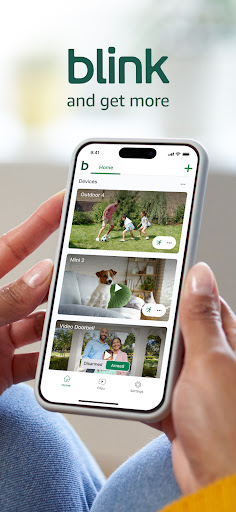
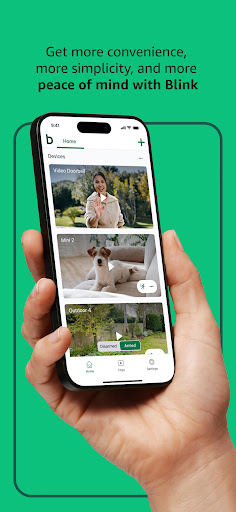
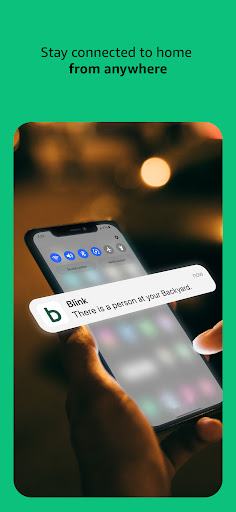
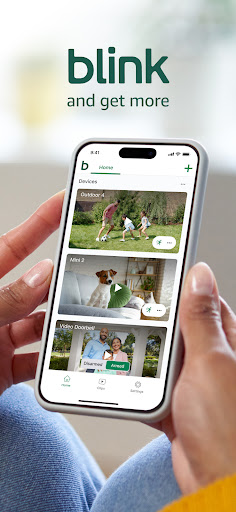
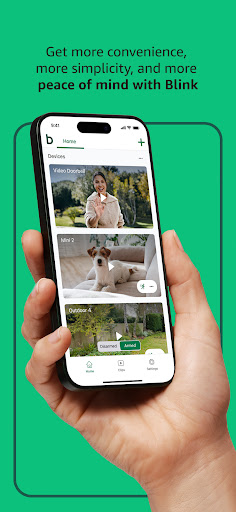
The Blink Home Monitor app is a powerful and user-friendly tool designed to keep your home secure, providing peace of mind whether you're at home or away. With a focus on simplicity, convenience, and reliability, this app allows you to monitor your property with just a few taps on your smartphone. Whether you want to check in on your pets, see who's at the door, or review recent activity, Blink offers a comprehensive security solution that integrates seamlessly with a range of smart cameras and devices.
Seamless Setup and Compatibility
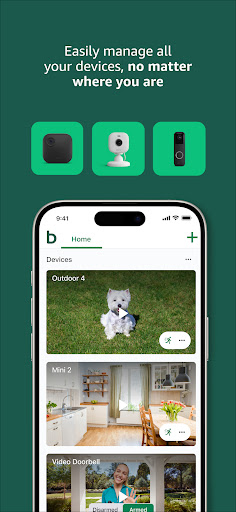
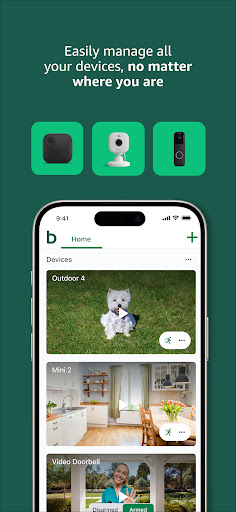
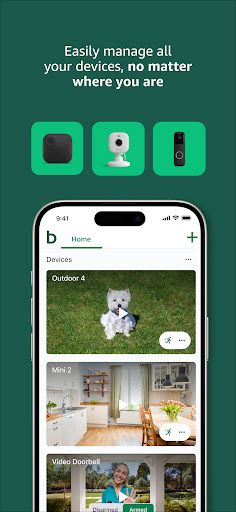
Getting started with the Blink Home Monitor app is straightforward. Simply download the app from your respective app store—available for both Android and iOS. The setup process involves following intuitive in-app instructions to connect your Blink cameras to the app. Once linked, you can immediately begin live monitoring and managing your security system. The app's compatibility with a variety of Blink cameras, including the Outdoor 4, Mini 2, and Wired Floodlight Camera, ensures versatile protection for both indoor and outdoor spaces.
Key Features of the Blink Home Monitor App
Real-Time Live Video Streaming
One of the standout features of the Blink app is its live video streaming. You can watch real-time footage from your cameras directly on your phone, giving you instant insights into your home's security status. The video quality is impressive, with HD resolution and infrared night vision capabilities, enabling clear images day and night.
Two-Way Audio and Camera Controls
The app supports two-way audio, allowing you to communicate with visitors, family members, or pets through your cameras. Additionally, features like pan-tilt controls for cameras such as the Mini 2 Pan-Tilt provide extensive coverage, letting you see more of your spaces with adjustable angles.
Smart Motion Detection and Alerts
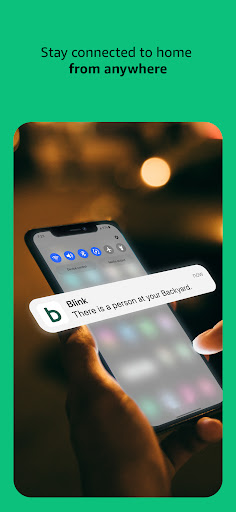
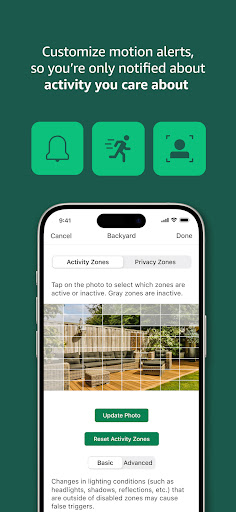
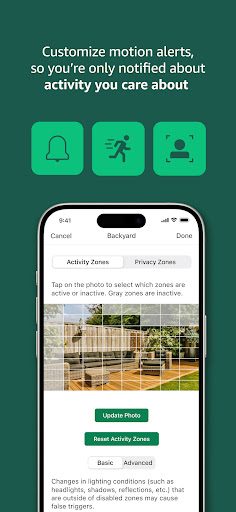
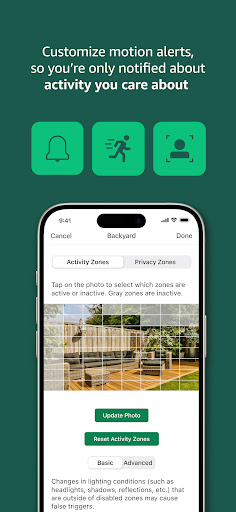
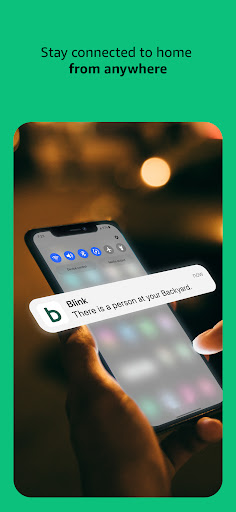
Motion detection alerts are highly customizable. You can set specific activity zones in the app to receive notifications only when activity occurs in designated areas, reducing false alarms. Advanced features include person detection, which uses embedded computer vision to identify humans and alert you promptly, especially with optional subscription plans.
Customizable Privacy and Activity Zones
For enhanced control, users can define privacy zones and motion zones to tailor alerts and viewing areas, ensuring you only get notified about relevant activity. This customization optimizes user experience and avoids unnecessary alerts.
Subscription Plans and Cloud Storage
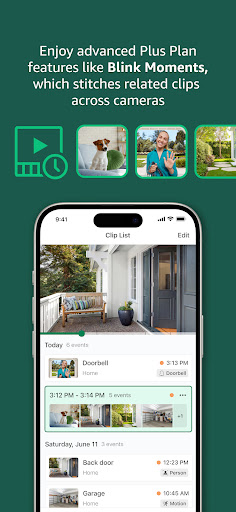
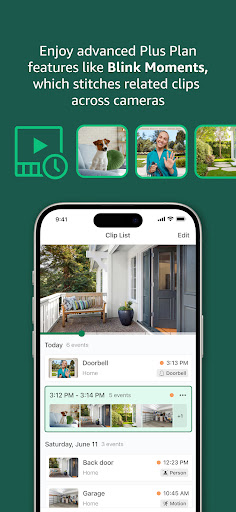
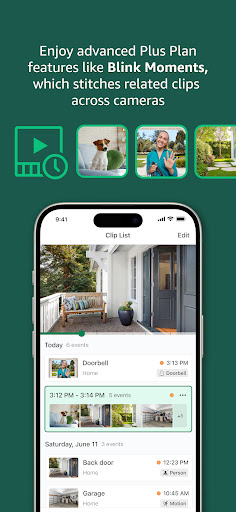
The app offers integrated subscription options, such as the Blink Subscription Plus Plan, which enables cloud storage of clips, continuous live view streaming, and advanced detection features like person detection. A 30-day free trial is included with every camera purchase, adding extra value.
Enhanced Security with Blink Devices
Blink’s hardware options, like the Outdoor 4 and Floodlight Camera, are designed to work seamlessly with the app. These devices boast impressive features:
- Wireless design for flexible placement
- Long-lasting batteries that can last up to two years
- High lumens LED lighting for illumination
- Enhanced motion detection with dual-zone capabilities
- Built-in security siren for immediate alerts
User Experience and Performance
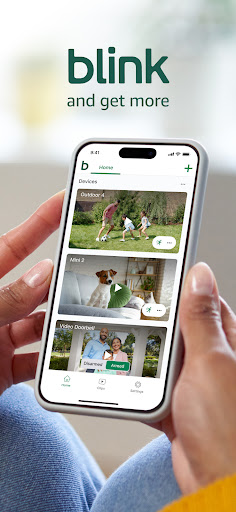
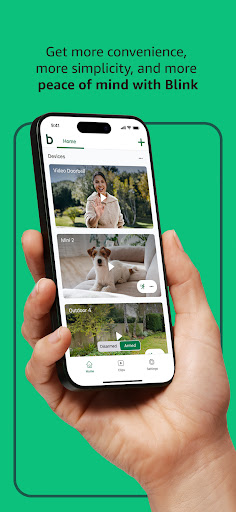
The Blink app combines simplicity with robust functionality. Its intuitive interface makes navigation easy for users of all technical levels. You can efficiently switch between cameras, review recent clips, and adjust settings without hassle. The app's performance is generally reliable, providing quick load times for live feeds and almost instant alerts upon detection of motion. However, frequent use may lead to increased battery consumption on your device, which is a small trade-off for real-time security management.
Why Choose Blink Home Monitor?
Whether you're seeking basic surveillance or a comprehensive security system, the Blink Home Monitor app offers versatile features suited for various needs. Its compatibility with a broad range of cameras, easy setup, and customizable alerts make it an essential tool for modern home security. Plus, its integration with Alexa-enabled devices enables voice control for an even more seamless experience, letting you arm or disarm your system, and view live feeds using only your voice commands.
Pros
- Simple setup and installation process.
- Delivers high-quality video streaming.
- Affordable subscription options.
- Intuitive and user-friendly interface.
- Effective motion detection performance.
Cons
- Camera range is somewhat limited.
- Connectivity can sometimes be unreliable.
- Lacks options for local storage.
- Customer support services are limited.
- Full feature access requires a subscription.











