

Auto Clicker - Automatic Tap: The Ultimate Tool for Automated Screen Tapping
Are you tired of repetitive tapping on your smartphone? Whether you're grinding in a game or automating tedious tasks, Auto Clicker offers an effortless solution to simplify your digital routine. This innovative app enables you to perform automatic taps at any location on your screen, with customizable intervals, all without rooting your device. With its user-friendly interface and powerful features, Auto Clicker - Automatic Tap has become a favorite among gamers and busy users alike.
Key Features of Auto Clicker
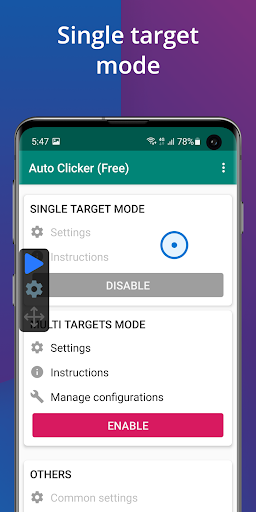
The core advantage of Auto Clicker is its ability to generate repeated taps seamlessly. You can specify the exact location and interval between taps, making it versatile for various applications, from gaming to productivity tasks. The app does not require •root access, ensuring compatibility with most Android devices running version 7.0 and up. Once installed, a floating control panel allows users to easily start or stop the automatic tapping process without interrupting other activities on their device.
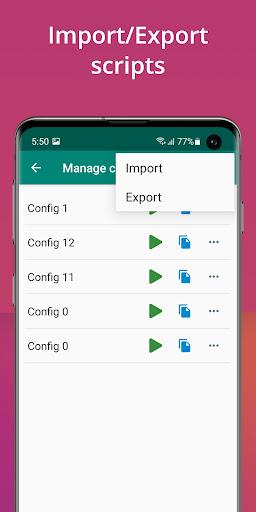
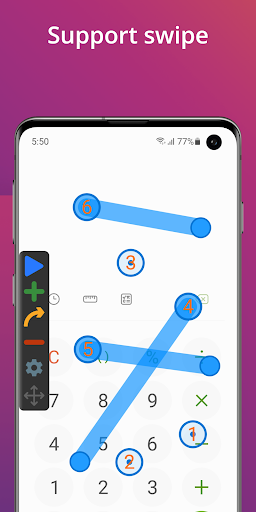
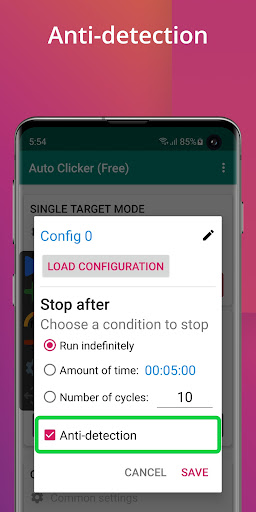
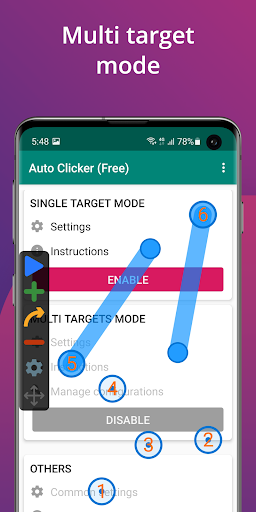
Additional features include support for •multiple click points, enabling complex tapping patterns, and the ability to perform •multiple swipes to simulate more advanced gestures. The app also offers a global timer feature that lets you set the duration for automation, perfect for timed tasks. Import and export functions allow you to save your custom scripts, making automation setups quick and easy to replicate across sessions.
It's important to note that Auto Clicker uses the AccessibilityService API to simulate taps and wipes, which requires user permission. Rest assured, no private data is collected during this process, prioritizing your privacy and security.
How Auto Clicker Enhances Your Experience
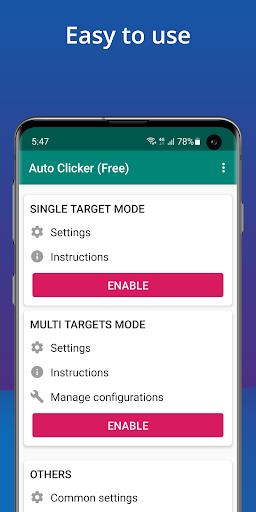
Whether you're playing click-heavy games or automating routine app interactions, Auto Clicker - Automatic Tap streamlines your tasks with minimal effort. Its sleek, intuitive interface makes setup straightforward, even for first-time users. You can customize the number of clicks, intervals, and gesture patterns to suit your specific needs, offering an unparalleled level of flexibility. The reliability of this app means it performs consistently without draining your device’s battery or causing lag, providing a smooth, hands-free experience.
While some automation apps may require technical knowledge or root access, Auto Clicker bypasses these barriers with its simple design and features. Whether for gaming, testing, or automating repetitive interactions, this app not only enhances productivity but also adds a layer of convenience that can save you valuable time.
Why Choose Auto Clicker - Automatic Tap?
If you frequently find yourself stuck in repetitive tapping loops on your device, Auto Clicker - Automatic Tap is a must-have tool. It is especially helpful for gamers looking to automate in-game actions or users who want to free themselves from monotony during routine app tasks. With its support for multiple click points and customizable intervals, it caters to a wide range of automation scenarios. Plus, the ability to import and export scripts means you can reuse your configurations across different sessions, making automation a breeze.
The app is also highly rated for its performance, reliability, and ease of use. It works quietly in the background, allowing you to focus on other activities while your device handles the automation. Best of all, the app is free to download and provides most features without restrictions—making it accessible for all users seeking automated interaction tools.
Download Auto Clicker - Automatic Tap today and enjoy the freedom from manual tapping, transforming how you interact with your device every day.
Pros
- User-friendly interface for easy setup.
- Highly customizable tapping options.
- Supports multiple click points.
- No root required for Android devices.
- Battery efficient operation.
Cons
- May trigger security warnings.
- Limited support for iOS devices.
- Ads can be intrusive.
- Can be tricky to stop once started.
- Might not work on all apps.











