

Introduction to Auto Clicker - Auto Tap
Welcome to the Auto Clicker Assistant app, the premier solution for automatic tapping and swiping with precision at any position and custom timings. Whether you're an avid gamer seeking to automate repetitive in-game tasks or someone who needs to auto-like social media posts, Auto Clicker - Auto Tap is designed to be your perfect digital assistant. With its intuitive interface and robust features, this app simplifies your daily tasks, saving you valuable time and effort.
Key Features of Auto Clicker - Auto Tap
How Can You Use the Auto Click Function?
The versatility of Auto Clicker - Auto Tap makes it suitable for various applications, such as:
- Playing games that require repetitive taps or swipes
- Auto-liking social media posts
- Automating work tasks like auto-filling job content
- Reading books by auto-swiping pages
- Other purposes tailored to user needs
Customizable Auto Click and Swipe Options
- Automatically tap or swipe up and down at any position on the screen with a custom duration
- Apply for various tasks, from gaming to social media interactions
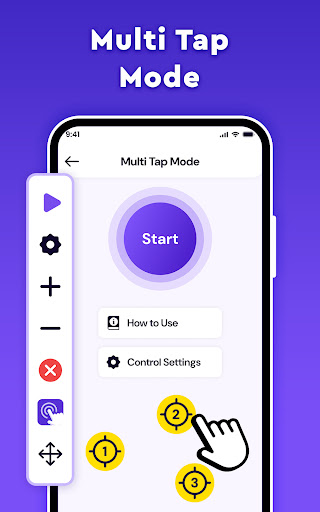
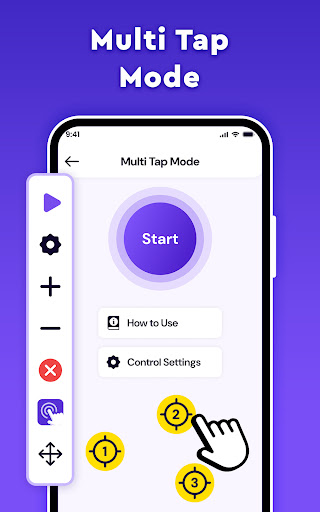
- Support for multi-touch automation for multiple points simultaneously
- Automatically launch apps and start tasks without manual intervention
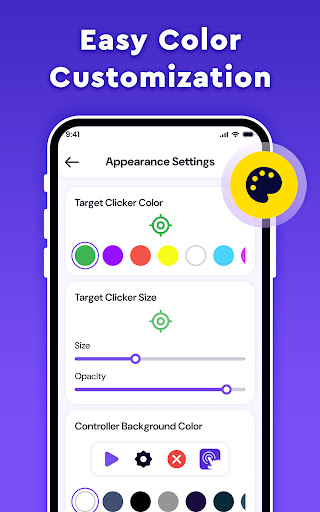
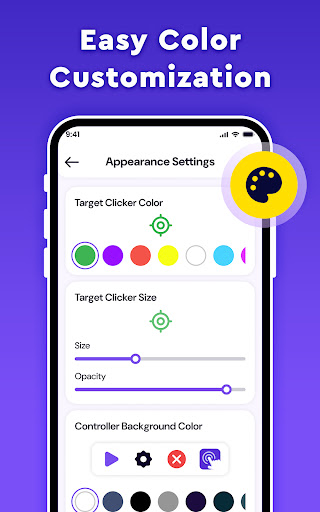
- Customize the appearance of the click target to match your style
Timing and Testing Features
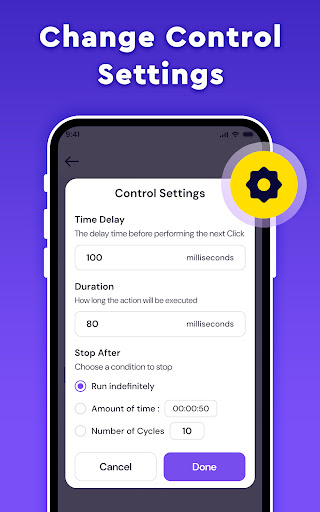
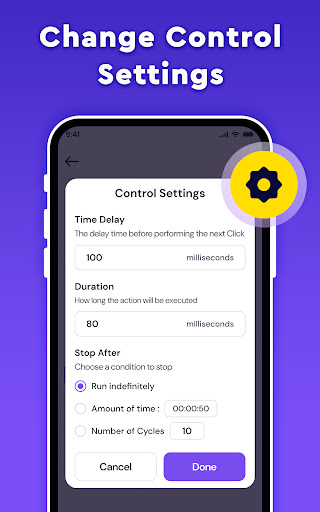
- Delayed timed start: set a delay before the auto click or swipe begins
- Complete control over automation timing for precise operations
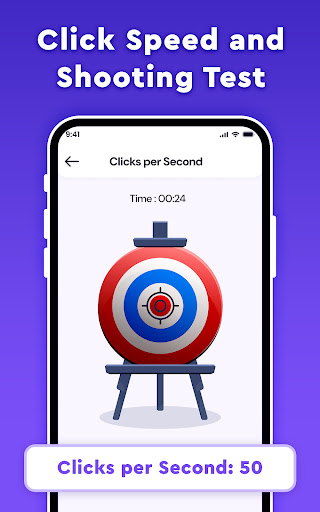
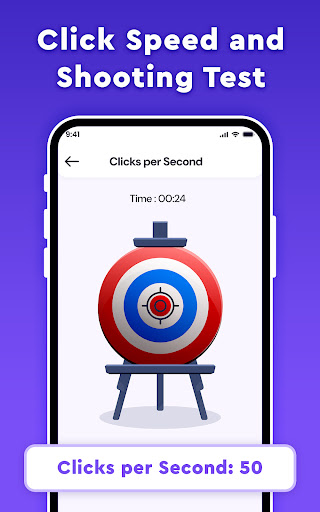
- Shooting test: test your settings for accuracy and effectiveness
Transparency and Mode Customization
- Adjust the transparency of floating controls to avoid interference
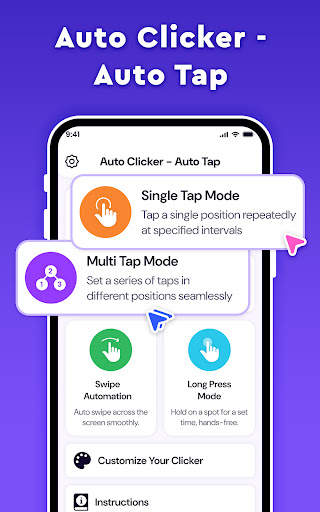
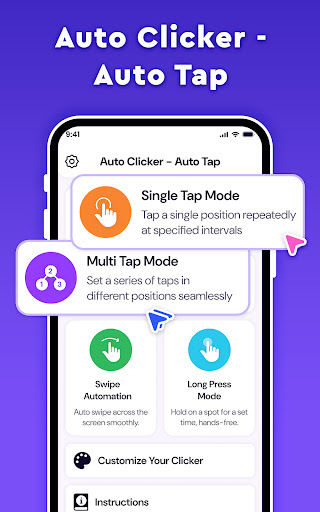
- Multiple modes for flexible automation:
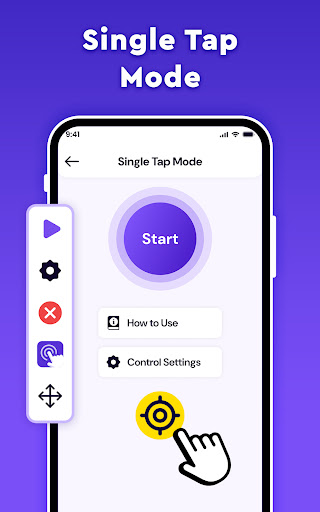
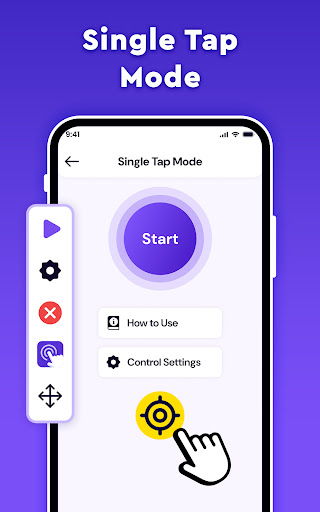
- Single Point Click: automate clicks at a fixed location
- Multiple Point Click: execute taps at multiple locations sequentially or randomly
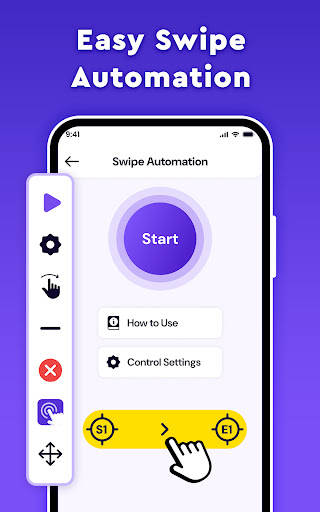
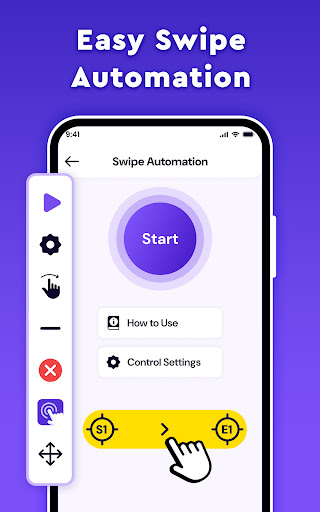
- Swipe Point: set drag gestures across the screen
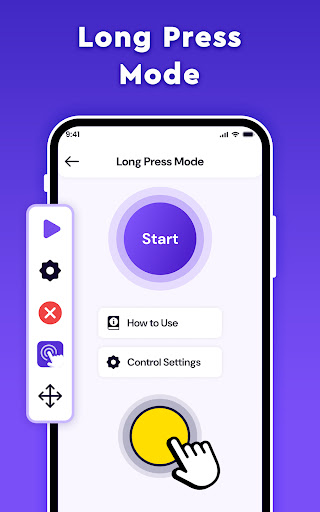
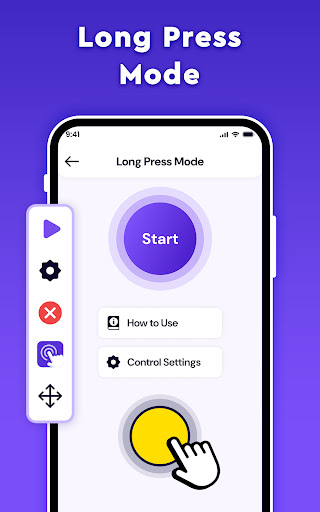
- Long Point: perform targeted and sustained actions for designated durations
Enhanced User Experience
Experience the convenience and efficiency of automatic taps and gestures. This app not only helps simplify your tasks but also enhances your gaming experience, allowing you to automate repetitive actions and focus on more strategic gameplay. Take the first step towards effortless automation with Auto Clicker - Auto Tap.
Accessibility Services Note
To implement core functions like clicking and swiping, the app requires Accessibility Services permission, especially on Android 12 and above. Rest assured, the app does not collect or share any personal or sensitive data through these capabilities.
Why Choose Auto Clicker - Auto Tap? — User Experience & Practical Benefits
Have you ever wished your phone could tap or swipe on its own? Auto Clicker - Auto Tap is the perfect solution for those looking to automate their device interactions effortlessly. This handy app is popular among gamers and busy users who want to streamline repetitive tasks. I personally tested it, and it truly stands out for its ease of use and reliability.
Getting started is straightforward—simply download and install the app on your device, available for both Android and iOS. The interface is clean and user-friendly, guiding you through setup with minimal effort. Once configured, you can set specific tap points, looping actions, or gestures, making it ideal for games like Clicker Heroes or Tap Titans.
One of the app’s most impressive features is multi-target mode, where you can set up multiple locations for tapping and let the app handle the rest. This is particularly useful for resource farming or social media automation. Plus, the app operates smoothly without lagging or crashing, allowing you to focus more on your tasks rather than troubleshooting technical issues.
Adjusting settings such as timing, transparency, and modes lets you tailor the automation to your exact needs. Whether you want quick taps or sustained gestures, Auto Clicker - Auto Tap provides the flexibility necessary for various use cases. Once set up, you can enjoy hands-free operation, saving your fingers from fatigue over long periods of activity.
Overall, if you’re tired of repetitive tapping or swiping, or if you’re a gamer aiming to maximize efficiency, this app offers an effective, free solution. Its capability to boost productivity and enhance gaming experiences makes it a must-have digital tool.
Pros
- User-friendly interface
- Highly customizable settings
- Energy efficient
- No rooting needed
- Compatible with all applications
Cons
- Potential to cause app bans
- Contains ads in the free version
- Limited support for complex scripts
- Occasional bugs may occur
- Requires Android version 7.0 or higher











