
Introducing the Authenticator App - SafeAuth: Your Ultimate 2FA Security Solution
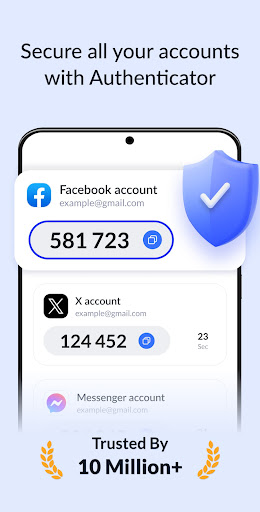
In today’s digital world, securing your online accounts has never been more critical. The Authenticator App - SafeAuth offers a perfect two-factor authentication (2FA) solution that seamlessly integrates with your digital life. Whether you’re safeguarding personal or work-related accounts, SafeAuth provides a user-friendly and secure way to protect your sensitive data.
This free app simplifies the process of adding an extra layer of security through generating one-time 6-digit codes for 2-step verification. Its intuitive design and comprehensive onboarding guides make setup quick and accessible for everyone, regardless of technical expertise. Enhance your online security in just 1 minute with SafeAuth’s simple yet powerful authentication features.
Why Choose SafeAuth for Your Online Security
Enhance Security
SafeAuth is committed to securing all your online accounts. By using 2-step verification, it generates unique time-based one-time passwords (TOTP) for each login attempt, ensuring that only authorized users can access your data. Even if your username and password are compromised, access remains blocked without the secure 2FA codes generated on your device.
Ease of Use & Efficiency
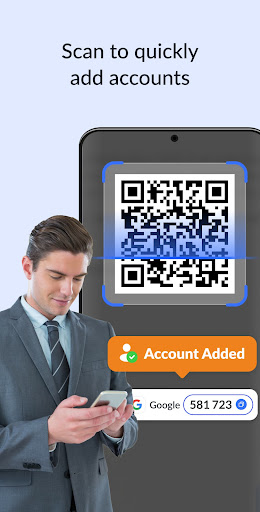
Adding accounts to SafeAuth is straightforward. You can quickly scan QR codes or manually enter private keys. Its support for offline code generation means you don’t always need an internet connection, making authentication seamless and reliable even in remote areas.
Robust Account Protection
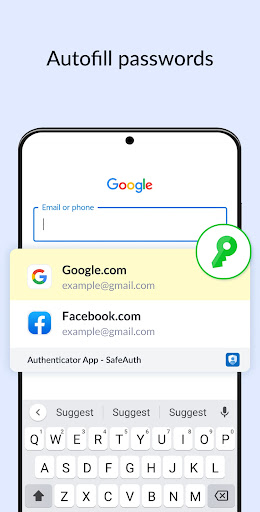
With SafeAuth, you’re shielded against<>, phishing, and other security threats. The app’s robust encryption ensures your data remains private. Even if someone gains access to your device, they cannot view your 2FA codes without proper authentication.
Cloud Backup & Cross-Device Sync
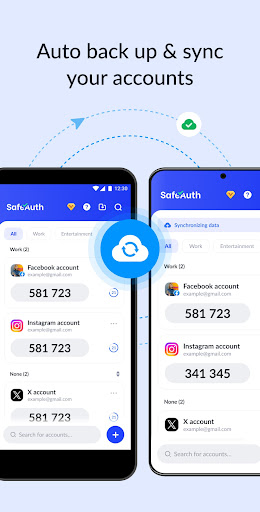
By logging in with your Google account, you can back up all your account data securely in the cloud. This feature makes switching devices or restoring data effortless, eliminating worries about data loss or re-binding accounts.
Universal Service Compatibility
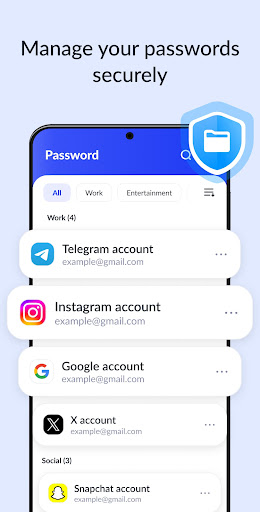
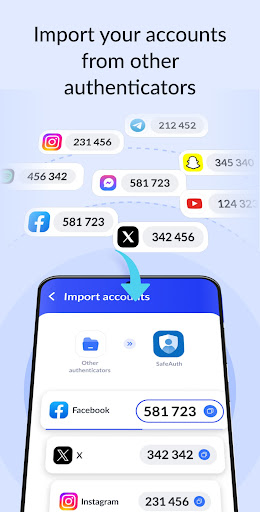
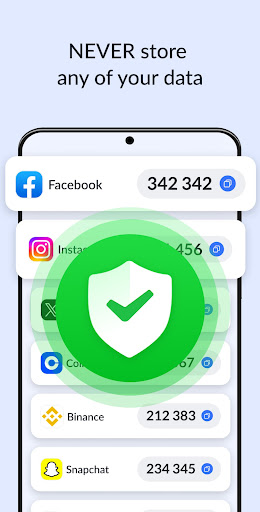
SafeAuth’s 2FA tokens are compatible with a broad range of online services including Google, Facebook, Instagram, Twitter, LinkedIn, Dropbox, Snapchat, Github, Tesla, Coinbase and even Bitcoin wallets. Its wide compatibility ensures that your entire digital ecosystem is secured effectively.
Enhanced App Security with Biometric & PIN Lock
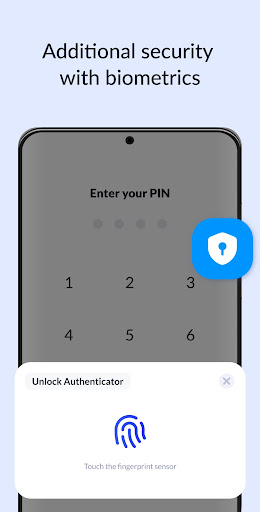
For added protection, SafeAuth allows you to lock the app using biometrics (fingerprint or face recognition) or a PIN code. This feature ensures that only you can access your 2FA codes, even if someone gains physical access to your device.
Getting Started with SafeAuth: Secure Your Digital Life Effortlessly
Many users find themselves in situations where they can't remember passwords or worry about security breaches. SafeAuth simplifies this challenge by providing a reliable and easy-to-use authentication tool. Setting up is quick: just download the app from your app store, scan a QR code, or enter a private key into the app to start generating secure codes instantly.
The app’s intuitive interface makes it accessible for everyone, even those new to two-factor authentication. Its offline functionality allows code generation without an internet connection, ideal for those on the go.
Features That Make SafeAuth Stand Out
Offline Mode & Cloud Backup
Generate codes offline without internet—great for travel or areas with limited connectivity. Plus, with secure cloud backup, you can recover your data seamlessly on new devices, eliminating the risk of losing access to your accounts.
Device & Account Security
Best of all, the app’s PIN or biometric protection adds a layer of security that guards your codes from prying eyes or unauthorized access, making SafeAuth not just a convenient, but secure choice for your 2FA needs.
Integration with Wearables
If you own a smartwatch or wearable device, you can receive your 2FA codes directly on your wrist for quick and hassle-free authentication—an innovative feature that takes convenience to the next level.
Final Thoughts: Why SafeAuth Should Be Your Go-To 2FA App
In an era where cyber threats are constantly evolving, employing a trustworthy two-factor authentication app like SafeAuth is more than just an option—it's a necessity. Its robust security algorithms, ease of use, and versatility make it an outstanding choice for securing all your online accounts—from social media to banking and cryptocurrency wallets.
Whether you’re a tech-savvy user or someone just starting to take digital security seriously, SafeAuth provides a reliable and user-friendly way to fortify your online presence. Make a small but impactful change today—try SafeAuth for enhanced digital security and peace of mind. Protect your digital life effortlessly with this best 2FA authenticator app designed to keep you safe from prying eyes and cyber threats.
Pros
- Strong encryption ensures secure data storage.
- Offers an intuitive interface with easy navigation.
- Supports multiple accounts for greater flexibility.
- Quick setup process with minimal configuration required.
- Two-factor authentication enhances overall security.
Cons
- Limited options for cloud backups.
- Does not provide a desktop application version.
- May experience occasional delays in synchronization with the server.
- Requires internet connection for authentication purposes.
- Does not support biometric login options.











