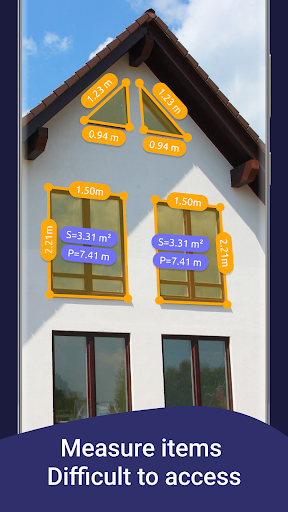
Overview of the AR Ruler App: Tape Measure Cam
The AR Ruler App: Tape Measure Cam is an innovative mobile application that leverages augmented reality (AR) technology to turn your smartphone into a powerful measurement tool. Designed for both casual users and DIY enthusiasts, this app allows you to easily measure room dimensions, objects, and even create floor plans without the need for traditional measuring tapes or rulers. With support for advanced features like iPhone and iPad lidar scanning, the AR Ruler app offers a seamless experience for digital home improvement, interior design, and spatial planning.
Main Features of the AR Ruler App
The
AR Ruler app provides a comprehensive set of measurement tools that utilize cutting-edge augmented reality technology:
Linear Measurement
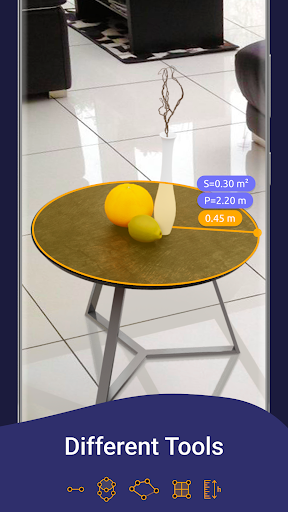
Easily measure lengths in units such as centimeters (cm), meters (m), millimeters (mm), inches, feet, and yards. The intuitive interface makes it simple to get quick results.
Distance and Height Measurement
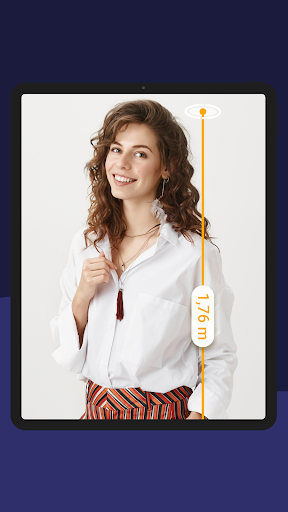
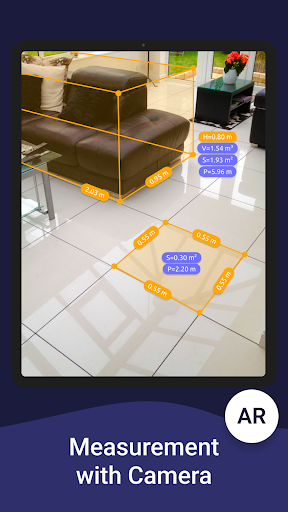
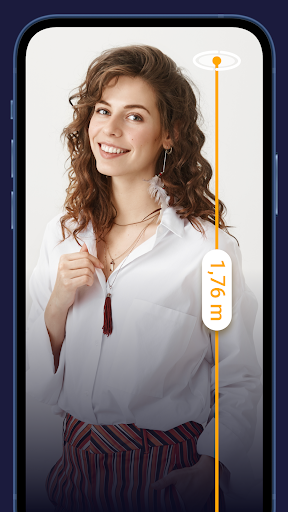
Use the distance meter to measure the space from your device to a fixed point on a detected 3D plane. The height measure feature allows you to determine object or ceiling heights relative to recognized surfaces.
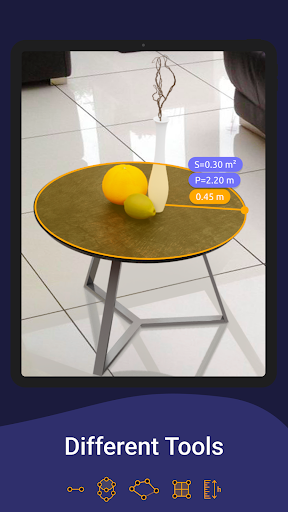
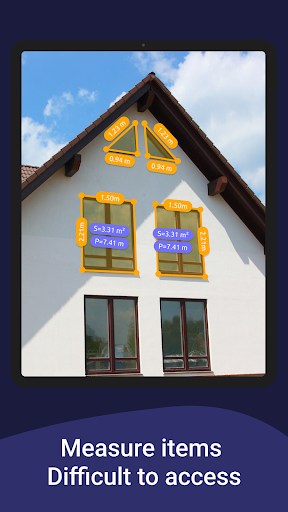
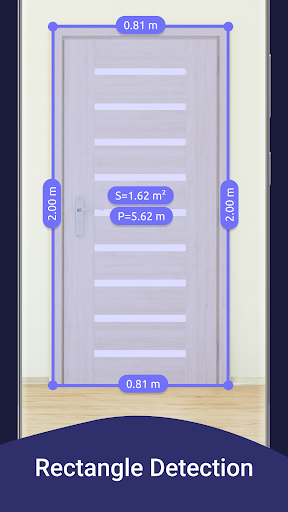
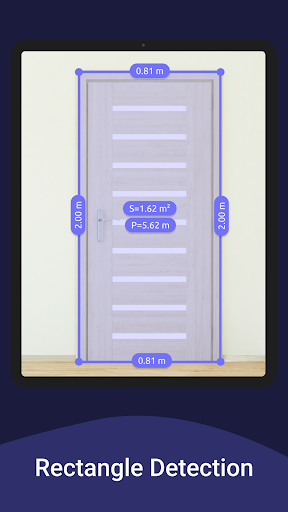
Angles, Area, and Perimeter
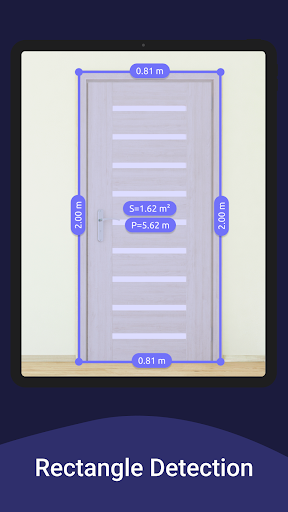
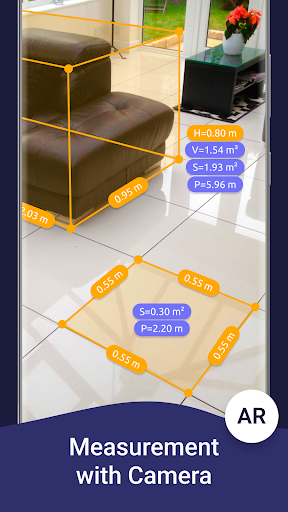
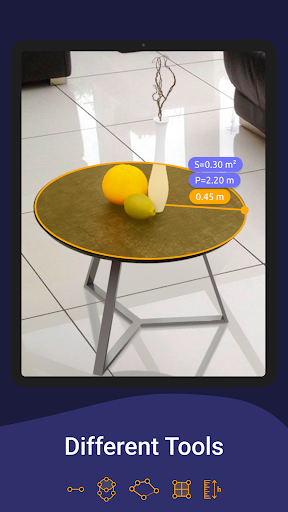
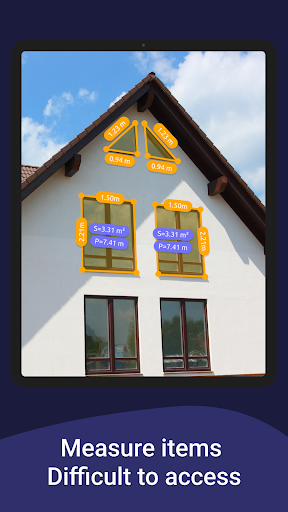
Measure angles at corners or on 3D planes,compute the area of rooms or objects, and calculate perimeters to assist in various home improvement tasks.
Volume and Path Scanning
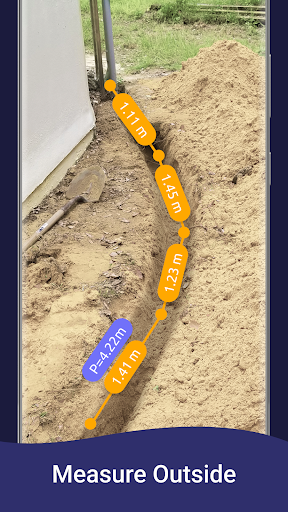
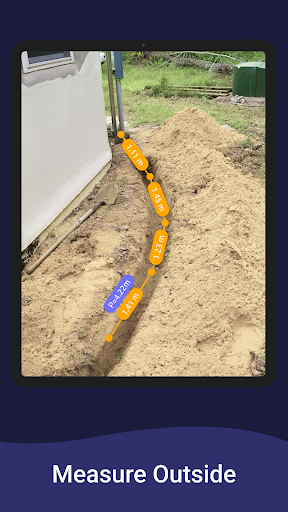
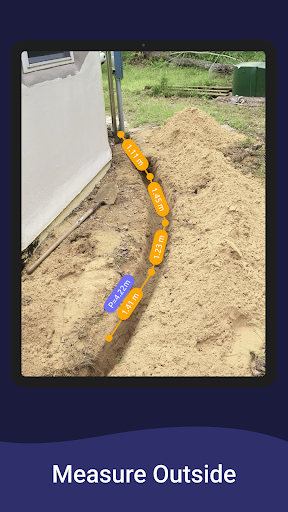
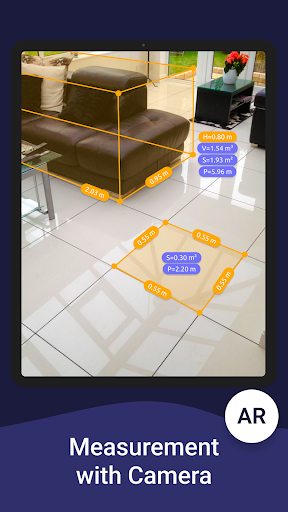
With the volume scanner, you can determine the size of 3D objects. The path scan helps in calculating the length of a path or route captured in a photo.
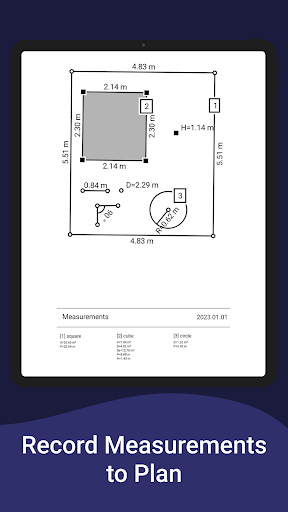
Room Planner and Home Design
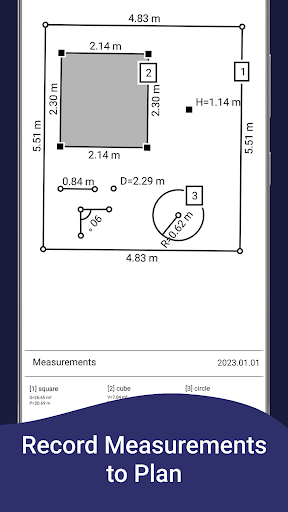
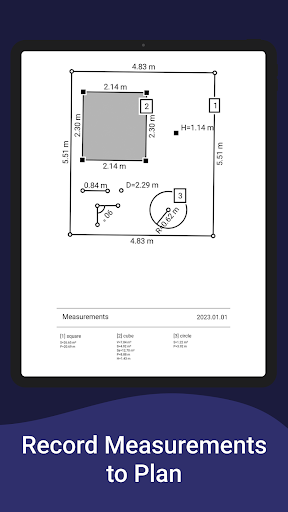
Generate a room plan projection for drawn objects and export the resulting floor plan as a PDF, making it ideal for interior design or remodeling projects.
Additional Tools
The app also features an on-screen ruler for precise measurements of small objects directly on your device screen, as well as a photo measure tool to capture measurements in photos.
Enhanced AR Capabilities
The AR Ruler app benefits from the ARCore library, developed by Google, which enhances room scanning accuracy and measurement reliability. Supported on devices with lidar scanners such as certain iPhone models and iPads, the app provides refined measurements and detailed floor plans. Regular updates to the ARCore library ensure continual improvement in measurement precision and core performance, making this app a trustworthy choice for spatial measurements.
Ease of Use and Application Scenarios
Getting started with the app is straightforward. After downloading from the App Store for iOS devices or Google Play for Android, simply launch the app, aim at a detected plane, and start measuring. The interface is user-friendly, with minimal distractions, allowing even beginners to quickly master its functions.
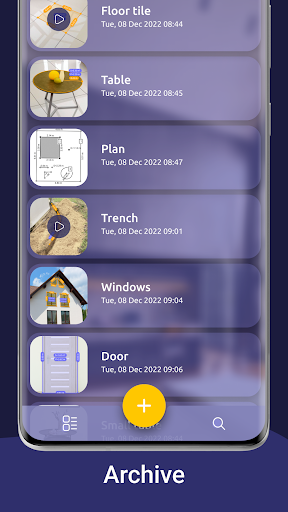
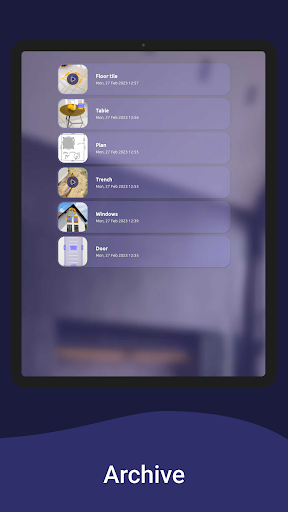
In real-world use, the app proves highly practical: accurately measuring furniture dimensions before purchasing new pieces, determining if a new rug will fit a space, or planning room layouts with detailed floor plans. The ability to save measurements ensures you can refer back to your data without re-measuring, ultimately saving time and effort.
Benefits of Using the AR Ruler App
If you often find yourself in need of quick measurements but lack physical tools,
AR Ruler App: Tape Measure Cam becomes an invaluable addition to your smartphone. Its portable design, combined with intelligent AR technology, allows for accurate measurements anywhere, anytime. Whether you're a homeowner, interior designer, or DIY hobbyist, the app enhances your productivity and accuracy in home projects.
While it may not always replace traditional tools for tasks demanding extreme precision, its convenience and versatility make it a standout choice for everyday measurements. Plus, showcasing AR tech to friends or family becomes fun and engaging, demonstrating the innovative potential of smartphone technology in daily life.
In conclusion, AR Ruler is a reliable, easy-to-use app that transforms your phone into a digital tape measure, making home measurements faster, easier, and more fun. Download it today and start transforming your homescapes with just a few taps!
Pros
- Provides precise measurement accuracy.
- Features a user-friendly interface design.
- Supports measurement in both metric and imperial units.
- Seamlessly integrates augmented reality technology.
- Receives regular updates and enhancements.
Cons
- Needs good lighting conditions for accurate results.
- May be incompatible with older device models.
- Can consume significant battery power.
- Offers a limited number of free features.
- Requires occasional calibration for optimal performance.