

AntiVirus Toolkit - The Comprehensive Solution for Android Security and Performance
In today's digital age, ensuring the security and optimal performance of your Android device is more important than ever. The AntiVirus Toolkit is a powerful and versatile application designed to protect your device from malicious threats while enhancing its overall functionality. Whether you're concerned about malware, viruses, or simply want a smoother Android experience, this app offers a wide spectrum of features tailored to meet your needs.
Empower Your Android's Defenses
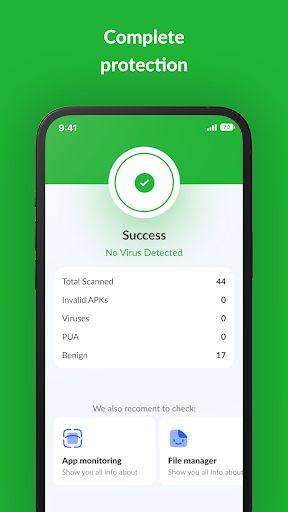
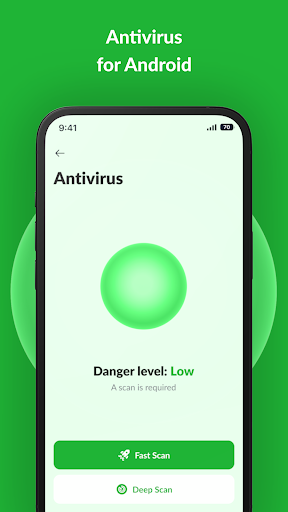
⚙️More than Just Antivirus - The AntiVirus Toolkit is not merely an antivirus app; it is a comprehensive tool that elevates your device’s security and performance. With sophisticated malware detection and real-time threat monitoring, it helps you combat malware, viruses, and other cyber threats efficiently. Protect your personal data and enjoy a secure Android experience with confidence.
By proactively shielding your device, it ensures your privacy remains intact while keeping your system safeguarded against emerging threats. The Antivirus Toolkit continually updates its threat database to provide you with the latest protection, making it an essential app for every Android user concerned about mobile security.
Discover a World of Possibilities with the Antivirus Toolkit
Unveil Phone Insights
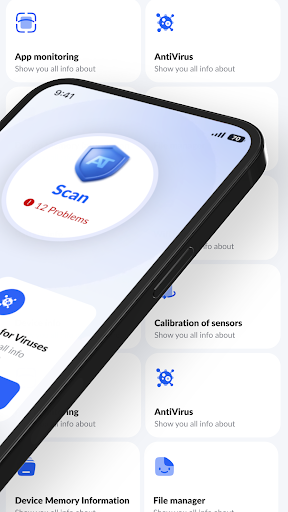
Gain in-depth knowledge about your device’s internal health. The app offers detailed insights into hardware specifications, software versions, and network connectivity. Stay informed about your Android's performance and system health in real time, enabling you to make well-informed decisions for maintenance and upgrades.
Unleash Sensor Superpowers
Transform your device into a sensor powerhouse. The comprehensive sensor checks assess your accelerometer, gyroscope, compass, and various other sensors, ensuring they operate at peak performance. Whether for gaming, navigation, or fitness tracking, the app helps optimize sensor functionality.
Monitor Memory and Storage
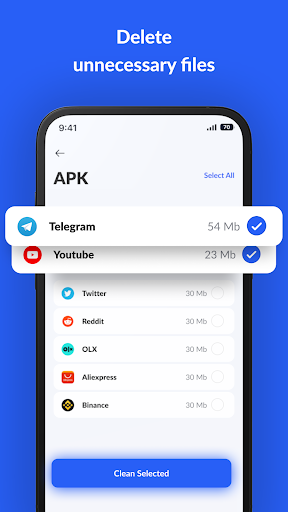
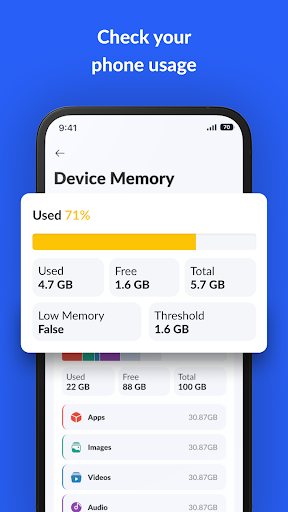
Bid farewell to sluggishness caused by memory issues. The memory health feature keeps you updated about your device’s RAM usage. Additionally, the app helps reclaim storage space by identifying and deleting unnecessary files, such as .log, .tmp, and .apk files, thus maintaining smooth operation.
Master Your Files and Apps
Take control of your data with the user-friendly file manager. Easily view, delete, copy, and organize files within your device. The app also offers a detailed overview of installed applications, enabling you to monitor app usage, identify resource hogs, and manage your Android ecosystem efficiently.
Optimize and Clean Your Device
Unlock your device’s potential by removing unnecessary clutter. The garbage cleanup feature employs advanced algorithms to eliminate obsolete files, freeing up valuable space for what truly matters. This cleanup process helps improve overall device responsiveness and battery life.
Elevate Your Android Experience
The AntiVirus Toolkit isn’t just an app; it’s your trusted partner for maintaining peak Android performance. Its seamless integration ensures that your device stays protected and optimized without causing disruptions or drain on resources. The app runs quietly in the background, providing continuous security updates and health checks.
With features like scheduled scans and detailed activity reports, you can automate your device’s maintenance and stay informed about its security status. This proactive approach offers peace of mind, knowing your Android device is shielded against threats while functioning at its best.
Whether you're a tech enthusiast or someone who simply wants to safeguard personal data, the Antivirus Toolkit makes mobile security and optimization accessible and straightforward. Embrace the future of Android management—download the app now and unlock the full spectrum of security and performance capabilities it offers!
Pros
- Real-time threat detection
- User-friendly interface
- Minimal impact on system performance
- Regular updates
- Comprehensive malware protection
Cons
- Limited features in the free version
- Occasional false alarms
- Contains ads in the free version
- Requires internet connection for updates
- Does not include a VPN











