


All Video Downloader & Player: The Ultimate Video Management App for Android
Discover the perfect solution for all your video needs with the All Video Downloader & Player app. Designed for Android devices, this versatile application combines a high-performance video player with powerful downloading capabilities, making it an essential tool for entertainment enthusiasts and busy users alike. Whether you're looking to watch videos offline, save your favorite clips from social media, or organize private videos securely, this app has got you covered. It offers a seamless experience with its intuitive design and robust features, ensuring that you can enjoy videos anytime, anywhere.
Unmatched Video Playback Experience
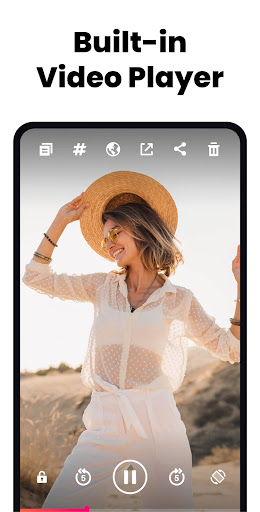
The core of the All Video Downloader & Player app is its exceptional video playback functionality. It supports fast and stable playback of 4K/UHD videos, providing a smooth audiovisual experience on your Android phone or tablet. Whether your videos are in formats like MKV, MP4, M4V, MOV, 3GP, FLV, or WEBM, this app ensures you can enjoy your content without interruptions. Its features include pop-up window playback for multitasking, background playback to listen to videos while doing other tasks, and auto-detection of local videos for easy access to your library.
Robust Video Downloading Capabilities
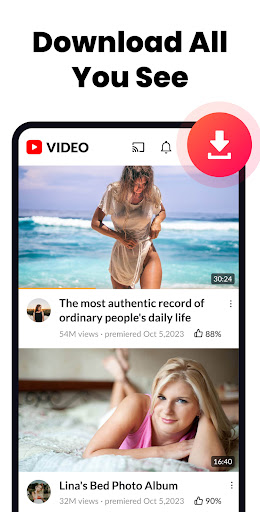
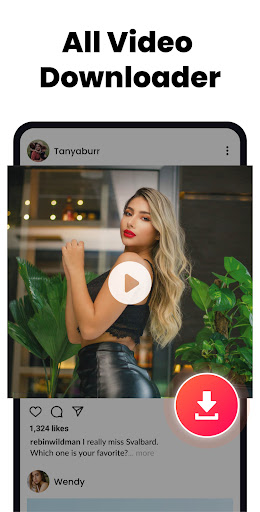
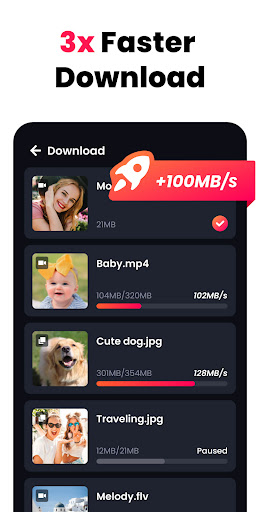
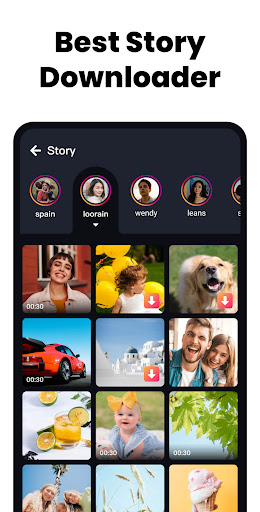
The app is not only a full-featured media player but also a super fast video downloader. It allows users to download high-resolution videos from online platforms such as Facebook, Instagram, or obscure hosting sites. Just copy the video link, paste it within the app, and the video begins downloading instantly. The multiple download feature means you can save several videos at once, perfect for offline viewing during trips or when internet access is limited. The ability to download videos in HD guarantees you get quality visuals every time, making it a favorite among video collectors.
Privacy and Personalization
Your privacy is a priority with this app. You can hide personal videos in password-protected folders, keeping your private content secure from prying eyes. The hide private videos in a password-protected folder feature ensures your confidential videos are safe and accessible only to you. Plus, with options like A-B repeat and loop mode, users can customize their viewing experience for a more personalized entertainment setup.
Enhanced User Experience and Additional Features
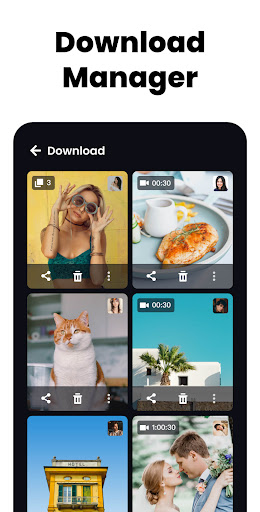
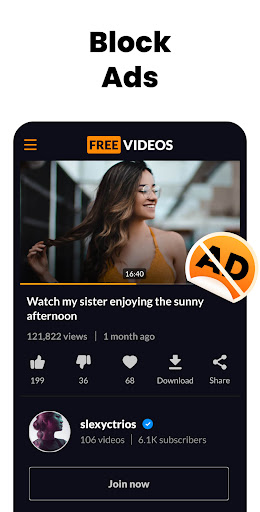
Navigation is made simple through smart gesture operation, allowing you to control playback with swipes and taps. The app also features a sleep timer for those who enjoy watching videos before sleeping, and a background download option to continue downloading videos even when the app is minimized. The full-featured design is completely free and ad-free, ensuring uninterrupted entertainment. Seamless video management and high-quality downloads make this app a top choice for Android users seeking both convenience and performance.
Conclusion
If you're seeking a free, high-performance video player combined with powerful downloader features on your Android device, the All Video Downloader & Player app is simply unmatched. It simplifies video saving, playback, and privacy management, all within an easy-to-use interface. Get ready to enjoy your favorite videos offline, organize private clips securely, and experience smooth playback in stunning quality. Download this versatile app today and elevate your video entertainment experience to the next level!
Pros
- Supports a variety of video formats effortlessly.
- Includes an integrated browser for easy video searching.
- Enables fast downloads without lag.
- Features an intuitive interface and easy navigation.
- Allows conversion of videos into audio files.
Cons
- Displays intrusive advertisements during use.
- Does not support downloading 4K videos.
- Requires in-app purchases to unlock full features.
- May occasionally crash during downloads.
- Offers limited tools for video customization.











