
Introducing the AirReceiver AirPlay Cast DLNA App
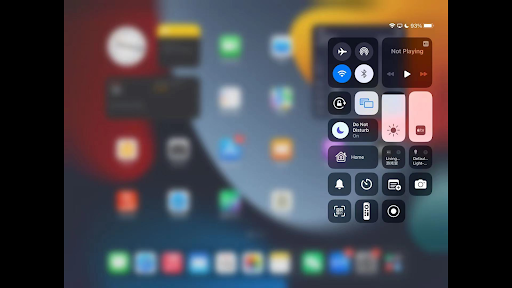
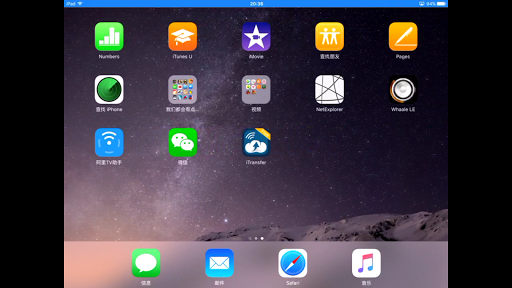
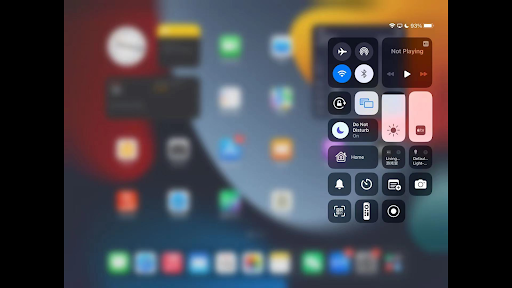
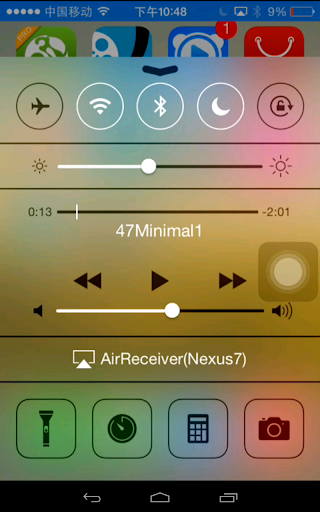
Are you looking for a seamless way to stream your favorite content from devices like smartphones, laptops, or tablets directly to your TV? The AirReceiver AirPlay Cast DLNA app is a comprehensive multi-protocol streaming solution designed to enhance your entertainment experience. Supporting protocols such as AirPlay, Cast, Wireless Display, and DLNA, this app transforms your device into a powerful media receiver, enabling you to effortlessly share photos, music, videos, and even mirror your screen to your TV. One of the standout features of AirReceiver is its compatibility with various devices and platforms, ensuring versatility whether you're using an Android TV, Android Box, or iOS device. Its background operation capability means you can stream media continuously without keeping the app open, providing a smooth, uninterrupted entertainment experience. Whether you're at home or on the go, this app makes sharing media simple and reliable.
Key Features That Enhance Your Streaming Experience
- Support for YouTube Videos: Stream YouTube content directly to your TV with ease.
- Audio Synchronization: Sync audio with other AirExpress devices for multi-room music experiences.
- AirMirror Support: Mirror your PC or Android device screen seamlessly, ideal for presentations or sharing gameplay.
- Third-Party AirPlay Compatibility: Enjoy top performance with third-party applications that support AirPlay.
- Fully Supports iOS 16: Ensures compatibility with the latest Apple devices and features.
- Slideshow Feature: Present photos as a slideshow directly from your device to your TV.
- Compatibility with AirParrot: Use AirParrot to mirror your PC screen to your Android device, enhancing cross-platform sharing.
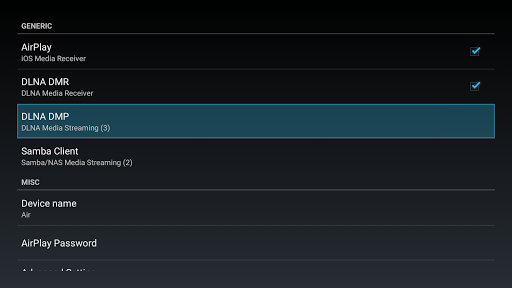
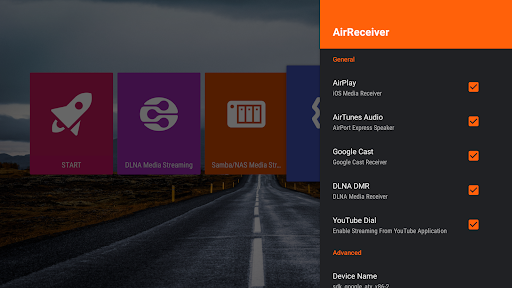
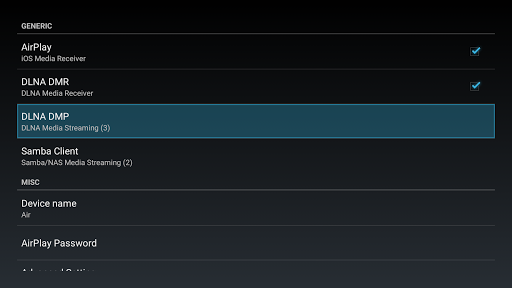
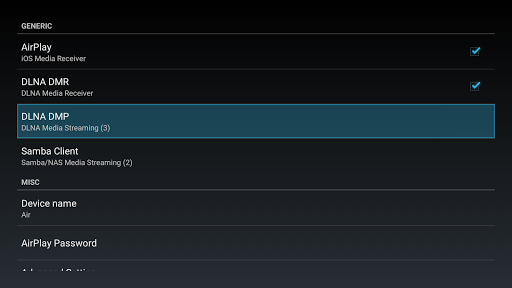
- Multi-Protocol Streaming: Stream content from AirPlay clients like iTunes and iOS devices, as well as DLNA clients such as WMP12 and AirShare.
- Background Running: Operate the app as a service in the background, ensuring continuous media streaming.
- Network Customization: Configure your network name and start on boot for convenience.
- Windows Screen Mirror: Easily mirror your Windows PC screen by installing the free tool AirSender on your computer.
Easy Setup and Compatibility
Getting started with AirReceiver is straightforward. For Windows users, download and install the free tool AirSender. Once installed, simply click the AirSender icon in your Windows status bar, select your device running AirReceiver, and start streaming. To ensure smooth operation, it’s recommended to disable or uninstall other conflicting AirPlay applications like AirReceiverLite, as they may use hardcoded TCP ports that interfere with streaming. Keep in mind that AirMirror is CPU-intensive, so a device with at least a 1GHz dual-core processor is ideal for optimal performance.
Why Choose AirReceiver AirPlay Cast DLNA?
If you love streaming content from your devices but are frustrated with complex setups or limited compatibility, this app offers a user-friendly and reliable solution. Its broad protocol support means you can connect a diverse range of devices—whether you're using an iPhone, iPad, Android device, or Windows PC—and enjoy high-quality streaming without lag or buffering.The app's ability to support various media formats ensures versatility, while its background operation and network customization features add to its convenience. Plus, with a satisfaction guarantee and refund policy within 7 days, you can try out this powerful streaming app risk-free.
Conclusion
Overall, AirReceiver AirPlay Cast DLNA is a game-changing app for anyone looking to elevate their media sharing capabilities. Its multi-protocol support, effortless setup, and robust features make it an excellent choice for home entertainment, presentations, or casual streaming. Whether you're looking to mirror your PC, stream videos, or enjoy multi-room audio, this app provides a seamless, versatile solution. Transform your streaming experience today and enjoy content sharing like never before!
Pros
- Seamless AirPlay integration for easy streaming
- Supports DLNA for versatile device connectivity
- User-friendly interface with simple setup
- Low latency streaming for smooth playback
- Supports multiple audio and video formats
Cons
- Limited compatibility with some older devices
- Occasional connectivity drops reported
- No support for 4K streaming
- Requires purchase for full feature access
- Limited customer support options











