





Introducing AirMirror: TV Cast via AirPlay – Your Ultimate Wireless Streaming Solution
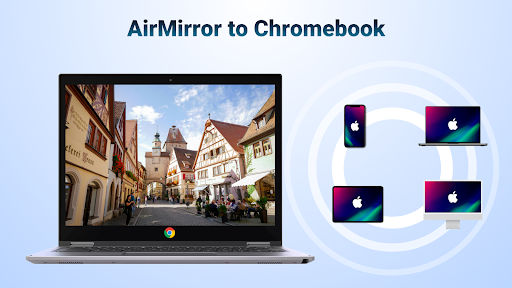
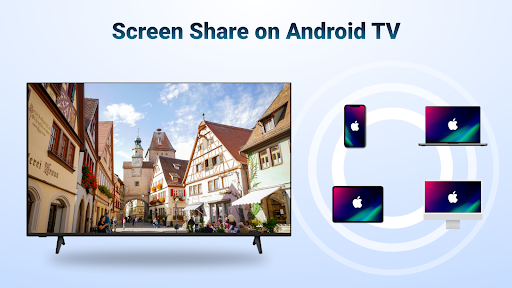
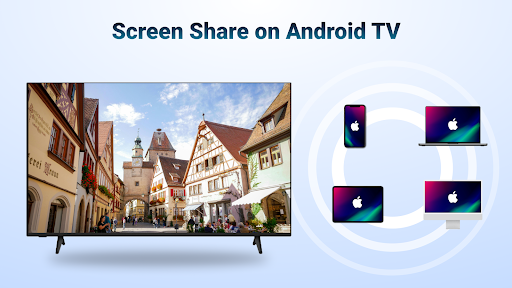
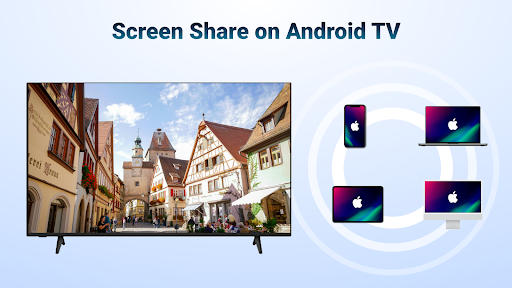
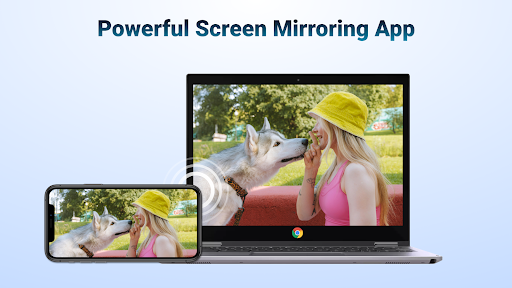
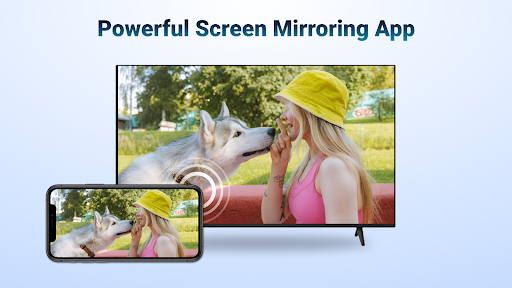
Are you looking for an easy way to enjoy your favorite media content on a larger screen without the clutter of cables and complicated setups? AirMirror: TV Cast via AirPlay is a cutting-edge app designed to seamlessly mirror and cast content from your iPhone, iPad, or Mac directly to your Android TV or smart TV over WiFi. This innovative wireless streaming solution ensures a smooth, high-quality media experience, making it perfect for entertainment, presentations, gaming, and sharing memories effortlessly.
Effortless Wireless Screen Mirroring for All Your Content
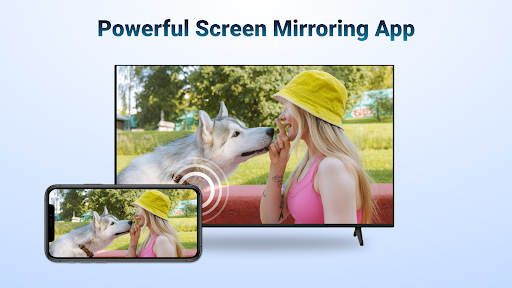
With AirMirror receiver to Android TV, users can easily mirror their iOS device screens to Android TVs or compatible smart TVs. Whether you're streaming photos, web videos, or audios, this app eliminates the need for multiple devices, adapters, or converters. Simply connect your iOS device and Android TV to the same WiFi network, launch the app, and start sharing content instantly. It's ideal for various scenarios:
- Sharing educational content during classroom lessons or business meetings
- Presenting slides or media during professional presentations
- Enjoying multiplayer mobile games on a big screen with friends
- Displaying travel photos and videos during family gatherings
- Streaming fitness videos for workout sessions at home
- Listening to music with high sound quality from your iPhone or iPad when connected to your TV
- Watching movies or TV shows by screen mirroring exciting content to your big screen
Key Features for Superior Streaming Experience
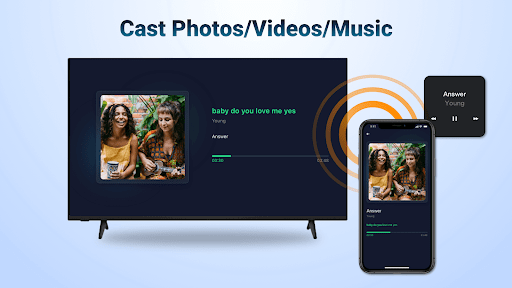
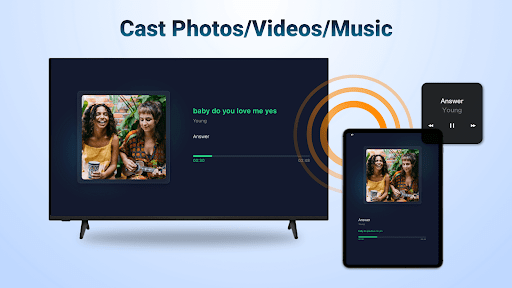
- Stream multimedia content including audio, video, and photos from devices enabled with AirPlay (iTunes, iOS, etc.)
- Screen cast streaming compatible with streaming media where DRM restrictions allow
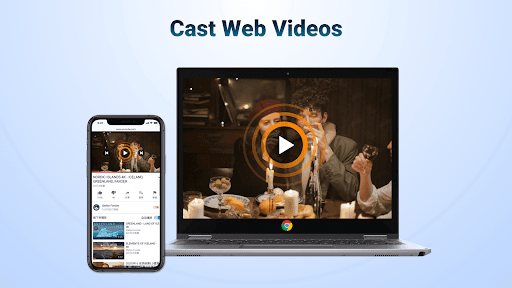
- Quick web video casting via AirPlay, providing smooth and super-fast performance
- Directly control media playback with Play, Pause, and Stop options from your device or TV
- Switch easily between portrait and landscape orientations for the best viewing experience
- Simple setup process ensures stable and reliable mirroring and screen casting
How to Stream Your Content with AirMirror on Android TV
Follow these easy steps to start streaming:
- Download the AirMirror: TV Cast via AirPlay app on your Android TV or streaming device
- Ensure both your iOS device (iPhone, iPad, Mac) and Android TV are connected to the same WiFi network
- Launch the app on your Android TV; your device's name will be displayed
- On your iOS device, swipe to open the control center or access AirPlay options, then select your Android TV from the list
- Begin mirroring by tapping "Screen Mirroring" and choose the device name to start streaming your content
Note: For optimal performance, ensure both devices are on the same WiFi network. Restarting the app or devices can resolve most connection issues. Please note that the app does not support DRM-protected content such as Netflix or paid iTunes videos.
Why Choose AirMirror: TV Cast via AirPlay?
This app offers a seamless and versatile streaming experience that caters to various personal and professional needs. Its compatibility spans many smart TV brands like Samsung, LG, Sony, and more, ensuring broad usability. The performance is outstanding with minimal lag, crystal-clear quality, and stable connectivity, making it ideal for entertainment, work presentations, or sharing memorable moments. Plus, its user-friendly interface guarantees even non-technical users can get started quickly. Whether you're streaming movies, sharing photos, or casting your fitness routine, AirMirror delivers an exceptional experience.
Final Thoughts: Transform How You Connect and Share Media
In conclusion, AirMirror: TV Cast via AirPlay is a powerful tool for anyone seeking a hassle-free way to project their iOS content onto a larger screen wirelessly. It simplifies the process of media sharing, enhances entertainment possibilities, and makes presentations more impactful—all from the convenience of your mobile device. Whether you want to enjoy movie nights, gaming marathons, or showcase your latest vacation pictures, this app truly elevates your media experience. Give it a try and discover how seamless and enjoyable wireless streaming can be.
Pros
- Easy to set up and connect devices.
- Supports multiple media formats.
- Provides high-quality streaming.
- User-friendly interface design.
- Compatible with various smart TV brands.
Cons
- Requires a stable Wi-Fi connection.
- Limited features in the free version.
- Occasional lag during screen mirroring.
- Not compatible with all devices.
- Ads in the free version may be intrusive.











