

Discover the Power of AI Video Maker - Renderforest
Looking to create professional-quality videos in just minutes? Renderforest offers an all-in-one solution as a versatile video maker, editor, and intro maker app that caters to both beginners and seasoned content creators. With its intuitive interface and extensive library of customizable video templates, Renderforest simplifies the video creation process, empowering users to produce stunning visual content effortlessly.
Features That Make Renderforest Stand Out
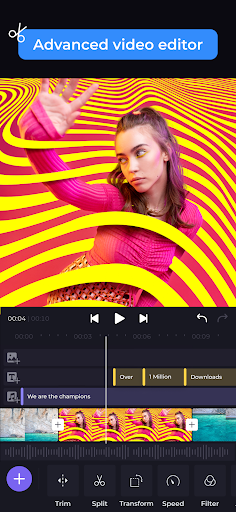
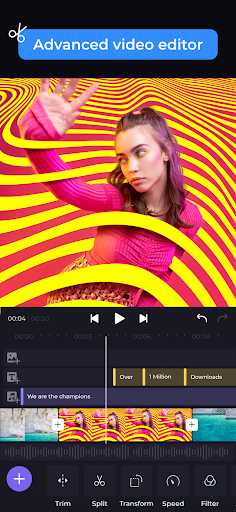
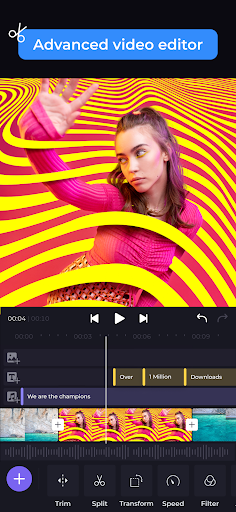
Effortless Video Editing
Whether you want to trim, merge, add music, or apply effects, Renderforest's intuitive video editor allows you to perform these tasks with just a few taps. No prior experience is necessary—this user-friendly design makes editing accessible for everyone. Simply select your desired clips, customize with your branding, and enhance your videos with eye-catching effects.
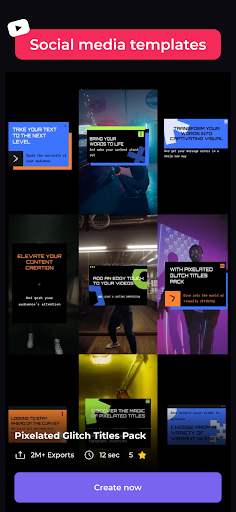
Extensive Template Library
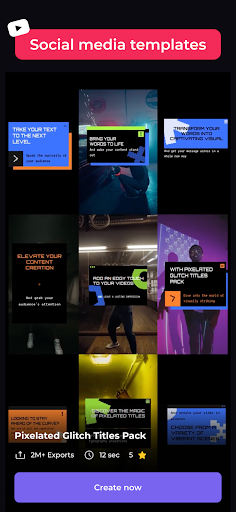
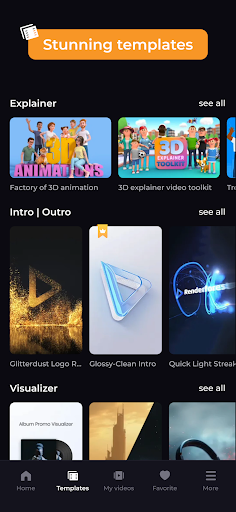
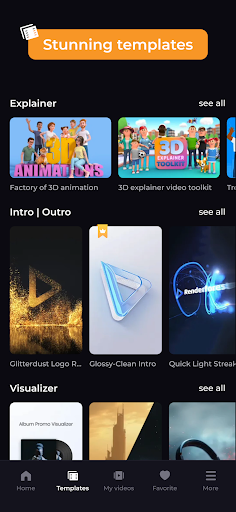
Explore a massive template library featuring designs for any occasion or industry—be it weddings, birthdays, holidays, travel, or business. These customizable video templates serve as perfect starting points, saving you time and effort while still allowing you to tailor each creation to your specific needs.
Complete Customization
Personalize your videos by adding your own branding, music, text animations, and more. Whether it's inserting a company logo, overlaying animated text, or selecting a soundtrack from the vast music library, Renderforest makes it easy to make each video genuinely yours.
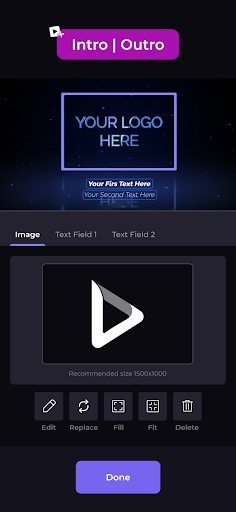
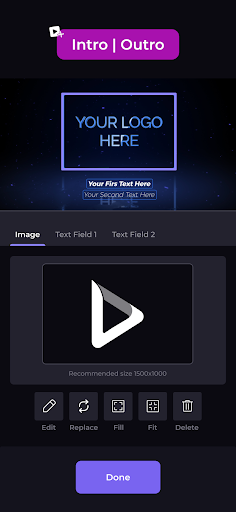
Intro & Outro Maker
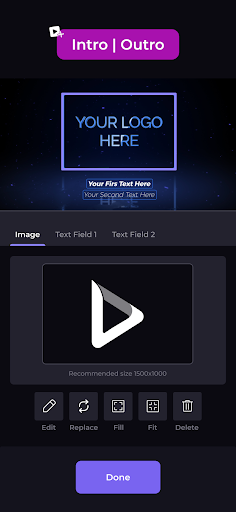
Create captivating intros and outros with animated logos presented in various styles—minimal, dark, retro, or footage-based. Enhance your videos with calls to action, giving them a polished and professional look that captivates viewers from start to finish.
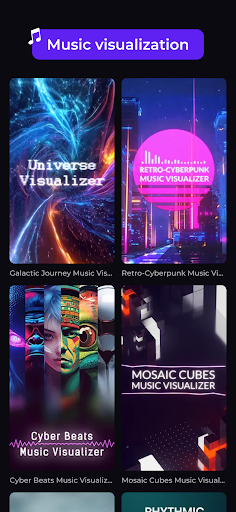
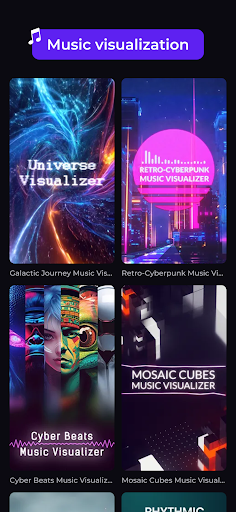
Music Visualizer & Slideshow Maker
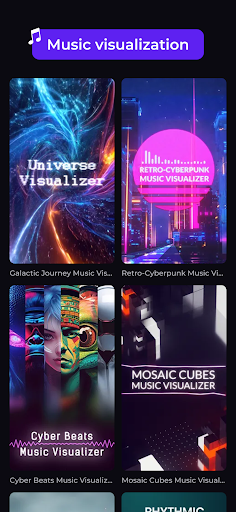
Bring your music to life with engaging visualizations. Alternatively, merge photos and video clips into seamless slideshows using the built-in transition options. Find templates suited for any type of occasion, making your visual stories memorable and engaging.
Additional Capabilities
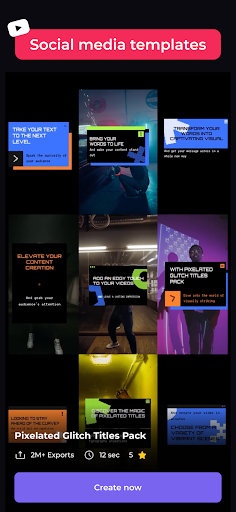
Beyond basic editing, Renderforest enables you to create promotional videos, presentations, lyric videos, and more. Its versatility makes it suitable for entrepreneurs aiming to craft attractive social media content, content creators looking to enhance their YouTube or TikTok videos, and anyone eager to tell a story visually.
Experience the Simplicity of AI Video Maker - Renderforest
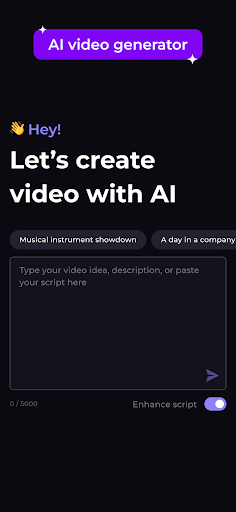
Curious about how to craft stunning videos without technical expertise? AI Video Maker - Renderforest is a game-changing platform that combines powerful AI-driven features with an easy-to-navigate interface. As someone who’s always admired professional video editing but felt intimidated, I found this app to be a breath of fresh air.
Getting Started Made Easy
From the moment you sign up, the straightforward dashboard guides you through the process. You don't need to be a tech wizard to create impressive videos—Renderforest’s design makes it feel more like a creative adventure than a daunting task.
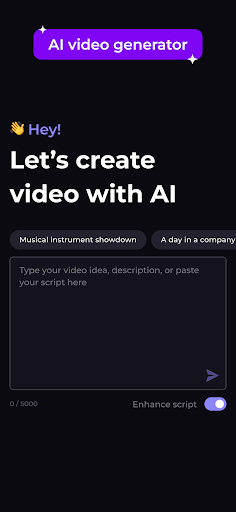
Impressive AI-Powered Features
One of the standout features of Renderforest is its AI-assisted video editing. Upload raw footage and watch as the app helps transform it into a refined video, offering a selection of templates suitable for various themes—from corporate presentations to personal vlogs. The customization options are extensive, allowing you to tweak colors, add music, overlay text, and even adjust animations effortlessly.
Seamless Sharing & Exporting
Renderforest ensures your videos are ready for any platform. Whether sharing on social media or embedding in a presentation, exporting options are diverse and straightforward. Multiple formats are supported, so your videos look perfect on any device.
My Personal Experience
Using Renderforest felt like having a dedicated video editor at my fingertips. I created a heartfelt birthday tribute in minutes, and the process was both simple and enjoyable. The final product received positive feedback, highlighting the app's ability to produce professional-looking content quickly. This personal experience underscores how Renderforest bridges the gap between amateur and professional video creation.
In summary, AI Video Maker - Renderforest offers an accessible yet robust platform for anyone interested in video creation. Its combination of ease of use, customizable features, and AI assistance makes it a top choice whether you're a small business owner, content creator, or just someone wanting to preserve memories creatively.
Pros
- User-friendly interface suitable for beginners
- Extensive selection of templates available
- Produces high-quality video output
- Provides fast rendering times
- Supports various video formats
Cons
- Limited options for customization
- Needs an internet connection to operate
- Subscription plans may be costly
- Occasional crashes of the application
- Lacks offline editing features











