
Introduction to Video Maker Music Video Editor
Have you ever dreamed of creating stunning, professional-looking videos with just a few taps on your smartphone? Video Maker Music Video Editor is a versatile and user-friendly app designed to help both beginners and experienced creators craft engaging videos easily. Whether you're aiming to produce quick social media clips or heartfelt slideshows, this app offers an array of powerful features that simplify the editing process while ensuring high-quality results.
Key Features of Video Maker Music Video Editor
Intuitive and User-Friendly Interface
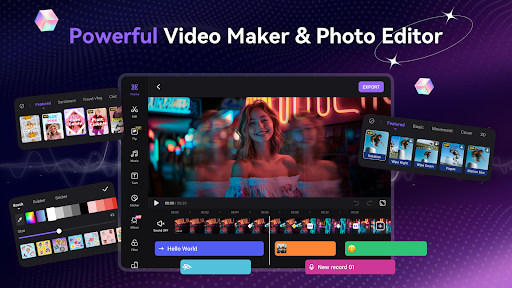
Right upon launching the app, users are greeted with an intuitive layout that makes navigation straightforward. The clean design allows users of all skill levels — from novices to seasoned editors — to access tools effortlessly, encouraging creativity without any technical barriers.
Comprehensive Editing Tools
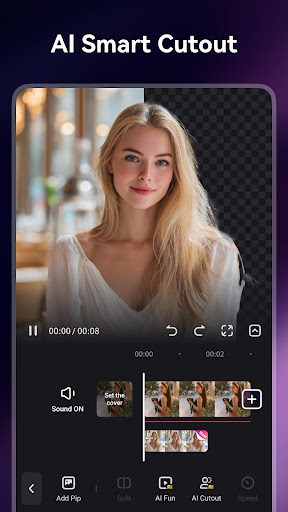
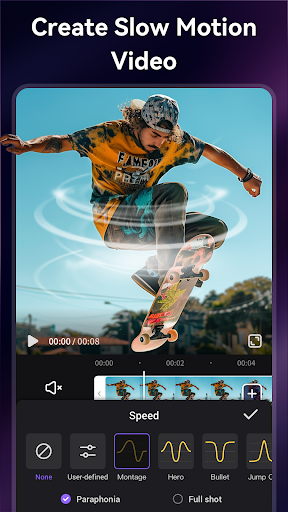
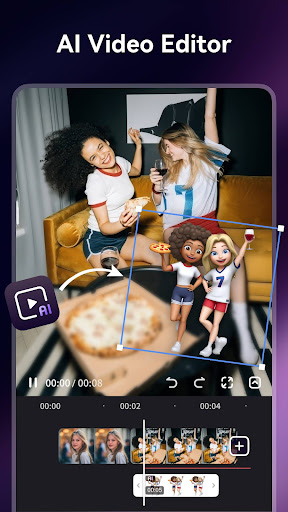
The app provides a professional editing suite that includes functions such as trimming, cutting, merging, reversing, rotating, splitting, and duplicating video clips. Want to compress a video without sacrificing quality? No problem. Additionally, you can zoom in, adjust playback speed, and create dynamic effects to enhance your storytelling. These features empower you to turn raw footage into polished, captivating videos with ease.
Trendsetting Music and Sound Effects
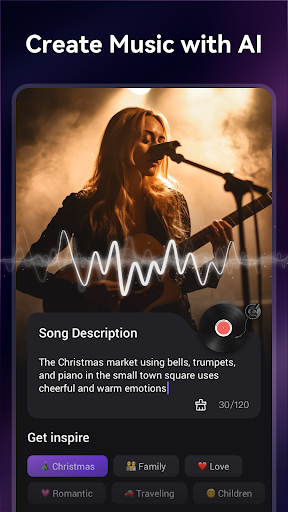
Enhance your videos with a rich library of licensed trending music to boost engagement and appeal. You can also import your favorite tracks, extract audio from videos, and turn any sound into background music for your project. Furthermore, AI-powered tools enable you to generate music directly from text prompts, adding a personalized touch. Voice-over options with fun effects like robot or monster voices allow for even more creative expression.
Exciting Themes, Effects, and Stickers
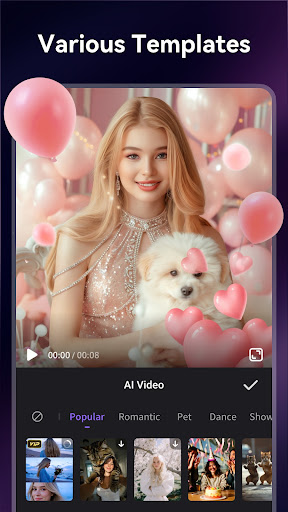
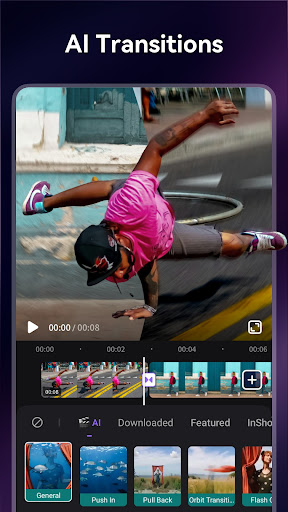
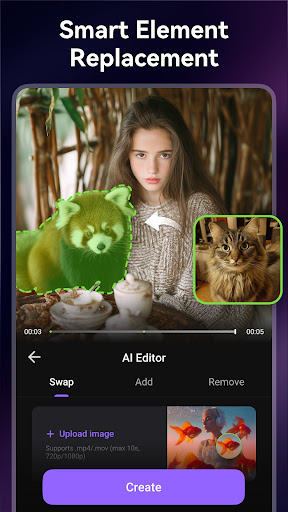
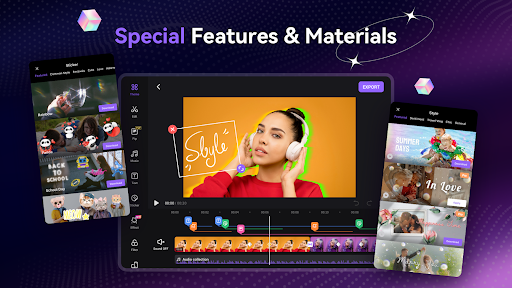
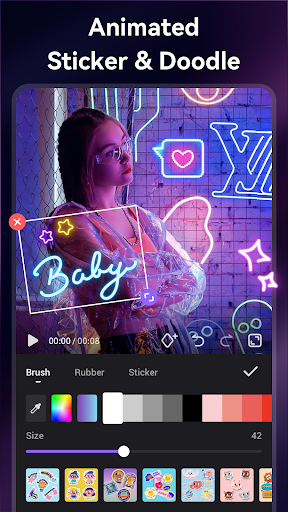
With a vast collection of themes and transition styles, you can quickly give your videos a professional look. Add adorable and animated stickers, GIFs, emojis, and doodles to make your content lively and expressive. The app’s effects and filters help you achieve various moods — from vintage to cinematic — in just a few taps.
Creative Text and Subtitles
Personalize your videos further with artistic subtitles and text styles. Draw on the screen with doodles, animate your captions, and utilize special text effects like scrolling or pixelation. For VIP users, options include export in 1080p resolution and features like pixelate, no ads, and no watermarks.
High-Quality Export and Sharing
Export your masterpieces in 720P or 1080P HD quality without any loss. The app supports unlimited duration videos, making it suitable for all types of projects. Post-edit videos seamlessly to social platforms like Instagram Reels, TikTok, Facebook, WhatsApp, and more, thanks to built-in sharing options that maintain aspect ratios and quality.
Creative Possibilities and Use Cases
Whether capturing special moments such as weddings, birthdays, holidays, or everyday life, Video Maker Music Video Editor makes it simple to craft personalized content. From social media influencers aiming to grow their audience to casual users wanting to preserve memories, this app offers all tools needed to produce eye-catching videos. Its combination of free and VIP features unlocks a broad spectrum of creative options, including advanced effects, better export quality, and an ad-free experience.
Final Thoughts
In summary, Video Maker Music Video Editor stands out as a comprehensive video editing solution that's accessible and packed with features. Its focus on simplicity, combined with powerful editing tools and an extensive media library, allows anyone to create stunning videos effortlessly. Whether for social media sharing, personal projects, or professional content creation, this app makes video editing fun, fast, and highly versatile. Start exploring your creativity today and bring your best moments to life!
Pros
- User-friendly interface suitable for beginners.
- Extensive selection of music tracks.
- High-quality options for exporting videos.
- A variety of editing tools to enhance creativity.
- Compatibility with multiple video formats.
Cons
- Contains advertisements in the free version.
- Few features available without a subscription.
- Reports of occasional app crashes.
- Videos include a watermark in the free version.
- Large file size can potentially slow down the device.











