

Discover the Powerful Features of AI Video Editor: ShotCut AI
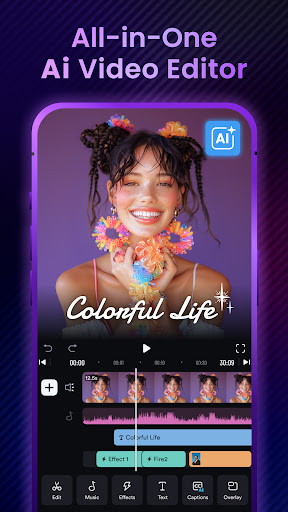
If you're looking for an intuitive and professional video editing app that combines advanced AI tools with user-friendly design, ShotCut AI is the perfect choice. Whether you're a seasoned content creator or a casual user wanting to craft engaging videos on your phone, ShotCut AI offers a wide array of features that make editing seamless and fun.
Main Features of ShotCut AI
AI Video Editing Tools
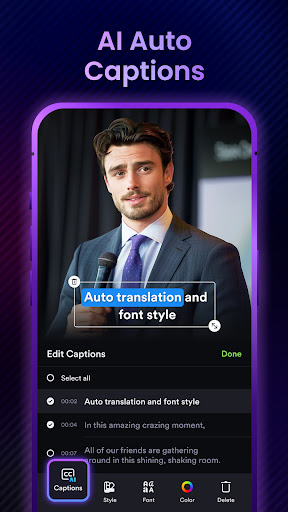
Experience the power of AI-driven editing with tools like AI Captions, which transcribe your videos into text effortlessly. The free trial for this feature is now available, demonstrating advanced AI technology with smarter sentence segmentation, precise word detection, and full support across all major languages. Upload your videos, and let ShotCut AI generate accurate captions that enhance accessibility and engagement.
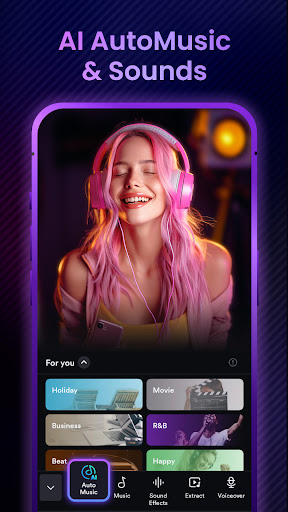
Another exciting feature is AI Automusic, which automatically matches suitable background music to your videos. Simply post your clips, and the app will select the perfect music set, saving you time and effort while adding professional flair.
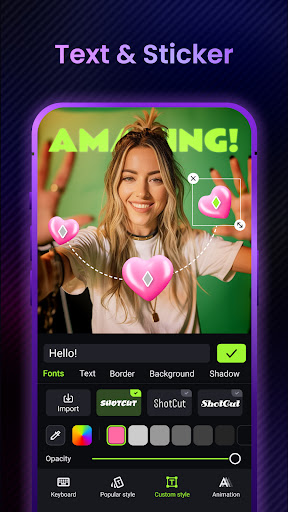
For content creators focusing on titles, hashtags, and descriptions, AI Text Generation is a game-changer. Upload your video, specify the platform, and let the AI craft compelling metadata designed to maximize viewer engagement on platforms like YouTube, TikTok, or Instagram.
Basic Video Editing Capabilities
ShotCut AI offers essential editing tools such as Video Reverser to quickly rewind clips, Video Cropper for aspect ratio adjustments, and Video Cutter & Splitter to segment longer videos into manageable clips. It also includes a Video Merger & Combiner feature for creating seamless compilations without any watermark.
Need to convert videos? The app supports Video Converter for HD output or MP3 audio extraction, as well as Video Eraser to remove watermarks efficiently. Plus, the Audio Editor allows precise editing of soundtracks embedded within your videos.
Pro-Level Video Editing Tools
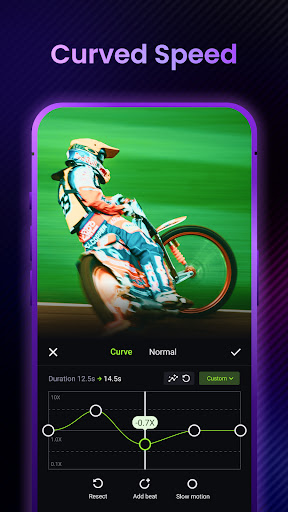
Enhance your videos with advanced features like adding Music to Video, overlaying voiceovers, or incorporating sound effects. Create smooth Stop Motion animations right from your phone, or slow down clips with Slow Motion for dramatic effects.
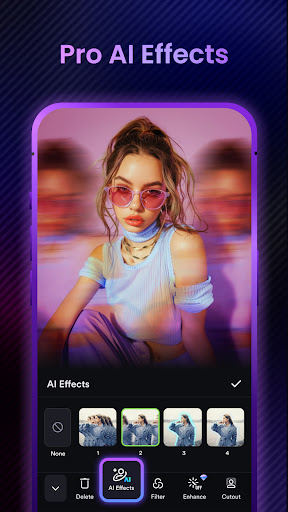
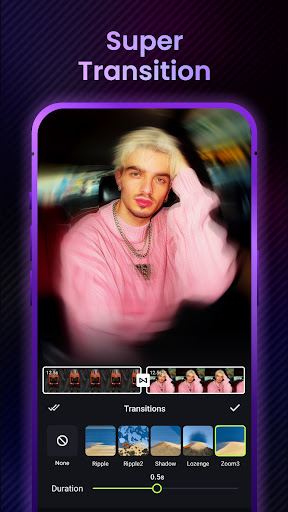
Apply visual enhancements such as Blurring or Pixelating parts of your video for privacy or artistic reasons. The PIP (Picture in Picture) feature allows overlaying videos like a professional editor. Explore a variety of Video Effects & Filters, including trendy transition effects, glamour filters, and hyperlapse sequences, perfect for making standout social media content.
For shaky footage, use the Video Stabilizer, or remove distracting backgrounds with the Green Screen Editor and Background Remover tools, even without a green screen setup.
Additional Editing Capabilities
Beyond basic editing, ShotCut AI functions as a comprehensive movie maker and slideshow creator. Its free slideshow maker allows adding music and voiceovers, while the Picture Video Maker converts photos into engaging videos. Want to craft a video collage? The app provides a simple way to layout and customize photo and video collages.
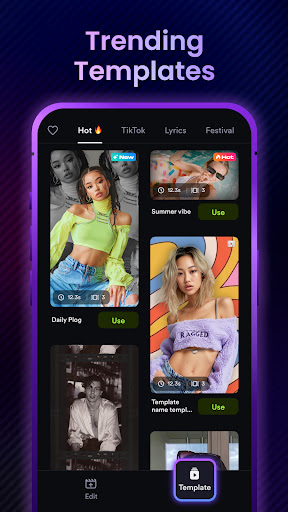
Adjust the video speed with ease, creating slow-motion or fast-motion effects without losing quality. Make Reels for Instagram and polished YouTube videos effortlessly, thanks to built-in templates optimized for social media platforms.
Why Choose ShotCut AI?
Designed for both beginners and professional editors, ShotCut AI combines powerful AI features with a sleek, user-friendly interface. Its seamless performance ensures you can edit high-resolution videos without lag or crashes, supporting all major devices on Android and iOS.
Sharing your creations is simple, with options to export in multiple formats or directly share on social media platforms. Whether you're making vlogs, TikTok clips, or Instagram reels, ShotCut AI has all the tools you need to produce stunning videos efficiently.
In Conclusion
AI Video Editor: ShotCut AI is more than just a simple editing app — it’s a complete video creation suite powered by advanced AI technology. Its feature-rich platform allows you to produce professional-quality content with minimal effort, making it ideal for creators of all levels. Ready to take your video editing skills to the next level? Download ShotCut AI today and start crafting eye-catching videos that stand out!
Pros
- User-friendly interface enabling quick editing
- Advanced AI tools for automatic editing
- Compatibility with multiple video formats
- Cloud storage integration for easy access
- Regular updates introducing new features
Cons
- Limited functionalities in the free version
- Requires high-performance device for smooth operation
- Occasional glitches in AI features
- Large application size that consumes storage space
- Subscription needed to access premium tools











