

Overview of 1DM+: Browser & Video Download
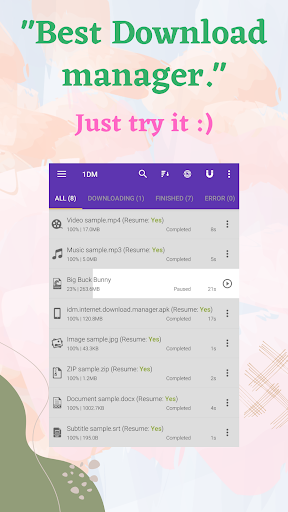
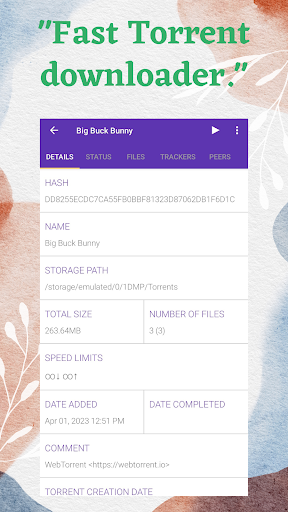
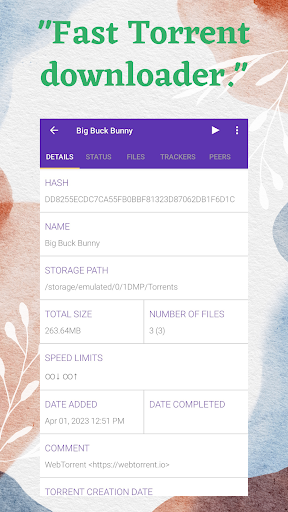
1DM+ (formerly known as IDM+) is a powerful and advanced download manager tailored for Android devices. Renowned for its lightning-fast download speeds—up to 500% faster than conventional methods—this app streamlines the way you download media files and web content. Not only does it support Torrent downloads with magnet links, torrent URLs, or torrent files stored on your device, but it also brings a host of features designed to enhance usability, performance, and convenience.
Key Features of 1DM+
The app prides itself on being ad-free, offering a clean and distraction-free user experience. It supports multiple themes, including both dark and light modes, catering to user preferences. Available in numerous languages like Chinese, Spanish, French, German, Russian, and many others, 1DM+ is accessible to a global audience.
One of its standout capabilities includes direct download to SD card, making it easy to manage storage and keep your device organized. It also supports downloading from HTTP Live Streaming (HLS) websites, hiding downloaded files from other users for privacy, and intelligently handling downloads when you copy links to the clipboard through its smart download feature.
For secure browsing, 1DM+ allows you to save usernames and passwords for auto login to password-protected sites. You can effortlessly pause, resume, or remove all downloads, making management straightforward. The app supports unlimited retry attempts with customizable delays, and downloads continue even if you close the app. Additionally, there are options for Wi-Fi only downloads, download scheduling, and importing/exporting download links via text files or clipboard.
Advanced Capabilities
With support for up to 30 simultaneous downloads and multi-part downloading with up to 32 parts per download, 1DM+ ensures fast and efficient data transfer. It supports proxy settings (with or without authentication), as well as speed limiting (globally or per download). Users can refresh expired links and handle password-protected files. For integrity, it offers MD5 checksum calculations, verifying file authenticity.
Additional Features
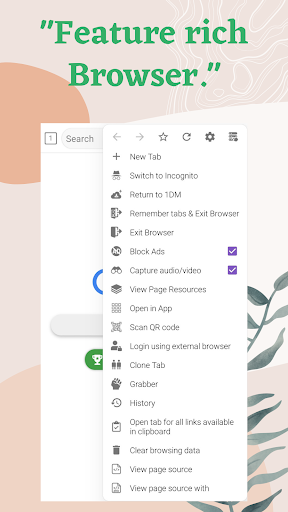
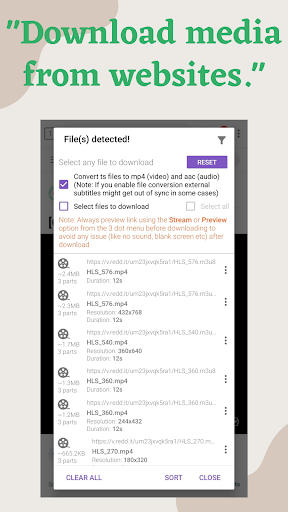
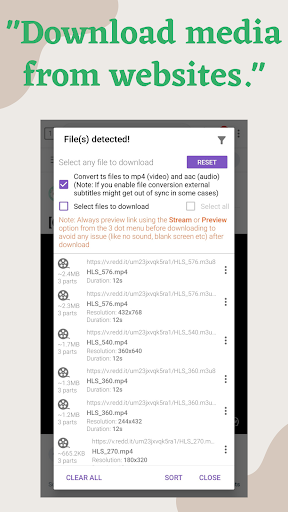
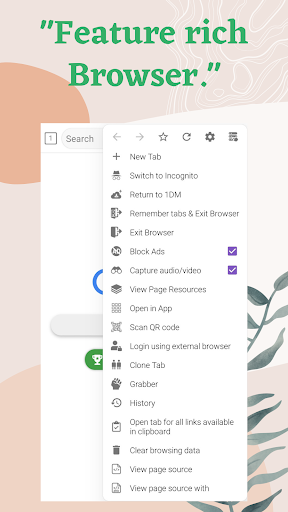
The built-in web browser supports multiple tabs, browsing history, and bookmarks, with an incognito mode for private sessions. The app can automatically detect media links (music and videos) on webpages, simplifying the download process. It also provides extended notifications displaying download progress both individually and collectively, along with options for vibrations and notification sounds upon completion.
Permissions and Usage Notes
The app requires access to internet connection, device storage, vibration control, and a wake lock to prevent the device from sleeping during downloads. Importantly, downloading from YouTube is not supported due to legal terms of use, and users should respect copyright laws.
Why You Need 1DM+: Browser & Video Download
Ever come across an intriguing video or media file online and wished there was an easier way to download it? With 1DM+ we’ve got you covered. This app transforms your browsing experience into a media-rich, download-powered journey. Instead of juggling multiple apps or extensions, 1DM+ combines a robust built-in browser with superior download management, allowing you to detect, queue, and download videos, audio, and other media files seamlessly.
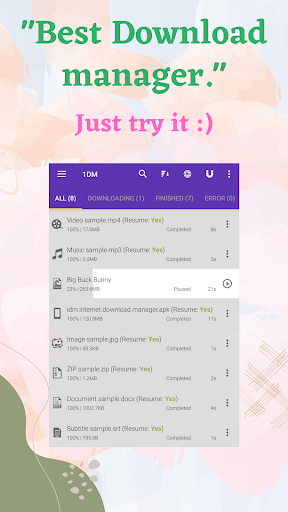
Its user-friendly interface ensures that even those with minimal tech experience can quickly adapt and start downloading media files effortlessly. Whether you're saving videos from popular streaming sites or bulk downloading multiple files, the app efficiently manages your tasks. The support for multi-threaded multi-part downloading significantly accelerates download speeds, while the pause and resume features give you complete control over your downloads—ideal for unreliable internet connections.
The integrated browser not only simplifies navigation but actively detects media links, prompting you to download automatically when you visit media-rich pages. This feature is especially helpful when browsing sites for videos or music, enabling you to save clips directly without relying on third-party tools. Plus, with support for torrent downloads, you can get access to a wide variety of content with ease.
Performance-wise, 1DM+ handles high-speed downloads without taxing your device's resources, ensuring smooth operation alongside your regular activities. Frequent updates from the developers mean you’ll always have access to the latest features, security enhancements, and performance tweaks, making it a reliable companion for all your media downloading needs.
Final Thoughts
In summary, 1DM+ is a comprehensive download manager and browser that simplifies content acquisition while ensuring speed, privacy, and control. Whether you're looking to download high-quality videos, manage torrents, or streamline your media downloads, this app offers an all-in-one solution. Its versatility, combined with ease of use and ongoing support, makes it an essential tool for anyone wanting to handle online media efficiently. Give 1DM+ a try and elevate your downloading game today!
Pros
- Fast download speeds
- Supports various file formats
- Ability to pause and resume downloads
- User-friendly interface
- Built-in browser
Cons
- Contains advertisements
- Lacks advanced download options
- Occasional application crashes
- Limited support for streaming websites
- Requires permissions for full features