
- Name Zedge Wallpapers HD
- Category Personalization
- Developer OMTRIM
- Available on PC
- OS Windows 10 version 17763.0 or higher
- languages English (United States)
Introducing Zedge Wallpapers HD for Windows
Looking to breathe new life into your desktop with stunning, personalized wallpapers? Zedge Wallpapers HD for Windows offers a rich collection of high-definition backgrounds tailored for your personal workspace, blending aesthetic appeal with ease of use.
About the Developer: OMTRIM
Developed and published by OMTRIM, Zedge Wallpapers HD is part of a dedicated effort to enhance desktop personalization through a straightforward and visually engaging interface. OMTRIM specializes in creating intuitive apps that cater to users seeking customization without the fuss.
Key Features That Make It Stand Out
- Extensive HD Wallpaper Collection: Over thousands of high-resolution images spanning categories like nature, architecture, abstract, and more, ensuring there's something for everyone.
- Easy Filtering & Search: Advanced search options with filters by category, color, or theme make finding the perfect wallpaper quick and effortless.
- Seamless Wallpaper Management: Set wallpapers directly from the app, with options for automatic rotation or manual selection, streamlining personalization workflows.
- Adaptive Design Compatibility: Optimized for Windows, ensuring the wallpapers fit well across screen sizes and resolutions, including multi-monitor setups.
The target audience mainly includes casual desktop users who wish to refresh their backgrounds regularly, tech enthusiasts who value customization options, and professionals seeking a stylish, distraction-free workspace.
A Walkthrough of the App's Core Experience
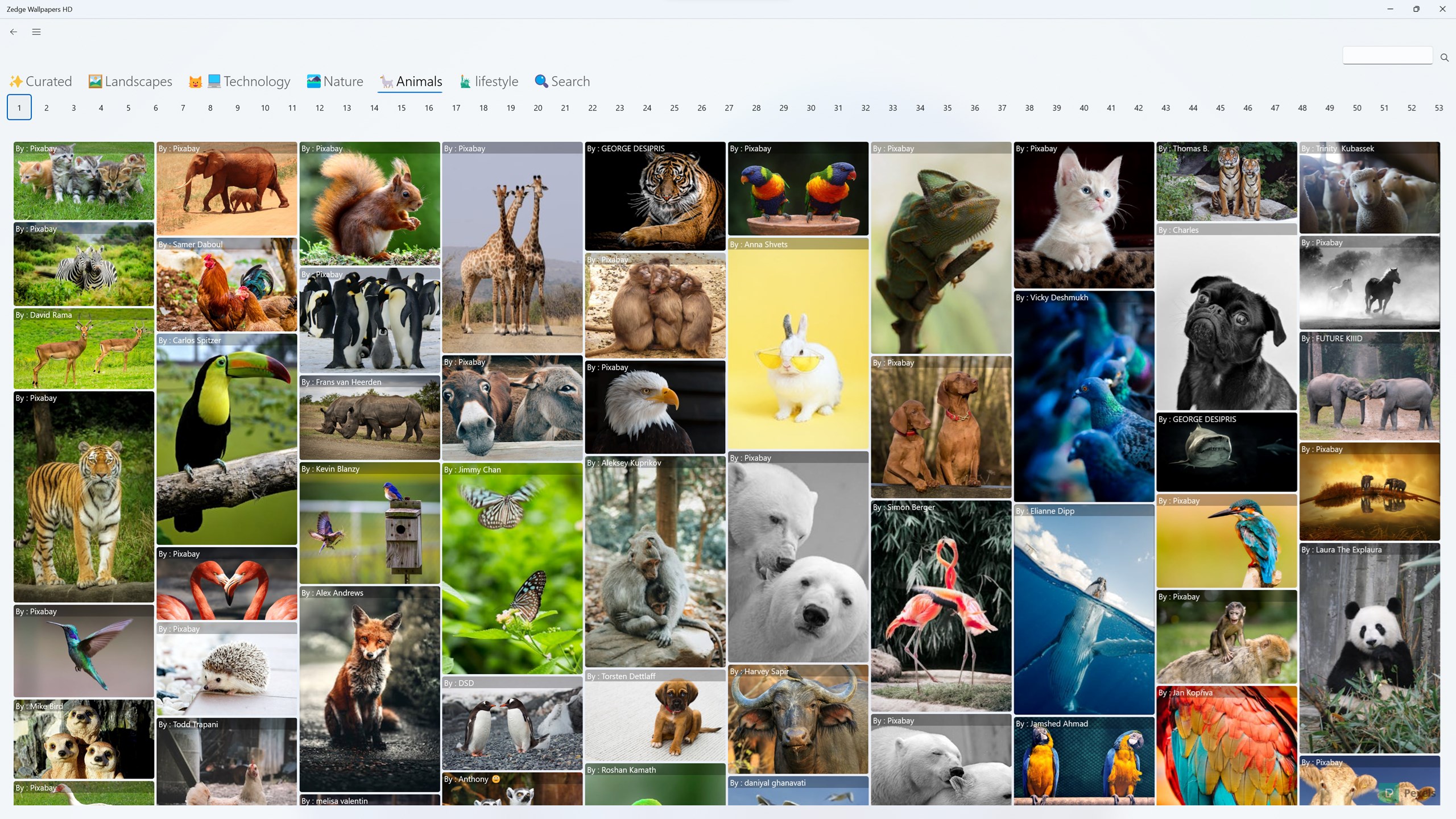
Imagine scrolling through a vibrant digital gallery where every image seems to whisper, “Pick me!” That's exactly how Zedge Wallpapers HD feels—like walking through an art exhibition curated specifically for your screen. Its intuitive design makes browsing feel as smooth as gliding over polished glass, inviting you to explore high-quality visuals effortlessly.
Vivid and Organized Gallery
The app offers an aesthetically pleasing interface that showcases wallpapers in neatly categorized collections. The minimalist layout prevents clutter, allowing users to focus solely on discovery. With a responsive search bar and dynamic filters, finding a wallpaper to match your mood or theme becomes a quick, enjoyable task. The images load swiftly, showcasing their rich details without lag—an indication of thoughtful optimization.
Effortless Customization & Wallpaper Deployment
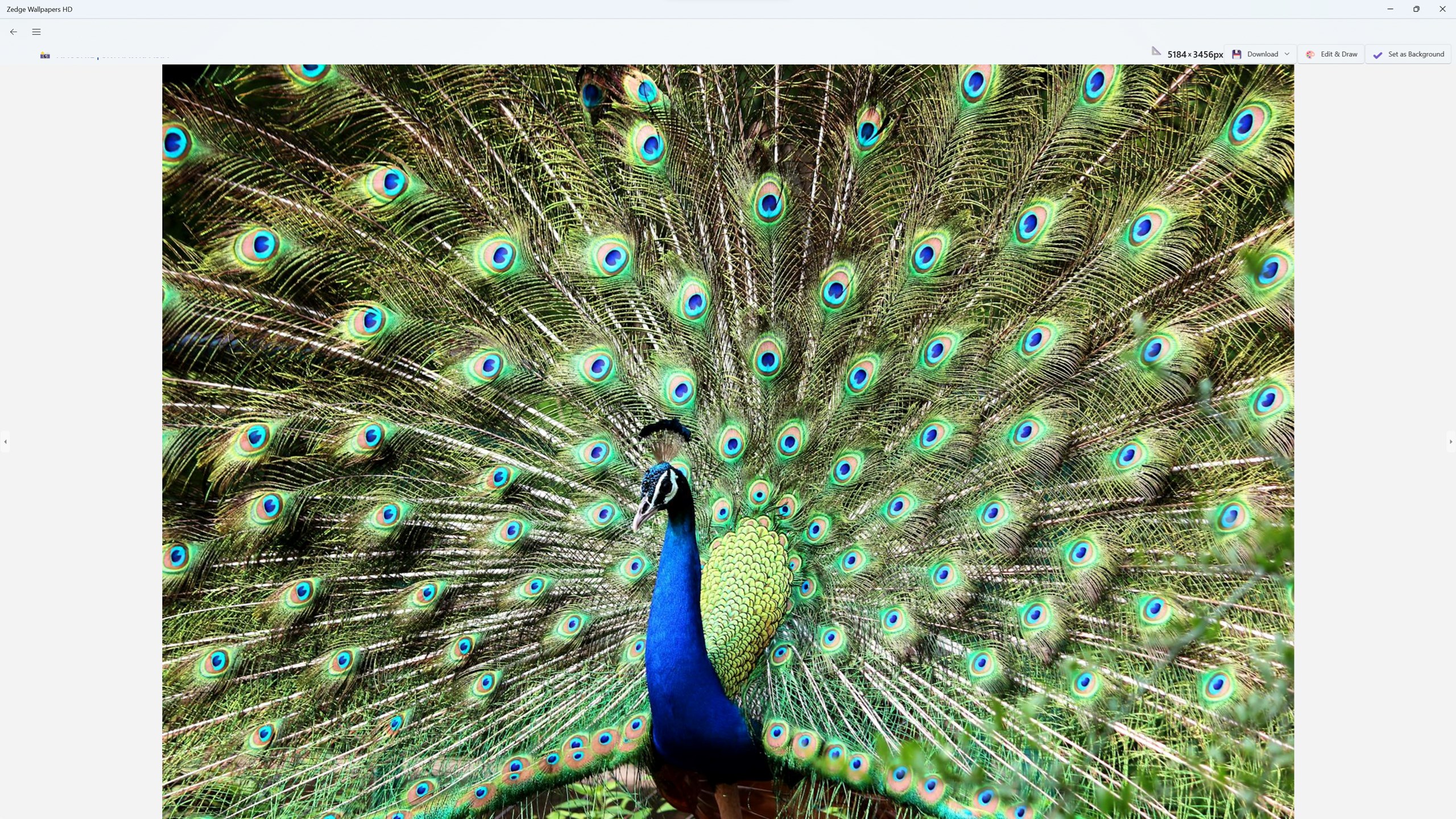
Setting a new wallpaper within Zedge is as easy as a couple of clicks. The app integrates directly with Windows, offering options to set wallpapers instantly or schedule regular updates—ideal for users who like their screens refreshed without lifting a finger. This seamless operation is designed for both tech novices and seasoned users, minimizing the learning curve while maximizing convenience. The feature to set different wallpapers for multiple monitors further elevates the user experience, making multi-screen setups visually cohesive and personalized.
Unique Differentiators: A Personal Touch in a Sea of Wallpapers
Compared to other personalization apps, Zedge Wallpapers HD stands out primarily due to its unparalleled variety of customization options and theme compatibility. Unlike platforms that limit you to predefined categories, Zedge offers a versatile gallery that caters to diverse tastes—be it minimalistic, vivid, or artistic artworks. The app's ability to synchronize wallpapers with Windows themes or lock screens means it doesn't just serve as a background gallery but acts as a comprehensive desktop beautification tool. This flexibility ensures that your screen doesn't just look good but also integrates seamlessly with your overall system aesthetic.
Should You Try It? Our Recommendations
Overall, Zedge Wallpapers HD is a commendable choice for anyone looking to add variety and personality to their Windows desktop. Its user-friendly interface, combined with the breadth of wallpaper options and thoughtful features like multi-monitor support, makes it a versatile tool. While it excels in visual diversity and ease of management, more advanced users might desire even deeper customization options—something that could be expanded in future updates.
We recommend giving it a try if you want a straightforward yet powerful wallpaper solution that offers variety without complexity. Whether you prefer setting a weekly theme or simply browsing beautiful images, Zedge Wallpapers HD provides the tools to keep your desktop fresh and inspiring.
Pros
- Extensive wallpaper collection
- High-quality images
- User-friendly interface
- Regular updates
- Customization options
Cons
- Ads can be intrusive
- Limited offline access
- Search function could be improved
- Some wallpapers have generic descriptions
- App performance may vary on older devices











