



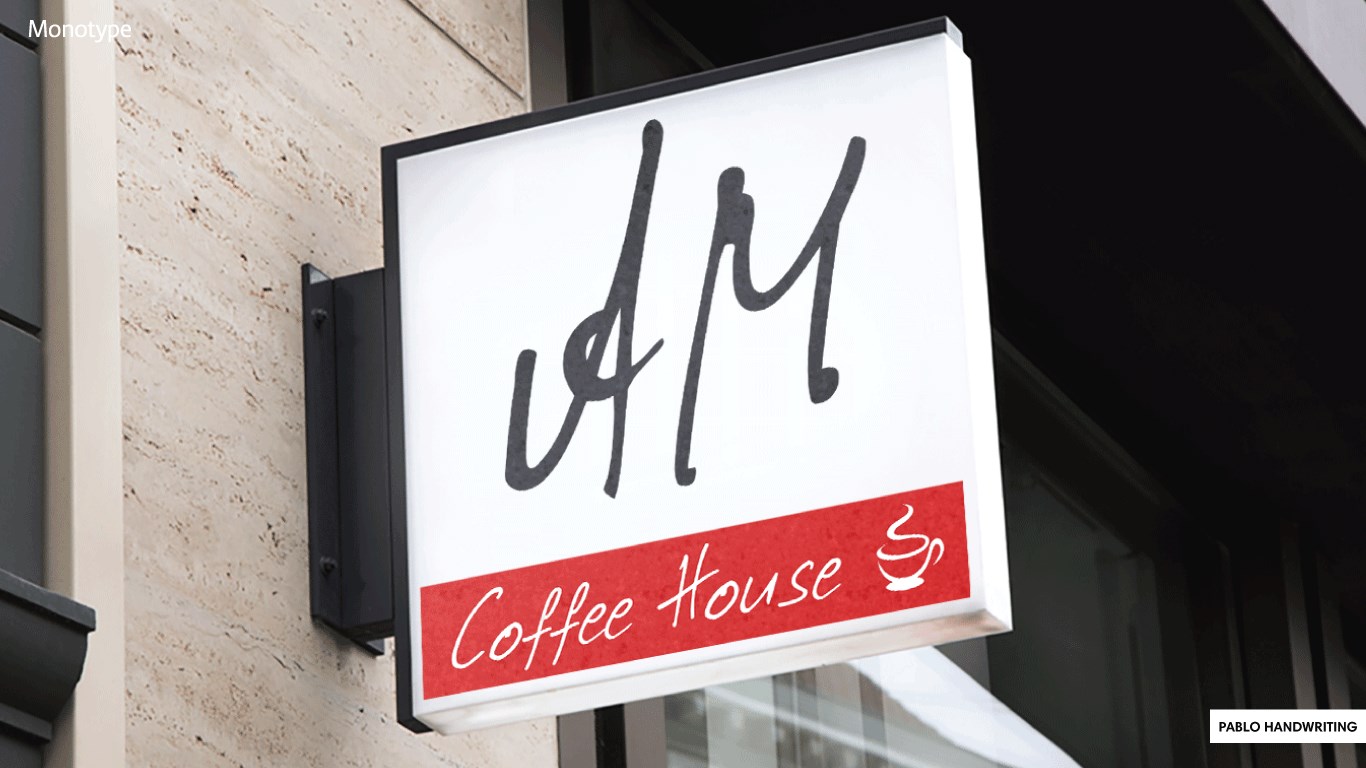

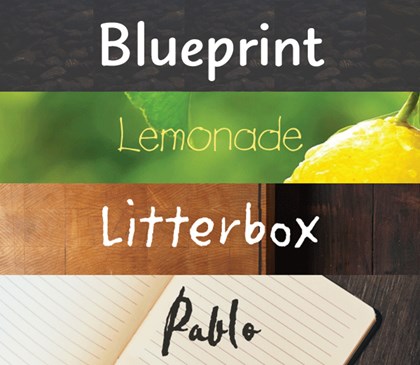
- Name Monotype Handwriting Font Pack
- Category Personalization
- Available on PC, Surface Hub, HoloLens
- OS Windows 10 version 17040.0 or higher
- languages English (United States)
Introducing Monotype Handwriting Font Pack for Windows
Designed to bring the warm, personal touch of handwritten text to your digital workspace, Monotype Handwriting Font Pack is a thoughtfully curated collection of fonts that emulate natural handwriting styles on Windows devices.
Who's Behind This Creative Toolbox?
The font pack is developed by Monotype, Inc., a renowned leader in typography and font design with a rich history of creating high-quality typefaces used globally in publishing, branding, and digital applications.
Main Features That Make It Stand Out
- Extensive Variety of Handwriting Styles: A diverse collection that caters to different moods, personalities, and projects.
- High-Quality, Legible Fonts: Designed with attention to detail to ensure clarity even at smaller sizes.
- Seamless Integration & Customization: Easy to install and use across various applications, with options to tweak fonts for personalized use.
- Optimized for Windows: Performance-optimized for smooth operation within Windows environment, supporting multiple font formats.
A Warm Welcome to Your Digital Handwriting Experience
Imagine bringing the charm of handwritten notes into your digital documents—be it crafting a heartfelt letter, designing eye-catching invitations, or personalizing your presentations. Monotype's Handwriting Font Pack transforms sterile typed text into lively, expressive characters that breathe life into your words. Whether you're a teacher, designer, or planner, this collection offers a delightful way to add that personal touch to any project.
Core Functionality: A Closer Look
1. Rich Customization & Variety
The pack boasts a broad spectrum of handwriting styles—ranging from casual sketches to elegant script, each designed with nuanced strokes and authentic textures. This diversity allows users to switch effortlessly between different handwritten moods, making your projects feel spontaneous yet professional. The variety ensures you aren't limited to a one-size-fits-all font, but instead have an array of personal signatures at your fingertips.
2. User-Friendly Interface & Performance
The font management interface is intuitive, resembling a familiar folder system that makes font browsing and installation straightforward. The app runs smoothly, with quick load times and responsive controls, even when handling multiple fonts simultaneously. Learning curve? Minimal—installing fonts becomes a matter of a few clicks, perfect for both tech-savvy users and beginners. The design prioritizes ease of use without sacrificing depth of options.
3. Compatibility & Personalization
What truly sets this font pack apart is its remarkable compatibility. It pairs beautifully with themes and templates, maintaining visual consistency across your overall project aesthetic. You can also tweak font weight, size, and spacing to suit your specific needs, making it highly adaptable. Unlike some font collections that feel homemade or generic, Monotype's offering integrates seamlessly into larger design ecosystems, elevating your creative control.
Is It a Must-Have? Our Verdict
While this font pack is not necessarily a groundbreaking revolutionary product, it excels in delivering quality, variety, and user-friendly customization options that many casual and professional users will appreciate. It's particularly suited for those who value authenticity and a personal touch in their digital communication. If you regularly craft handwritten-style content, this collection can become your reliable creative partner.
We recommend it for educators, designers, stationery enthusiasts, and anyone looking to add warmth and personality to their digital text. The most impressive feature—the authentic, diverse handwriting styles—makes it worth exploring. Consider installing it if you want a straightforward way to elevate your document aesthetics without complex toolsets.
In conclusion, Monotype Handwriting Font Pack for Windows isn't just a collection of fonts; it's a palette of personalities that brings your words to life. Embrace your creativity and let your digital handwriting truly stand out.
Pros
- Elegant Handwriting Style
- Easy Integration
- Variety of Styles
- High-Quality Rendering
- Regular Updates
Cons
- Limited Font Customization Options
- Large Installation Size
- Less Suitable for Formal Documents
- Limited Language Support
- Inconsistent Compatibility on Older Systems










