

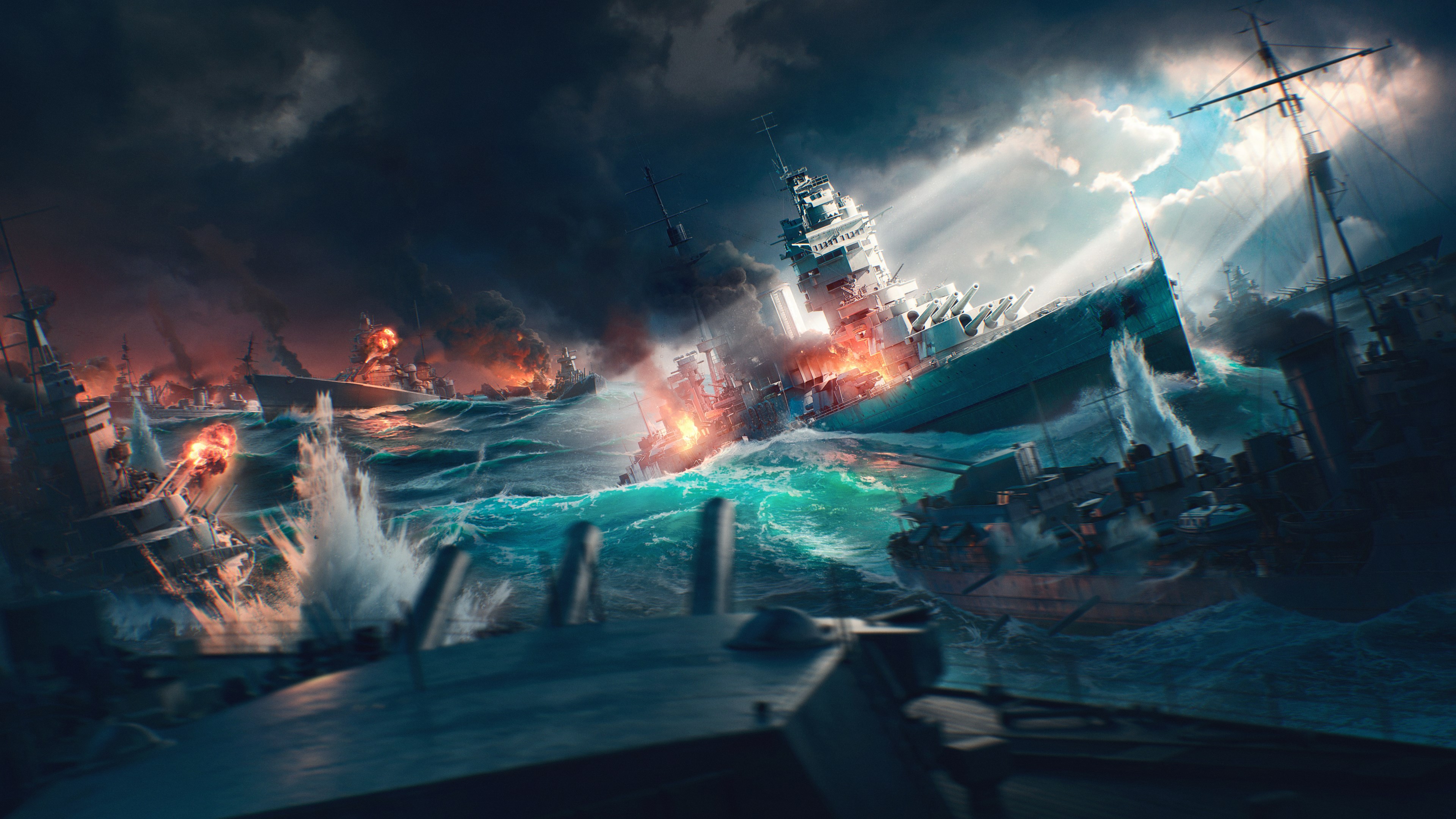
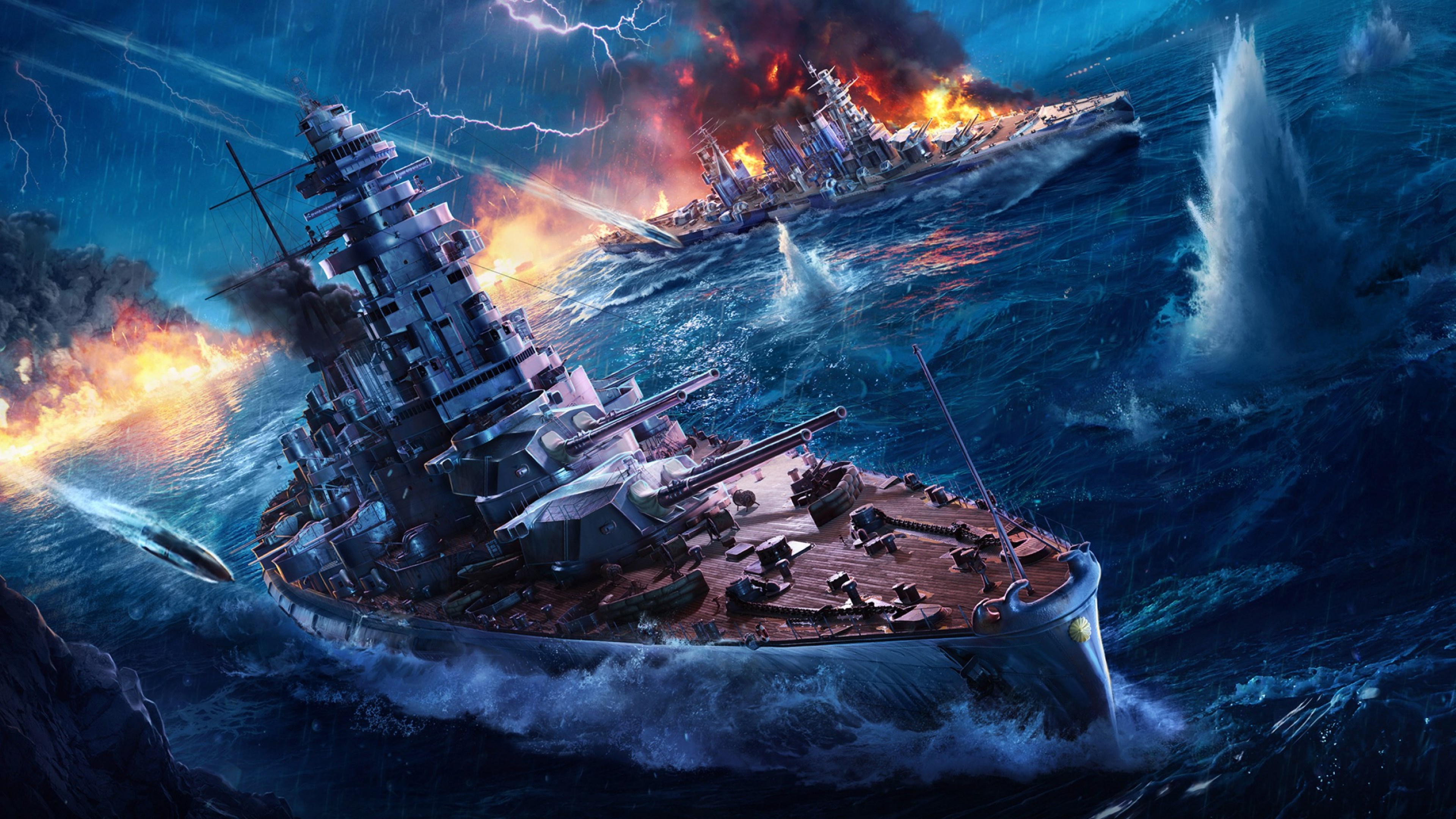
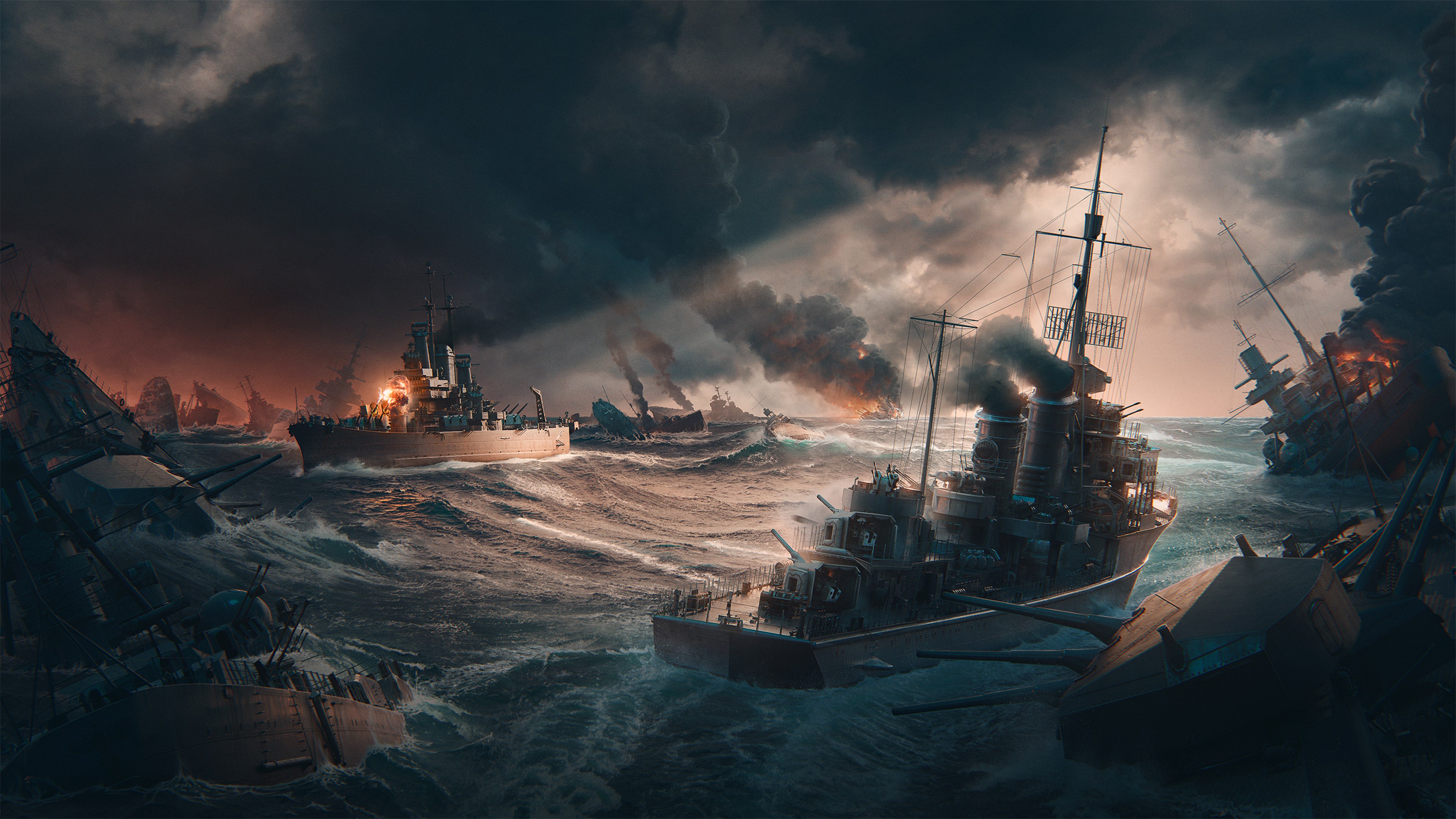
- Name World of Warships Official Theme
- Category Personalization
- Developer Wargaming Group Limited
- Available on PC
- OS Windows 10 version 18362.0 or higher
- languages English (United States)
Overview: A thematic reimagining of your Windows environment with World of Warships
World of Warships Official Theme for Windows is a visual personalization app designed to bring the excitement and imagery of naval warfare to your desktop. It transforms your interface into a dynamic maritime scene, appealing especially to fans of the game and naval history enthusiasts alike.
Developer and Core Features
Developed and published by Wargaming Group Limited, the application offers a seamless integration of thematic visuals to elevate your Windows experience. Its main highlights include high-quality wallpapers inspired by naval battles, customizable themes that adapt to your preferences, and real-time updates with new artwork reflecting recent game content. Additionally, the app provides smooth performance to ensure your user interface remains responsive without lag, making it suitable for everyday use by gaming aficionados and casual theme seekers.
Immersive Introduction: Dive Into the World of Naval Warfare
Imagine your desktop transforming into the deck of a mighty warship, with sweeping ocean views and heroic vessels poised for battle—this is the vibe that World of Warships Official Theme aims to evoke. It's akin to giving your Windows environment a naval makeover, immersing you into the legendary battlescruisers and formidable battleships right from your desktop. Whether you're a dedicated gamer or simply someone who appreciates stunning military artwork, this app offers an engaging way to personalize your digital workspace.
Vivid Visuals and Thematic Consistency
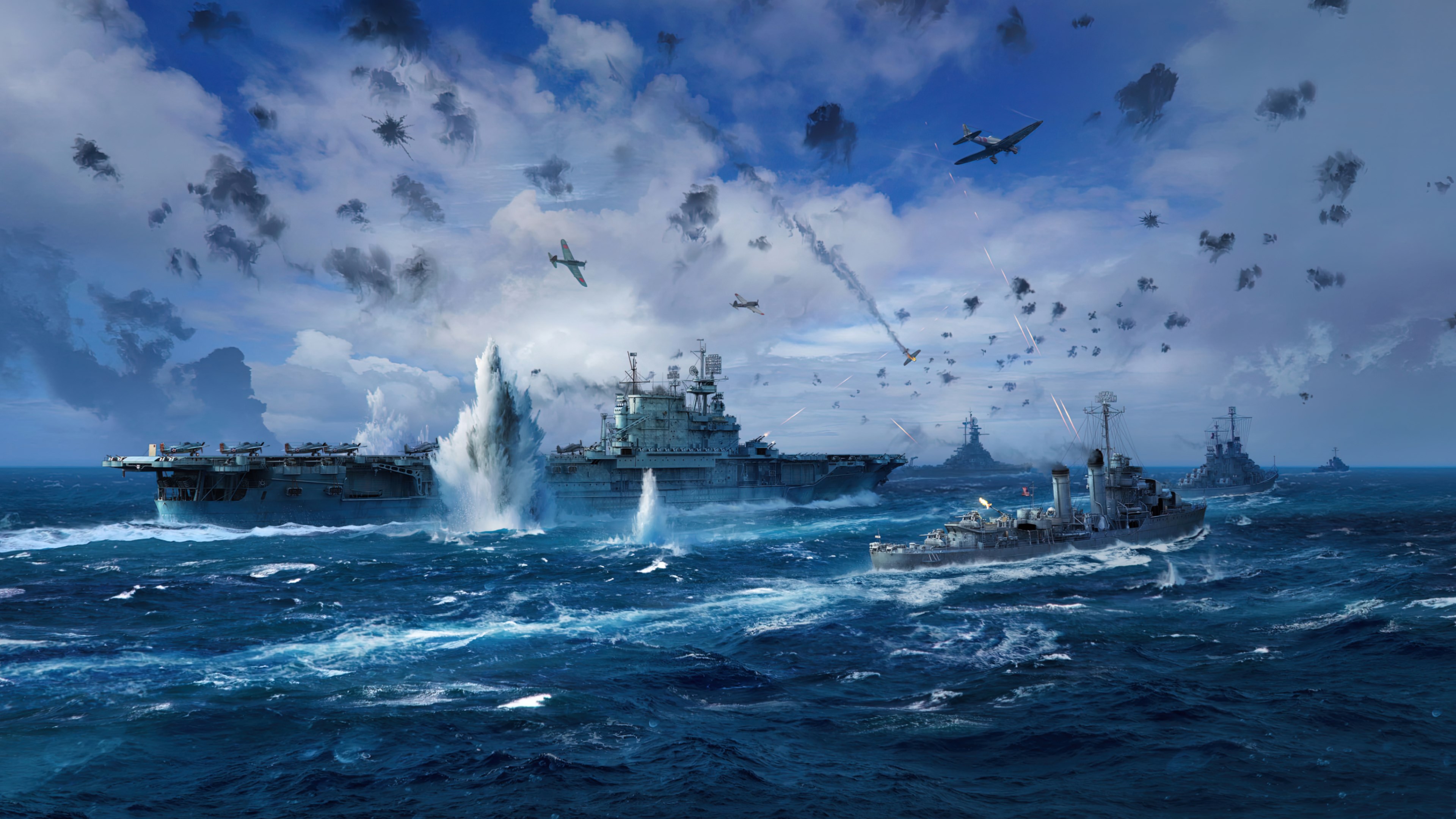
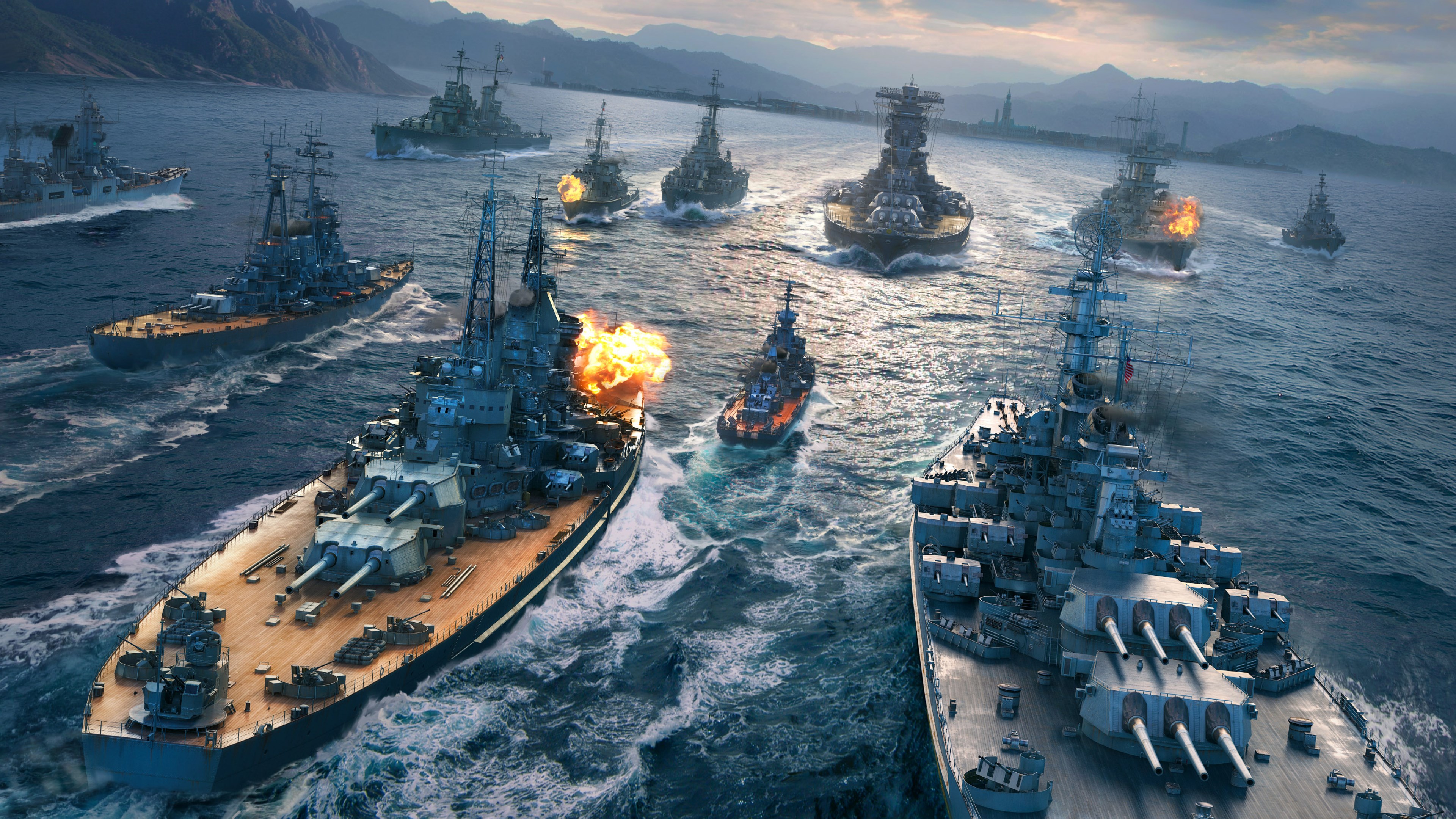
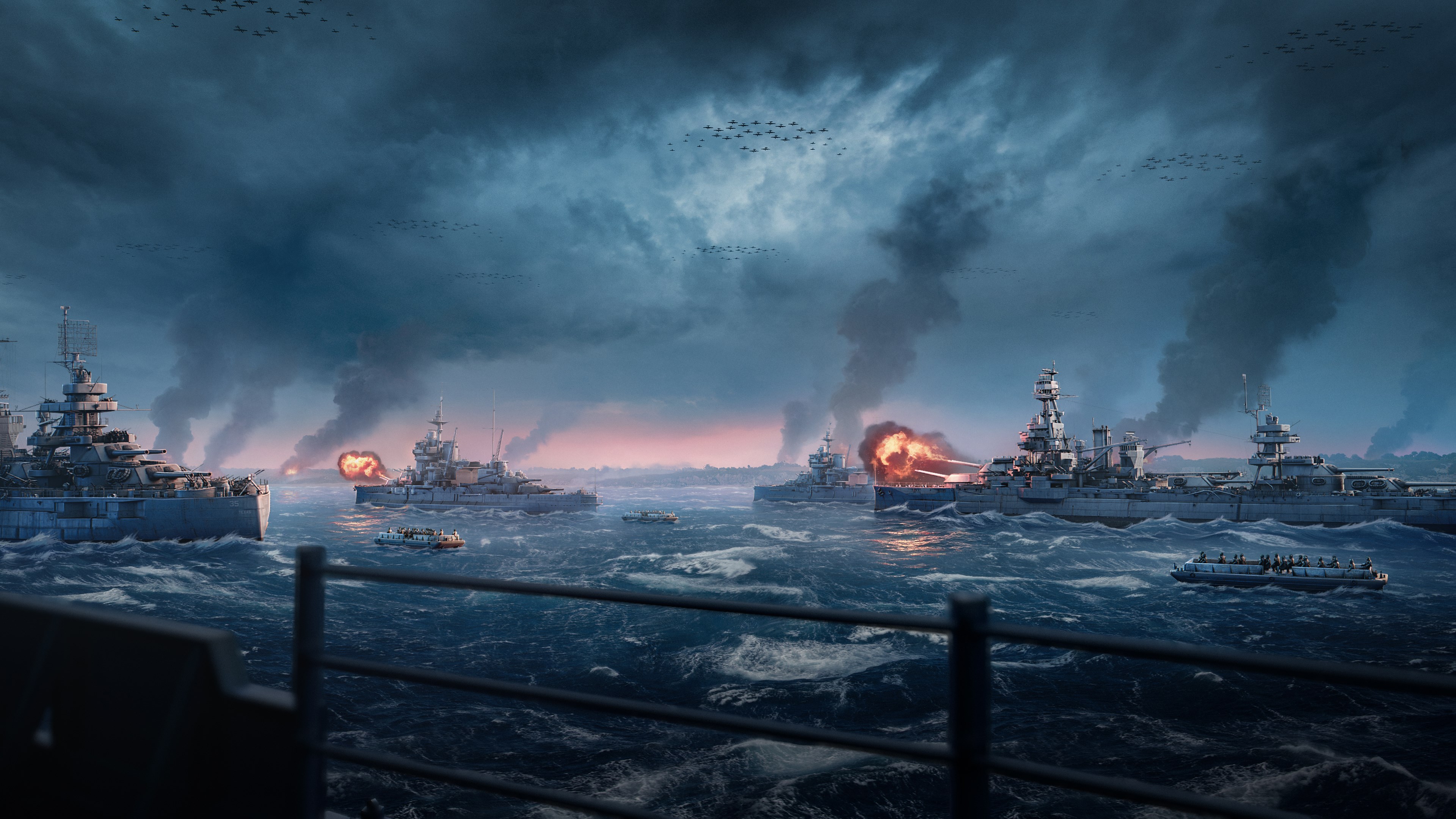
The core strength of this theme lies in its visually rich wallpapers that depict ships, ocean scenery, and epic battle scenes. These images are crafted in high resolution, ensuring clarity and vibrancy on various screen sizes. The themes maintain a consistent maritime aesthetic that transforms your desktop into a naval battlefield landscape, making every glance a mini escapade on the high seas. Unlike generic wallpapers, this app's thematic integrity creates a cohesive, immersive environment that echoes the intensity and grandeur of World of Warships.
Design, Usability, and User Experience
The app features a clean, intuitive interface that's straightforward to navigate. Installing and switching themes requires just a few clicks, akin to dropping anchor in familiar harbor ports. The transition between wallpapers is smooth, with minimal loading times. As for learning curve, it's minimal—the app is designed for users of all levels, whether you've tinkered with personalization apps before or are trying such customization for the first time. The interface's simplicity complements its sophisticated visuals, ensuring users can focus on the aesthetic benefits without complexity.
Unique Selling Points and Differentiation
What sets World of Warships Official Theme apart from other personalization apps is its combination of thematic depth and quality. Its extensive variety of wallpapers and customization options cater to enthusiasts who want more than just a static background—they want to feel the spirit of naval warfare on their desktop. Additionally, the theme's compatibility with Windows' system themes ensures a harmonious look, avoiding clashes between wallpaper and interface elements. Unlike many similar apps that focus solely on visuals, this one enhances the atmosphere while maintaining performance, making it a distinctive choice for fans and casual users alike.
Final Verdict and Recommendations
Overall, the World of Warships Official Theme for Windows is a well-crafted, visually appealing personalization tool that offers more than just aesthetic change. Its high-quality artwork, ease of use, and thematic harmony make it a commendable addition for anyone interested in naval themes or seeking to add a touch of adventure to their desktop. I would recommend for fans of the game and naval history buffs looking to glimpse a maritime battle atmosphere daily. For general users, it's a tasteful and unobtrusive way to enhance their Windows experience without sacrificing performance.
Pros
- Visually Stunning Theme
- Thematic Consistency
- Easy to Install and Set Up
- Regular Updates and Promotions
- Lightweight App Size
Cons
- Limited Customization Options
- High Battery Consumption on Laptops
- Some Features May Not Work on All Devices
- No Built-in Settings for Personalization
- Potential Delays in App Updates











