


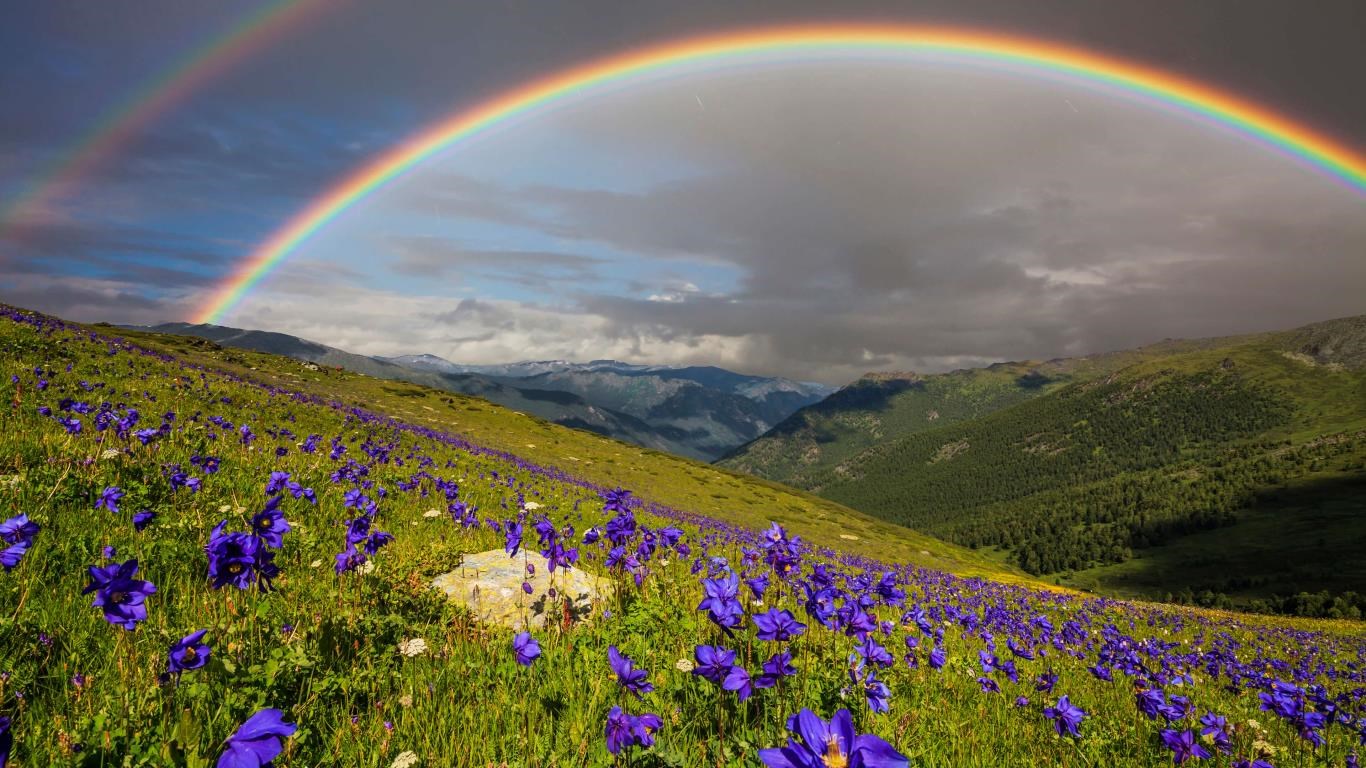


- Name Wildflowers
- Category Personalization
- Available on PC
- OS Windows 10 version 14951.0 or higher
- languages English (United States)
Introducing Wildflowers for Windows: A Fresh Take on Desktop Personalization
Wildflowers for Windows is a thoughtfully crafted application aimed at transforming your desktop environment into a vibrant, soothing sanctuary filled with dynamic floral visuals. Developed by Microsoft Corporation, this app offers a seamless way to customize your background with beautiful, animated wildflower scenes, elevating your everyday computing experience.
Key Features That Blossom
Dynamic Wildflower Backgrounds
The core allure of Wildflowers for Windows lies in its meticulously designed animated backgrounds featuring a variety of wildflowers swaying gently in a breeze. These visuals aren't just static images; they bring a calming, nature-inspired vibe to your desktop that can help reduce stress and boost focus. Imagine sitting outdoors amidst a field of blooming flowers—this app captures that serenity perfectly on your screen.
Extensive Customization Options
Beyond simple wallpapers, Wildflowers provides numerous customization settings. You can select specific flower types, adjust animation speeds, and even tweak color schemes to match your mood or seasonal themes. This level of personalization makes your desktop uniquely yours, transforming it into a dynamic piece of living art.
Theme Compatibility and Integration
This app plays nicely with your existing Windows themes, ensuring that your overall aesthetic remains harmonious. Whether you prefer a minimalistic look or a more colorful palette, Wildflowers adapts seamlessly, making it a versatile addition without clashing with your preferred desktop setup.
Exploring the Experience: Beauty Meets Functionality
From the first launch, Wildflowers for Windows greets users with crisp, vibrant visuals that instantly evoke a peaceful garden scene. The interface is intuitively designed, featuring straightforward controls that make switching between different floral themes or adjusting settings a breeze—think of it as a gentle stroll through a well-tended botanical garden where every turn offers something new to admire.
Interface and User Experience
The app boasts a clean, minimalistic interface that emphasizes ease of use. Navigating through themes and customization options feels entirely natural, with responsive controls and smooth transitions. Loading times are minimal, and the app runs quietly in the background without consuming excessive system resources, making it a light yet enriching addition to your workspace.
Learning Curve and Accessibility
New users will find Wildflowers straightforward to pick up, thanks to its user-friendly design. The setup involves just a few clicks, and extensive preset options mean that even those less tech-savvy can enjoy personalized floral wallpapers without hassle. It's like having a digital floriculture master ready to craft your perfect visual environment.
What Sets Wildflowers Apart?
Compared to other personalization applications, Wildflowers excels due to its outstanding variety of customization options and its thoughtful theme compatibility. While many apps offer static backgrounds and limited tweakability, Wildflowers brings animated motion, rich visual variety, and adaptability tailored to your Windows theme—making it not just a wallpaper changer but a small art studio at your fingertips.
Recommendation and Usage Tips
If you appreciate nature-inspired aesthetics and seek a calming, customizable desktop experience, Wildflowers for Windows is a commendable choice. It's ideal for users who desire an elegant, lively background without sacrificing performance or simplicity. To maximize its benefits, explore different wildflower themes seasonally or install specific customization presets to keep your desktop feeling fresh and inspiring.
Overall, Wildflowers presents a charming, well-executed approach to desktop personalization, blending aesthetics with performance—perfect for those looking to turn their screens into a peaceful, blooming haven.
Pros
- Beautiful, high-quality graphics
- Relaxing and calming gameplay
- Intuitive user interface
- Regular content updates
- Suitable for all ages
Cons
- Limited interactive features
- Occasional performance lags on lower-end devices
- Lack of deeper customization options
- No multiplayer or social features
- In-app purchase options are limited











