
- Name Ultra Screen Saver Maker
- Category Personalization
- Developer Finalhit Ltd.
- Available on PC
- OS Windows 10 version 0.0 or higher
- languages English
Introducing Ultra Screen Saver Maker for Windows: A Personalization Powerhouse
Ultra Screen Saver Maker for Windows, developed by Finalhit Ltd., is a versatile application designed to transform your desktop experience with custom screensavers. Whether you're a tech enthusiast or someone looking to add a splash of personality to your computer, this tool promises an intuitive way to craft, customize, and enjoy stunning screensavers that reflect your style.
Core Features That Make It Stand Out
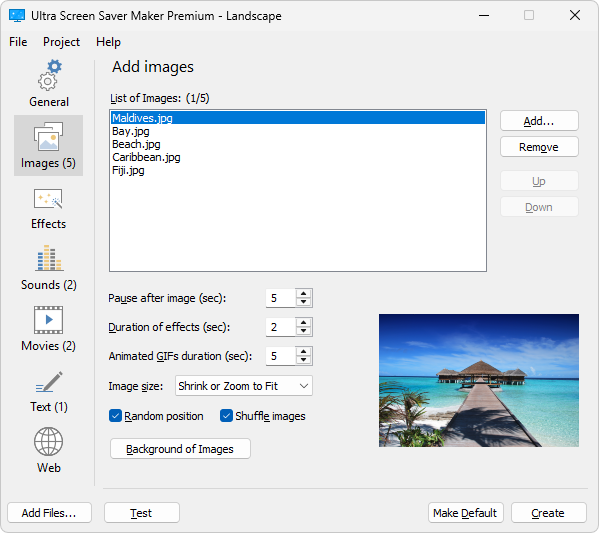
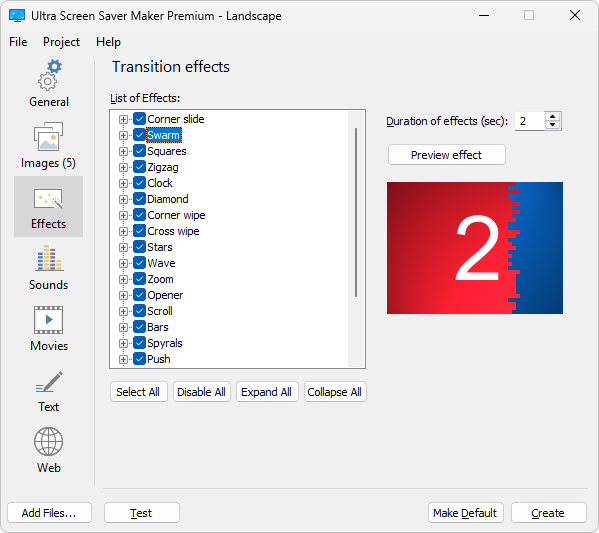
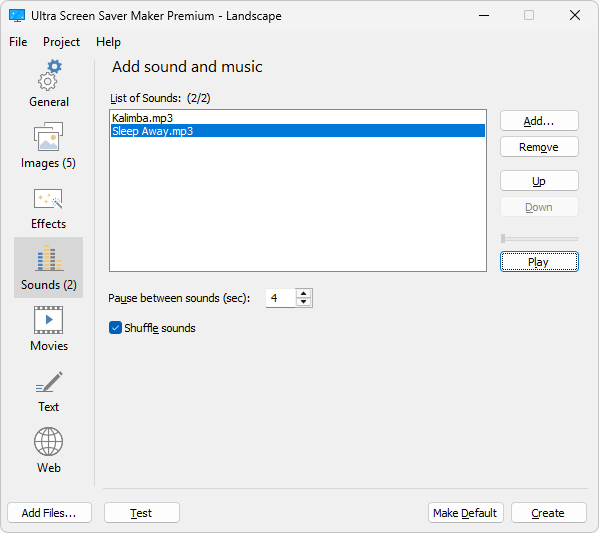
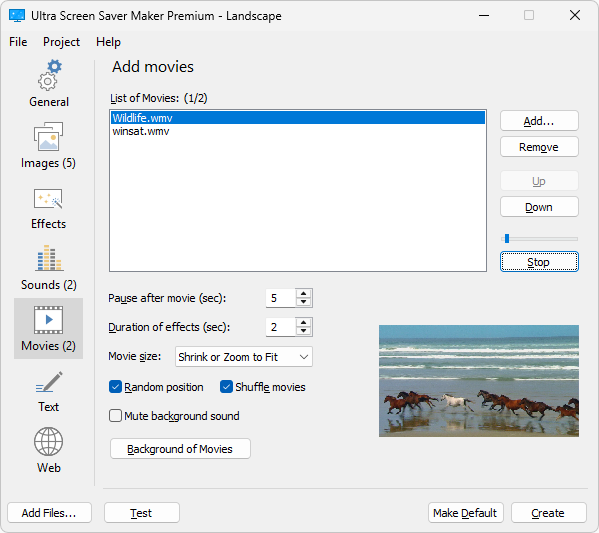
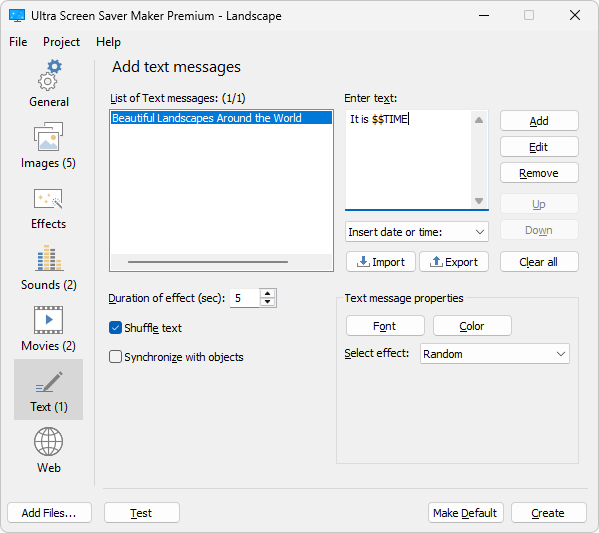
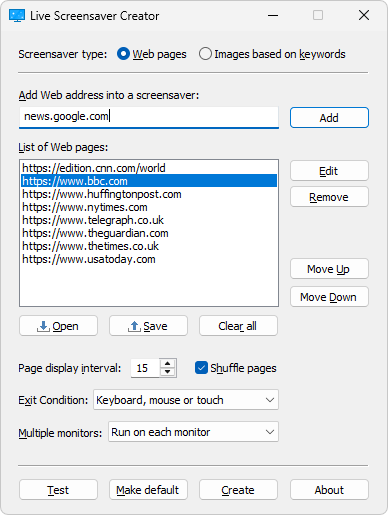
One of the standout aspects of Ultra Screen Saver Maker is its robust set of functionalities. Firstly, it allows users to easily create screensavers from various media sources, including images, videos, and even Flash files, giving flexibility unheard of in many similar apps. Additionally, it offers a plethora of customization options—think transitions, background music, and interactive elements—that enable detailed personalization. Lastly, the app includes a simple wizard interface that streamlines the creation process, making it accessible even for beginners.
User-Friendly Design and Seamless Experience
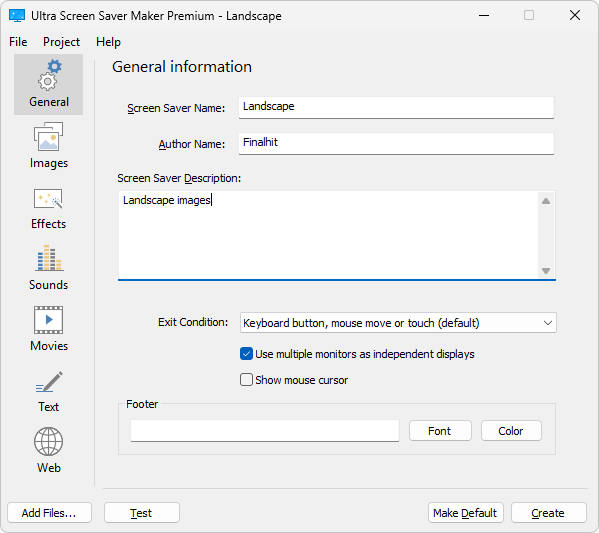
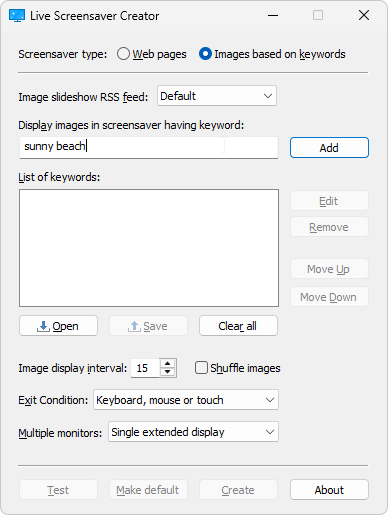
The interface of Ultra Screen Saver Maker is reminiscent of a well-organized workshop—clean, straightforward, and inviting. Its layout guides users step-by-step through the creation process, minimizing any potential confusion. The responsiveness of the app ensures that users can add media files, tweak settings, and preview results swiftly, akin to navigating a well-tuned car dashboard. Although some advanced features might take a slight learning curve, the overall design ensures that most users can start creating unique screensavers with minimal fuss.
Unveiling Its Unique Differentiators
When comparing Ultra Screen Saver Maker to other personalization tools, its most compelling advantage is the extensive variety of creation options. Unlike simpler apps that only let you select from built-in themes, this software empowers you to craft truly unique screensavers from scratch, incorporating your preferred visuals and sounds. Its impressive theme compatibility further enhances its appeal—users can seamlessly integrate their custom screensavers with existing Windows themes or set them up as favorites for quick access. This flexibility positions it as a more comprehensive choice for those who like to personalize every aspect of their desktop environment.
Final Thoughts: Is It Worth Your Time?
Given its rich feature set, user-friendly interface, and emphasis on customization, Ultra Screen Saver Maker is a worthy recommendation for users seeking detailed control over their screensavers. It's particularly advantageous for hobbyists, digital artists, and anyone eager to make their desktop more lively and personal. While beginners might need some initial guidance, the overall experience is smooth and rewarding. If you're looking to go beyond standard wallpapers and want to craft dynamic, personalized screensavers, this app comes highly suggested—just remember to spend a little time exploring its creative potential.
Pros
- User-friendly interface
- High customization options
- Wide variety of templates and effects
- Smooth performance
- Regular updates and support
Cons
- Limited free features
- Learning curve for advanced tools
- Export format restrictions
- Performance on older systems
- Limited cloud storage or sharing options











