
- Name Ultra 4K HD Wallpapers: Desktop WallPapers
- Category Personalization
- Developer finetunesapp
- Available on PC, Mobile, Surface Hub, HoloLens
- OS Windows 10 version 18362.0 or higher
- languages English, English (United States), French
Unveiling the Visual Sanctuary: Ultra 4K HD Wallpapers for Windows
In the vast universe of desktop customization, finding a reliable source for breathtaking 4K wallpapers can feel like searching for a needle in a haystack. Enter "Ultra 4K HD Wallpapers," a dedicated app promising to transform your desktop into a vivid escape with stunning high-definition imagery. Designed by FinetunesApp, this application aims to cater to users who crave crisp visuals and an easy way to personalize their workspace without fuss.
Core Features That Shine Bright
Stunning 4K Visual Library
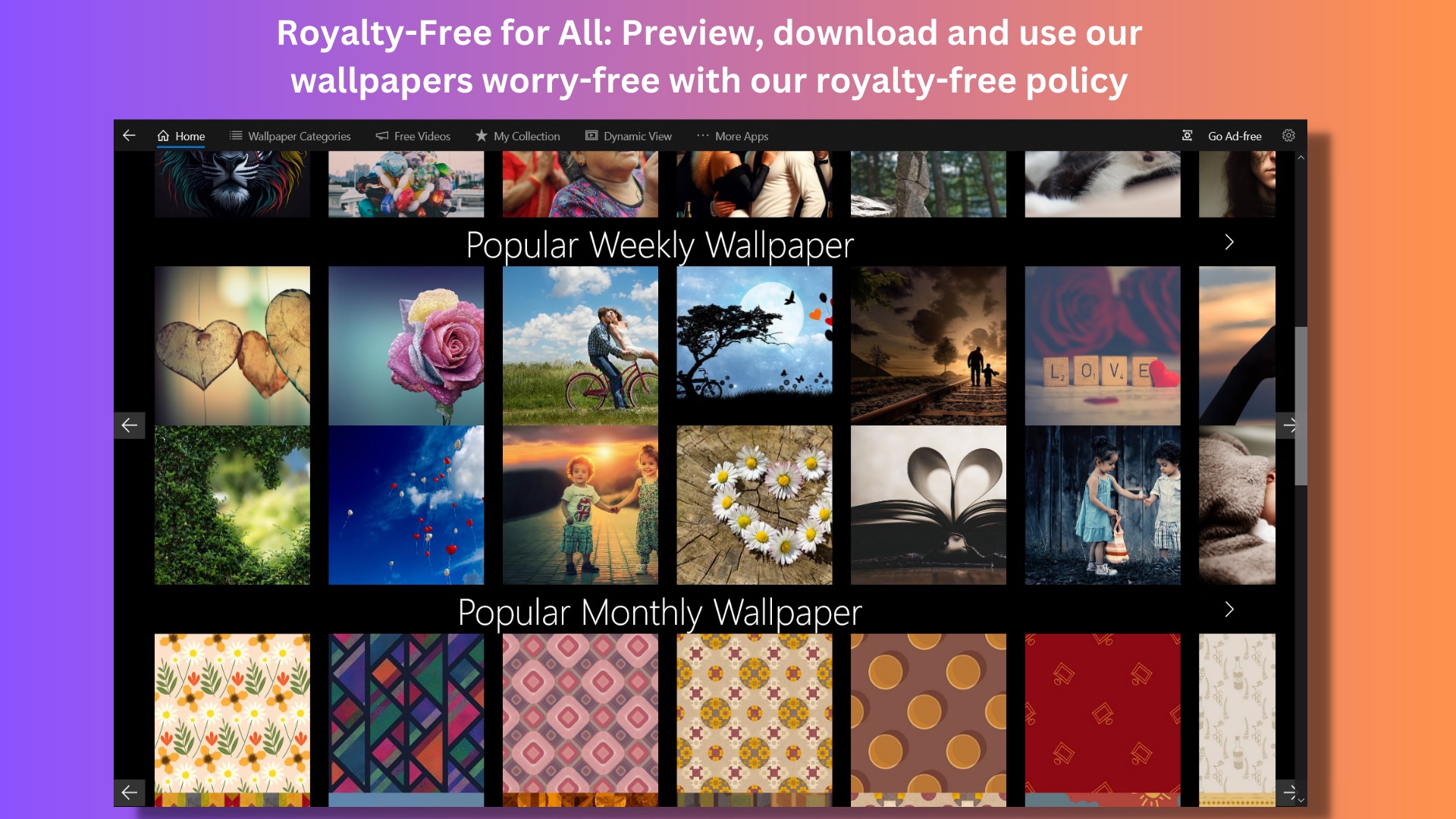
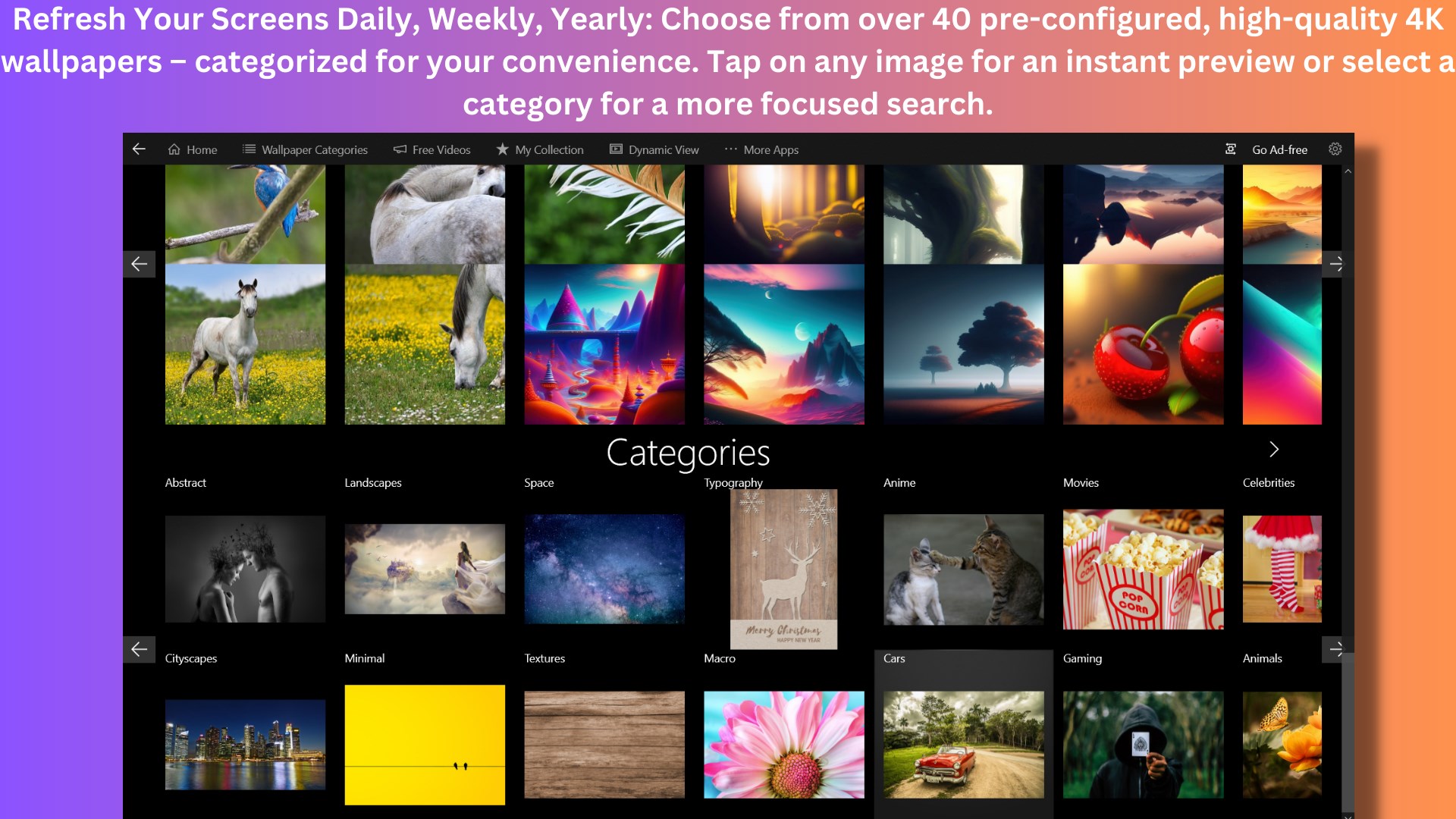
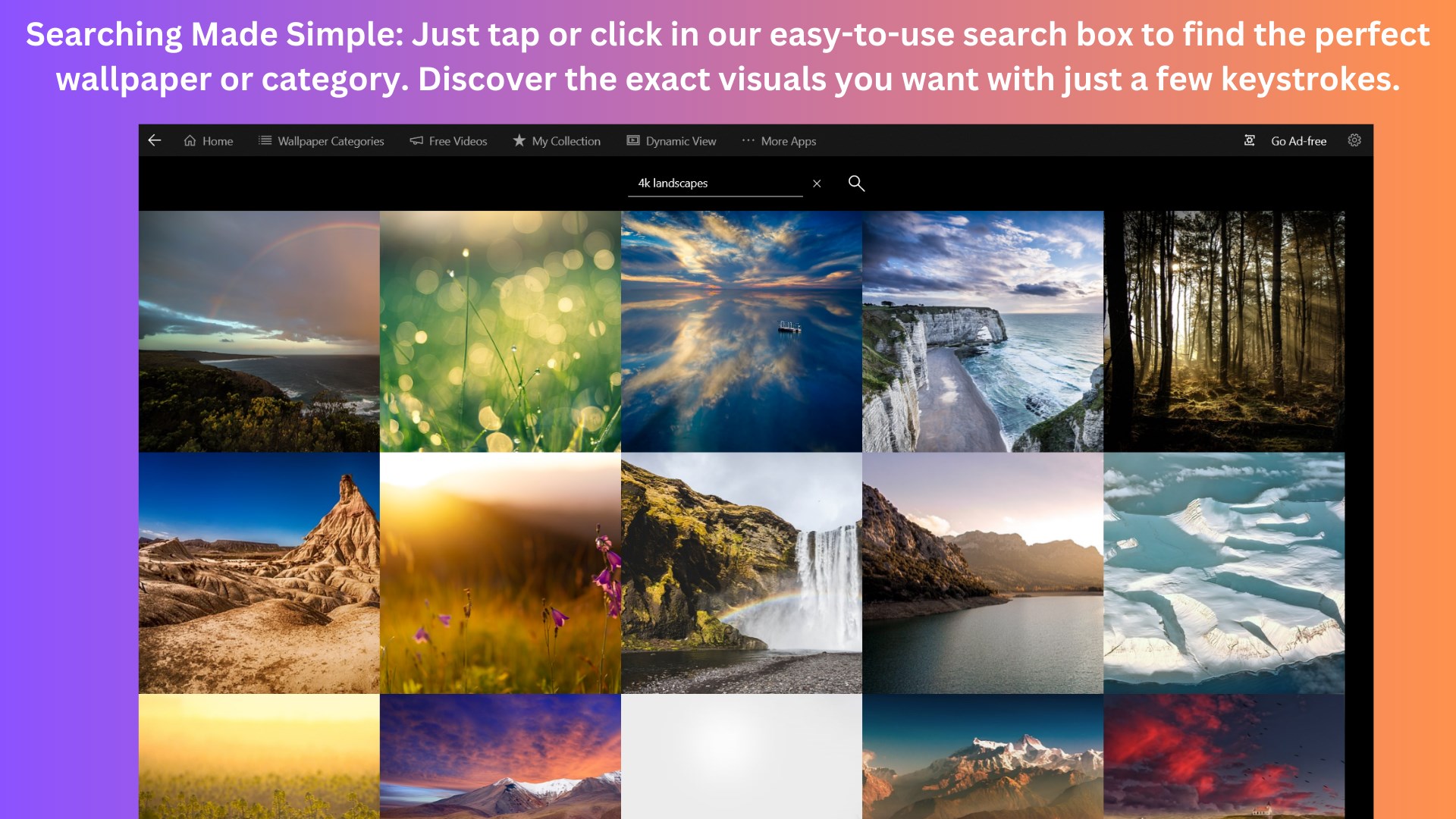
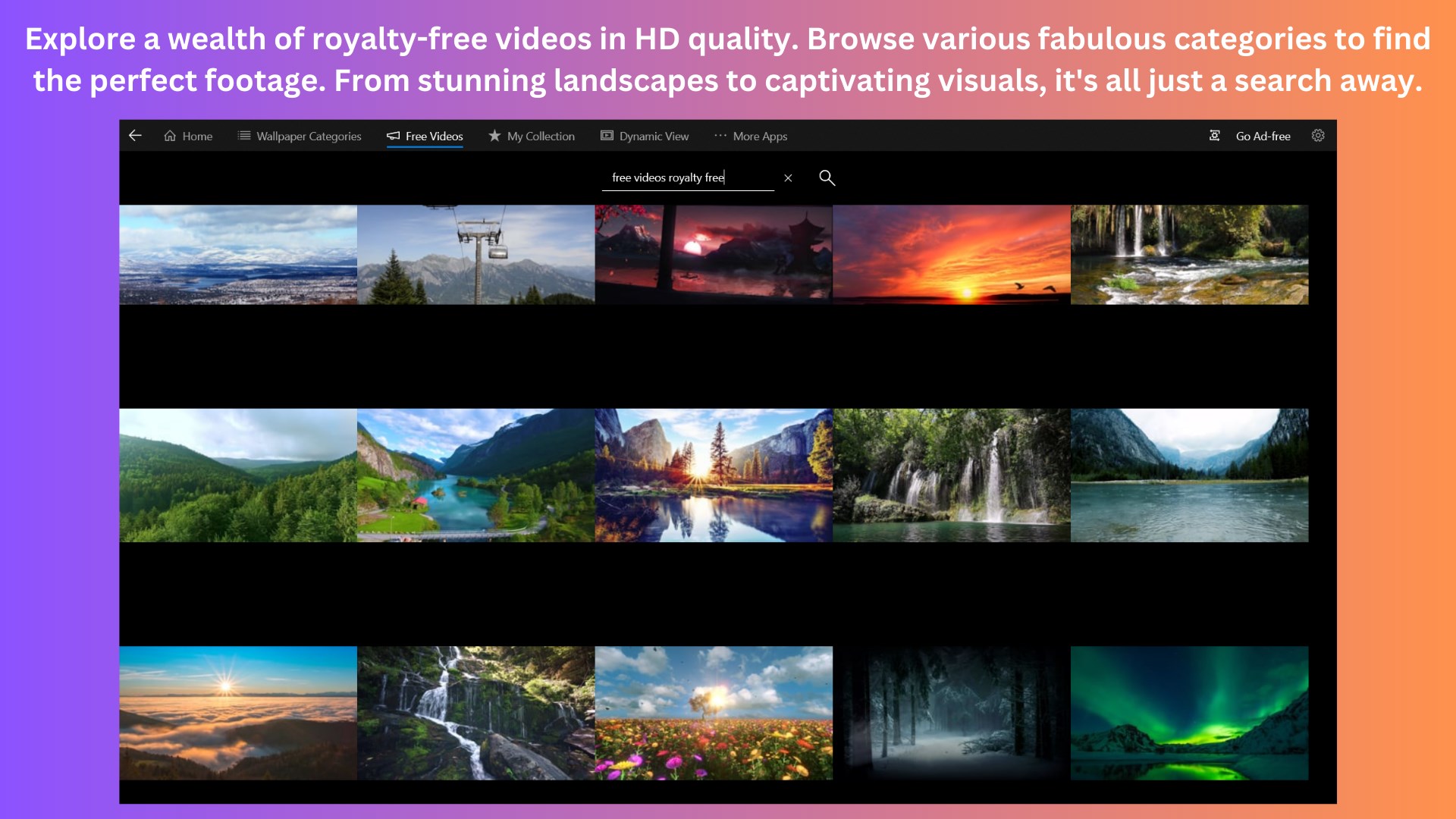
The heart of this app lies in its extensive collection of ultra-high-definition wallpapers. From serene landscapes and vibrant cityscapes to abstract art and nature photos, the gallery is curated to satisfy diverse aesthetic preferences. The emphasis on 4K resolution ensures each wallpaper maintains its detail, whether displayed on a 27-inch monitor or a 4K TV, offering crisp clarity that makes your desktop visually pop.
Seamless Wallpaper Management
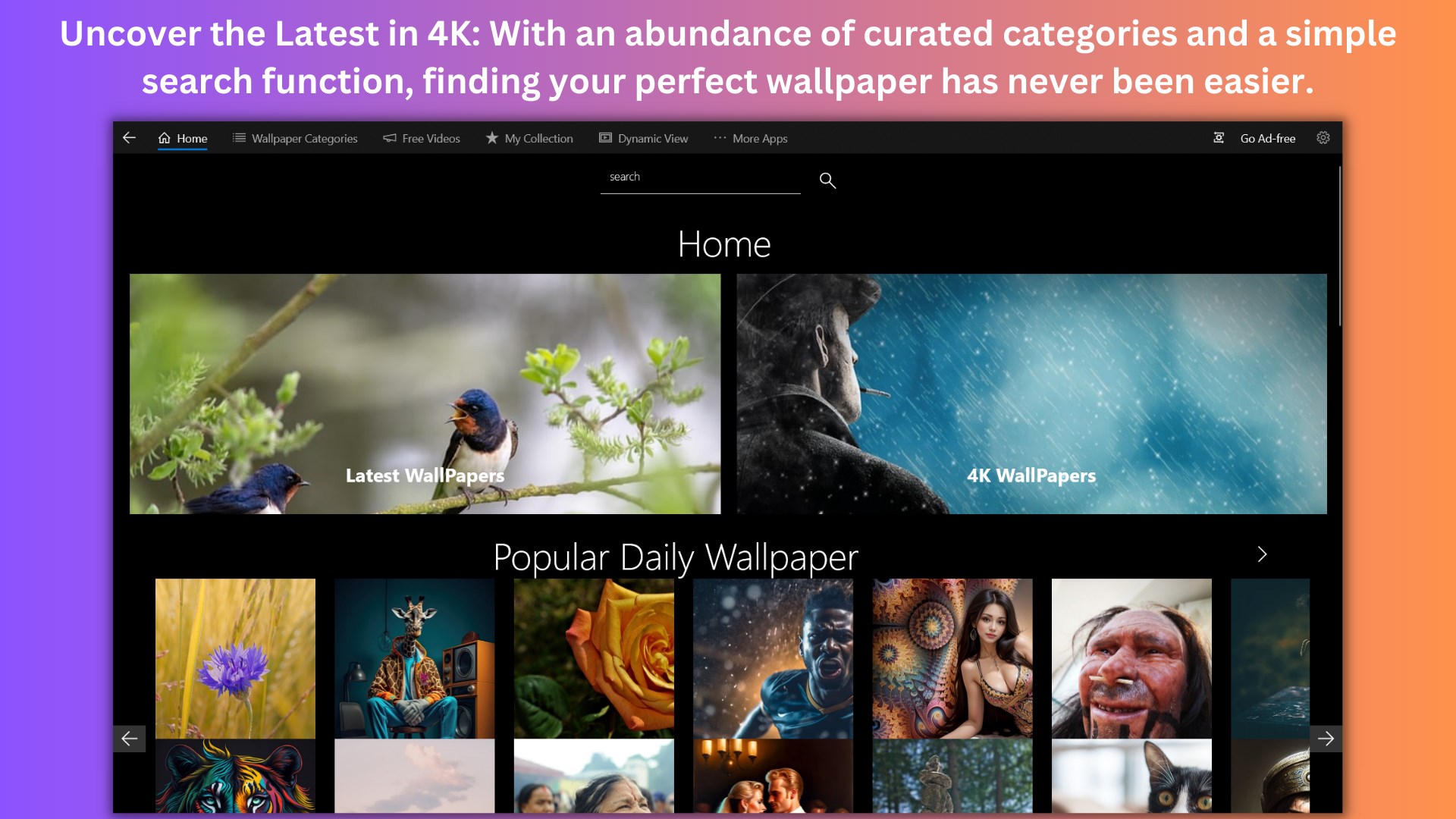
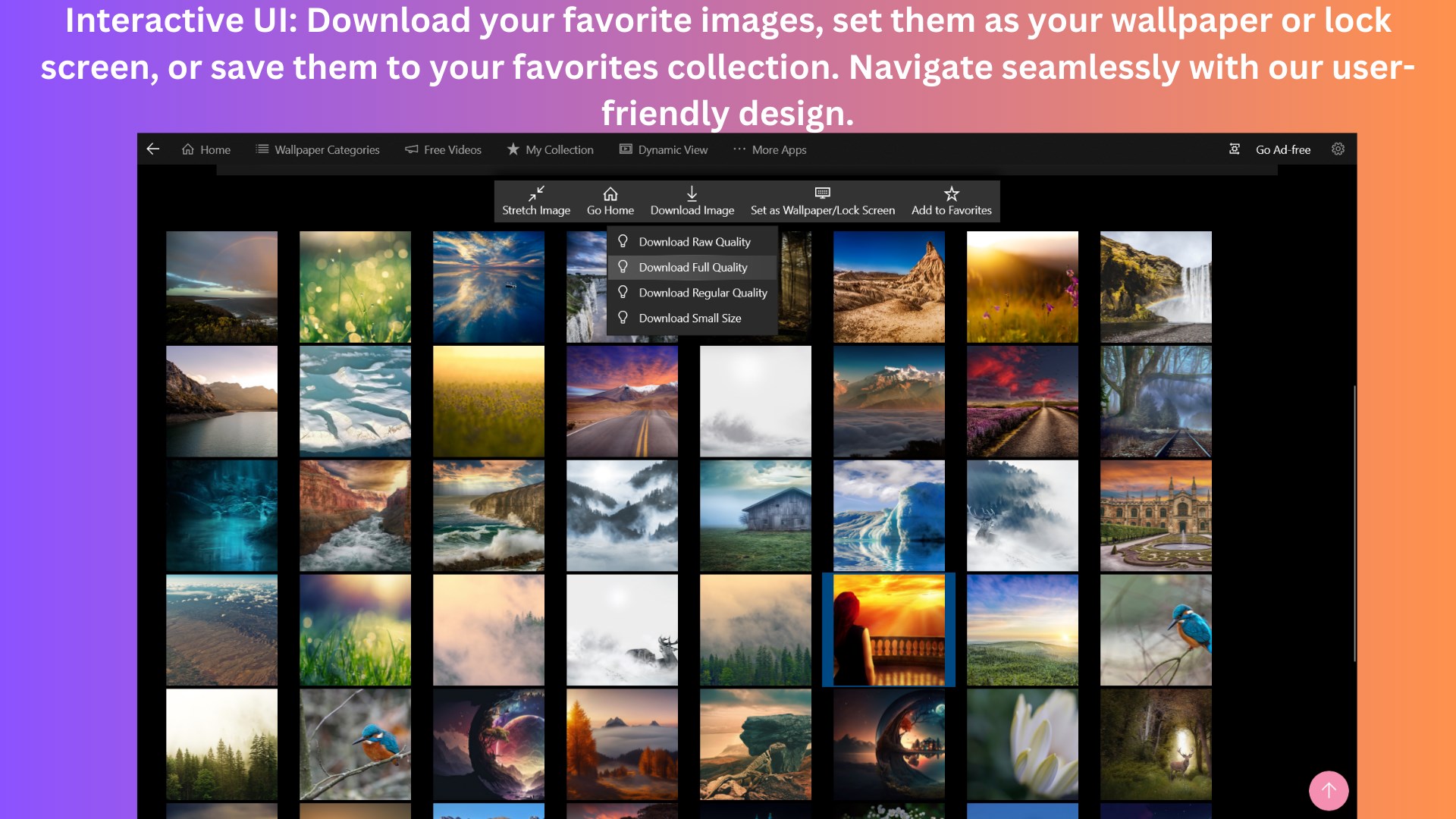
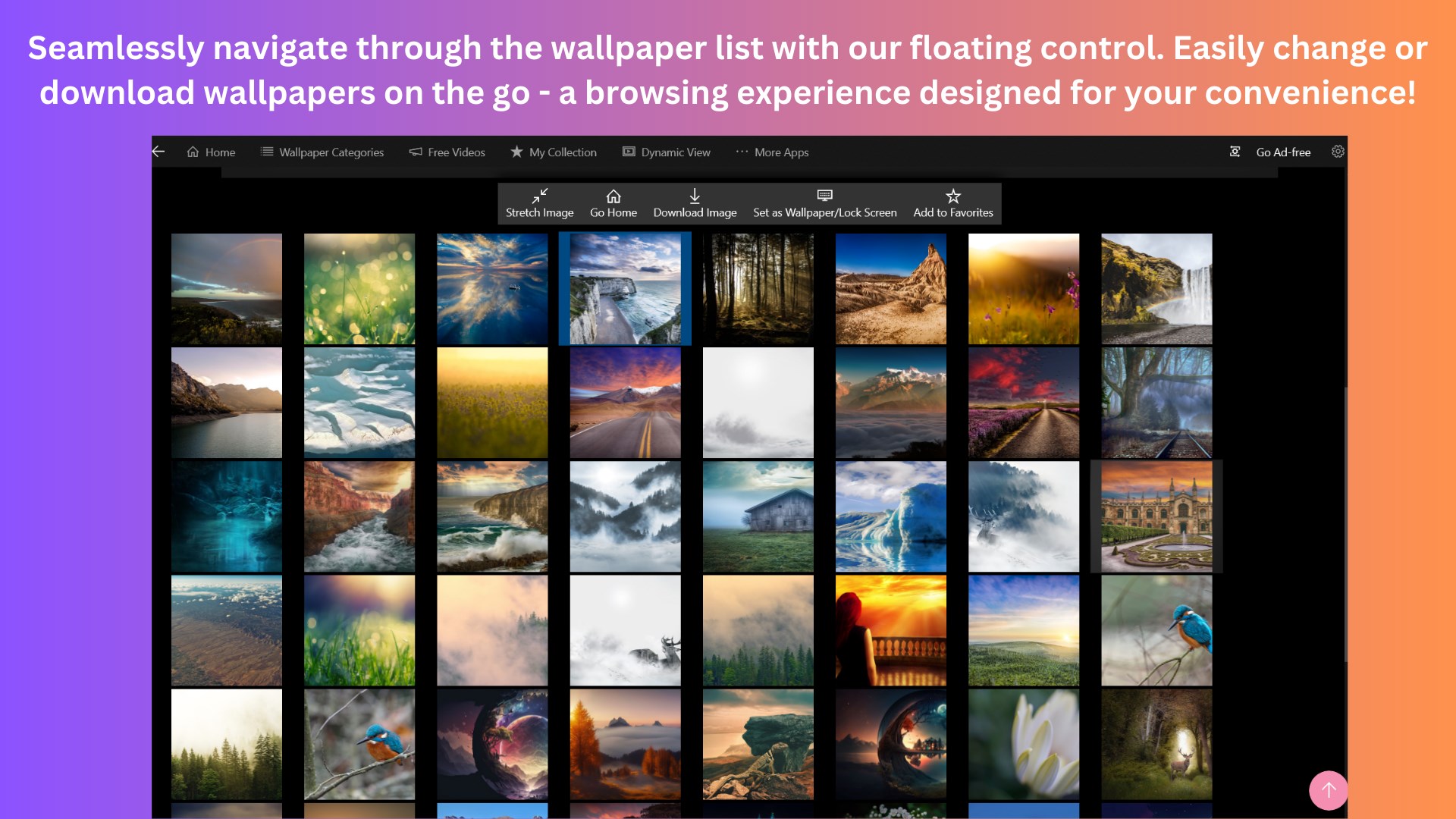
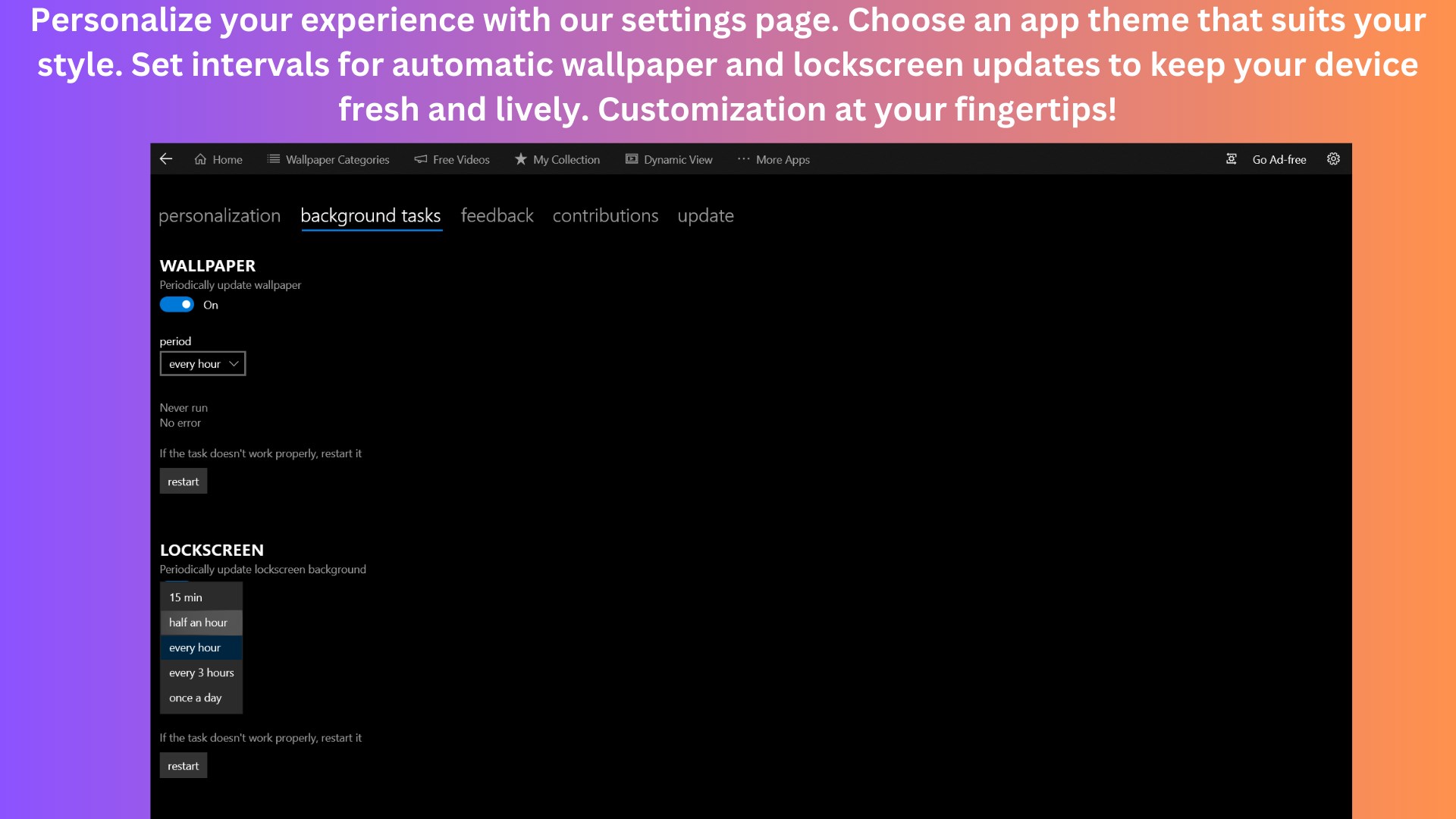
The app skillfully combines browsing, selecting, and setting wallpapers into a smooth experience. With categorized sections and search filters, users can effortlessly find themes matching their mood or style. Once selected, wallpapers can be applied instantly, with options to set intervals for automatic wallpaper changes—perfect for those who enjoy a dynamic desktop environment that evolves over the day.
Customization and Compatibility Options
This app sets itself apart through its variety of customization options and theme compatibility. Users can choose from various lock screen and desktop arrangements, ensuring the wallpapers integrate seamlessly with their system's overall aesthetic. Moreover, the app supports multiple display setups, making it ideal for multi-monitor users who demand consistency across screens. This focus on personalization options and theme alignment offers a level of control often missing in generic wallpaper apps.
User Experience and Interface: Friendly and Functional
The user interface strikes a balance between elegance and simplicity, with a clean layout reminiscent of a well-organized art gallery—easy to browse without feeling cluttered. Navigating through categories and searching for your favorite scenes feels intuitive, thanks to well-placed icons and responsive controls. The app performs smoothly, even when handling a sizable library, with no noticeable lag or crashes—indicating robust engineering and optimization.
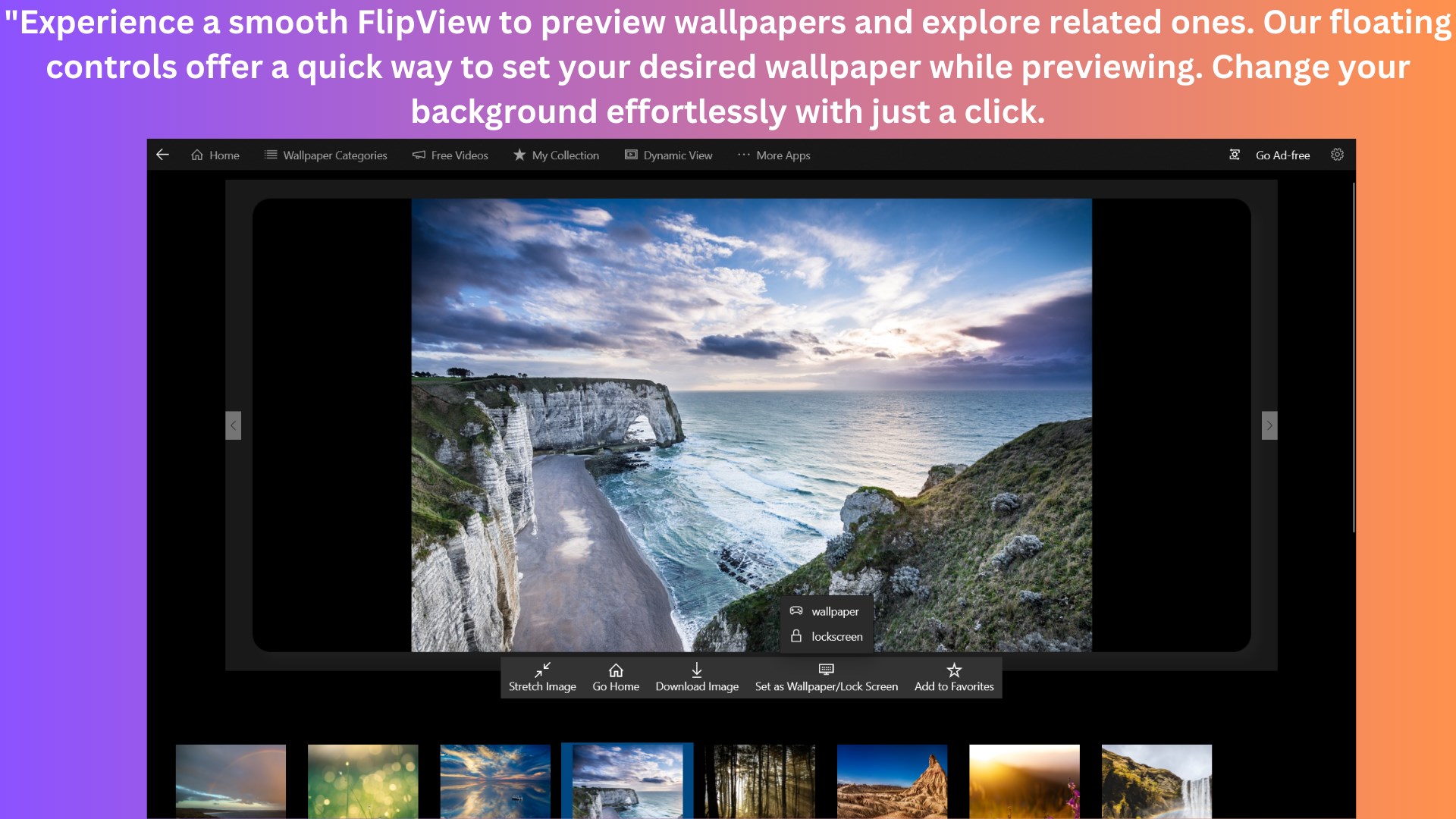
Learning curve-wise, newcomers will find it straightforward: clicking on images to preview, then selecting "Set as Wallpaper" or scheduling automatic changes. Settings are accessible yet unobtrusive, allowing users to tweak refresh intervals or switch themes without fuss. This fine-tuned balance of power and simplicity makes the app approachable for tech novices and veterans alike.
What Sets It Apart?
Compared to other personalization apps, Ultra 4K HD Wallpapers distinguishes itself through its focus on high-resolution quality combined with comprehensive customization features. Many apps offer similar image collections, but this one emphasizes maintaining visual fidelity at 4K across various display types. Additionally, its theme compatibility—allowing for cohesive aesthetic experiences—offers a unique edge, especially for users who consider their desktop a canvas for self-expression rather than just background images.
Final Verdict: A Solid Choice for Enthusiasts
Overall, Ultra 4K HD Wallpapers by FinetunesApp earns a positive recommendation for users seeking a high-quality, user-friendly wallpaper management solution. Its standout features—exceptional resolution quality and robust customization—make it an appealing pick for both casual users and tech enthusiasts. Whether you're looking to refresh your workspace or align your desktop with your evolving style, this app provides a dependable tool to keep your visual environment engaging. For those prioritizing crisp visuals and flexible personalization, it's certainly worth giving a try.
Pros
- High-resolution wallpapers
- Wide variety of themes
- Regular updates
- User-friendly interface
- Free to download and use
Cons
- Limited customization options
- Occasional slow loading times
- Ads may interrupt browsing experience
- Image previews are small in the browsing view
- Limited search filters for wallpapers











