

- Name Township
- Category Simulation
- Available on PC, Mobile, Surface Hub, HoloLens
- OS Windows 10 version 17763.0 or higher
- languages Arabic, Chinese (Simplified), Chinese (Traditional), Dutch, English (United States), French, German, Indonesian, Italian, Japanese, Korean , Portuguese (Portugal), Russian, Spanish (Spain), Turkish
Introducing Township for Windows: A Charming Blend of City Building and Farming
Township for Windows is a delightful city-building simulation game that seamlessly combines the allure of urban development with relaxing farming activities, offering players a cozy yet engaging virtual world to master and enjoy.
About the Developers and Core Highlights
Developed by Playrix, a renowned name in casual gaming with numerous popular titles, Township for Windows boasts vibrant graphics and intuitive gameplay. Its main features include detailed city planning, farm management, and social interaction elements, making it a well-rounded experience for casual gamers and simulation enthusiasts alike. The game appeals mainly to players who enjoy laid-back yet creatively stimulating activities, including both younger audiences and adults seeking a relaxing escape.
Engaging and Immersive Gameplay
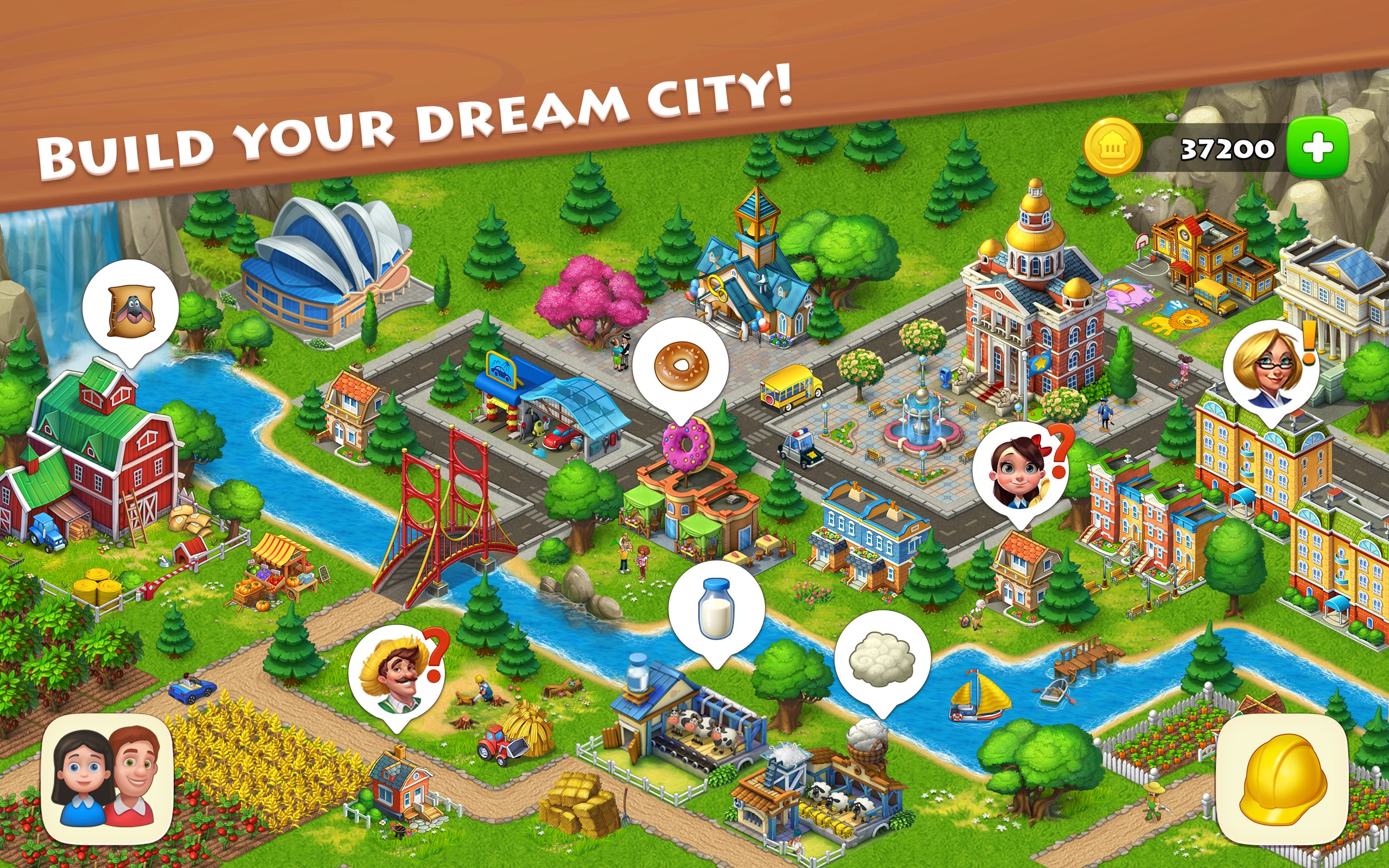
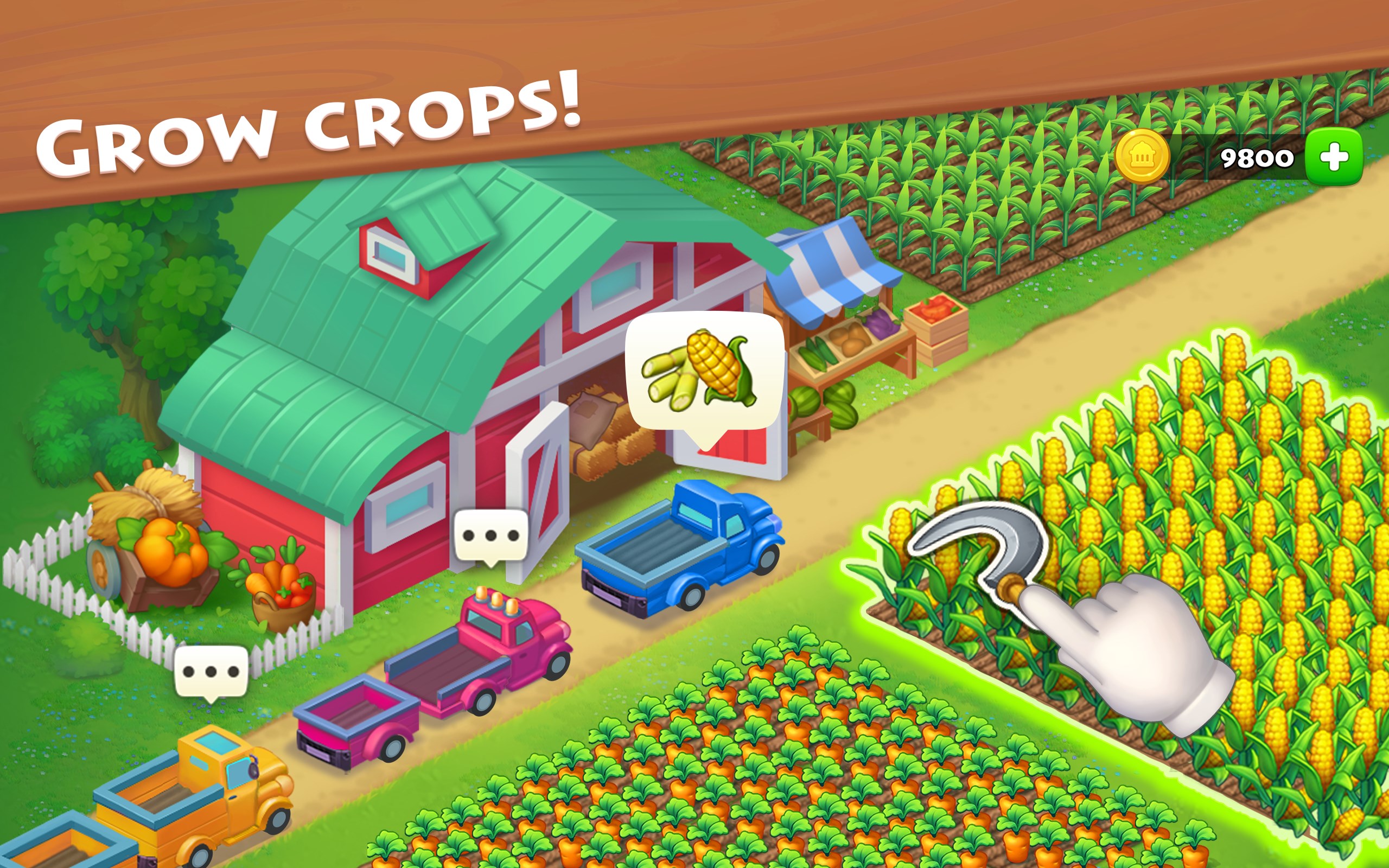
Stepping into Township is akin to stepping into a lively, picturesque town where every corner tells a story. From the moment you load the game, you're greeted with colorful visuals that evoke a sense of warmth and nostalgia, reminiscent of a bustling countryside community. The game invites you to build and customize your own city, design scenic farms, and watch your town transform under your care.
Core Functionality One: City Development and Customization
This feature stands out for its depth and creativity. Players can lay out streets, build houses, factories, and public buildings, each contributing to the growth and prosperity of the town. The intuitive interface makes navigation straightforward, even for newcomers, while the extensive customization options let you shape the town's architecture and layout to reflect your personal style. The balance between planning and spontaneous activity keeps the gameplay lively without overwhelming new users.
Core Functionality Two: Farming and Resource Management
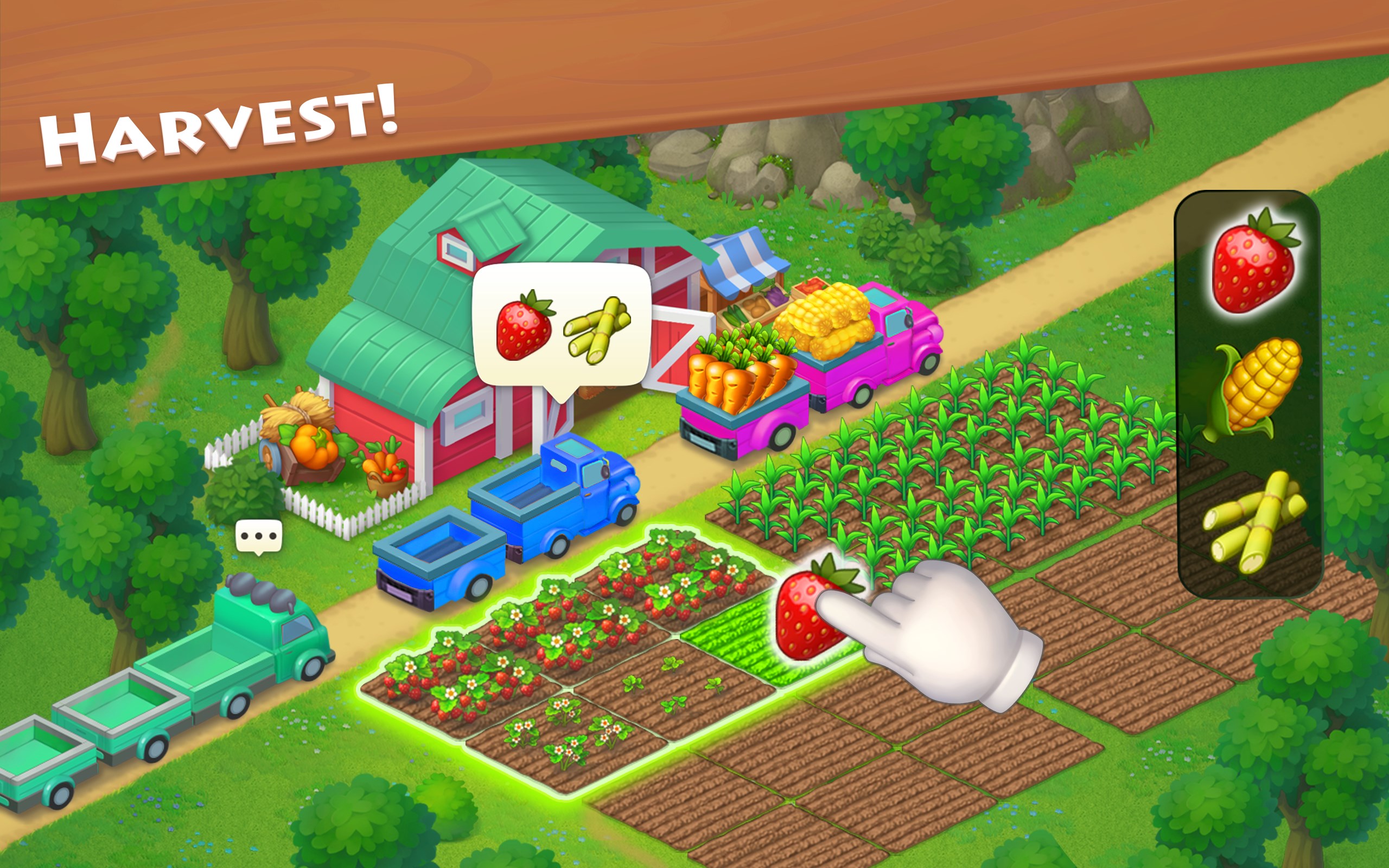
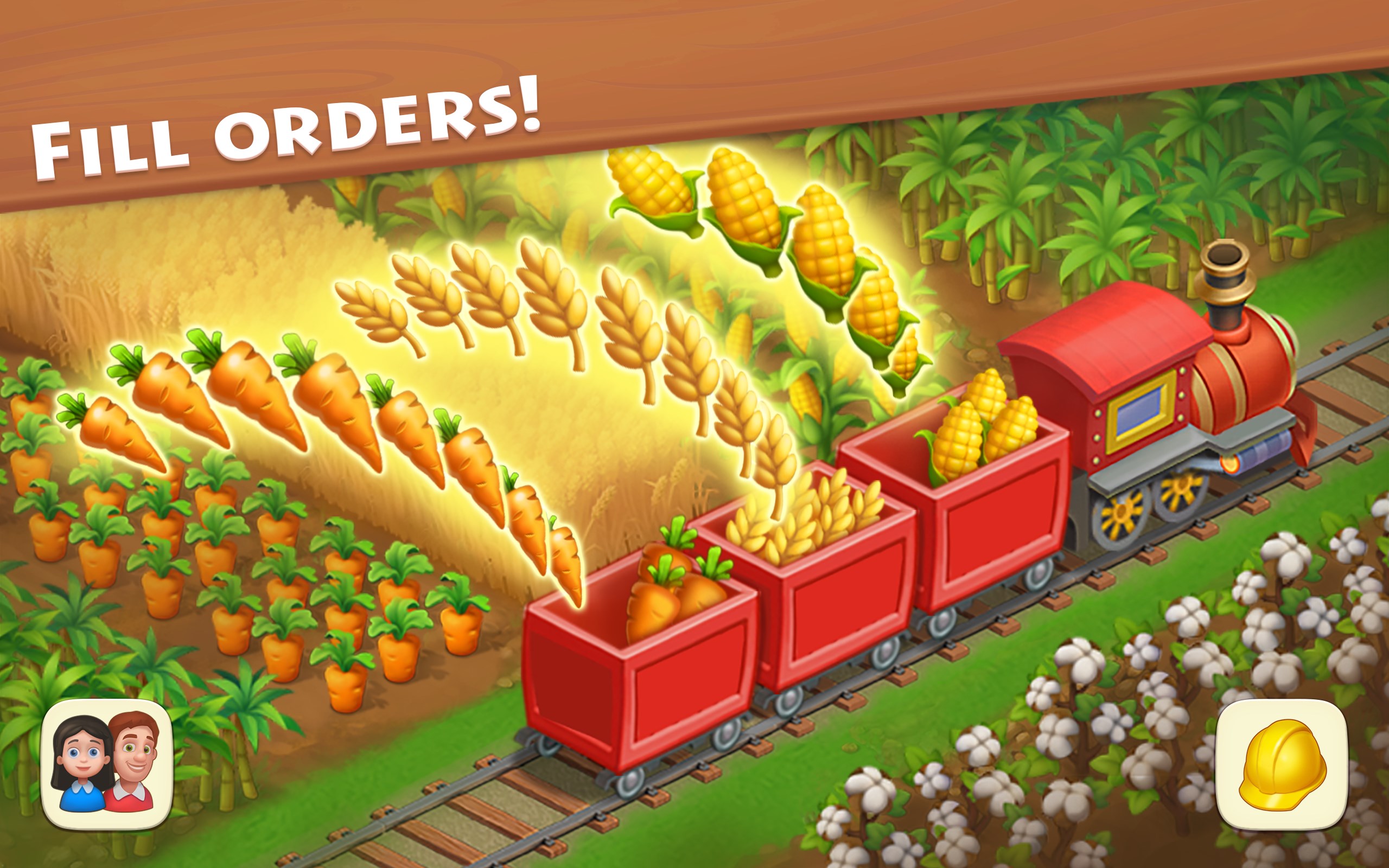
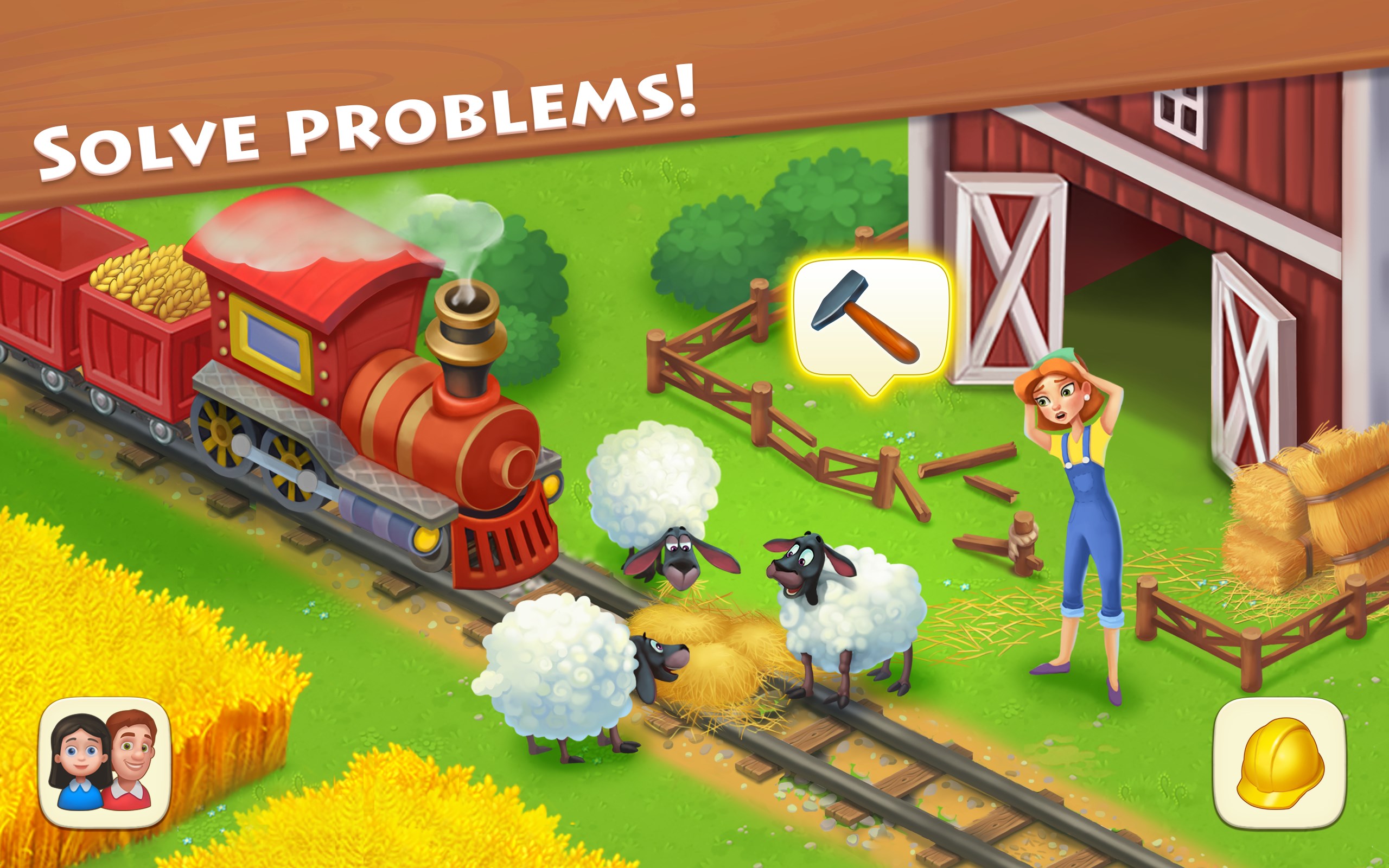
The farming component adds a tranquil, Zen-like quality to the game. Planting crops, harvesting them, and tending to animal farms create a calming rhythm that encourages patience and strategic planning. The mechanics for resource collection and processing—such as producing goods in factories—are smoothly integrated with the city-building aspect, creating a satisfying loop of production and expansion. This dual gameplay keeps players engaged as they manage multiple tasks without feeling bogged down.
Seamless User Experience and Unique Selling Points
Township's interface is clean and thoughtfully designed, ensuring that players can focus on creating their ideal town without unnecessary complexity. The graphics are bright and inviting, with animated elements that breathe life into the environment—birds flying, villagers working, farms blooming—that enhance the overall immersion. The game runs smoothly on Windows devices, with minimal lag and responsive controls, making the experience relaxing rather than frustrating.
One of Township's most distinctive features is its realistic mechanics that mirror real-world farming and city planning principles. Unlike many casual simulators that lean heavily on fantasy or exaggerated mechanics, Township offers a level of detail that can even promote a basic understanding of resource management and spatial planning. Additionally, the social features—such as cooperative events and trading—add an extra layer of community engagement, setting it apart from similar titles.
Final Verdict: A Recommended Digital Escape
Township for Windows strikes a nice balance between engaging city-building and calming farming activities, making it a great choice for players looking for a leisurely but rewarding simulation experience. It particularly shines with its user-friendly interface and realistic mechanics that offer subtle educational value. I'd recommend it to anyone who enjoys casual strategy games with an emphasis on creativity and relaxation, whether you're a seasoned simulation gamer or just seeking a cozy virtual world to unwind in.
Pros
- Engaging gameplay with farm management elements
- Wide variety of crops and animals to cultivate
- Frequent updates and new content releases
- User-friendly interface and easy navigation
- In-game social features for connecting with friends
Cons
- Limited in-app tutorials for new players
- Occasional in-game lag during busy periods
- Energy mechanics can restrict long-term play sessions
- Some features require an internet connection to function properly
- Advertisements can occasionally interrupt gameplay in free version










