

- Name Dragon City
- Category Simulation
- Developer Social Point
- Available on PC, Mobile, Surface Hub, HoloLens
- OS Windows 10 version 17763.0 or higher
- Memory 300 MB
- Keyboard Not specified
- Mouse Not specified
- languages English (United States)
Introducing Dragon City for Windows: A Charming Virtual Dragon Sanctuary
Dragon City for Windows, developed by Social Point, immerses players into a vibrant fantasy world where they can breed, raise, and battle with a variety of dragons. Perfect for casual gamers and dragon enthusiasts alike, this simulation game combines engaging gameplay with visually appealing design, creating an accessible and delightful experience on your PC.
Core Features That Make Dragon City Stand Out
Build Your Own Dragon Habitat and Breed Unique Dragons
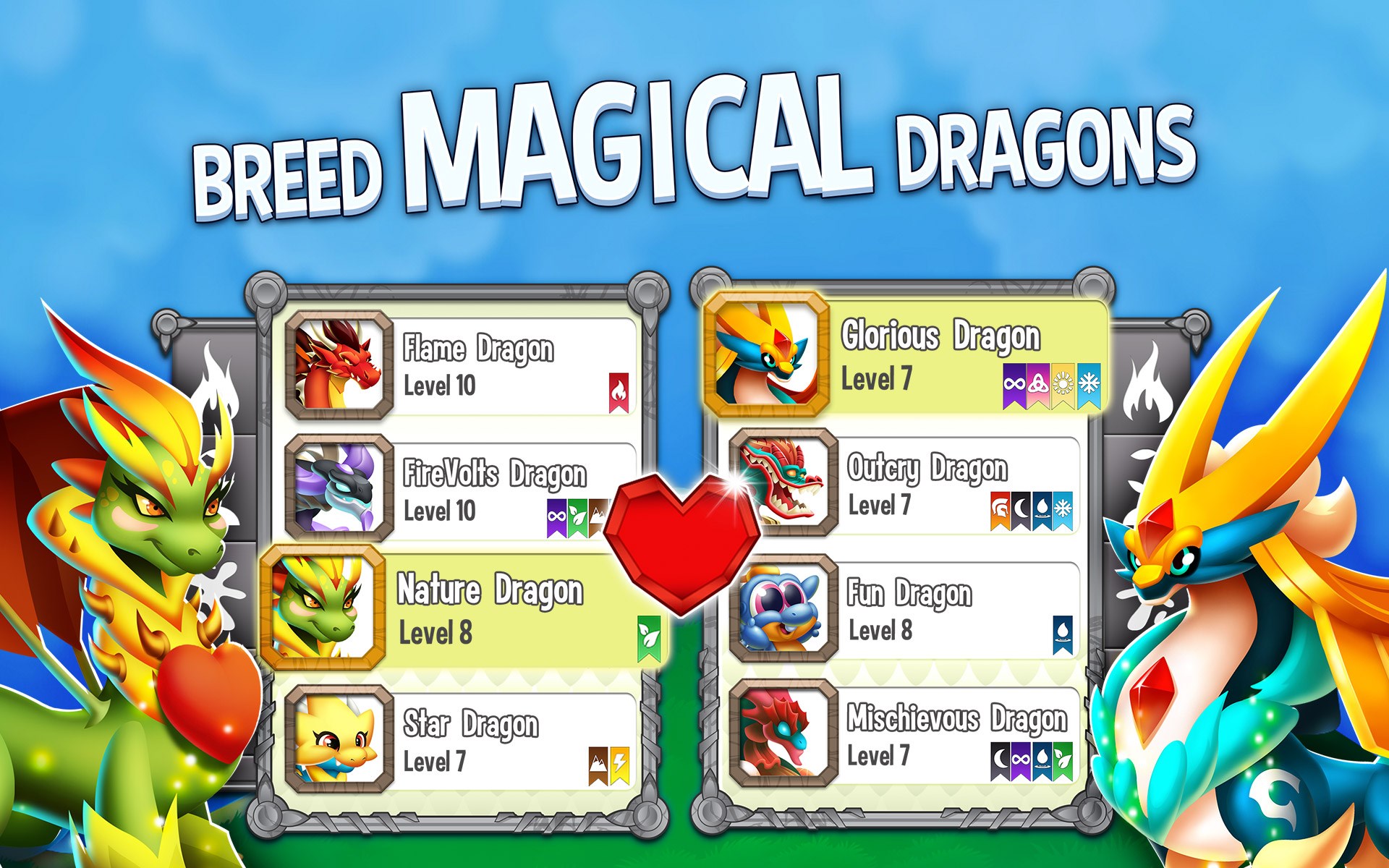
At the heart of Dragon City lies the capacity to construct and customize your own dragon paradise. Players can breed different dragons to produce offspring with unique attributes, colors, and abilities. This element of genetic mixing adds a layer of strategy and personalization, making each player's dragon city truly one-of-a-kind.
Participate in Exciting Battles and Events
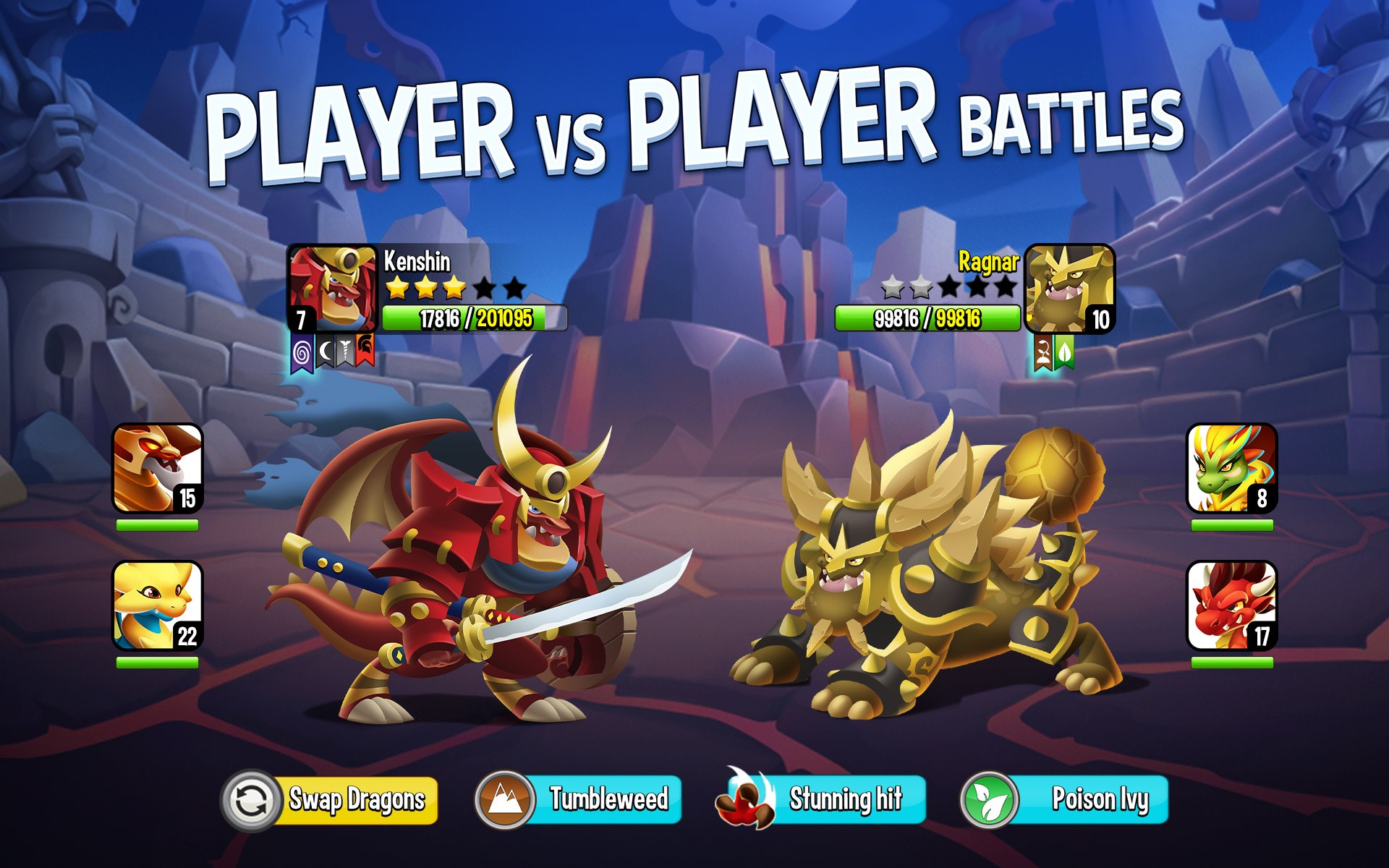
The game offers a robust battle system where players pit their dragons against each other in turn-based combat. Regular events, tournaments, and limited-time challenges keep the gameplay fresh and encourage ongoing engagement. These battles are not only fun to watch but also serve as a way to earn rewards and improve your dragons.
Explore a Colorful and Immersive World
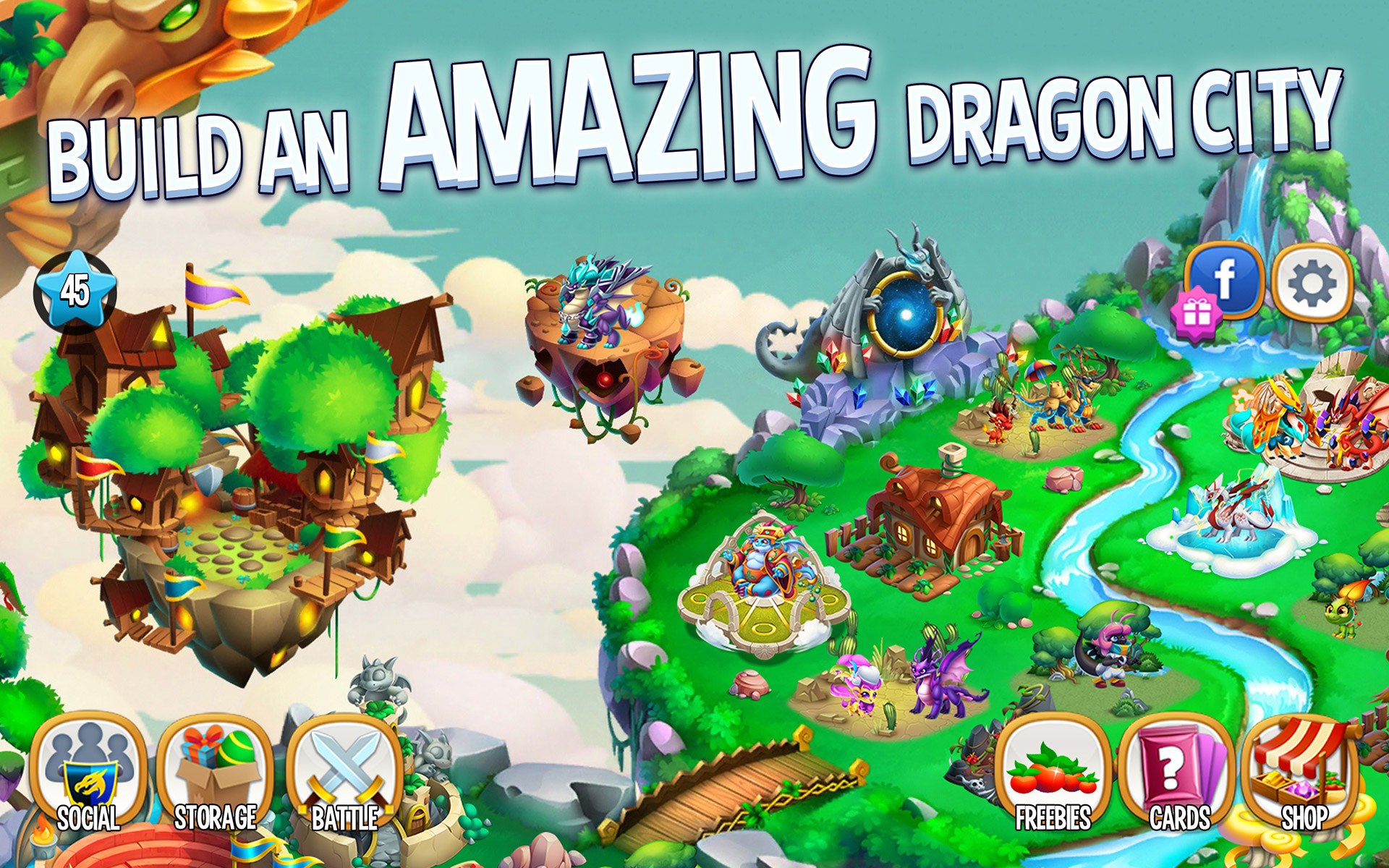
Dragon City boasts vibrant, cartoon-style visuals that appeal to all ages. The interface is intuitively designed, guiding players seamlessly through different activities—from constructing habitats to participating in battles. The game's dynamic animations and bright color palette create an inviting atmosphere that makes exploring your dragon universe highly enjoyable.
User Experience and Interface: Smooth Sailing on a Digital Flight
The interface of Dragon City for Windows is both colorful and straightforward. It resembles a well-organized cityscape, where each building and dragon is just a tap or click away. Navigation is smooth, with minimal lag, allowing players to focus on gameplay rather than technical hiccups. The learning curve is gentle; new players find it easy to get started thanks to clear tutorials and intuitive controls. The game adapts well to PC controls and can be enjoyed leisurely during breaks or extended sessions.
What Sets Dragon City Apart from Other Simulation Games
Compared to other city-building or creature-raising simulators, Dragon City stands out for its combination of breeding mechanics and combat elements. Its emphasis on genetics and strategic battles introduces a layer of depth not always present in similar apps. Additionally, the game's mechanics mirror real-world breeding principles, which can subtly enhance players' understanding of biological inheritance and trait selection. The game's vibrant visuals and engaging events foster a sense of community and shared progress, often absent in more solitary simulation titles.
While many simulation games focus solely on management or aesthetic customization, Dragon City's battle system provides a dynamic and competitive edge that keeps players coming back. Its periodic updates and themed events also help sustain interest over time, making it a versatile choice for long-term enjoyment.
Final Verdict: A Recommended Choice for Casual and Strategic Play
Overall, Dragon City for Windows is a well-crafted simulation game that balances fun, strategy, and visual appeal. Its most unique strengths lie in its breeding mechanics and engaging combat system, which add depth beyond typical city-building games. I recommend it for players who enjoy nurturing creatures, strategic battles, or simply exploring colorful worlds. Whether you're a casual gamer seeking a relaxing pastime or someone looking for a game with meaningful mechanics, Dragon City offers a charming and rewarding experience worth trying out. Just be prepared to spend some time cultivating your draconic empire—it's a digital sanctuary worth visiting again and again.
Pros
- Engaging gameplay with vibrant graphics
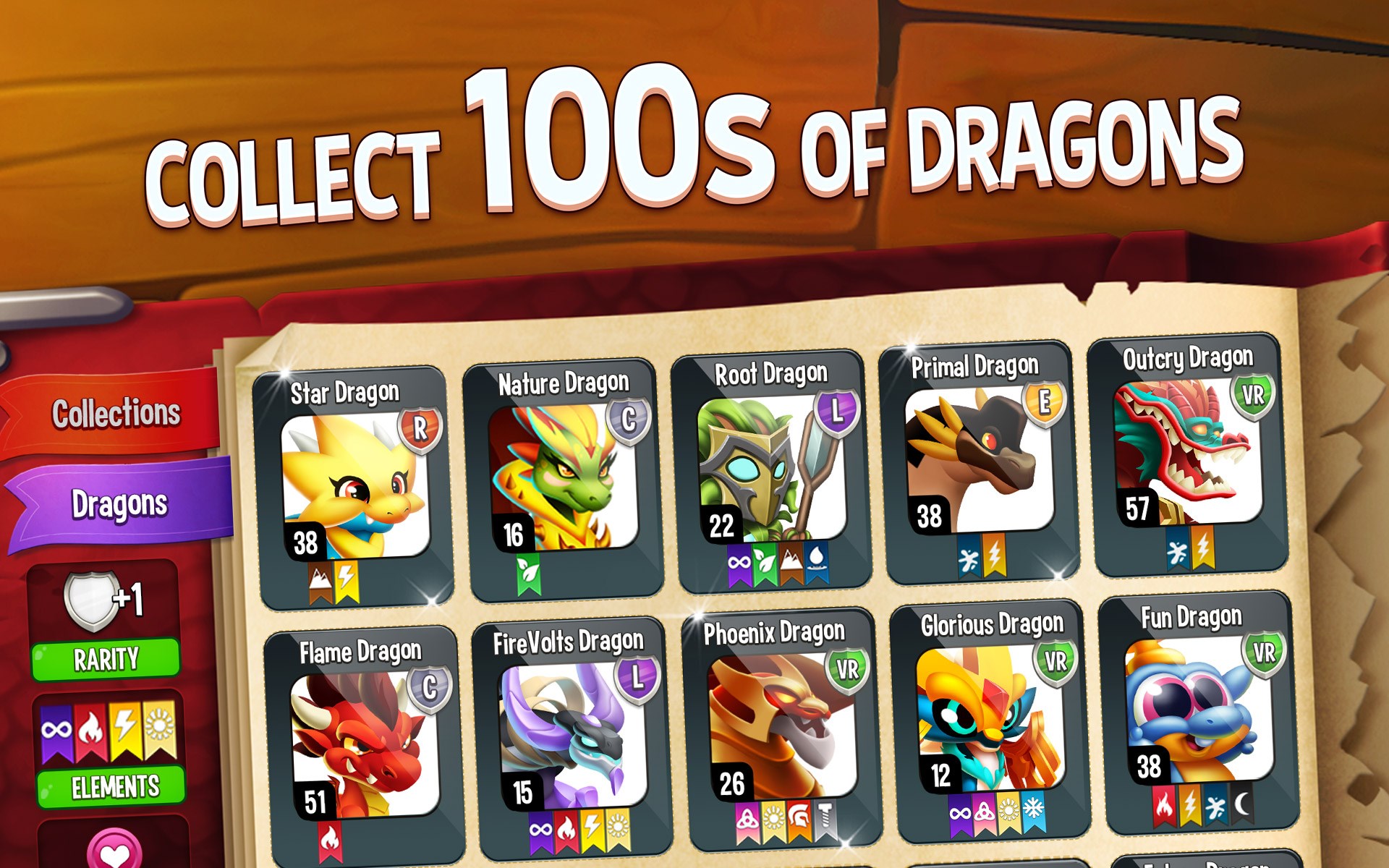
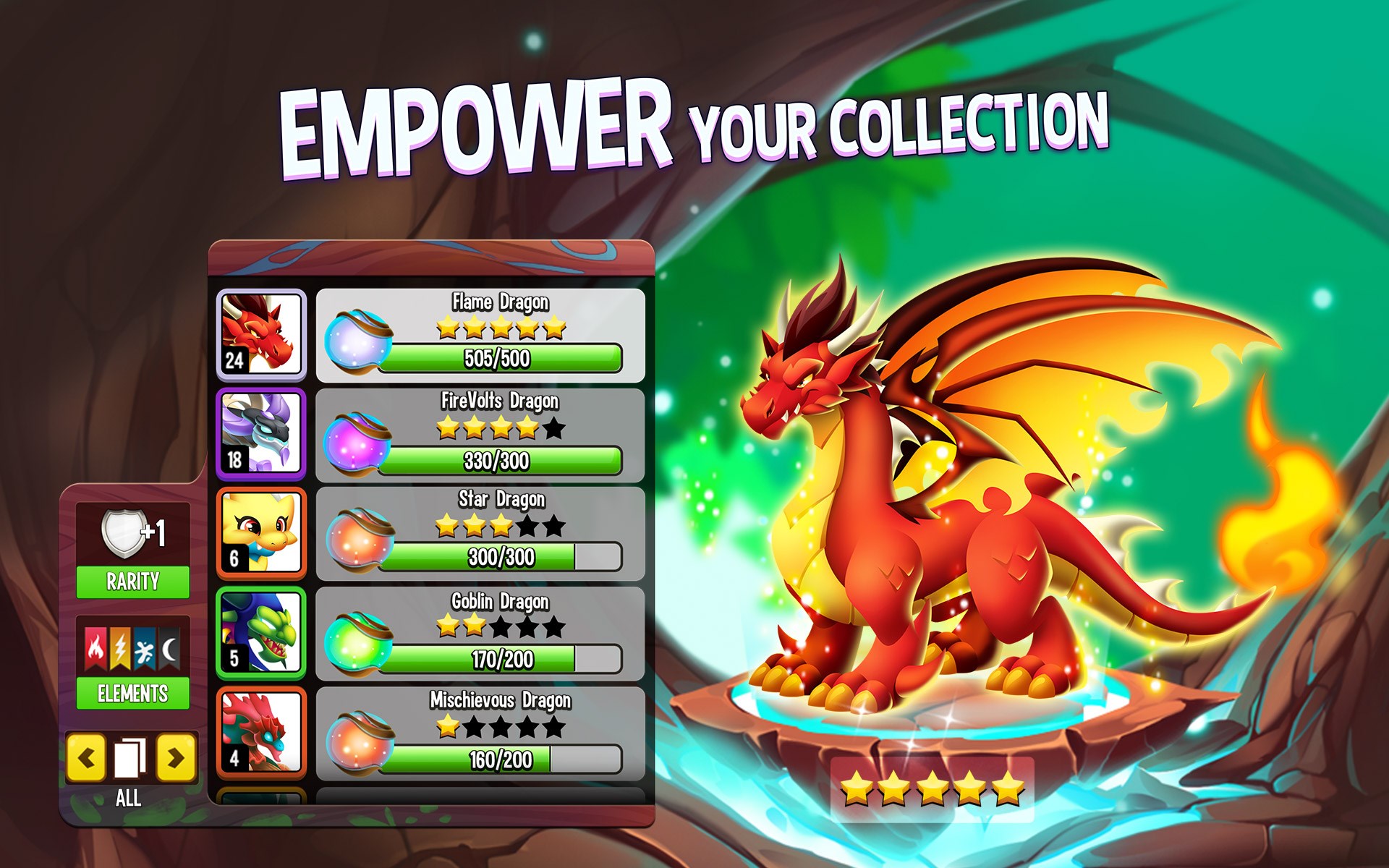
- Variety of dragons and customization options
- Regular updates with new content
- Multilingual support and social features
- Free to play with in-app purchases available
Cons
- In-app purchases can be frequent and tempting
- Progression can be slow without spending money
- Ads occasionally interrupt gameplay
- Some features are locked behind level barriers
- Device compatibility varies, causing occasional crashes










