

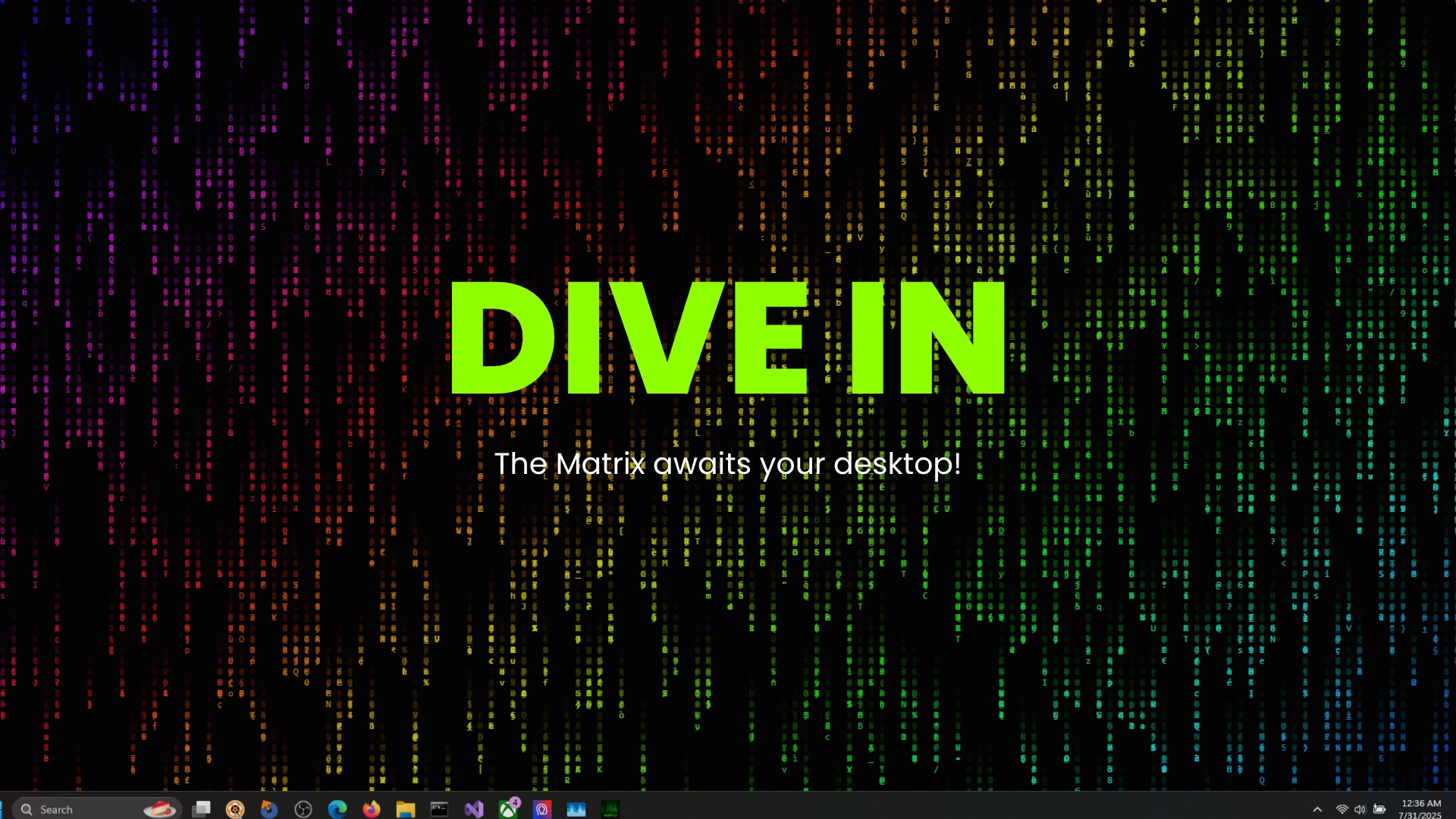
- Name The Matrix Live Wallpaper
- Category Personalization
- Developer GeFy Products
- Available on PC
- OS Windows 10 version 17763.0 or higher
- Memory 300 MB
- languages English (United States)
Transform Your Desktop with The Matrix Live Wallpaper
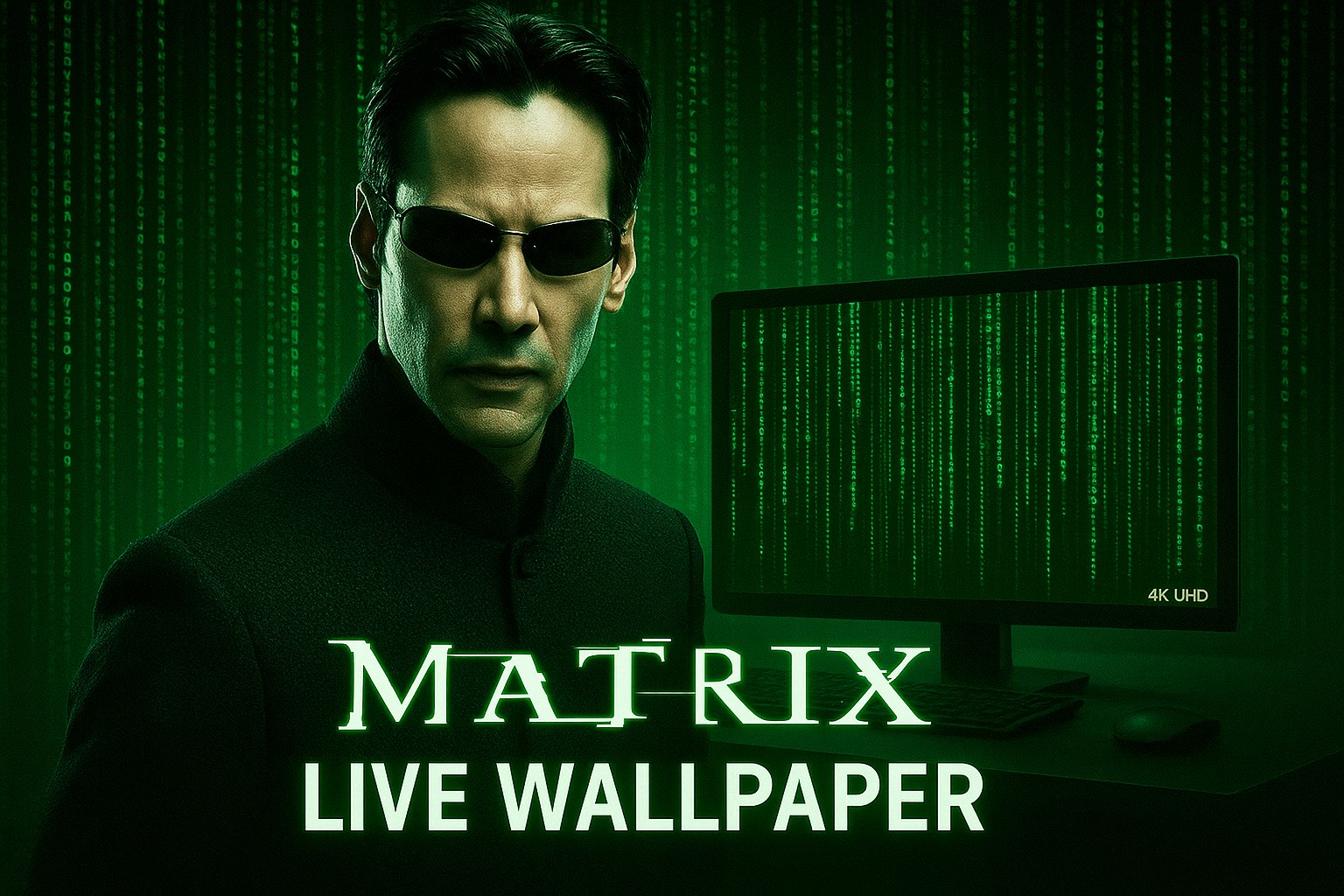
If you've ever dreamed of bringing a touch of sci-fi mystique to your Windows desktop, The Matrix Live Wallpaper offers an immersive experience that turns your screen into a dynamic scene straight out of the iconic film. It's not just about aesthetics; it's about transforming your workspace into a portal of modern digital artistry, all with just a few clicks.
Meet the Creators: Who Stands Behind This Digital Show
Developed by GeFy Products and published by F8 Network, this application is the result of passionate efforts by teams specializing in immersive visual content. Their goal is to deliver customizable, lively backgrounds that elevate user engagement and make everyday computing a bit more futuristic.
Key Features That Make The Matrix Live Wallpaper Stand Out
- Dynamic Matrix Effect: The app recreates the legendary falling code animation, which reacts to your cursor movement—making it feel like you're part of the matrix itself.
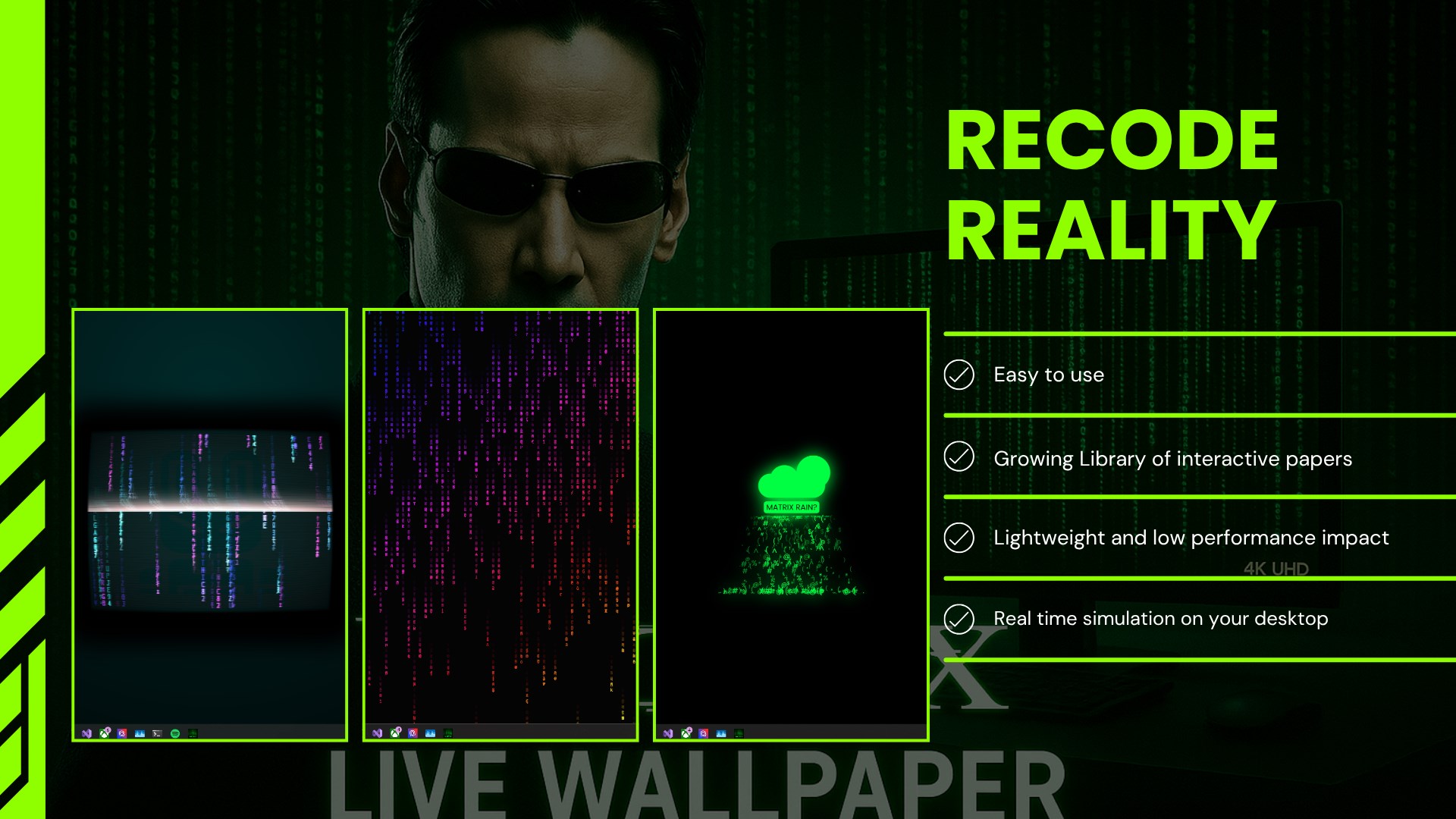
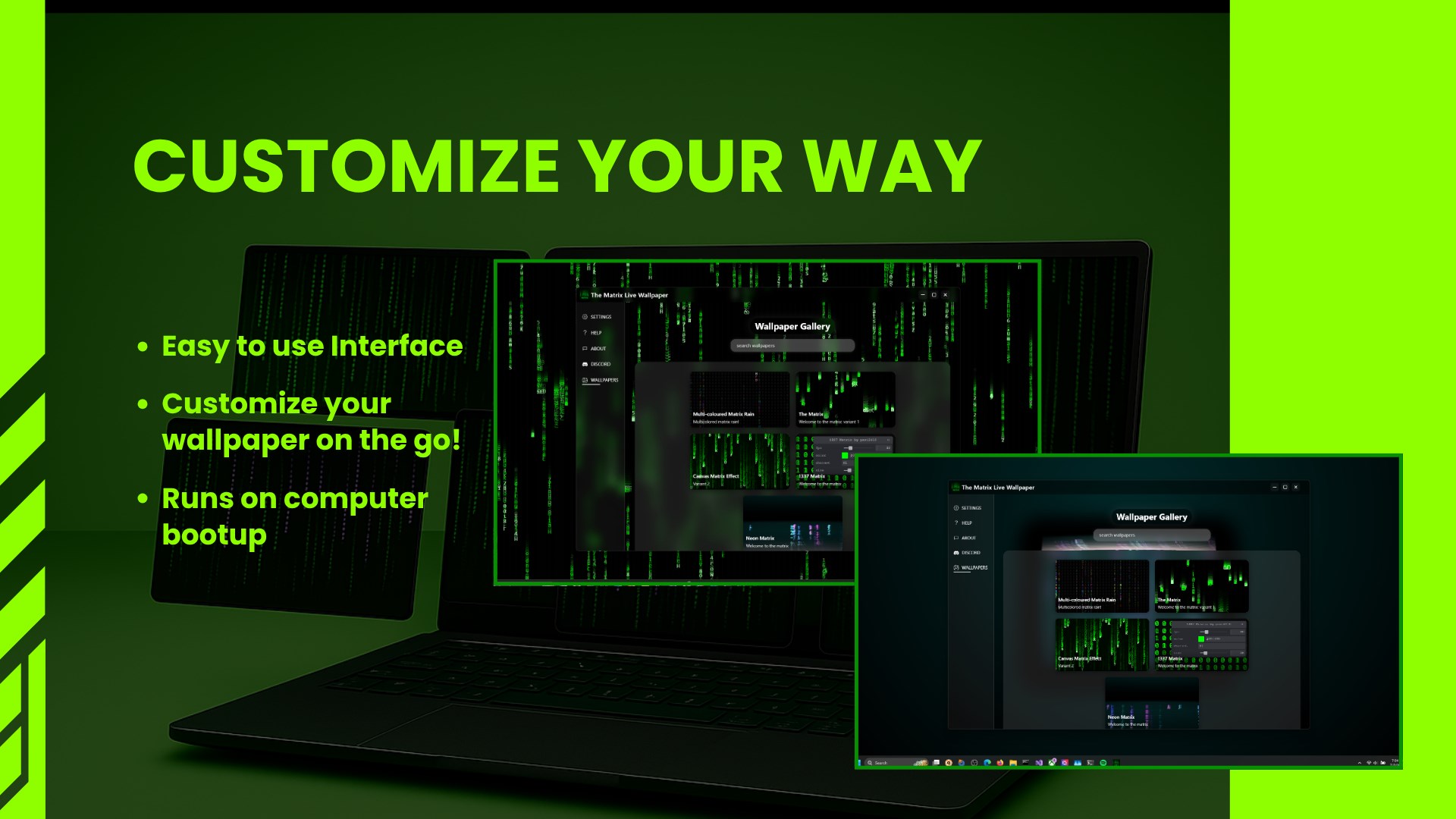
- Customizable Visual Settings: Users can tweak the density, color schemes, and speed of the code rain, tailoring the experience to their mood or environment.
- Seamless Performance and Adaptability: Designed to run smoothly without draining system resources, it adapts fluidly across different screen sizes and resolutions.
- Theme Compatibility: It harmonizes well with various desktop themes, ensuring it enhances rather than clashes with your existing aesthetic.
Immersive and User-Friendly Experience
From the moment you install The Matrix Live Wallpaper, it's like stepping into a digital universe. The setup process is straightforward—just a few clicks, and your screen transforms into a river of falling code, reminiscent of a cyberpunk cityscape. The interface is clean and intuitive, with an easy-to-navigate control panel that allows you to adjust settings effortlessly.
The live effects are rendered smoothly, with minimal lag, even on mid-range systems, thanks to efficient coding. The responsiveness to cursor movements adds an interactive layer—imagine a hacker's screen that responds to your commands, making the experience more engaging. For users new to desktop customization, the learning curve is gentle; all controls are self-explanatory, requiring no prior technical knowledge.
What Sets It Apart from Other Personalization Apps?
Among myriad desktop wallpaper applications, The Matrix Live Wallpaper differentiates itself through its high level of customization and theme integration. Unlike generic animated backgrounds, this app provides a rich variety of options for code density, color schemes, and animation speed. This allows users to craft a truly personalized cyber environment. Its compatibility with existing desktop themes ensures it blends harmoniously with your overall aesthetic, rather than feeling like an intruder.
The real highlight is the app's reactive design—where the code's behavior is influenced by cursor movements, giving a feeling of immersion that's rare among similar apps. This not only enhances visual appeal but also makes the experience more interactive, reminiscent of navigating a digital realm.
Final Verdict and Recommendations
Overall, The Matrix Live Wallpaper for Windows is a well-crafted, engaging personalization tool that strikes a balance between visual impact and system performance. It's particularly suited for sci-fi enthusiasts, digital artists, or anyone looking to elevate their desktop environment with a touch of futuristic ambiance.
We recommend trying it out if you appreciate sophisticated visual effects and desire a customizable, interactive wallpaper. While it's simple enough for beginners, its rich options also cater to seasoned users who want to fine-tune every aspect of their experience. As a friend, I'd say it's a cool upgrade for your desktop that's both fun and stylish—just a few adjustments away from turning your everyday workspace into a scene from cyberspace.
Pros
- Visually Stunning Live Matrix Effect
- Customizable Backgrounds and Effects
- Seamless Integration with Windows
- Low Resource Consumption
- Easy to Install and Set Up
Cons
- Limited Free Features
- Occasional Performance Fluctuations
- Lack of Dynamic Interactivity
- Limited Compatibility with Multi-Monitor Setups
- No Built-in Animation Controls for Real-Time Editing











