

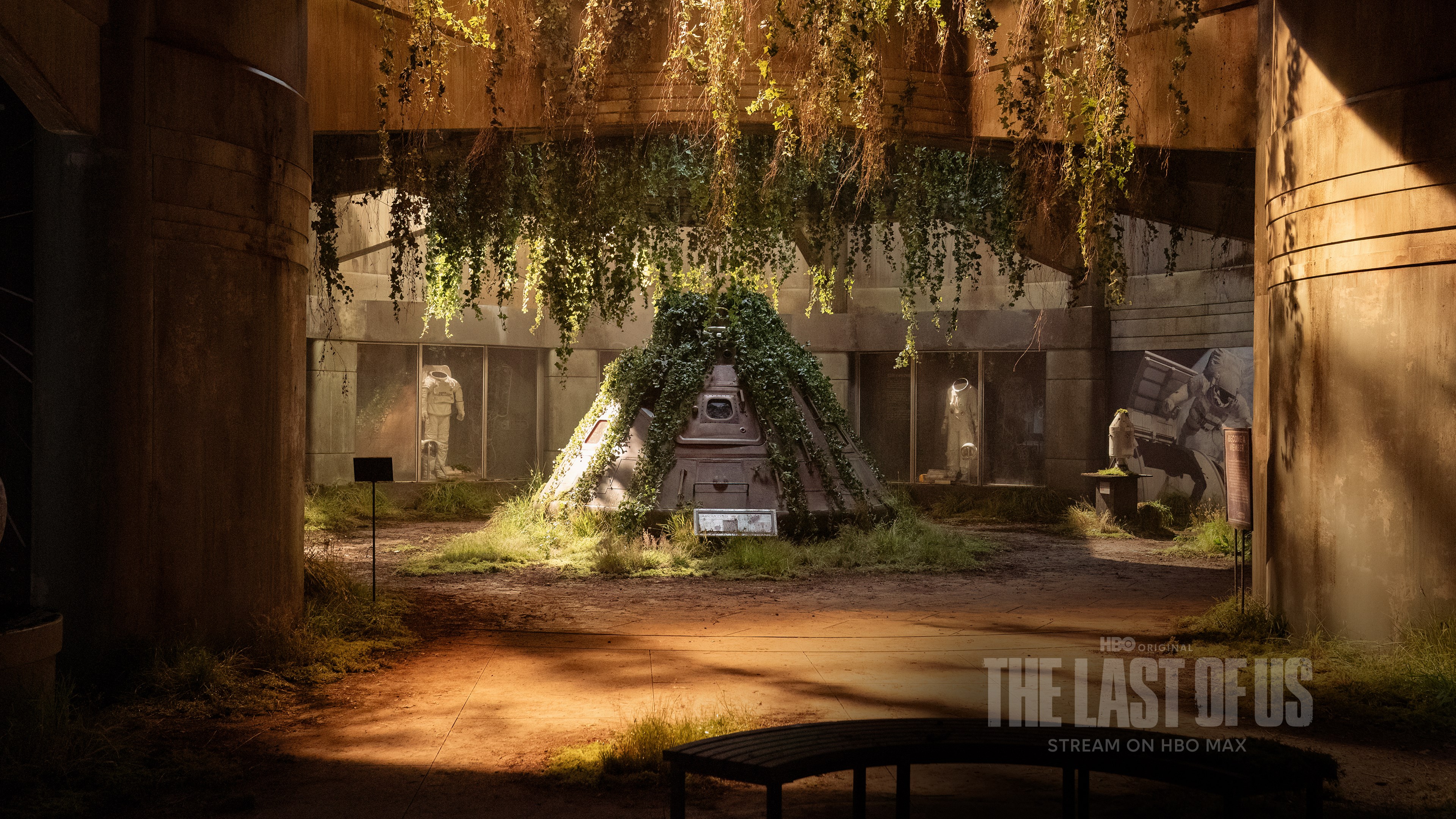
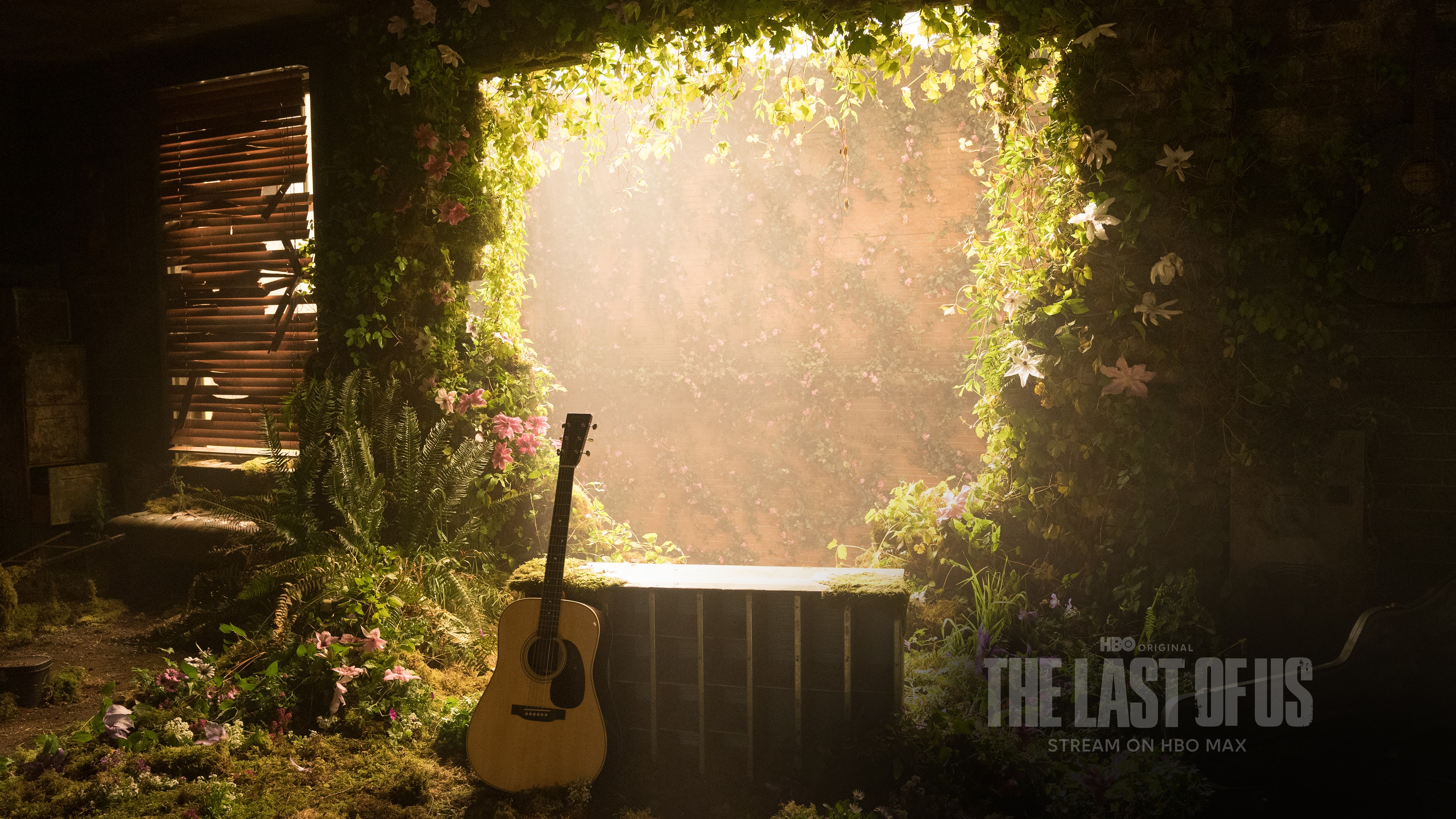
- Name The Last of Us Official Theme
- Category Personalization
- Developer HBO Max
- Available on PC
- OS Windows 10 version 18362.0 or higher
- languages English (United States)
Immerse Yourself with The Last of Us Official Theme for Windows
Transform your Windows desktop into a hauntingly beautiful homage to one of gaming's most acclaimed franchises with The Last of Us Official Theme. This app offers an atmospheric way to keep the series close to your digital heart, blending immersive visuals and subtle soundscapes into your everyday experience.
Basic Information and Highlights
Developed by HBO Max and published by WarnerMedia Global Digital Services, LLC, this official Windows theme is designed to bring the haunting world of The Last of Us directly to your desktop. Its standout features include a curated collection of high-quality wallpapers that showcase iconic scenes, dynamic ambient sounds that evoke the game's mood, and seamless integration with your system's personalization settings. Crafted for hardcore fans and casual gamers alike, this theme aims to provide a visually captivating and emotionally resonant experience without overwhelming your system's performance.
Engaging and Atmospheric Visuals
One of the true gems of this theme is its meticulously curated artwork. Every wallpaper is a piece of art—moody, detailed, and evocative—depicting key characters, haunting landscapes, and memorable moments from the series. Unlike generic themes, this app provides a sense of story and atmosphere that pulls you into the post-apocalyptic world, as if you've stepped into Ellie's shoes or Joel's rugged scenery.
The visual transition between wallpapers is smooth, with no jarring shifts that break the immersion. The imagery seamlessly adapts to your desktop, making each glance a sort of mini-an adventure in a desolate but beautiful world.
Immersive Soundscapes and Personalization Options
The theme's ambient sounds serve as a subtle but effective layer of immersion, featuring atmospheric noises—rustling wind, distant echoes—that complement the visual experience. These sounds are not intrusive but serve to enhance the mood and make your interaction more visceral. Additionally, the app offers customizable options such as choosing preferred wallpapers, adjusting sound levels, and even toggling background music if desired.
This level of personalization stands out compared to other themes that often limit users to static images. The Last of Us Theme adapts to your preferences, making each use uniquely tailored—a real treat for fans who crave a personalized experience that reflects their passion for the series.
User Experience: Design, Performance, and Ease of Use
The interface design is sleek and intuitive, with clear controls and easy navigation. Setting up the theme takes just a few clicks—simply download, apply, and enjoy. The app integrates smoothly with Windows, ensuring minimal impact on system resources. Transitioning between wallpapers and sounds is seamless, with quick responsiveness even on lower-spec systems.
For newcomers, the learning curve is gentle; it's straightforward to select and customize the theme without needing to read lengthy manuals. Long-time users will appreciate the stability and the ability to fine-tune settings easily, making it a reliable addition to their desktop environment.
Comparison and Unique Selling Points
Compared to other personalization applications, The Last of Us Official Theme excels in delivering a curated narrative experience rather than just visual customization. Its focus on atmospheric artwork combined with optional sound design provides a richer, more immersive environment. The theme's compatibility with system-wide personalization options allows it to blend perfectly with your existing Windows setup, making it feel like a natural extension rather than an afterthought.
Most notably, its ability to evoke the tone and mood of the game without overwhelming your desktop—while offering a variety of high-quality wallpapers and sounds—is what truly sets it apart from more generic themes and simpler wallpaper apps.
Final Verdict: A Strong Recommendation for Fans and Aesthetics Enthusiasts
If you're a fan of The Last of Us or simply appreciate dark, atmospheric visuals that evoke emotion, this theme is a commendable choice. It's not an overhyped, flashy app; instead, it offers a tasteful, well-integrated way to personalize your desktop with meaningful content. Its standout features—dual visual and auditory immersion—make it particularly appealing for those seeking a more artistic and evocative desktop environment. I'd recommend it for dedicated fans and those who want a sophisticated, mood-driven theme that complements rather than distracts.
Pros
- Immersive Visual Design
- Official Licencing
- Smooth Performance
- Customizable Elements
- Easy Installation
Cons
- Limited Customization Options
- High Battery Consumption
- No Dynamic Content
- Size of Download File
- Limited Device Compatibility











