

- Name Stream IPCAM to PC
- Category Personalization
- Available on PC, Mobile, Surface Hub, HoloLens
- OS Windows 10 version 17763.0 or higher
- languages English (United States)
Stream IPCAM to PC for Windows: A Seamless Bridge Between Your Camera and Desktop
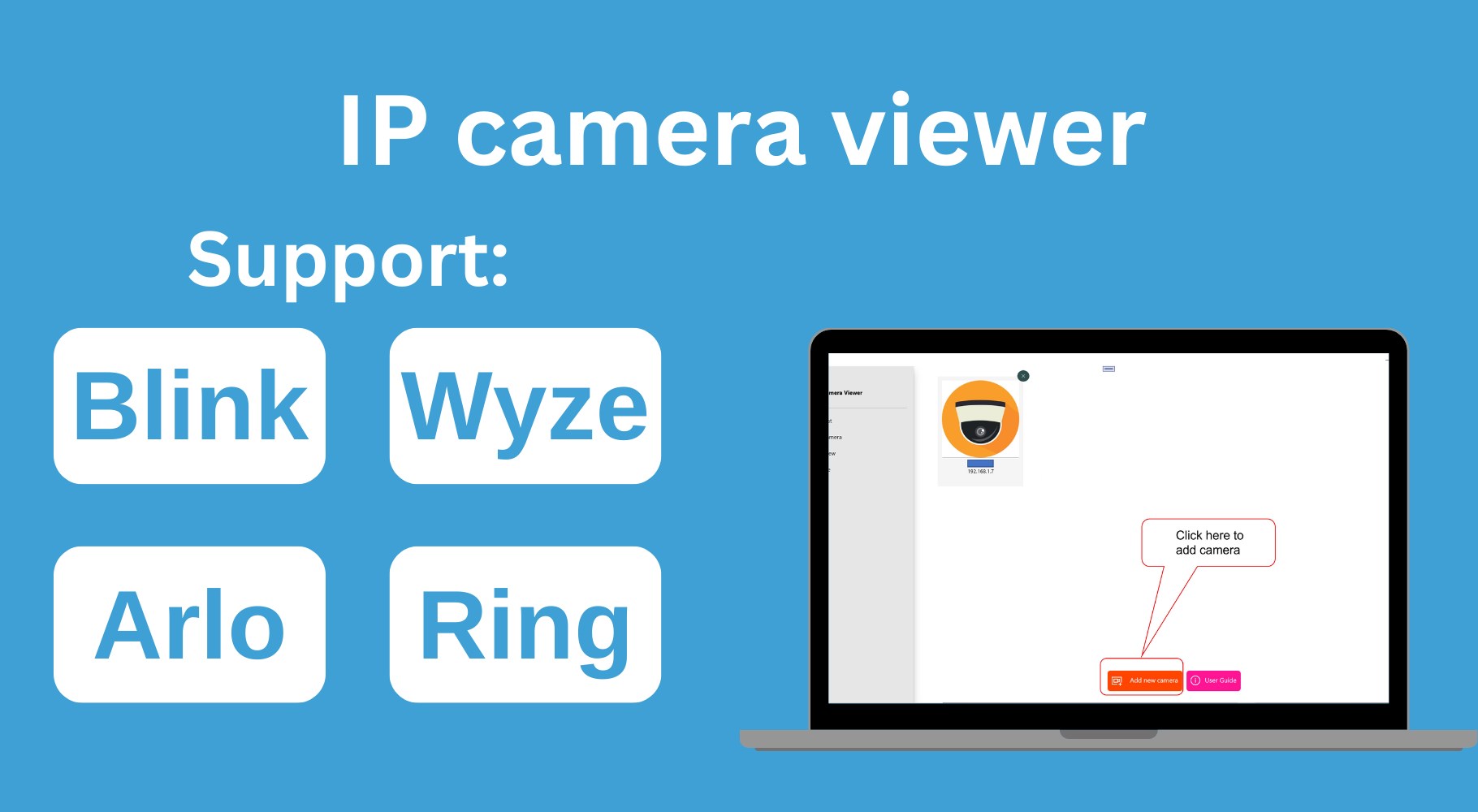
If you're looking for a straightforward way to connect your IP camera directly to your Windows PC, Stream IPCAM to PC offers an intuitive solution designed to simplify your surveillance setup without compromising quality or ease of use. Developed by PixelPilot, this app transforms your viewing experience with its user-friendly interface and versatile customization options.
Main Features That Make It Shine
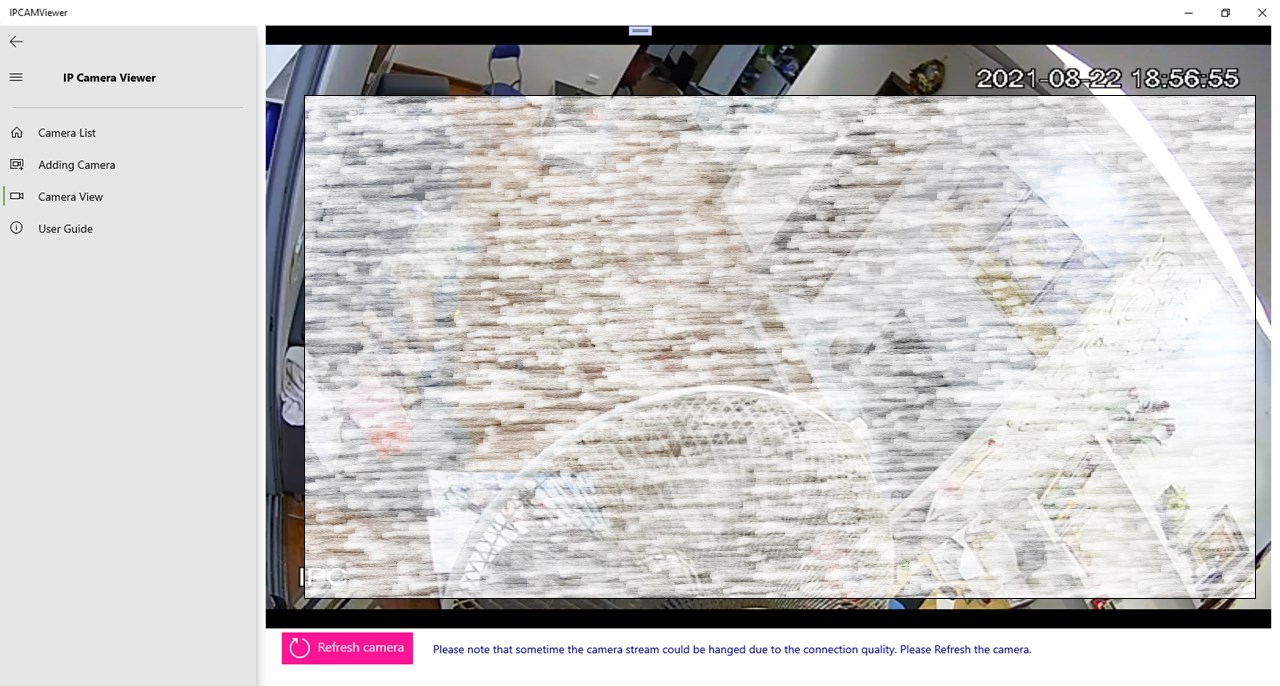
Designed with the modern user in mind, Stream IPCAM to PC stands out through its ability to effortlessly stream live camera feeds, customize viewing preferences, and support multiple camera sources. Its core strengths include high compatibility with various IP camera models, flexible layout arrangements, and versatile recording options—making it an all-in-one tool for both casual users and security enthusiasts.
Engaging and Practical User Experience
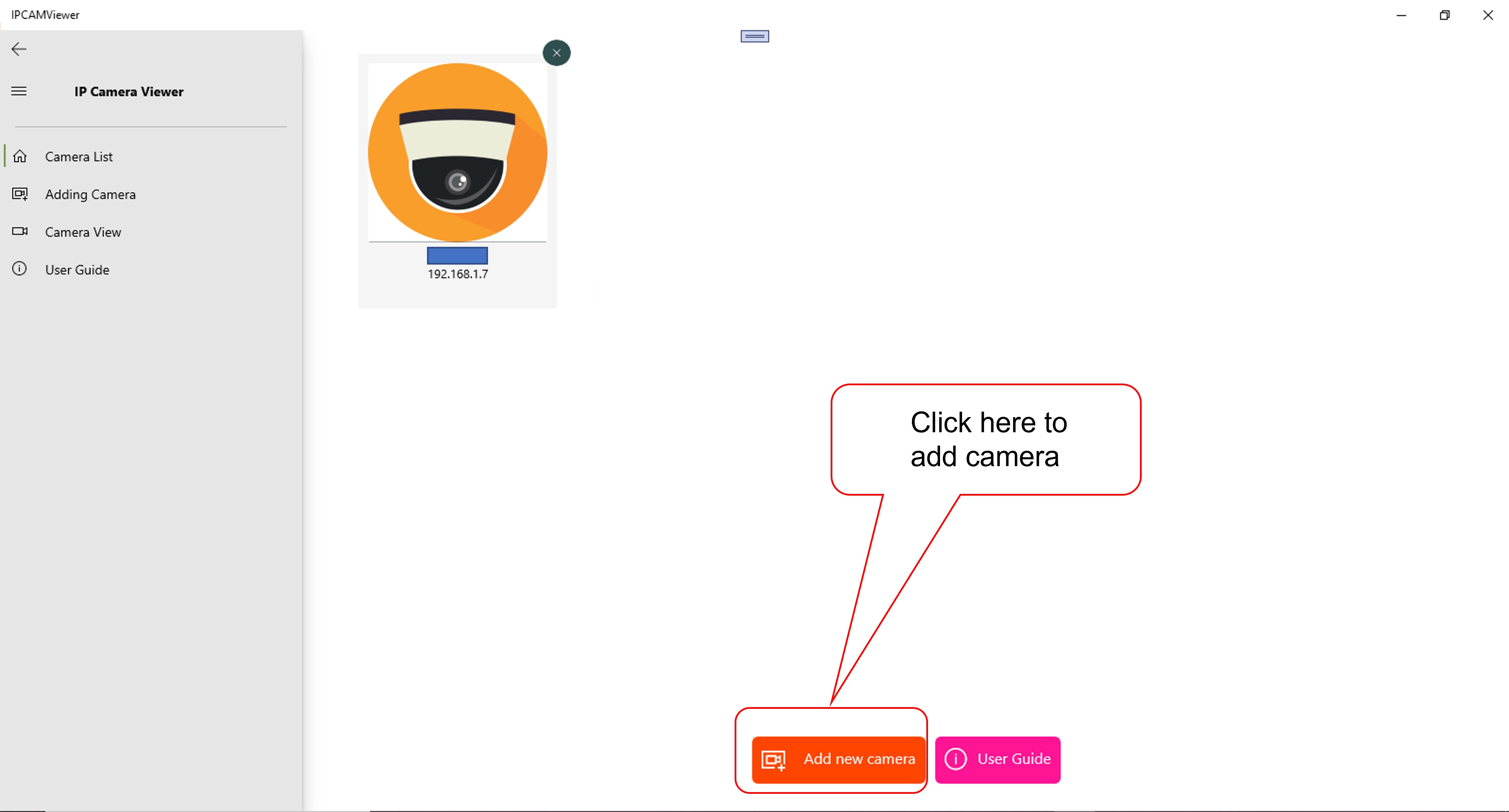
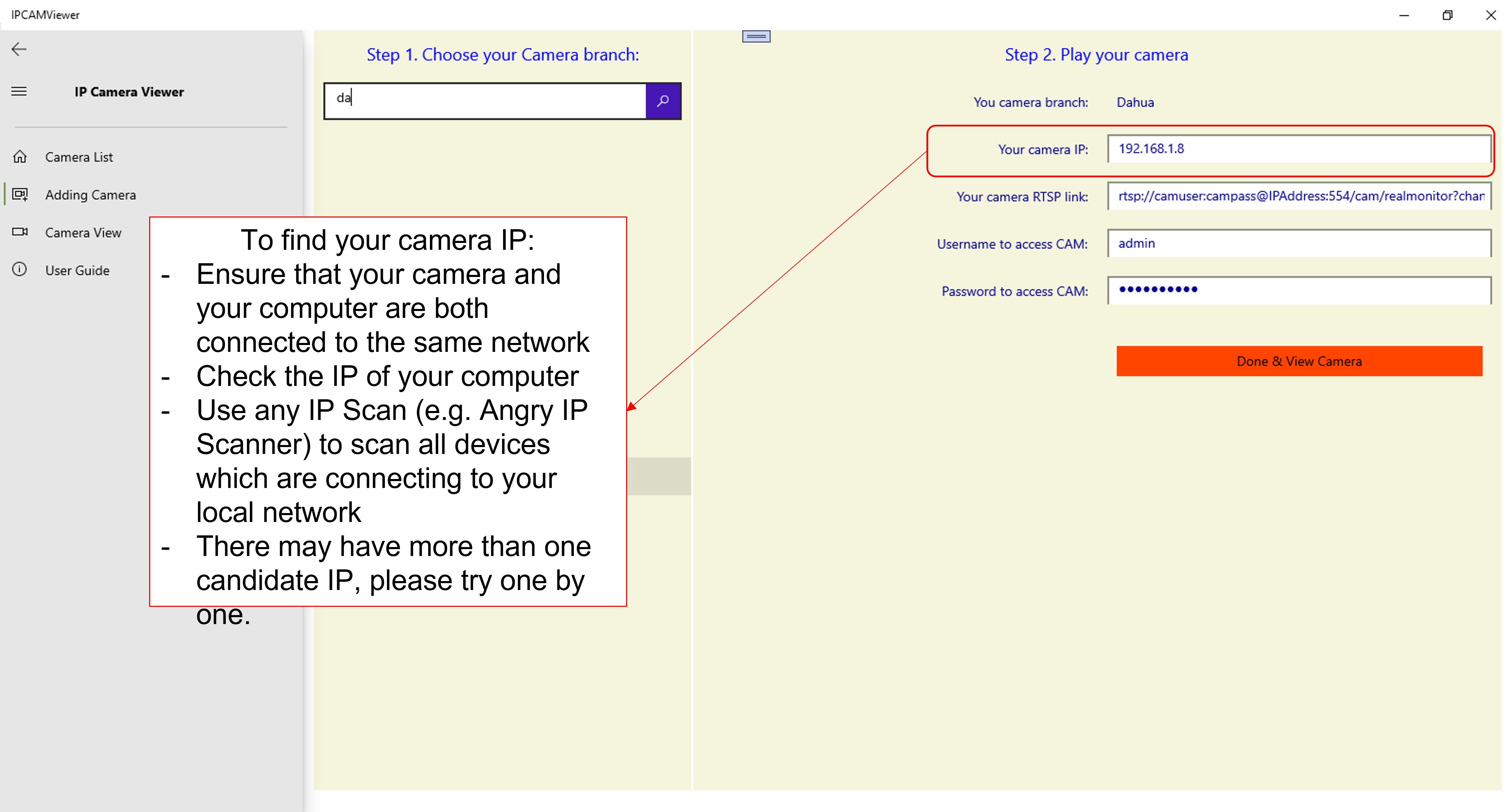
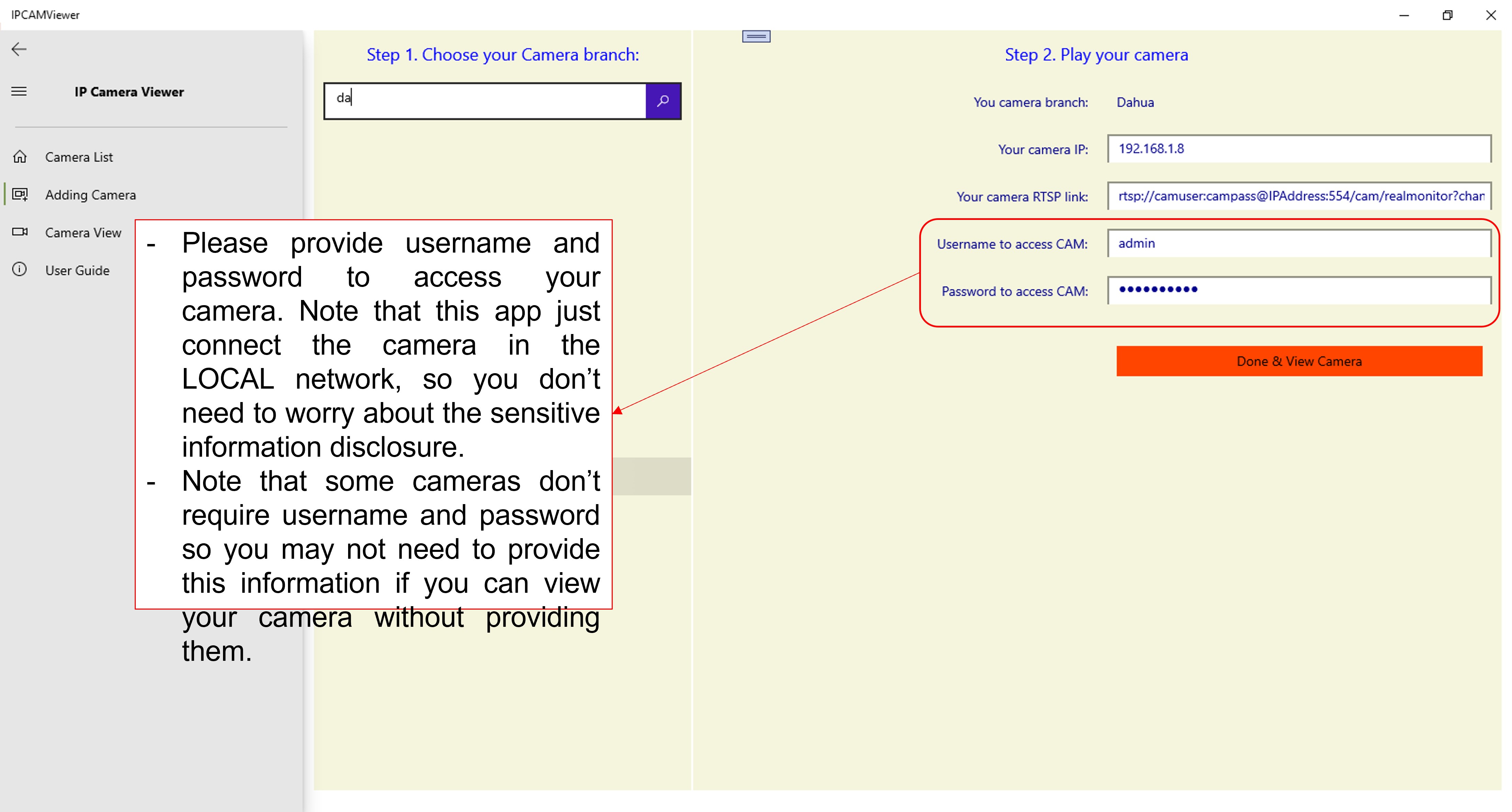
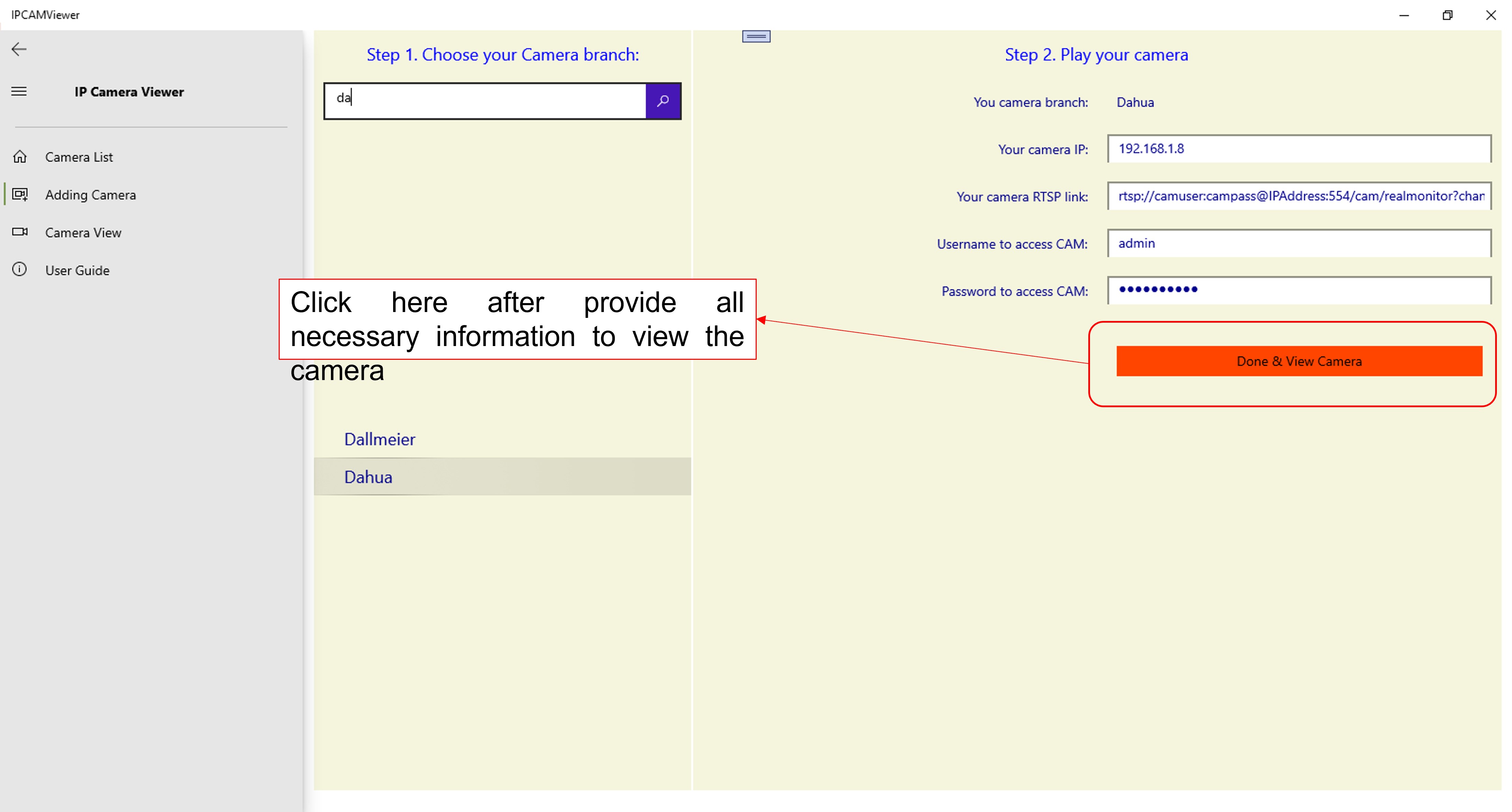
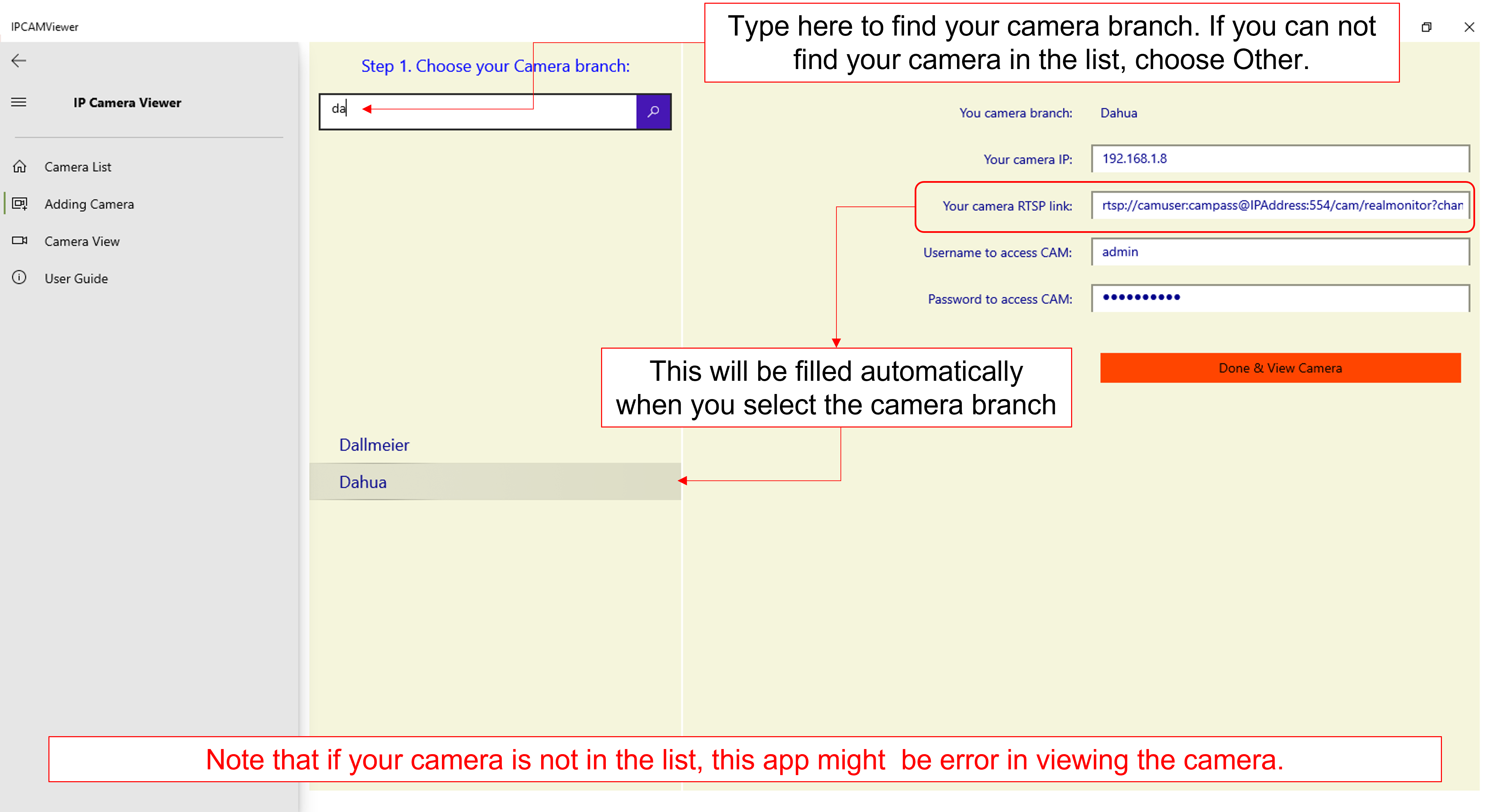
Imagine setting up a security monitor at your fingertips—innovative yet simple. The app's interface adopts a clean, intuitive design that guides you step-by-step. It's like having a dedicated dashboard that transforms what used to be complex network configurations into a few mouse clicks. Navigating through multiple camera feeds feels smooth and responsive, akin to flipping through a well-organized photo album. The learning curve is gentle; even newcomers can quickly get up to speed without needing to scour lengthy manuals.
Streamlined Interface and Ease of Use
The app's layout is both functional and visually appealing, employing a modern design that caters to users who appreciate clarity and simplicity. Key controls are easily accessible, and switching between feeds or adjusting settings is seamless—making daily monitoring tasks feel like a breeze rather than a chore. Users report that setup generally takes less than ten minutes, highlighting its efficiency.
Flexibility and Customization at Its Core
What sets Stream IPCAM to PC apart from other similar applications is its emphasis on personalization. Unlike rigid security viewers, this app offers a variety of customization options—users can tailor layouts, choose themes that match their taste or environment, and even preset recording schedules. Its compatibility with various themes enhances visual harmony with your existing desktop environment, providing a cohesive and less intrusive experience. These features turn what could be a generic surveillance tool into a personalized monitoring station.
Special Highlights and Final Recommendations
The application's standout feature is undoubtedly its ability to support multiple cameras simultaneously with flexible layout configurations, plus its intuitive approach to customization. These aspects make it particularly appealing for users who desire more control and aesthetic alignment than standard IP camera viewers offer. For anyone seeking a straightforward yet customizable way to keep an eye on their cameras on Windows, this app comes highly recommended.
Although it caters primarily to home security and small business users, its user-friendly design ensures even beginners can quickly adopt it without technical hurdles. I would suggest trying it if you're looking for a reliable, customizable, and visually adaptable app to centralize your IP camera feeds. For advanced users, it provides enough options to satisfy even the most detail-oriented monitoring needs.—making it a practical addition to your digital security toolkit.
Pros
- Easy setup and connection
- High video quality
- Multiple device support
- User-friendly interface
- Remote access capability
Cons
- Limited recording options
- Occasional connectivity issues
- Inconsistent notifications
- Limited customization options
- Requires stable network connection











