
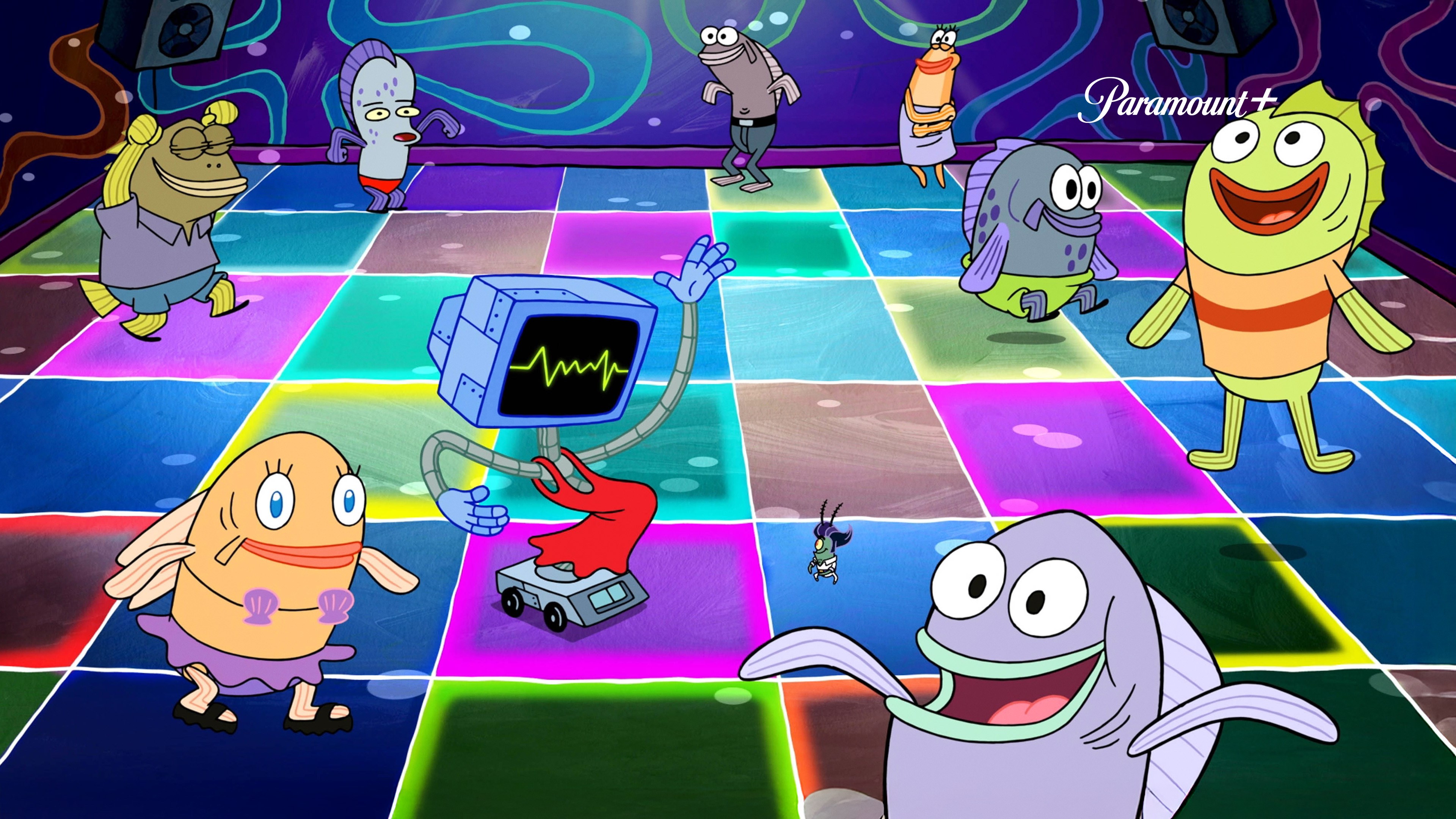
- Name SpongeBob SquarePants Theme
- Category Personalization
- Developer Paramount+
- Available on PC
- OS Windows 10 version 18362.0 or higher
- languages English (United States)
Introducing SpongeBob SquarePants Theme for Windows
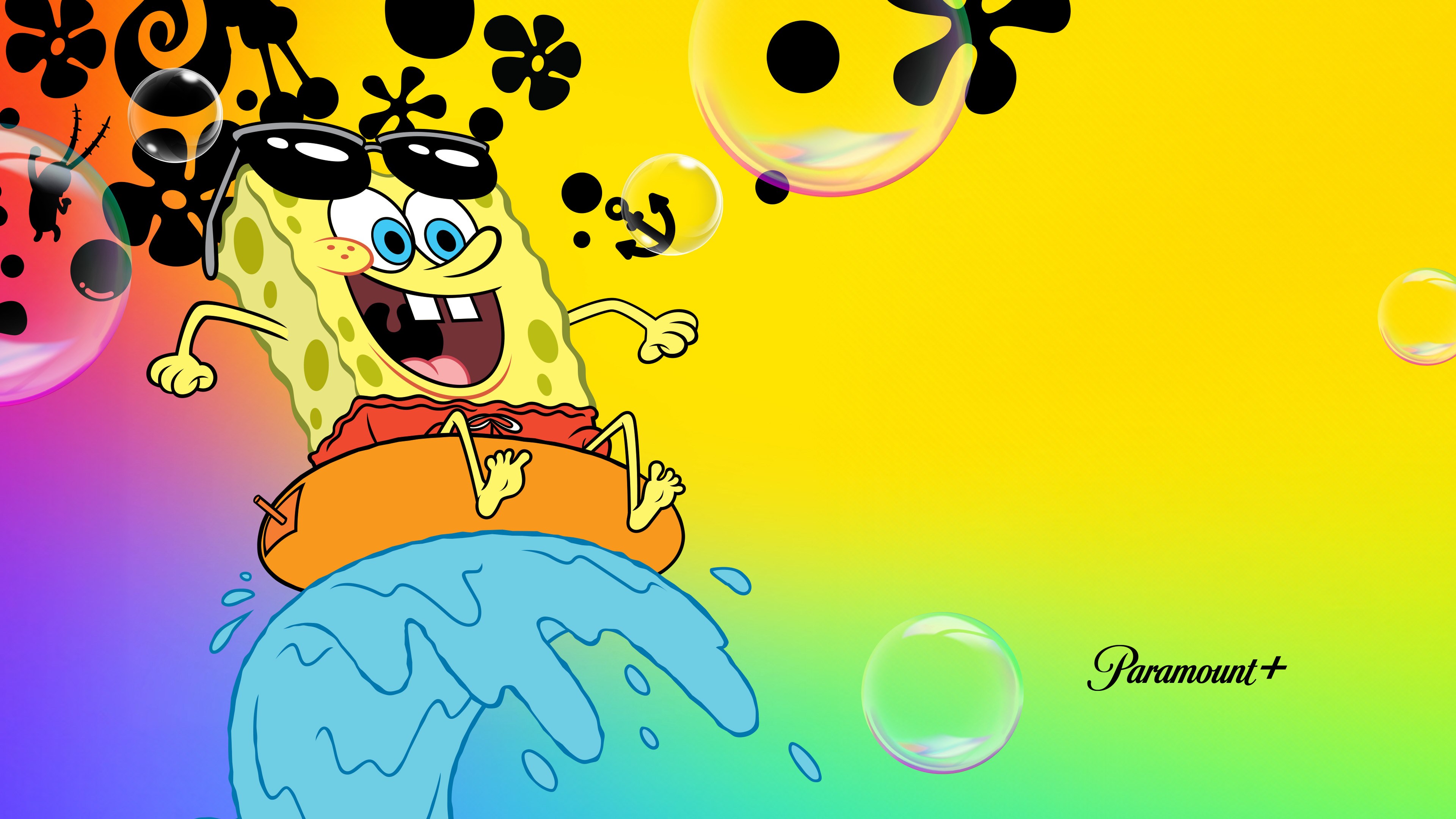
This application transforms your Windows desktop into a whimsical underwater world inspired by the beloved SpongeBob SquarePants series. With vibrant visuals and playful elements, it aims to bring a splash of Bikini Bottom to your daily computing experience.
Developer and Core Features
Developed by Paramount+ and published by CBS Interactive Inc.
The SpongeBob SquarePants Theme for Windows is crafted by Paramount+, the streaming giant behind the franchise, in collaboration with CBS Interactive Inc., responsible for a range of digital entertainment applications.
Key Highlights:
- Vivid and Dynamic Wallpaper: Features lively SpongeBob-themed backgrounds that animate subtly to keep your workspace engaging.
- Customizable Icons and Sounds: Offers themed icons and cheerful sound effects that immerse you further into Bikini Bottom.
- Seamless Theme Integration: Easily applies to your desktop environment, with compatibility across various Windows versions.
- Minimal System Impact: Designed to be lightweight, ensuring smooth operation without slowing down your PC.
The target audience includes SpongeBob fans of all ages looking to personalize their PCs with a fun, colorful theme, as well as casual users who enjoy lighthearted customization options.
Vibrant Visuals and User Experience
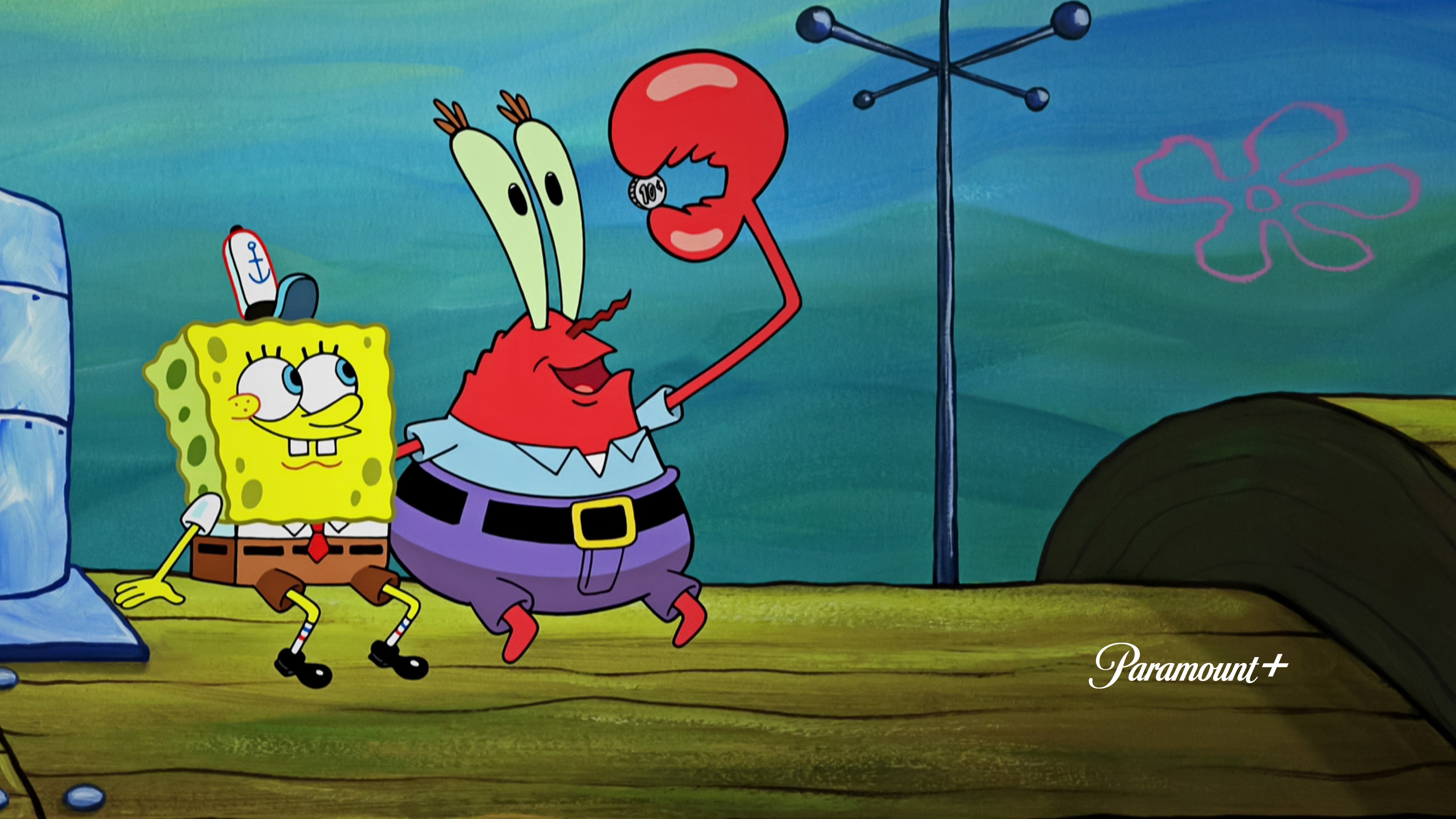
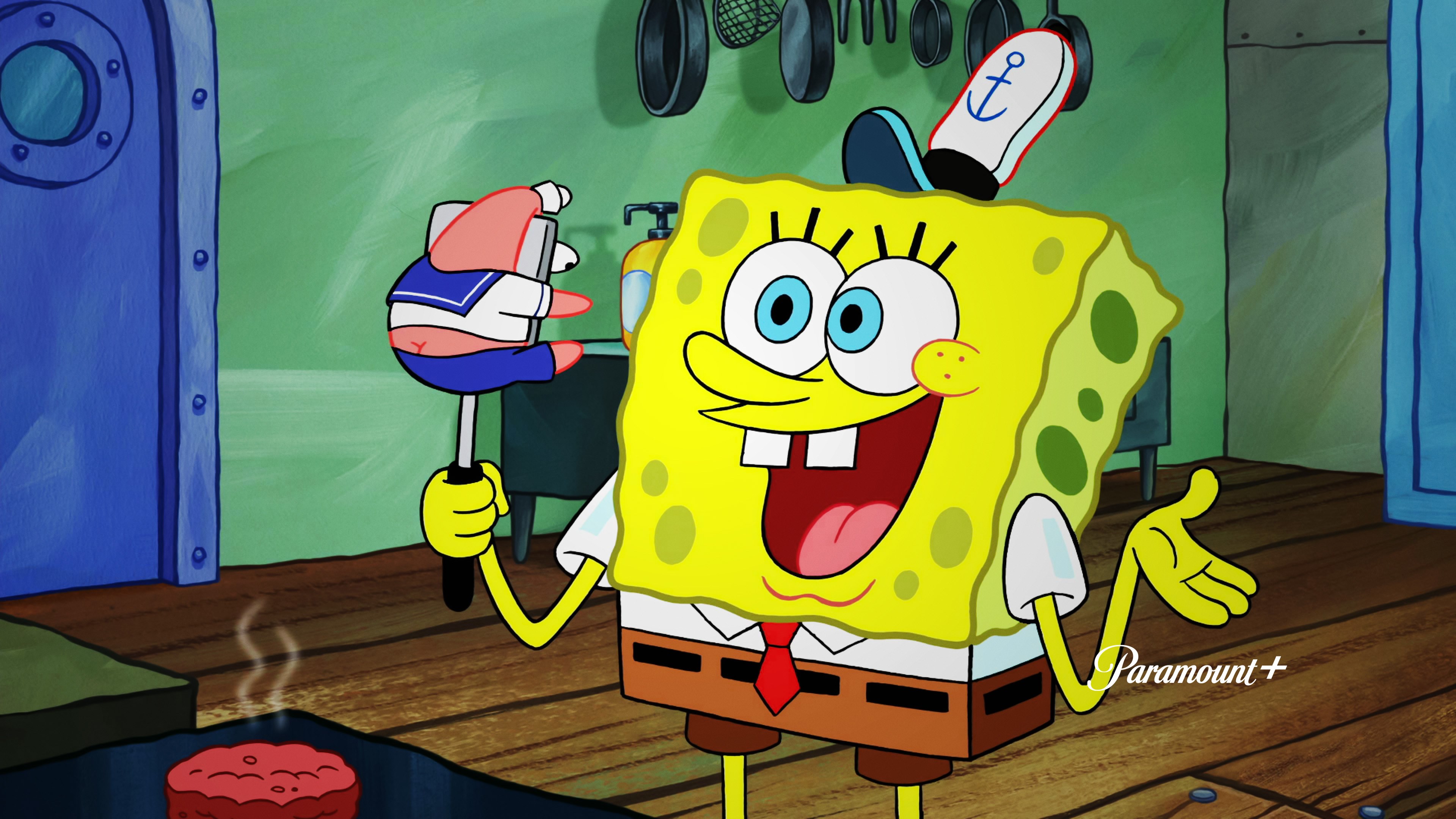
Imagine turning your desktop into a lively underwater scene where Patrick, SpongeBob, and friends appear to swim across your screen—this app delivers just that, transforming mundane workflows into a playful adventure. The interface is designed with a cheerful, cartoonish aesthetic that immediately evokes a sense of nostalgia and joy. Navigating through the theme options is straightforward, akin to flipping through a scrapbook of Bikini Bottom portraits. The application responds swiftly to user commands, ensuring a seamless experience whether you're setting a new wallpaper or tweaking the themed icons.
Setting up the theme feels akin to dressing up your digital space for a seaside festival—intuitive and immediately gratifying. Transitioning between different wallpapers or sound packs happens smoothly, with little to no lag. The interface's user-friendly layout is inviting even for those less familiar with customization tools, making personalization accessible for users of varying tech skills. Overall, the app offers a delightful user experience that combines simplicity with vibrant, engaging visuals.
Unpacking the Unique Selling Points
Customization Options Variety and Theme Compatibility
What sets the SpongeBob SquarePants Theme apart from generic personalization apps is its rich variety of customization options wrapped in a cohesive underwater theme. Unlike other apps that merely change wallpapers or icons, this app offers themed sound effects, animated backgrounds, and unified icon sets that work harmoniously. Its high compatibility with different Windows versions means users don't need to worry about limitations, granting flexibility in personal customization. This consistency across elements creates a more immersive Bikini Bottom experience that feels thoughtfully curated.
Exclusive Themed Elements and Animations
Perhaps the most notable feature—the animated wallpapers—bring static images to life. Subtle movements, like bubbles rising or characters waving, inject personality into your desktop without overwhelming or distracting. These animated elements are carefully balanced so as not to impair system performance, an essential consideration for users concerned about responsiveness. This level of animated customization is relatively rare among similar personalization apps, making it a standout feature.
Final Verdict and Recommendations
This SpongeBob SquarePants Theme for Windows offers a charming, playful way to personalize your desktop. Its vibrant visuals, animated backgrounds, and variety of themed elements deliver a cohesive Bikini Bottom experience that stands out in the spectrum of personalization apps. While it may not appeal to users seeking ultra-minimalist or highly professional themes, it excels for fans and those wanting a lively, fun environment that still maintains smooth performance.
Given its ease of use, appealing design, and unique animated features, I recommend this app primarily for casual users and fans eager for creative, themed customization. It's an excellent choice for adding a touch of humor and color to daily work routines or leisure screen time. Overall, it's a delightful, kid-friendly, and nostalgic option worth trying for anyone wanting to bring some underwater whimsy into their Windows experience.
Pros
- Vivid and colorful graphics
- Intuitive and user-friendly interface
- Wide range of themed content and mini-games
- Offline accessibility for certain features
- Regular updates with new content
Cons
- Limited customization options
- Performance inconsistencies on older devices
- In-app advertisements occasionally interrupt gameplay
- Some mini-games have unclear instructions
- Limited language options











