

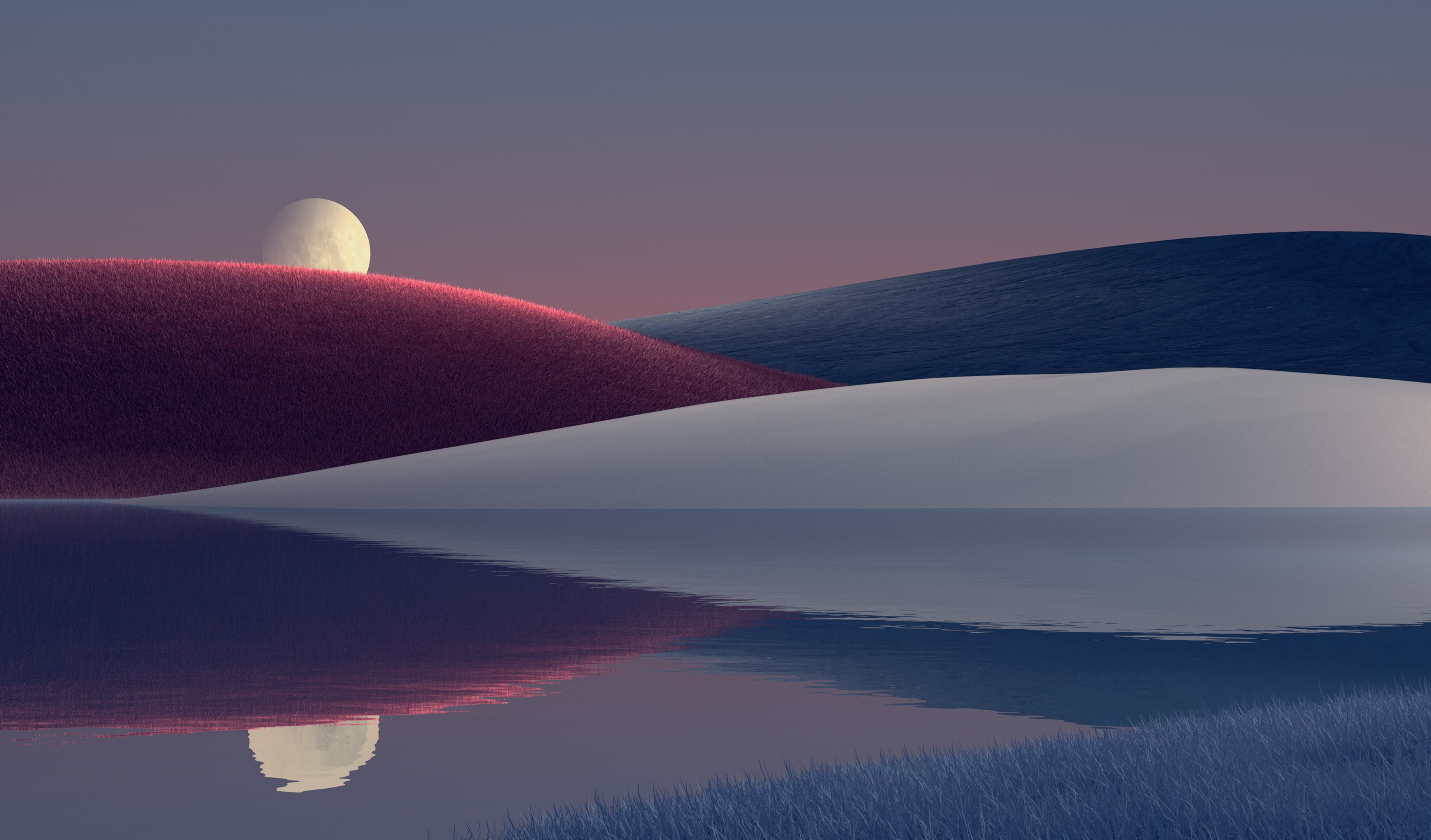
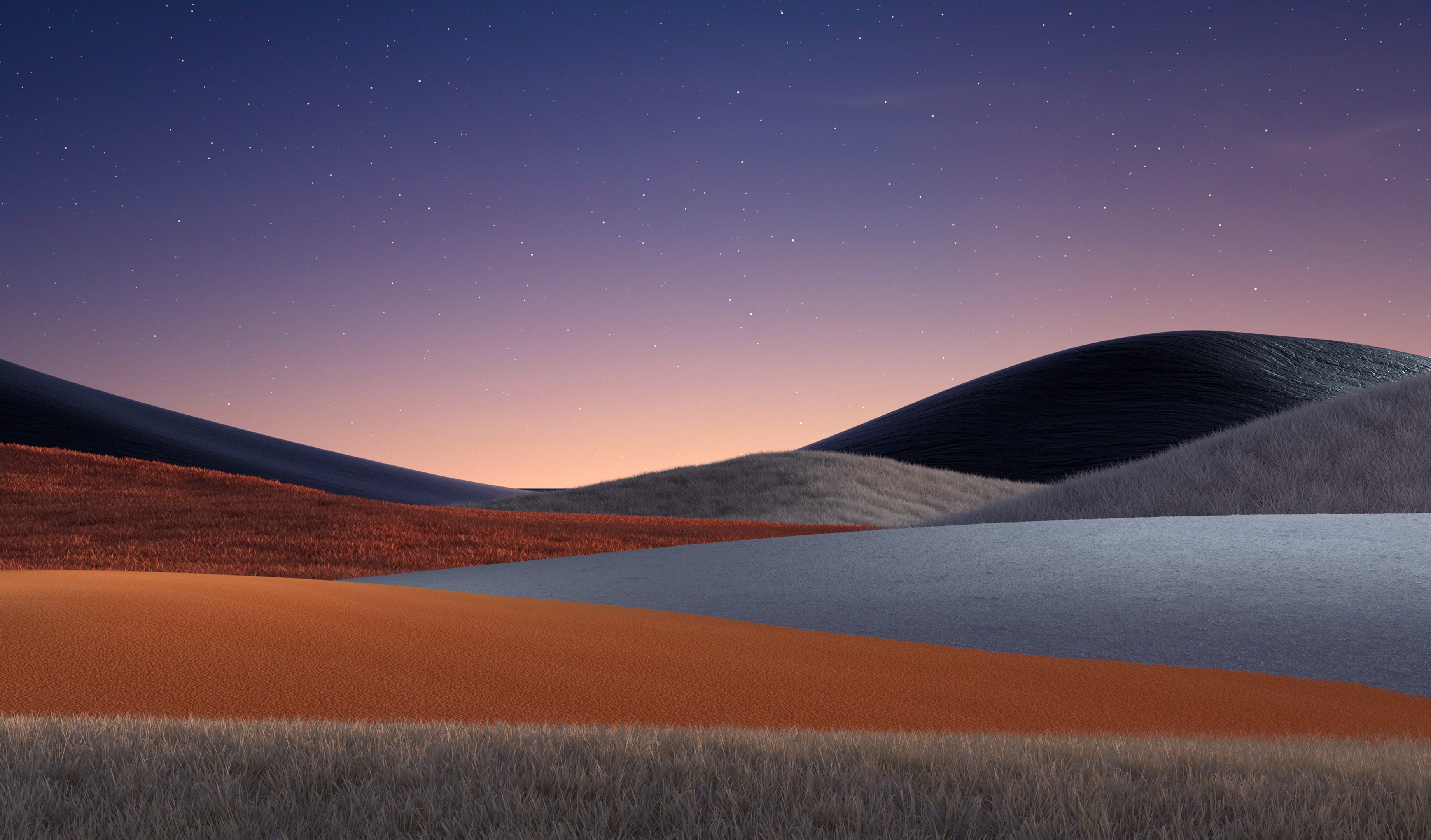
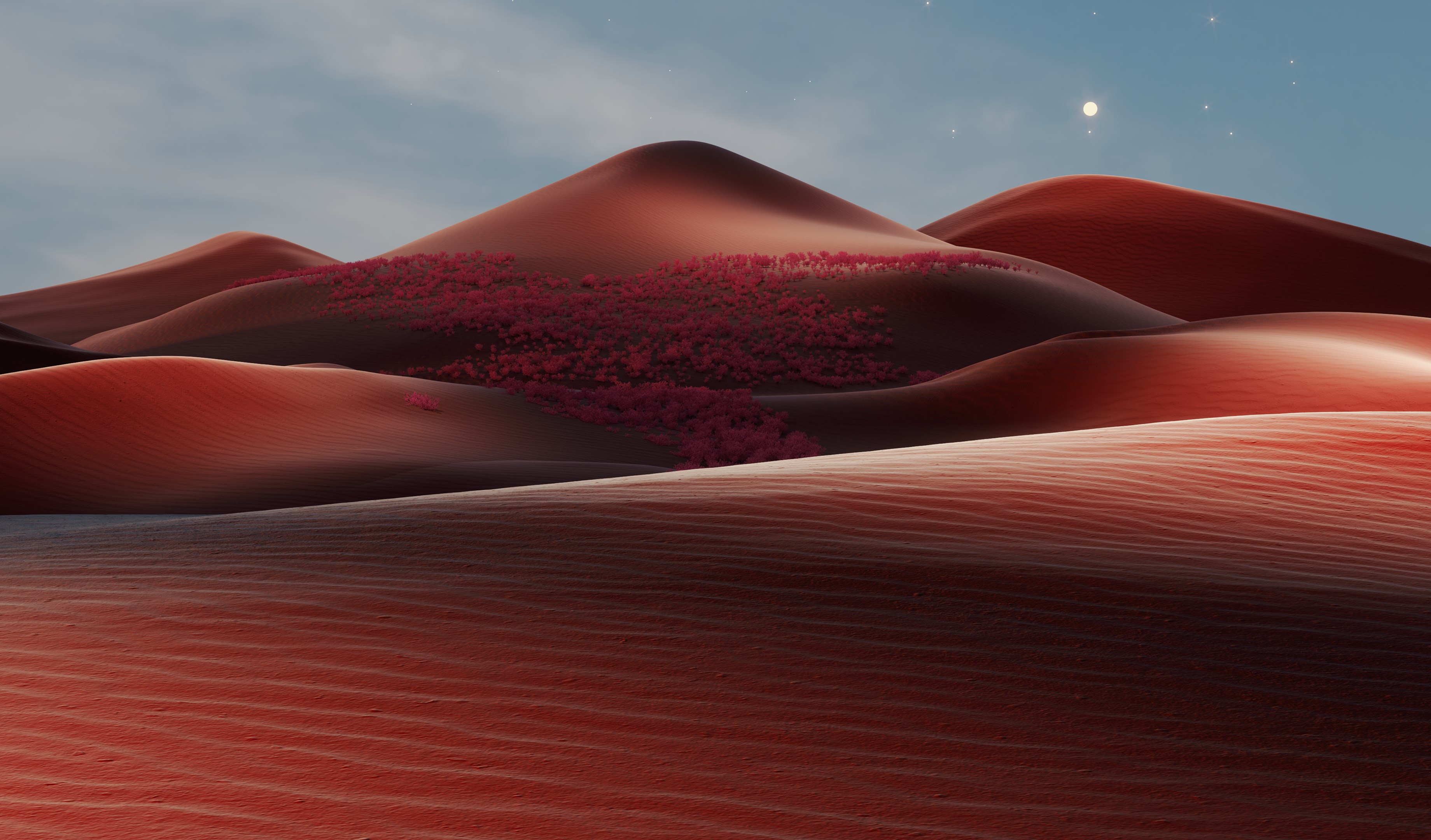

- Name Shifting Horizons
- Category Personalization
- Developer Microsoft Corporation
- Available on PC
- OS Windows 10 version 18362.0 or higher
- languages English (United States)
Introducing Shifting Horizons for Windows: A Personalized Approach to Desktop Customization
Shifting Horizons is a Windows application designed to transform your desktop experience through dynamic backgrounds and personalized themes, catering to users who crave more than static wallpapers.
Developed by Microsoft Corporation
As a flagship product from Microsoft, Shifting Horizons benefits from the company's extensive expertise in software development, ensuring a smooth and reliable experience for users seeking aesthetic enhancements and customization options.
Key Features That Make It Stand Out
- Dynamic Horizon Displays: The app offers animated or shifting backgrounds that change gradually, creating a sense of depth and liveliness.
- Extensive Customization Options: Users can fine-tune both the visuals and behaviors of their backgrounds, integrating personal photos or select from an evolving library of themes.
- Seamless Theme Compatibility: It supports a variety of theme styles and integrates beautifully with Windows' native themes, ensuring coherence across your desktop environment.
- Intelligent Transition Effects: Sophisticated transition animations help shift backgrounds smoothly without hogging system resources, making the experience feel organic and immersive.
A Fresh Take on Desktop Personalization
Imagine starting your workday with a serene sunrise slowly painting your screen, or winding down with an abstract wave that gently shifts in the evening light—Shifting Horizons elevates your desktop from a static canvas to a living, breathing environment. Its elements evoke a sense of adventure, transforming routine interactions into moments of visual delight.
Core Functionality Deep Dive
Dynamic Horizon Displays—Where Art Meets Motion
The centerpiece feature, Dynamic Horizon Displays, employs animated backgrounds with subtle movements that mimic natural horizons—think of rippling water, drifting clouds, or shifting mountain silhouettes. These backgrounds are designed to unintrusively enhance your visual ambiance, making your workspace feel more expansive and inspiring. The app lets you select from preset themes or import your own images, which then come alive with gentle motion, creating a captivating environment that feels personal yet professionally polished.
Robust Customization and Theme Integration—Your Visual Palette, Your Rules
Unlike many personalization tools that limit you to simple wallpaper changes, Shifting Horizons offers a broad palette of adjustments. You can modify transition speeds, blend multiple images, or combine different theme elements to craft a unique visual signature. Its compatibility with Windows themes means you won't feel disconnected—your color schemes, icons, and cursors seamlessly align with your chosen backgrounds, ensuring a cohesive look across your desktop.
User Experience & Interface Design
The app's interface is intuitively designed with clarity and elegance, resembling a sleek control panel rather than a cluttered menu. Navigating between customization options is straightforward, with real-time previews allowing instant evaluation of changes. The transitions are buttery smooth, testifying to the developer's attention to performance optimization. Even novices can pick up Shifting Horizons quickly, thanks to its gentle learning curve, while power users will appreciate the depth of available settings.
What Sets Shifting Horizons Apart?
Despite the presence of several wallpaper customization tools, Shifting Horizons stands out through its dynamic, animated backgrounds that respond to user preferences and system conditions. Its key differentiator is the combination of vibrant transition effects and extensive theme support, which together forge a more immersive and harmonious desktop environment. This app's ability to evolve your desktop visuals in an elegant, non-intrusive manner presents a refreshing departure from traditional static wallpapers or basic slideshow apps.
Recommendation & Usage Tips
Shifting Horizons is best suited for users who value aesthetic flexibility and desire a more immersive workspace. Whether you're a creative professional, a student, or someone seeking a calming desktop ambiance, this app can significantly enhance your daily interaction with your computer. For optimal performance, start with moderate customization settings to familiarize yourself with its features, gradually exploring more intricate options as you become comfortable. Regularly updating your themes and backgrounds will ensure your desktop remains fresh and engaging.
Overall, I recommend giving Shifting Horizons a try if you're looking to breathe new life into your Windows desktop—it's a tasteful, thoughtfully crafted tool that makes personalization both easy and visually rewarding without overwhelming the user experience.
Pros
- Intuitive user interface
- Rich visual content
- Customizable experience
- Regular updates and new features
- Seamless performance
Cons
- Limited device compatibility
- Learning curve for beginners
- Occasional minor bugs
- Premium content costs
- Limited offline functionality











